


Concise summary
Shopify SEO works best when the store is treated as a connected search system: technical setup helps search engines crawl the store, product and collection pages capture purchase intent, images and structured data clarify what is being sold, blog content answers earlier-stage questions, and speed protects both rankings and conversion. This article is one part of a broader Auspia series built around the question: how should a Shopify store do SEO in a systematic way?
Shopify SEO Series: Complete guide | Basic settings | Product pages | Collections | Images | Blog plan | Structured data | Multilingual | Speed | Technical checklist
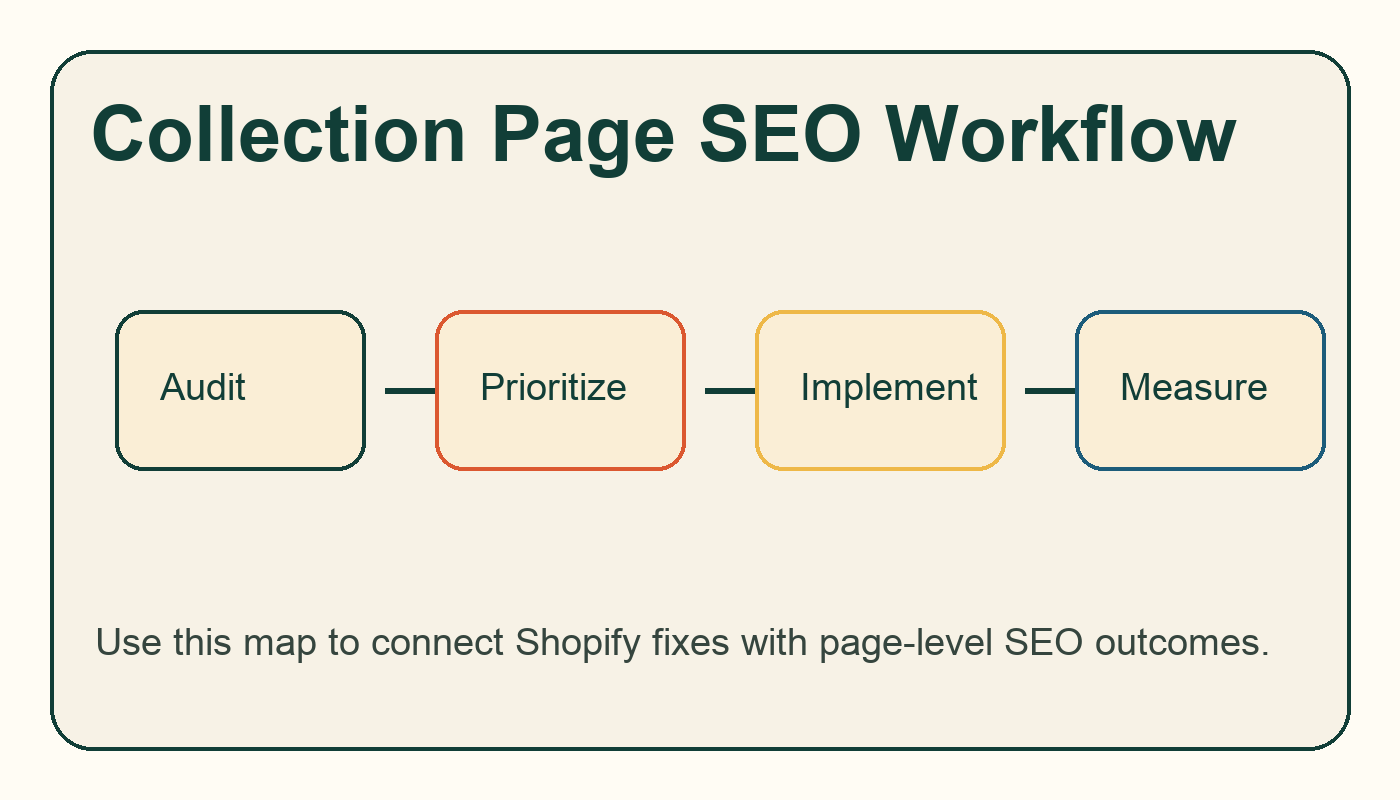
Workflow diagram for shopify collection page seo: how to optimize category demand.
Why collection pages matter
Collection pages often target higher-volume category queries than individual product pages. They should help shoppers choose, compare, filter, and move into the right products. A collection page with only a grid and no context is usually weaker than a page with a short buying guide, clear filters, internal links, and controlled indexation.
Area | What to check | Why it matters |
|---|---|---|
Intro copy | Explain the category and selection criteria | Gives search engines context without burying products |
Filters | Keep useful filters, control indexable variants | Prevents crawl waste and duplicate pages |
Internal links | Link to subcollections, guides, and top products | Builds category depth |
Sort order | Prioritize commercially important products | Improves shopper path and engagement |
FAQ block | Answer buying questions for the category | Captures long-tail intent |
How much copy should a collection page have?
Enough to clarify the category, not enough to slow shopping. Many stores do well with a concise intro above the grid and a buying guide or FAQ below the grid. Link to deeper articles from the Shopify blog content plan when the explanation would distract from shopping.
Faceted navigation risk
Filters can create many near-duplicate URL states. Review which filtered URLs are crawlable, canonicalized, or blocked. The goal is not to hide useful shopping filters; it is to prevent search engines from wasting attention on thousands of thin combinations.
Where to go next
If you are auditing an existing Shopify store, start with the Website SEO Score Checker and compare the findings with this Shopify SEO series. If you also care about AI answer visibility, review Auspia's AI Search Visibility Checker after the core SEO fixes are in place.
FAQ
Is Shopify good for SEO?
Yes, Shopify can perform well in organic search, but the platform does not remove the need for page-level content, internal links, structured data checks, image optimization, and speed discipline. Most SEO issues come from store setup, theme choices, app bloat, thin pages, or weak content planning rather than Shopify itself.
How long does Shopify SEO take?
Technical fixes can be validated in days, but ranking improvements usually need several crawl cycles and enough demand-focused content to build topical depth. Treat Shopify SEO as a 90-day operating system, not a one-time settings task.
Should every Shopify store have a blog?
Not every store needs a large blog, but most stores benefit from a focused content plan around buying questions, comparisons, sizing, materials, care, use cases, and category education. The blog should support products and collections, not exist as a separate publication.


