


Short answer
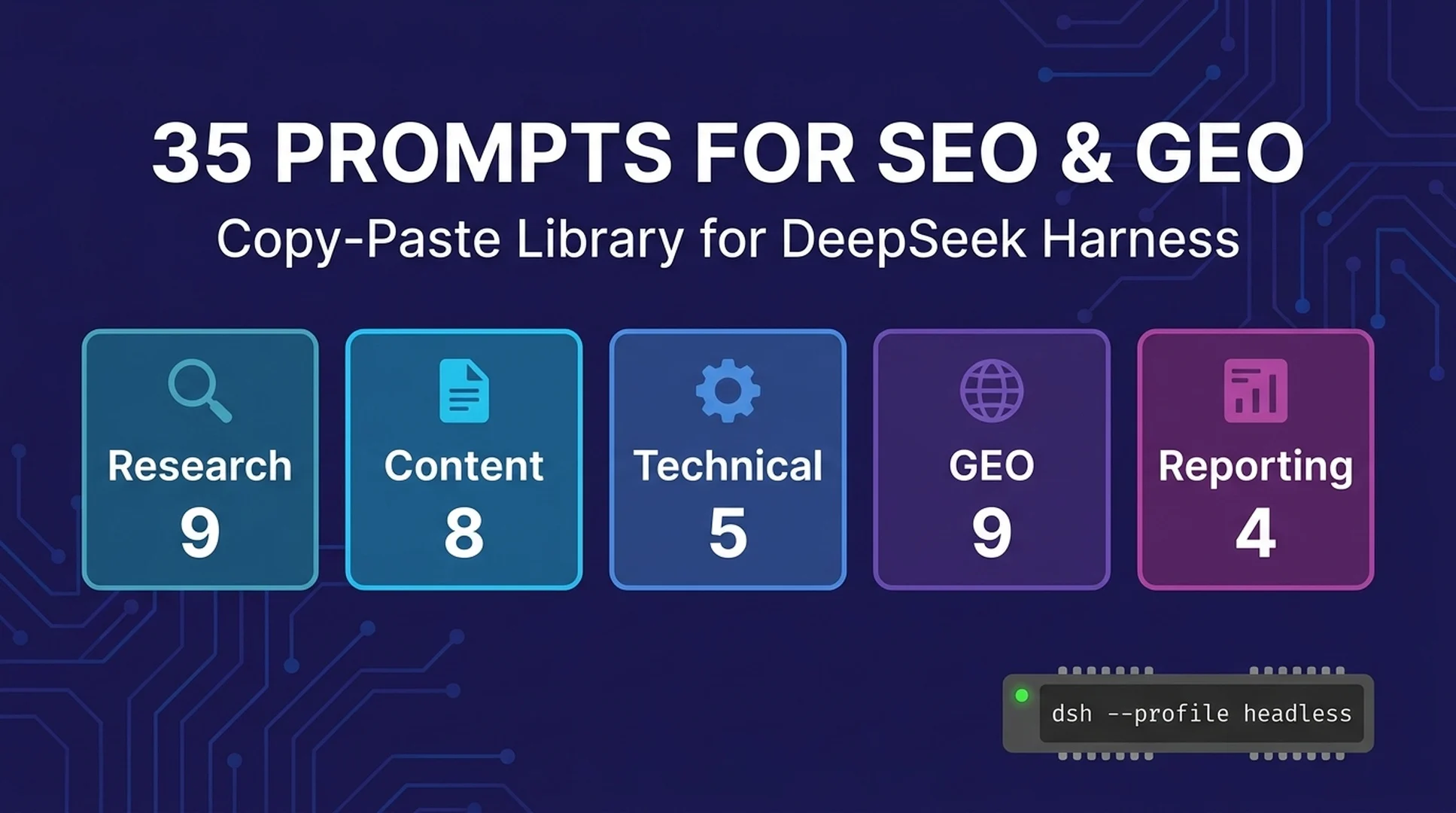
These 35 prompts turn DeepSeek Harness from "an interesting tool" into a working SEO/GEO assistant. They're organized into five groups — research, content, technical, GEO & AI answers, and reporting — and they're written to run in any session: paste one into the composer, or pass it to headless mode for batch jobs. Every prompt is original and tested in this series' walkthroughs; replace the bracketed parts with your own business, niche, or URL.
Two rules make all of them work better:
- Give the agent a role and a file. Prompts that start with "Act as an SEO strategist" and point at real files ("read sitemap.xml in this workspace") consistently beat generic questions.
- Demand a format. "Output as a markdown table" or "reply in 5 bullet points" is what separates a usable answer from an essay.
How to run these prompts
- One-off: paste into the composer in the web UI (
dsh web) and send. - Batch: wrap the prompt in headless mode:
dsh --profile headless "PASTE PROMPT HERE". - Repeatable: keep your recurring prompts (weekly reporting, GEO re-checks) in a notes file in your workspace, so the agent can reload them — more on that in the automation article in this series.
1. Research prompts (9)
1.1 Keyword cluster discovery
Act as an SEO strategist. For [business description], propose 6 keyword
clusters with 3-5 query examples each and the search intent behind each
cluster. Output as a markdown table: Cluster | Example queries | Intent.
1.2 SERP intent breakdown
Act as a search intent analyst. For the query "[your keyword]", analyze what
searchers actually want: list the dominant intent (informational, commercial,
transactional, navigational), the content formats that rank (lists, reviews,
tools, forums), and 3 angles a new page could take. Be specific, not generic.
1.3 Competitor gap analysis
Act as a competitive SEO analyst. [If you have competitor URLs, list them
here; otherwise describe your 3 main competitors.] Compare their content
coverage against [our site / this workspace's content] and list 5 topics
they rank for that we don't cover, ranked by business value.
1.4 Entity and topical map
Act as a topical authority strategist. For [niche, e.g., "specialty coffee
subscriptions"], build a topical map: the core entity, 4-6 supporting
sub-entities, and 3-5 questions per sub-entity that a pillar page should
answer. Output as a nested markdown outline.
1.5 Content refresh triage
Read [URL or file path] in this workspace. Act as a content decay analyst.
Judge whether this page needs a refresh: list signs of decay (old dates,
thin sections, missed entities), the top 3 updates you'd make, and whether
the page is worth refreshing vs consolidating. Be decisive.
1.6 Query-to-page mapping
Act as an SEO architect. For the following list of queries [paste queries],
map each one to the best existing or new page type (home, category, product,
guide, comparison). Flag queries with no good target. Output as a table.
1.7 Sitemap and structure audit
Read sitemap.xml (or list the site structure files) in this workspace.
Act as a technical SEO auditor. Identify: pages likely orphaned, duplicate
title patterns, thin sections, and 3 structural improvements. Output as a
prioritized list with file names.
1.8 Trend and demand check
Act as a search trend researcher. For [topic], list the 3 questions about it
that are most likely to rise in the next quarter, and 3 facts a content
brief on this topic should not be missing. State your reasoning in one
sentence per item.
1.9 Internal link opportunity map
Read [list of pages or files] in this workspace. Act as an internal linking
analyst. For each page, list 3 other pages in the workspace it should link
to (context, authority, or conversion value), and 1 anchor-phrase suggestion
per link. Output as a table: Page | Suggested link | Why.
2. Content prompts (8)
2.1 Content brief generator
Act as an SEO content strategist. Write a content brief for a [word count]-
word article targeting "[keyword]": target entity, searcher intent, outline
with H2s, 3 entities to cover, suggested internal links, and a meta
description. Be concise.
2.2 Answer-aware intro rewrite
Read [file path] in this workspace. Rewrite the opening two paragraphs so a
reader can get the core answer in under 30 seconds: state the answer first,
then the key evidence, then the detail. Keep the facts identical; change only
structure and phrasing.
2.3 Entity-rich section expander
Read [file path]. Find the section about [sub-topic]. Expand it to cover the
entities and facts an AI answer engine would quote: definitions, named
entities, numbers, and a one-sentence summary. Do not add opinions or claims
not supported by the existing text.
2.4 FAQ writer from real questions
Act as an answer-optimization editor. For the page [URL or file path], write
5 FAQ questions a real searcher would ask, and answer each in 2-3 sentences
using only facts already on the page. No invented claims.
2.5 Meta title and description batch
Read the title and meta list in this workspace. For each page, rewrite the
title (under 60 characters) and meta description (under 155 characters) to
match searcher intent. Output as a table: Page | Current | New title | New
description | Why.
2.6 Before-and-after GEO rewrite
Read [file path]. Here is an AI answer for a query this page should be cited
for: "[paste AI answer]". Rewrite the page's key section so it directly
answers that query in the same structure (short definition, named entities,
numbers), without copying the AI answer's wording.
2.7 Internal linking proposal
Read the files in this workspace. Act as a link architect. Propose 5 internal
links between these pages with the exact anchor text, and explain the
relevance signal each link sends. Output as a table: From | To | Anchor | Why.
2.8 Summary-to-blog conversion
Read [file path or paste text]. Convert this into a [word count]-word blog
post for [audience]: one clear answer in the first paragraph, H2 structure,
one table or list, and a short conclusion. Preserve every fact; add no new
claims.
3. Technical prompts (5)
3.1 Robots and indexability check
Read robots.txt and the HTML head of [URL or local file] in this workspace.
List everything that blocks or weakens indexing (directives, missing meta
robots, duplicate canonicals) and the exact fix for each.
3.2 Schema sanity check
Read [page file] in this workspace. Evaluate its structured data: which
schema types are present, which required properties are missing, and what
entity signals an AI system would extract. Suggest concrete additions.
3.3 Page speed triage from HTML
Read [page file] in this workspace. List the 5 heaviest elements (images,
scripts, inline styles) that would slow this page and rank them by impact.
Do not run benchmarks; judge from the file contents.
3.4 Orphan and cannibalization scan
Scan the files in this workspace. Identify pages that likely cannibalize
each other for the same query (similar titles/intent) and pages that appear
orphaned (no internal links). Output: Cannibalization | Orphaned | Fix.
3.5 Log-style crawl questions
Act as a technical SEO auditor. For [site], list the 3 crawl or rendering
questions whose answers would change the most SEO decisions, and for each:
what data you'd need, where to get it, and how you'd use it.
4. GEO & AI-answer prompts (9)
4.1 Citation gap analysis
Here is what [ChatGPT/Perplexity/Gemini] answered for "[query]":
"[paste the AI answer verbatim]".
Our site is [site description, e.g., "moonlightroasters.example, a Portland
coffee roaster"]. We are not cited. Analyze the citation gap: why we are
likely not cited, what the cited pages have in common, and 3 concrete fixes.
Be specific.
4.2 Answer-adjacent rewrite
Read [file path]. Rewrite the section most likely to be quoted for the query
"[query]" so it matches how AI engines assemble answers: one-sentence
definition up top, named entities, numbers, and no buried lead.
4.3 Entity clarity check
Read [file path]. List every fact an AI system would need to describe this
business as an entity (name, category, location, offering, pricing,
distinguishing claims), and flag which ones are missing or ambiguous on the
page.
4.4 Source-worthiness review
Act as an AI citation analyst. Read [file path]. Rate this page on the 5
signals that make AI engines cite a source: authority signals, factual
specificity, update freshness, extractable structure, and named entities.
Score each 1-5 with one line of evidence, then the single highest-impact fix.
4.5 AI answer monitor snapshot
Generate the weekly GEO snapshot for [site] and [3 target queries]: for each
query, paste the current AI answer, note whether we are mentioned or cited,
and list any new sources that appeared. Output as a table. Keep the answer
under 200 words.
4.6 Position-without-citation diagnosis
[site] ranks on page 1 for "[query]" but is not cited in AI answers. List
the 3 most likely reasons specific to this situation, and for each, the
cheapest test to confirm it.
4.7 Alternative-answer surface check
For the query "[query]", list 5 AI answer surfaces where a business like
[site] could appear (ChatGPT, Perplexity, Google AI Overviews, Gemini,
Copilot, niche assistants), and for each surface, the one factor that most
determines inclusion. Be honest about what is and isn't verifiable.
4.8 Cited-source pattern audit
We are cited for "[query]" in [ChatGPT/Perplexity/Gemini]. Paste the AI
answer that cites us. Analyze exactly which part of which page earned the
citation: the quoted sentence, the page structure, and what the AI reused.
Then list 3 other sections of the site that could earn citations the same
way. Be specific.
4.9 AI answer claim verification
Here is what [ChatGPT/Perplexity/Gemini] says about [site]: "[paste the AI
answer verbatim]". Verify every claim against [our pages / workspace files]:
mark each claim SUPPORTED, UNSUPPORTED, or WRONG with the file that proves
it. For unsupported claims, name the exact fix on our side. Output as a
table.
5. Reporting prompts (4)
5.1 Weekly SEO snapshot
Act as an SEO manager. Produce a weekly SEO snapshot checklist for [site]:
what to check (rankings, AI answer presence, content freshness, backlinks),
which task to run for each check, and the expected output. Keep it under
200 words.
5.2 Monthly progress digest
Read the reports in this workspace (or paste your numbers). Summarize this
month's SEO/GEO progress in 5 sentences for a non-technical founder: what
changed, what worked, what didn't, and the single most important next step.
5.3 Audit-to-action plan
Read [audit file] in this workspace. Convert the findings into a 2-week
action plan: for each task, the owner, the effort (S/M/L), the expected
impact, and a way to verify it's done. Output as a table.
5.4 Prompt-set calibration review
Review these 5 prompts I use weekly: [paste prompts]. For each, suggest one
edit that would make the output more consistent or more specific. Then list
2 prompts I should add for [goal].
Prompt formatting rules that actually matter
- Put the role first. "Act as an SEO strategist" sets the tone of the whole answer.
- Name the output format. Tables, bullet limits, word counts — the agent follows them.
- Reference files by name. The harness reads your workspace, and file references turn generic answers into grounded ones.
- One job per prompt. Splitting "analyze and rewrite" into two prompts gives better results than one long one.
- State what not to do. "No invented claims," "do not add opinions" are cheap guardrails with big effect.
- Reuse your winners. When a prompt produces something you'd ship, save it in a workspace file — you now have a repeatable task.
What to expect (calibration)
- Fast answers, shallow without files. Given no workspace context, the agent answers from general knowledge — good for frameworks, useless for site-specific decisions.
- Grounded answers with files. Point it at your sitemap, drafts, or AI-answer transcripts and the output becomes auditable and specific.
- Not a rank tracker. These prompts produce analysis and drafts, not live ranking data. Pair them with your measurement tools.
- Token cost is trivial. A typical prompt-and-answer here costs fractions of a cent; the expensive habit is asking vague questions and iterating five times.
FAQ
Are these prompts specific to DeepSeek Harness? They run best in the harness because it can read your workspace files and pass prompts through headless mode — but they'll work in any capable model chat. The harness advantage is repetition and file access.
Can I put these prompts in a file and run them in batch? Yes. Save them in your workspace and tell the agent which file to read (see 5.4 and the automation article in this series).
Why does the same prompt give different outputs? The model samples a new answer each run. For repeatable tasks, demand the same output format and keep a copy of the previous run to diff against — that's the weekly monitoring pattern.
Will the harness invent facts? It can, like any model. The guardrails in the prompts (no invented claims, use only facts on the page) plus file references keep this under control. Verify anything you publish.
Other articles in this series
- What is DeepSeek Harness? A Beginner's Guide to the 93k-Star Open-Source Agent Platform
- How to Install DeepSeek Harness and Run Your First Task (2026 Walkthrough)
- DeepSeek Harness for SEO: 7 Workflows with Copy-Paste Prompts
- DeepSeek Harness for GEO: How to Get Cited by ChatGPT, Perplexity & Google AI Overviews
- Build Your First Automation: Weekly GEO & SEO Monitoring with dsh Headless Mode
- DeepSeek Harness CLI Cheat Sheet + Troubleshooting for Beginners
Author: Priya Nair, LLM Content Optimization Researcher, 700+ Prompts Studied at Auspia. Priya writes about prompt design, answer-ready content, and LLM-friendly structures for search teams.


