


Concise summary
Shopify SEO works best when the store is treated as a connected search system: technical setup helps search engines crawl the store, product and collection pages capture purchase intent, images and structured data clarify what is being sold, blog content answers earlier-stage questions, and speed protects both rankings and conversion. This article is one part of a broader Auspia series built around the question: how should a Shopify store do SEO in a systematic way?
Shopify SEO Series: Complete guide | Basic settings | Product pages | Collections | Images | Blog plan | Structured data | Multilingual | Speed | Technical checklist
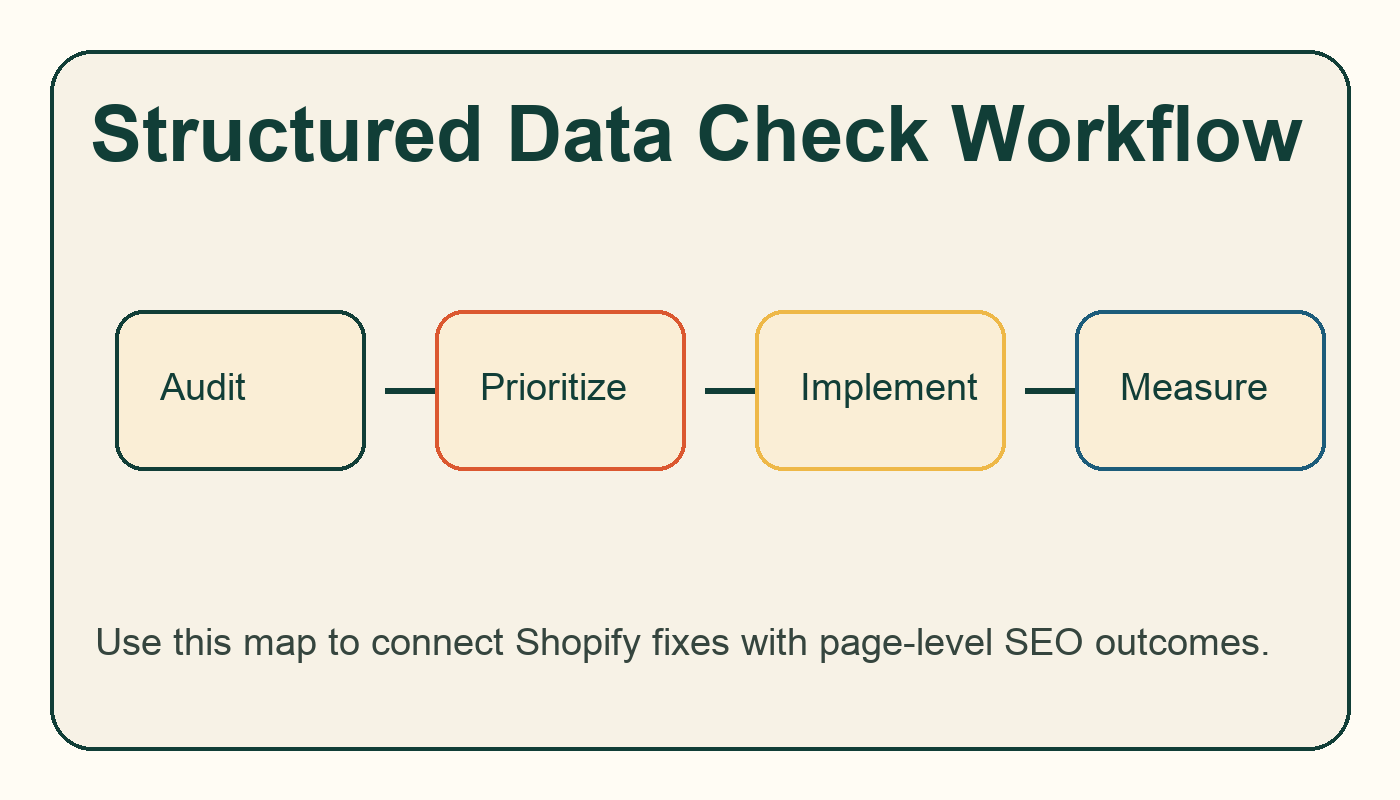
Workflow diagram for shopify structured data: how to check product, breadcrumb, and article schema.
Why structured data matters for Shopify
Structured data helps search engines interpret products, prices, availability, breadcrumbs, organization details, and article content. Many Shopify themes and apps output JSON-LD automatically, but automatic does not always mean correct. Duplicate product schema, missing availability, stale price data, or conflicting app markup can weaken rich result eligibility.
Area | What to check | Why it matters |
|---|---|---|
Product schema | Name, image, offers, price, availability, reviews where valid | Supports product rich result understanding |
Breadcrumb schema | Hierarchy from home to collection to product | Clarifies site structure |
Article schema | Blog post title, date, author or publisher | Helps content pages be interpreted cleanly |
Duplicates | Multiple apps outputting conflicting schema | Avoids mixed signals |
Testing | Rich Results Test and Schema Markup Validator | Finds errors before they scale |
How to check schema without being a developer
Open a product URL in Google's Rich Results Test, review detected items, and compare the fields against the live page. If the page shows one price but schema shows another, fix the data source. If two apps output competing product schema, keep the cleaner source and remove the duplicate. Pair this with the technical SEO checklist for broader crawl validation.
What not to mark up
Do not invent reviews, ratings, or availability. Structured data should describe visible, truthful page content. Markup is a clarity layer, not a shortcut around missing product information.
Where to go next
If you are auditing an existing Shopify store, start with the Website SEO Score Checker and compare the findings with this Shopify SEO series. If you also care about AI answer visibility, review Auspia's AI Search Visibility Checker after the core SEO fixes are in place.
FAQ
Is Shopify good for SEO?
Yes, Shopify can perform well in organic search, but the platform does not remove the need for page-level content, internal links, structured data checks, image optimization, and speed discipline. Most SEO issues come from store setup, theme choices, app bloat, thin pages, or weak content planning rather than Shopify itself.
How long does Shopify SEO take?
Technical fixes can be validated in days, but ranking improvements usually need several crawl cycles and enough demand-focused content to build topical depth. Treat Shopify SEO as a 90-day operating system, not a one-time settings task.
Should every Shopify store have a blog?
Not every store needs a large blog, but most stores benefit from a focused content plan around buying questions, comparisons, sizing, materials, care, use cases, and category education. The blog should support products and collections, not exist as a separate publication.


