


Concise summary
Shopify SEO works best when the store is treated as a connected search system: technical setup helps search engines crawl the store, product and collection pages capture purchase intent, images and structured data clarify what is being sold, blog content answers earlier-stage questions, and speed protects both rankings and conversion. This article is one part of a broader Auspia series built around the question: how should a Shopify store do SEO in a systematic way?
Shopify SEO Series: Complete guide | Basic settings | Product pages | Collections | Images | Blog plan | Structured data | Multilingual | Speed | Technical checklist
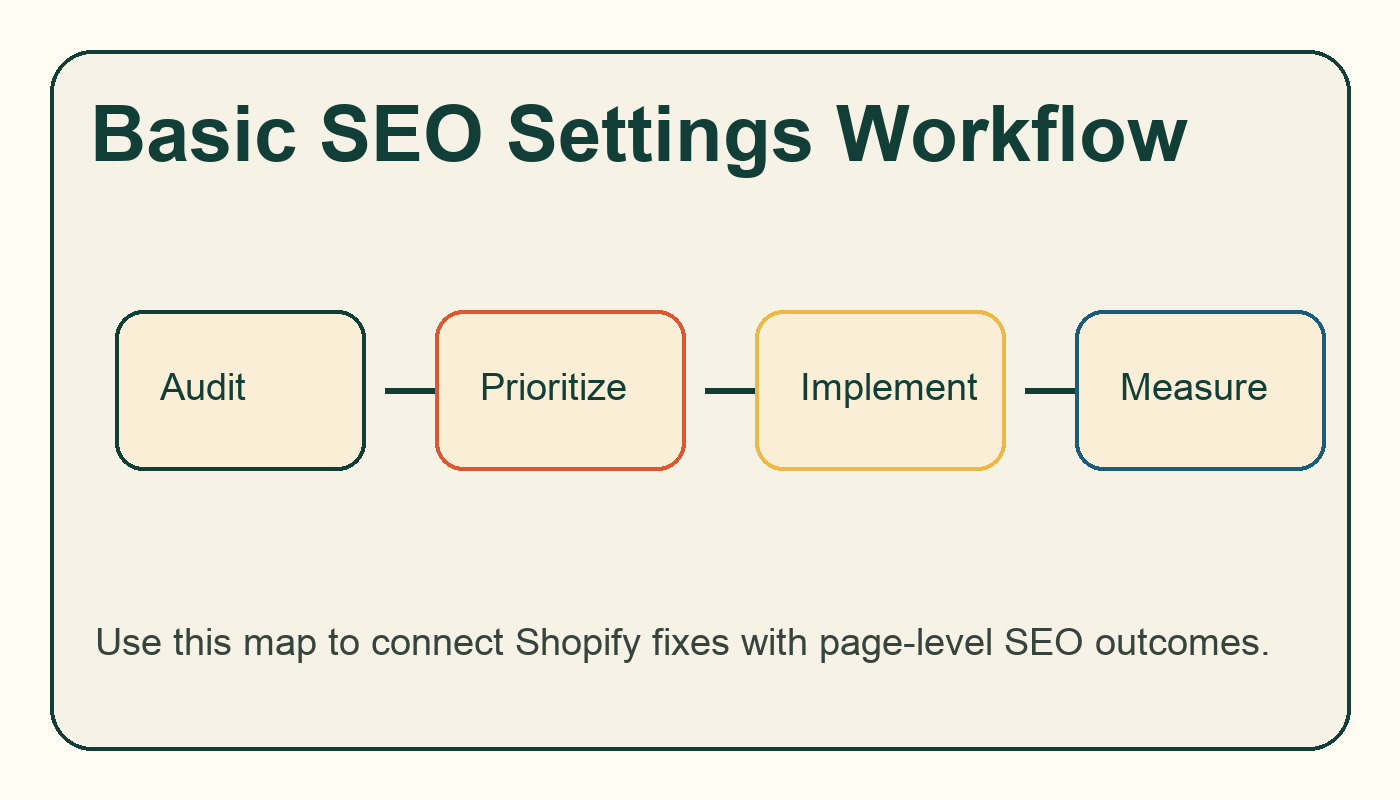
Workflow diagram for shopify seo basic settings: the store setup checklist.
Settings to check first
The foundation work is not glamorous, but it decides whether later content can be crawled, understood, and measured. Shopify usually creates a sitemap automatically, exposes a robots.txt pattern, and lets merchants edit search engine listings for products, collections, pages, and posts. Your job is to make those defaults intentional.
Area | What to check | Why it matters |
|---|---|---|
Homepage title | Brand plus primary category or value proposition | Sets the store-level relevance signal |
Meta descriptions | Unique descriptions for key pages | Improves snippet clarity and click quality |
URL handles | Short, readable product and collection handles | Reduces confusion and supports internal links |
Redirects | Redirect old or changed handles | Preserves equity and avoids dead paths |
Index checks | Search Console coverage and live URL tests | Confirms Google can actually access priority pages |
The minimum viable setup
Choose one canonical domain, connect Google Search Console, submit the Shopify sitemap, review robots.txt behavior, and make sure your top products and collections have unique search listings. Then move into product page SEO and collection page SEO with a cleaner base.
Common mistakes
The most common mistake is editing titles in bulk without checking search intent. A title that looks neat in the admin can still be too vague in search results. Another mistake is changing product handles during merchandising updates without redirects. Keep a simple log of changed URLs and validate them after publishing.
Where to go next
If you are auditing an existing Shopify store, start with the Website SEO Score Checker and compare the findings with this Shopify SEO series. If you also care about AI answer visibility, review Auspia's AI Search Visibility Checker after the core SEO fixes are in place.
FAQ
Is Shopify good for SEO?
Yes, Shopify can perform well in organic search, but the platform does not remove the need for page-level content, internal links, structured data checks, image optimization, and speed discipline. Most SEO issues come from store setup, theme choices, app bloat, thin pages, or weak content planning rather than Shopify itself.
How long does Shopify SEO take?
Technical fixes can be validated in days, but ranking improvements usually need several crawl cycles and enough demand-focused content to build topical depth. Treat Shopify SEO as a 90-day operating system, not a one-time settings task.
Should every Shopify store have a blog?
Not every store needs a large blog, but most stores benefit from a focused content plan around buying questions, comparisons, sizing, materials, care, use cases, and category education. The blog should support products and collections, not exist as a separate publication.


