


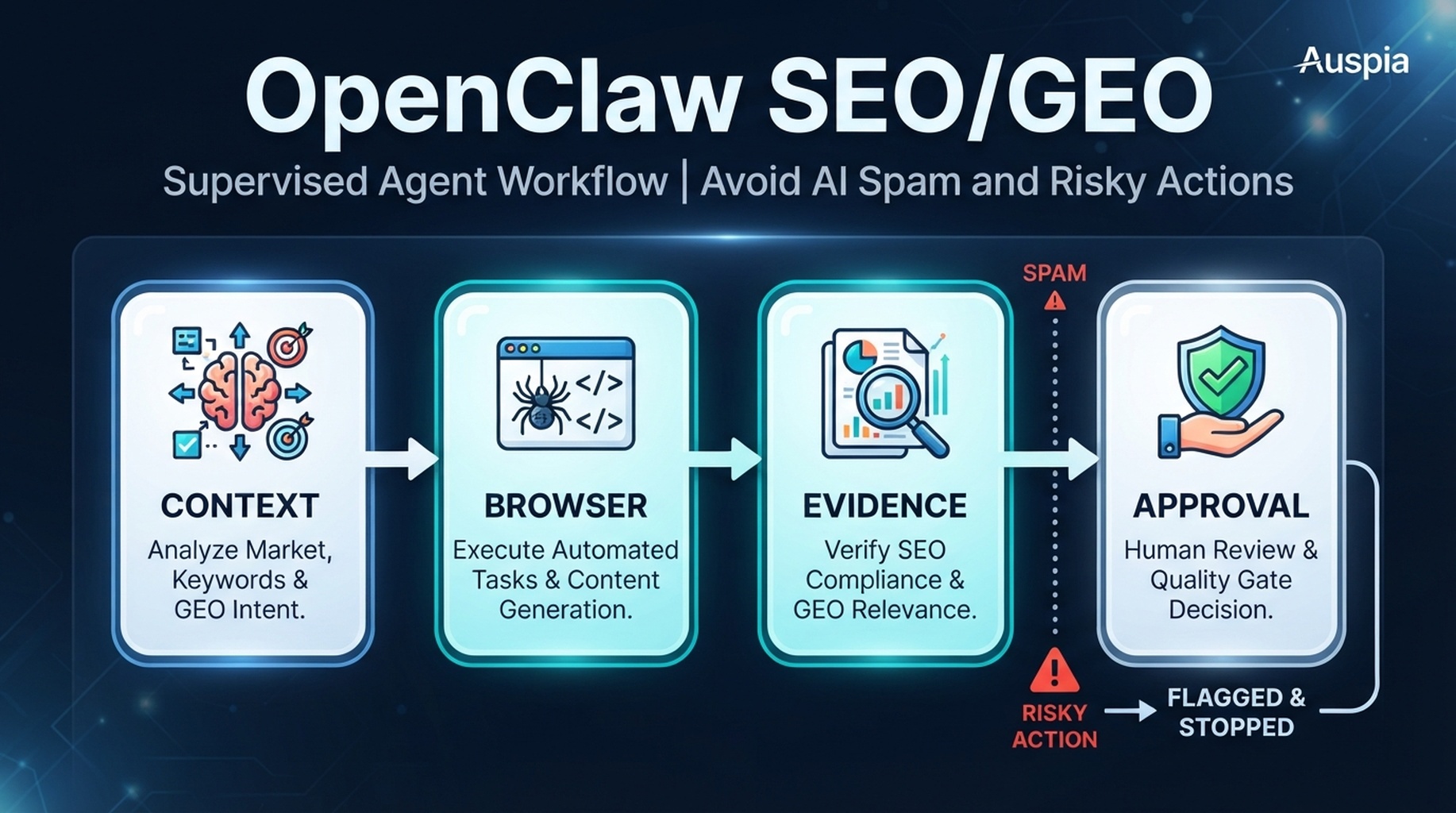

OpenClaw SEO/GEO quality gates: fact check, usefulness check, extraction check, technical check, and publishing approval.
Quality gates make the agent more useful, not slower
Without gates, an SEO agent can create polished spam: confident recommendations, weak evidence, risky changes, and invented claims. Quality gates force OpenClaw to stop at the right moments.
The five gates
Gate | Question | Blocks |
|---|---|---|
Evidence gate | Can every claim point to a source? | invented facts |
Usefulness gate | Does this help the reader complete a task? | thin SEO copy |
GEO extraction gate | Is the answer clear enough to quote or summarize? | vague sections |
Technical gate | Could this change affect crawl/index/rendering? | unsafe edits |
Publishing gate | Has a human approved final copy and risk? | autopublishing |
Gate prompt
Review this OpenClaw SEO/GEO output against the five quality gates.
For every failed gate, quote the problematic recommendation, explain the risk, and rewrite it as a safer next step. Do not approve publishing.
Approval matrix
Action | Approval needed |
|---|---|
Add evidence to a draft brief | Editorial |
Change title/meta | SEO/editorial |
Add internal links | SEO/editorial |
Change canonical, noindex, redirects, schema | Engineering + SEO |
Submit URL, change account settings, publish | Explicit human approval |
Experience notes
- A failed gate is useful; it shows where the workflow needs better input.
- Keep gates in the prompt and in the output template.
- Do not let the same agent that wrote the draft be the only QA reviewer.
- Quality gates should block actions, not learning.
FAQ
Should this workflow install new skills every time?
No. Skills are supporting infrastructure. The article workflow should focus on the specific SEO/GEO decision and use only the capabilities needed for that decision.
What should OpenClaw produce at the end?
A reviewable artifact: a brief, ticket queue, decision memo, report, or QA result. It should not silently change the live site.
OpenClaw SEO/GEO learning path
This article is part of the OpenClaw SEO/GEO operator series. Follow the sequence if you are building the workflow from scratch:
- Use OpenClaw as an SEO/GEO operator
- Set up your first OpenClaw SEO agent
- Connect OpenClaw to GSC, Bing Webmaster, GA4, and SEO data
- Use OpenClaw browser automation for SEO and GEO research
- Build keyword clusters and a 90-day content calendar
- Use Google Trends for daily content ideas
- Create a GEO prompt map
- Refresh old content for SEO and GEO
- Improve internal linking and site architecture
- Run a technical SEO/GEO audit
- Build an OpenClaw SEO/GEO agent swarm
- Run daily SEO/GEO monitoring
- Add SEO/GEO quality gates
Where to go next
- Series hub: How to Use OpenClaw as an SEO/GEO Operator
- Safety layer: OpenClaw SEO/GEO Quality Gates
Sources and notes
Use the official OpenClaw docs as the source of truth for current command syntax and capabilities:
- OpenClaw official site: https://openclaw.ai/
- OpenClaw GitHub README: https://github.com/openclaw/openclaw
- OpenClaw agents CLI docs: https://docs.openclaw.ai/cli/agents
- OpenClaw browser docs: https://docs.openclaw.ai/tools/browser
- OpenClaw cron CLI docs: https://docs.openclaw.ai/cli/cron
- OpenClaw scheduled tasks docs: https://docs.openclaw.ai/automation/cron-jobs
- OpenClaw Skills docs: https://docs.openclaw.ai/tools/skills
- OpenClaw ClawHub docs: https://docs.openclaw.ai/clawhub
Author: Mara Venn, 14-Year Technical SEO Practitioner at Auspia. She writes practical agent workflows for SEO teams that need evidence, review, and safe execution.


