


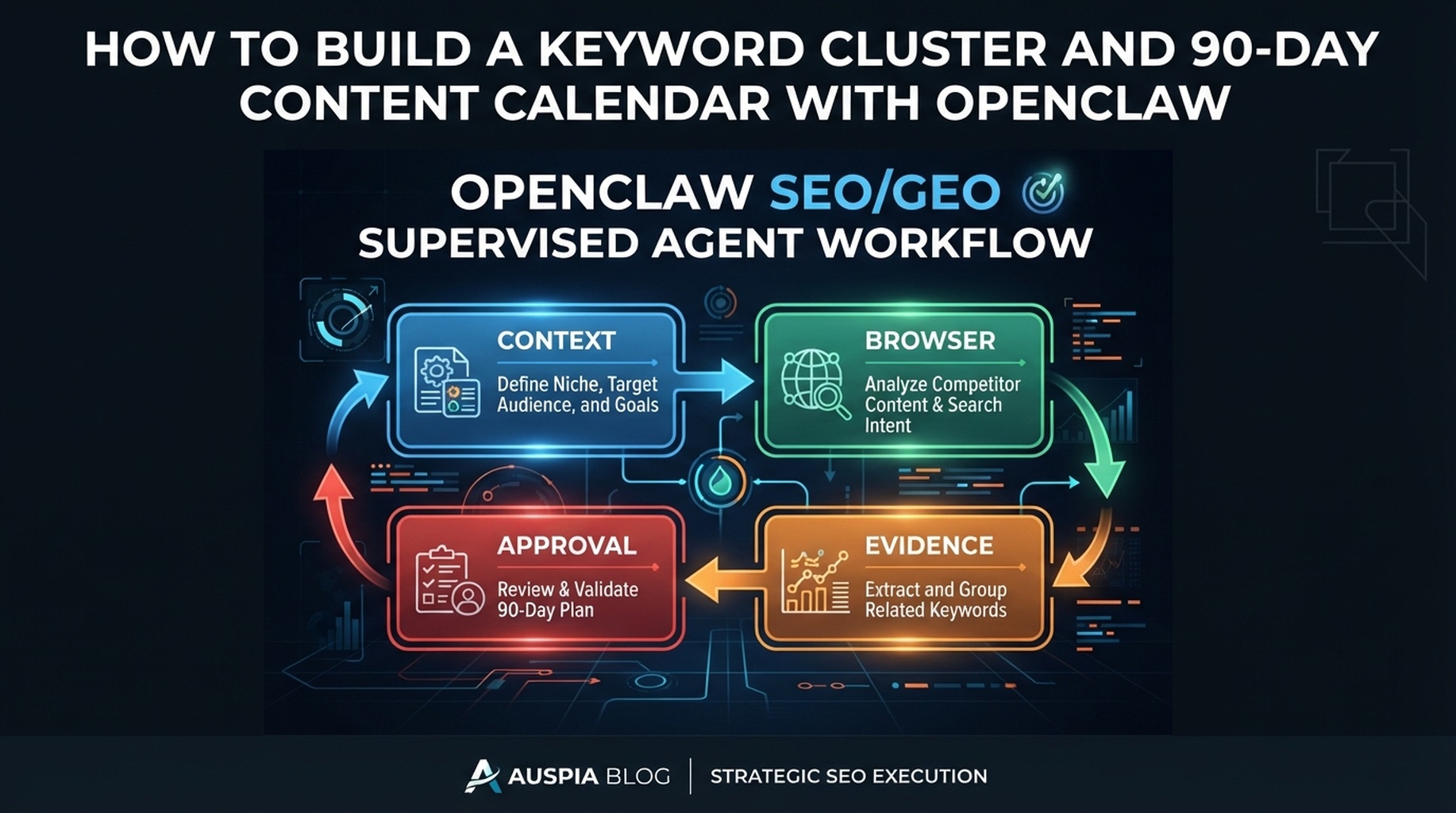

OpenClaw keyword clustering workflow: raw keyword sources, intent groups, page decisions, and 90-day calendar.
A keyword list is not a content plan
The useful workflow is not “give OpenClaw keywords and ask for article ideas.” The useful workflow is to merge demand, existing pages, competitor evidence, and GEO prompts into decisions: create, refresh, merge, support, or ignore.
Inputs that produce better clusters
Input | Why it matters |
|---|---|
GSC queries | Shows where you already have visibility |
Bing queries | Adds another search engine view |
Keyword database export | Adds market demand and difficulty |
Competitor URLs | Shows page types that satisfy intent |
Existing URL list | Prevents duplicate content |
GEO prompt map | Adds AI-answer opportunities |
Normalize before clustering
Ask OpenClaw to clean fields first: keyword, source, volume, difficulty, CPC, intent guess, current URL, target market, funnel stage, and notes. Do not cluster dirty exports.
Normalize these keyword and query exports. Keep source labels visible. Remove duplicates only after preserving source frequency. Mark branded terms, non-branded terms, and ambiguous terms.
Cluster by job-to-be-done
Bad clusters share words. Good clusters share the same reader job.
Weak cluster | Better cluster | Page type |
|---|---|---|
“seo agent, ai seo agent, openclaw seo” | Set up an SEO agent | tutorial |
“gsc bing ga4 data” | Connect search and analytics data | integration guide |
“geo prompts, ai search prompts” | Track AI-answer visibility | prompt map guide |
“technical seo audit ai” | Audit crawl/render/extraction risks | technical checklist |
Decide page action before writing titles
Cluster condition | Action |
|---|---|
Existing page ranks but misses intent | refresh |
Multiple weak pages overlap | merge |
No page serves high-value intent | create |
Cluster supports product conversion | link to product/tool page |
Low relevance or low confidence | ignore or monitor |
Calendar scoring model
Score each cluster from 1 to 5:
- demand
- business fit
- existing visibility
- GEO opportunity
- content effort
- technical risk
Prioritize high business fit and moderate effort before chasing every high-volume keyword.
OpenClaw prompt
Build a 90-day content calendar from these normalized keyword, query, URL, competitor, and GEO prompt inputs.
For each cluster, choose create, refresh, merge, support, monitor, or ignore.
Explain the evidence and assign a confidence score.
Do not invent search volume. Do not create duplicate pages for the same intent.
Calendar output
Week | Cluster | Action | Target URL | Evidence | Owner |
|---|---|---|---|---|---|
1 | Set up SEO agent | refresh |
| high strategic fit, existing series role | Editorial |
2 | Data monitoring | refresh |
| GSC/Bing/GA4 demand | Editorial + data |
3 | Technical audit | create/refresh | audit guide | high risk topic | SEO + engineering |
Experience notes
- Clustering is where agents overproduce. Force each cluster to have a page decision.
- Keep “ignore” as an allowed answer. It improves the calendar.
- Review cannibalization before approving new pages.
- Add GEO prompts only when they map to real buyer questions.
FAQ
Should I use OpenClaw for keyword research data collection?
Use it to normalize and interpret data. For metrics, use exports or APIs from reliable keyword tools and search consoles.
How many clusters belong in a 90-day calendar?
Usually 12 to 30, depending on team capacity. More clusters do not help if no one can publish or refresh them well.
OpenClaw SEO/GEO learning path
This article is part of the OpenClaw SEO/GEO operator series. Follow the sequence if you are building the workflow from scratch:
- Use OpenClaw as an SEO/GEO operator
- Set up your first OpenClaw SEO agent
- Connect OpenClaw to GSC, Bing Webmaster, GA4, and SEO data
- Use OpenClaw browser automation for SEO and GEO research
- Build keyword clusters and a 90-day content calendar
- Use Google Trends for daily content ideas
- Create a GEO prompt map
- Refresh old content for SEO and GEO
- Improve internal linking and site architecture
- Run a technical SEO/GEO audit
- Build an OpenClaw SEO/GEO agent swarm
- Run daily SEO/GEO monitoring
- Add SEO/GEO quality gates
Where to go next
- Series hub: How to Use OpenClaw as an SEO/GEO Operator
- Safety layer: OpenClaw SEO/GEO Quality Gates
Sources and notes
Use the official OpenClaw docs as the source of truth for current command syntax and capabilities:
- OpenClaw official site: https://openclaw.ai/
- OpenClaw GitHub README: https://github.com/openclaw/openclaw
- OpenClaw agents CLI docs: https://docs.openclaw.ai/cli/agents
- OpenClaw browser docs: https://docs.openclaw.ai/tools/browser
- OpenClaw cron CLI docs: https://docs.openclaw.ai/cli/cron
- OpenClaw scheduled tasks docs: https://docs.openclaw.ai/automation/cron-jobs
- OpenClaw Skills docs: https://docs.openclaw.ai/tools/skills
- OpenClaw ClawHub docs: https://docs.openclaw.ai/clawhub
Author: Jules Tan, GEO Measurement Lead Across 500+ Prompts at Auspia. He writes about turning keyword data and AI-answer observations into practical content systems.


