


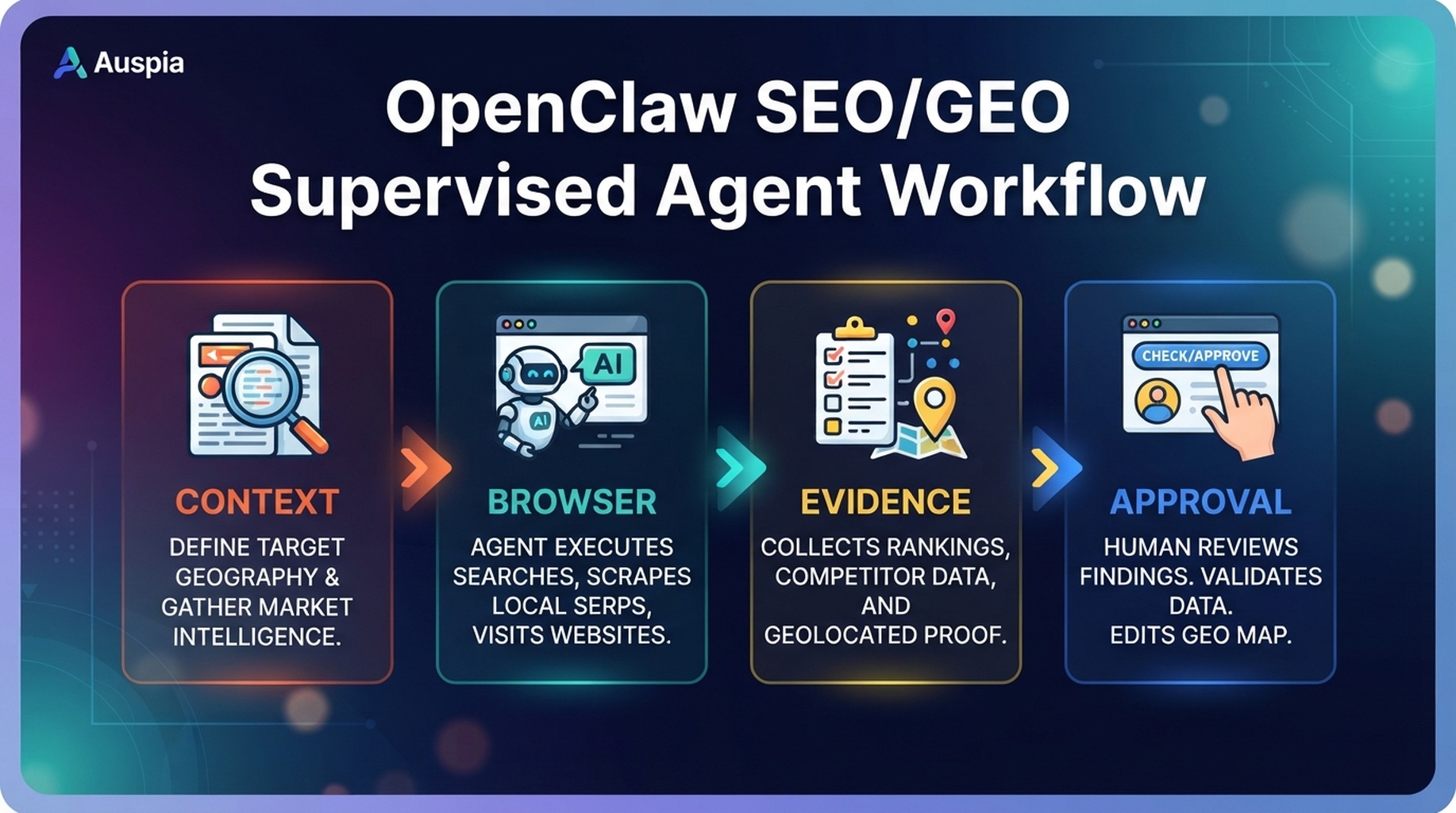
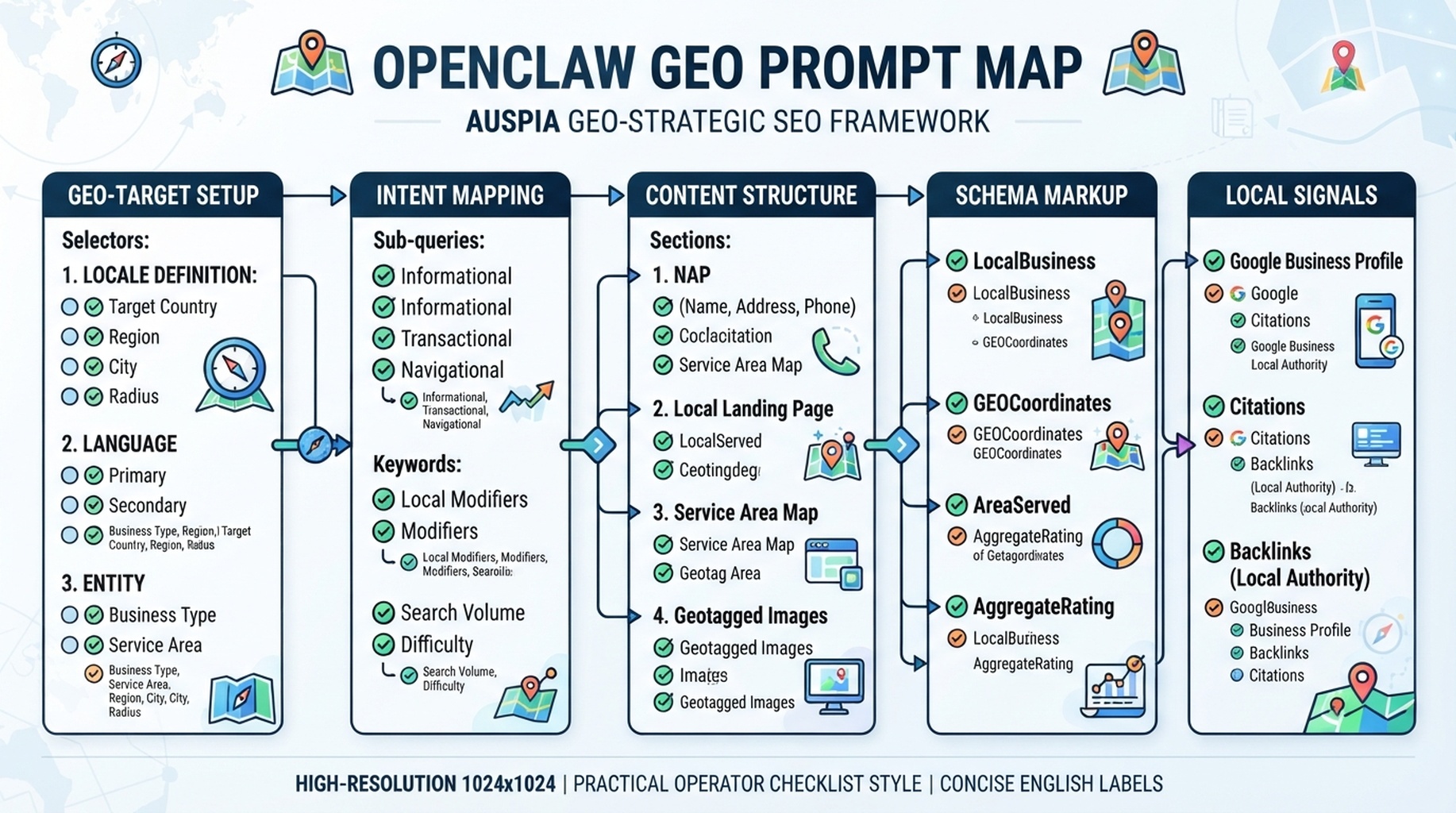
OpenClaw GEO prompt map: prompts, answer behavior, cited sources, gaps, and page actions.
A prompt map is not a list of clever questions
A useful GEO prompt map tells you which AI-answer situations matter for your business, what answer you want to appear in, what sources are currently cited, and which page should become the strongest source. If OpenClaw only produces 100 prompts, the work is unfinished.
The goal is a tracking sheet with decisions: protect, improve, create, or ignore.
Start from moments, not keywords
Ask OpenClaw to convert your market into buyer moments:
Moment | Example prompt | Page that should answer it | What to measure |
|---|---|---|---|
Problem diagnosis | “Why is my SaaS blog traffic dropping?” | SEO audit guide | Mention, citation, competitor names |
Tool search | “Best AI SEO tools for small teams” | Tool comparison page | Brand presence, category fit |
Comparison | “OpenClaw vs a general chatbot for SEO work” | Product or tutorial page | Accuracy, claims, source quality |
Implementation | “How do I connect GSC to an SEO agent?” | Data monitoring guide | Step clarity, citation readiness |
Risk | “Can AI agents safely update SEO pages?” | Quality gates guide | Safety framing, approval steps |
Prompt:
Build a GEO prompt map for my website.

Use my site context, top SEO queries, product pages, competitor list, and customer questions.
Group prompts by buyer moment, not by keyword wording.
For each prompt, assign the page that should answer it and the evidence that page needs to become citable.
The prompt map fields that matter
Use these columns instead of a vague spreadsheet:
Field | Why it matters |
|---|---|
| The exact question to test |
| Diagnosis, comparison, implementation, risk, purchase |
| What a good answer should include |
| Your page that should support the answer |
| Sources AI systems mention or cite today |
| Brands that appear instead of you |
| Facts, examples, data, or definitions your page lacks |
| Protect, refresh, create, consolidate, monitor |
| High, medium, low based on repeat observations |
Run prompt tests like observations
AI answer behavior changes. Treat every run as a dated observation, not a permanent ranking.
Run a GEO prompt observation for the prompts in `geo-prompt-map.csv`.
For each prompt, record answer summary, sources cited or mentioned, competitors, whether our target URL appears, and what evidence is missing.
Do not claim stable rankings. Label every result with date, platform, and confidence.
Turn observations into page work
Observation | Page action |
|---|---|
AI mentions competitors for “best tools” but not you | Add a neutral comparison section and clearer category language |
AI answers the topic but cites a definition page | Create a stronger answer-first definition block |
AI cites your page but gives outdated details | Refresh facts and add last-updated evidence |
AI never finds your page for implementation prompts | Add step-by-step sections and internal links from related guides |
Prompt is low-intent or irrelevant | Remove from weekly tracking |
Experience notes
- Fewer prompts with better intent labels beat hundreds of generic prompts.
- Keep branded prompts separate from non-branded prompts. They answer different questions.
- Retest after content changes, but wait long enough for pages to be crawled or reprocessed.
- The strongest GEO pages usually answer one question cleanly before adding nuance.
FAQ
How many prompts should I start with?
Start with 25 to 50. Cover buyer moments before expanding variations.
Should OpenClaw generate all prompts automatically?
Let it generate a draft, then review. Humans understand product strategy and commercial priority better than a raw prompt generator.
OpenClaw SEO/GEO learning path
This article is part of the OpenClaw SEO/GEO operator series. Follow the sequence if you are building the workflow from scratch:
- Use OpenClaw as an SEO/GEO operator
- Set up your first OpenClaw SEO agent
- Connect OpenClaw to GSC, Bing Webmaster, GA4, and SEO data
- Use OpenClaw browser automation for SEO and GEO research
- Build keyword clusters and a 90-day content calendar
- Use Google Trends for daily content ideas
- Create a GEO prompt map
- Refresh old content for SEO and GEO
- Improve internal linking and site architecture
- Run a technical SEO/GEO audit
- Build an OpenClaw SEO/GEO agent swarm
- Run daily SEO/GEO monitoring
- Add SEO/GEO quality gates
Where to go next
- Previous: Build keyword clusters and a 90-day content calendar
- Next: Refresh old content for SEO and GEO
Sources and notes
Use the official OpenClaw docs as the source of truth for current command syntax and capabilities:
- OpenClaw official site: https://openclaw.ai/
- OpenClaw GitHub README: https://github.com/openclaw/openclaw
- OpenClaw agents CLI docs: https://docs.openclaw.ai/cli/agents
- OpenClaw browser docs: https://docs.openclaw.ai/tools/browser
- OpenClaw cron CLI docs: https://docs.openclaw.ai/cli/cron
- OpenClaw scheduled tasks docs: https://docs.openclaw.ai/automation/cron-jobs
- OpenClaw Skills docs: https://docs.openclaw.ai/tools/skills
- OpenClaw ClawHub docs: https://docs.openclaw.ai/clawhub
Author: Noa Mercer, GEO Measurement Lead Across 500+ Prompts at Auspia. She writes about prompt libraries, AI-answer observations, and citation readiness workflows.


