


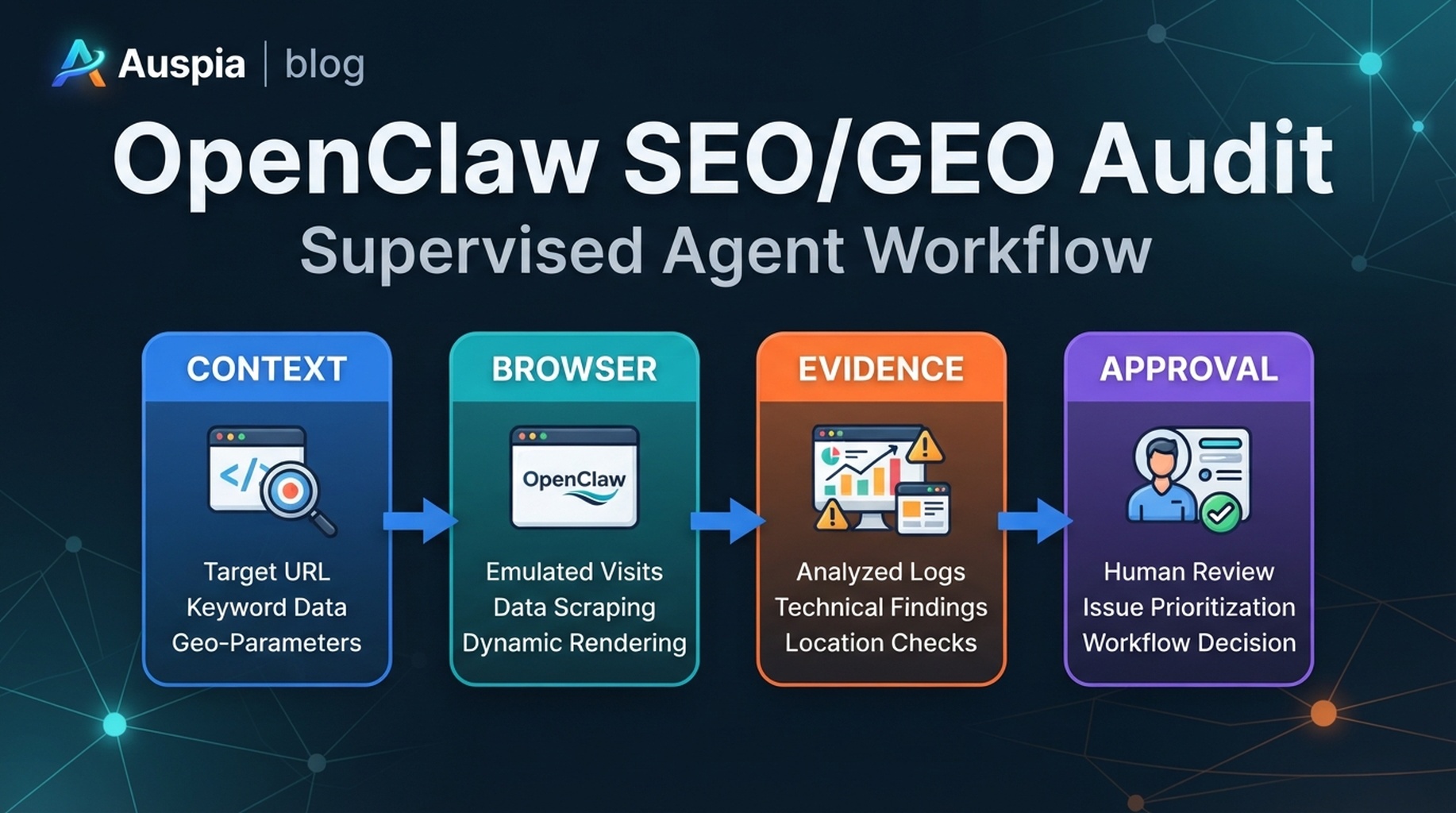
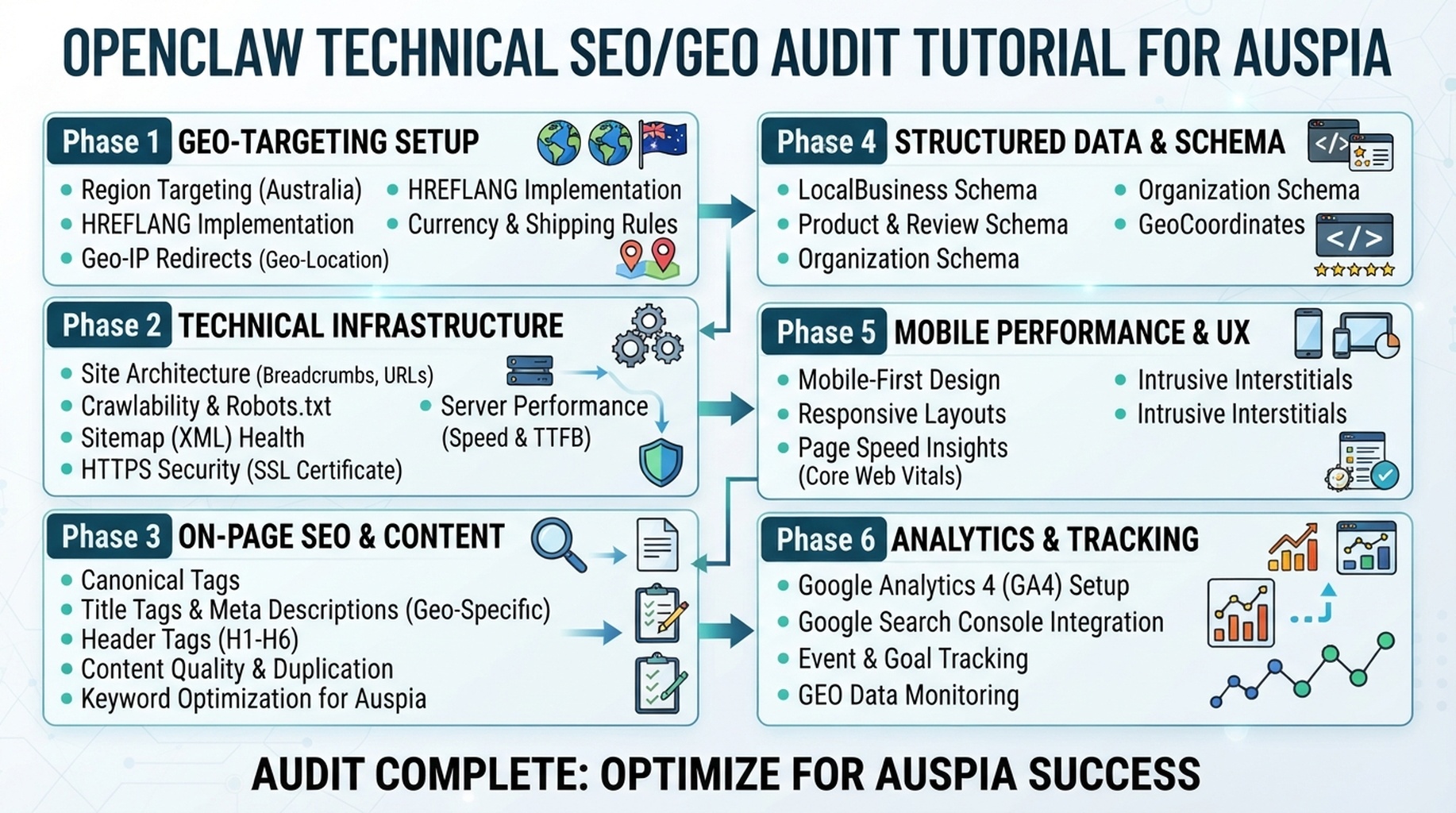
OpenClaw technical SEO/GEO audit: crawl eligibility, render checks, snippet controls, schema, and approval tickets.
The rule: diagnose, do not edit
Technical SEO is where agents can cause damage. OpenClaw should collect evidence and create tickets. It should not edit robots.txt, redirects, canonicals, schema, sitemap files, or server settings during the audit.
The technical audit map
Layer | What OpenClaw checks | Output |
|---|---|---|
Crawl access | robots.txt, status codes, blocked paths | risk table |
Index signals | noindex, canonical, sitemap presence | validation notes |
Rendered page | headings, visible copy, links after JS | screenshot/evidence notes |
Snippet/extraction | title, meta, answer blocks, FAQ visibility | content-technical overlap |
Structured data | schema presence and consistency | dev ticket |
AI crawler access | robots rules and public access assumptions | GEO eligibility note |
Prompt for the audit
Run a technical SEO/GEO audit for these URLs. Read only public resources. Do not change files or submit anything. For every issue, include the exact evidence, risk level, affected URL, owner, and recommended validation step.
Risk classification
Risk | Example | Owner |
|---|---|---|
Critical | Important page noindexed | Engineering/SEO |
High | Canonical points to wrong URL | Engineering |
Medium | FAQ hidden from rendered content | Content/frontend |
Low | Missing descriptive internal anchor | SEO/editorial |
Validation before implementation
Ask OpenClaw to write validation steps for each ticket: what to check before the fix, how to test after the fix, and what rollback signal to watch.
Experience notes
- Treat “AI crawler access” as eligibility, not guaranteed AI visibility.
- Screenshots help when render and source HTML disagree.
- Keep content suggestions separate from engineering tickets.
- Never let the audit job become a deploy job.
FAQ
Should this workflow install new skills every time?
No. Skills are supporting infrastructure. The article workflow should focus on the specific SEO/GEO decision and use only the capabilities needed for that decision.
What should OpenClaw produce at the end?
A reviewable artifact: a brief, ticket queue, decision memo, report, or QA result. It should not silently change the live site.
OpenClaw SEO/GEO learning path
This article is part of the OpenClaw SEO/GEO operator series. Follow the sequence if you are building the workflow from scratch:
- Use OpenClaw as an SEO/GEO operator
- Set up your first OpenClaw SEO agent
- Connect OpenClaw to GSC, Bing Webmaster, GA4, and SEO data
- Use OpenClaw browser automation for SEO and GEO research
- Build keyword clusters and a 90-day content calendar
- Use Google Trends for daily content ideas
- Create a GEO prompt map
- Refresh old content for SEO and GEO
- Improve internal linking and site architecture
- Run a technical SEO/GEO audit
- Build an OpenClaw SEO/GEO agent swarm
- Run daily SEO/GEO monitoring
- Add SEO/GEO quality gates
Where to go next
- Series hub: How to Use OpenClaw as an SEO/GEO Operator
- Safety layer: OpenClaw SEO/GEO Quality Gates
Sources and notes
Use the official OpenClaw docs as the source of truth for current command syntax and capabilities:
- OpenClaw official site: https://openclaw.ai/
- OpenClaw GitHub README: https://github.com/openclaw/openclaw
- OpenClaw agents CLI docs: https://docs.openclaw.ai/cli/agents
- OpenClaw browser docs: https://docs.openclaw.ai/tools/browser
- OpenClaw cron CLI docs: https://docs.openclaw.ai/cli/cron
- OpenClaw scheduled tasks docs: https://docs.openclaw.ai/automation/cron-jobs
- OpenClaw Skills docs: https://docs.openclaw.ai/tools/skills
- OpenClaw ClawHub docs: https://docs.openclaw.ai/clawhub
Author: Mara Venn, 14-Year Technical SEO Practitioner at Auspia. She writes practical agent workflows for SEO teams that need evidence, review, and safe execution.


