


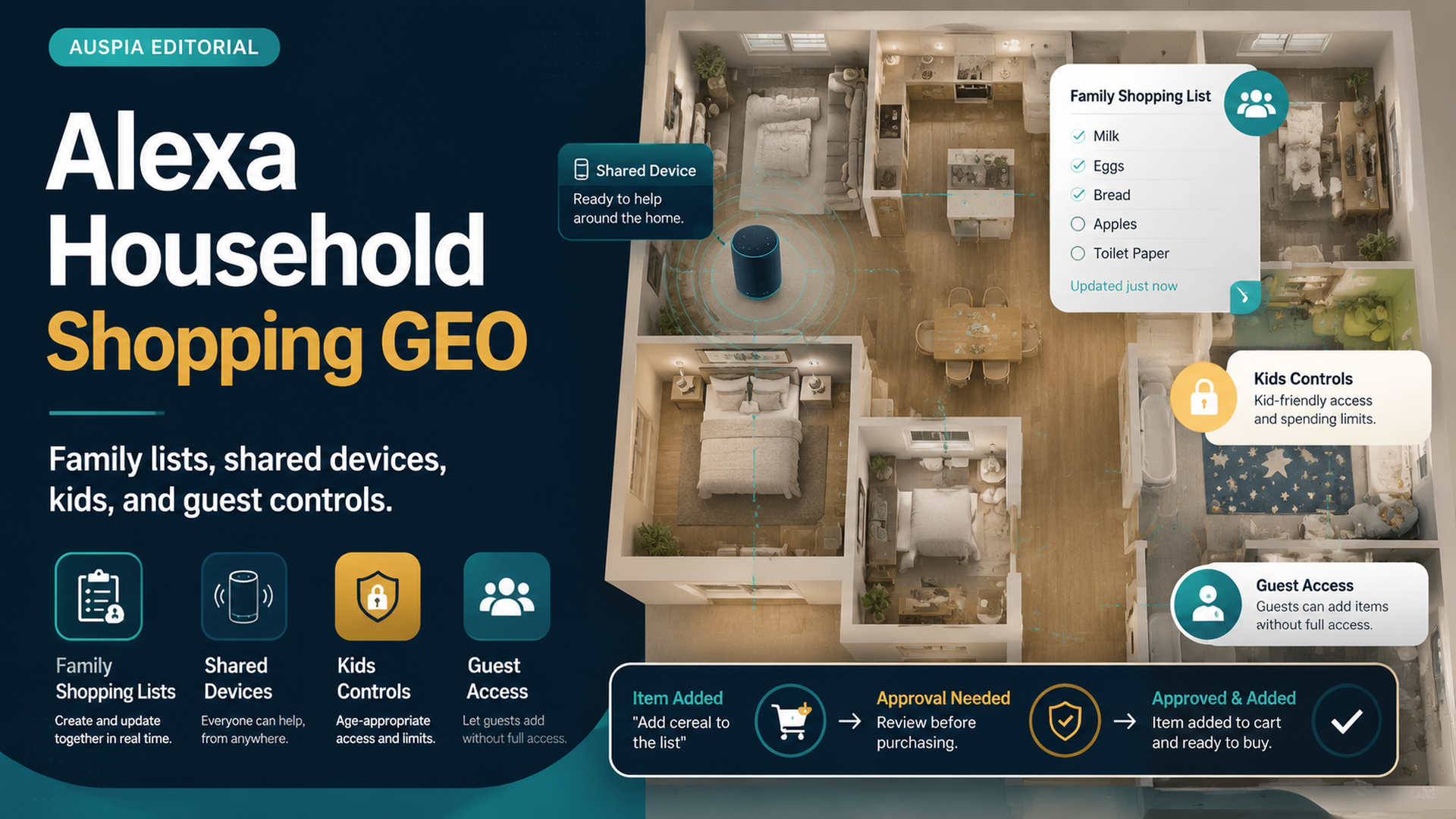
The Household Rule Comes First
Alexa Household Shopping GEO is about making voice shopping safe in homes where more than one person can speak to the same device. A family kitchen, shared apartment, guest room, or living room smart speaker needs different rules than a private device on one person's desk.
The simplest household rule is: Alexa can help capture shopping intent, but purchases and sensitive items need review by the responsible adult or account owner. That rule protects family lists, kids, guests, gift privacy, and accidental reorders.
DataForSEO returned little direct volume for household-specific Alexa shopping terms in this run, but the broader series research shows practical demand around Alexa shopping lists, privacy, notifications, reorders, and voice purchasing. Household shopping sits at the intersection of those intents.
Why Shared Devices Change Alexa Shopping
A shared Alexa device creates a shared shopping surface. Anyone nearby may be able to add list items, ask about orders, trigger shopping flows, or hear notifications depending on settings.
That means the shopping risk is not only technical. It is social.
Shared-device risk | What can happen |
|---|---|
Kids | Joke items, accidental requests, misunderstood commands |
Guests | Unexpected list additions or order questions |
Roommates | Duplicate purchases or privacy conflicts |
Family members | Different assumptions about list ownership |
TV or background audio | Accidental wake or command confusion |
Gift buyers | Surprise orders revealed by notifications |
If the device is shared, the rules must be shared too.
The Household Shopping Control Map
Think of household shopping as four control zones: shared lists, kids, guests, and purchase controls.
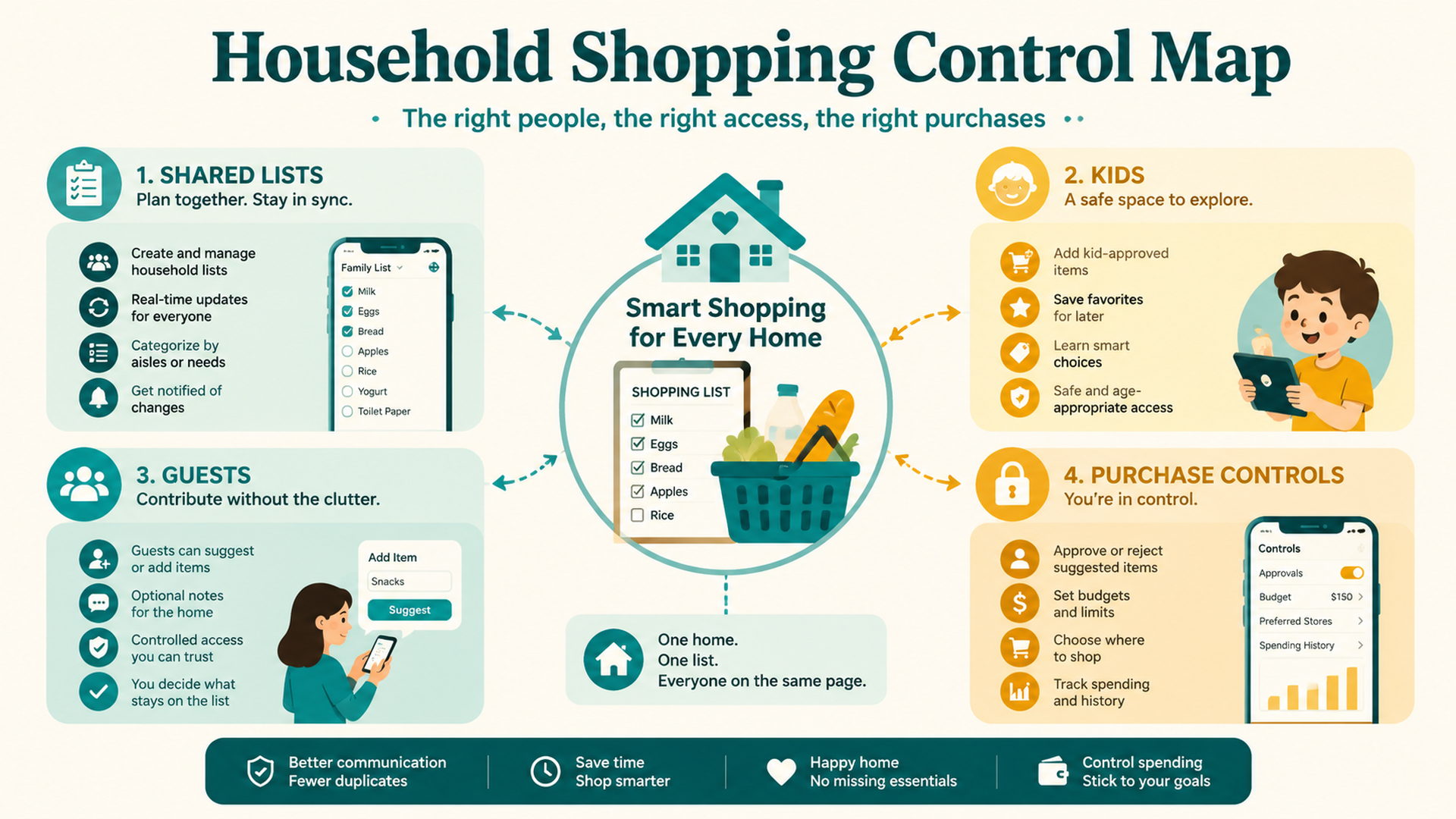
Control zone | Main question | Safe default |
|---|---|---|
Shared lists | Who can add, edit, or clear list items? | Let voice add items, but review before buying |
Kids | Can children trigger shopping behavior? | Disable purchasing or require confirmation |
Guests | Can visitors accidentally interact with shopping? | Keep purchases protected and notifications generic |
Purchase controls | Who can move from list to order? | Require app/cart review for money movement |
A household does not need complex rules. It needs visible rules that match who can access the device.
Family Lists Need Ownership
A shared list works best when one person or one routine owns cleanup. Otherwise, the list becomes a mix of old reminders, joke items, duplicates, and vague requests.
Use a simple list ownership model:
List rule | Why it helps |
|---|---|
One person cleans the list before shopping | Prevents duplicates and stale items |
Vague items get clarified before buying | Avoids “snacks” becoming the wrong product |
Purchased items get removed | Keeps reorders and future lists cleaner |
Sensitive items use a private list | Protects privacy in shared homes |
Kids can suggest, adults approve | Keeps voice capture useful without purchase risk |
For families, Alexa is best as a capture layer. The app should be the approval layer.
Kids And Voice Shopping
Children can be curious, playful, or literal. That makes voice shopping controls important even if you trust the child.
Safer rules include:
- Voice purchasing off for shared family devices.
- Voice code or confirmation for any purchase-capable account.
- Shopping lists allowed only as suggestions.
- No purchasing from children's rooms or play areas.
- Adults review the cart before checkout.
- Notifications avoid revealing private or gift items aloud.
The goal is not to prevent children from helping. It is to separate “add cereal to the list” from “buy cereal now.”
Guests And Shared Spaces
Guests may not know your household rules. They may also speak near Alexa without thinking about shopping consequences.
For guest-heavy spaces, use stricter defaults:
Scenario | Better control |
|---|---|
Guest room Echo device | Disable voice purchasing |
Party or gathering | Avoid specific order announcements |
Shared living room | Require confirmation for purchases |
Dorm or roommate space | Keep shopping tied to private app review |
Visitor asks about an order | Check app privately instead |
A guest should not be able to create a purchase risk just by speaking near a speaker.
Household Notifications And Gift Privacy
Order notifications are convenient until they reveal something. In shared homes, Alexa notifications can expose gifts, personal items, or household purchases before you intend to share them.
Before gift seasons, birthdays, or holidays, review:
- Whether Alexa announces product names.
- Whether devices with screens show order details.
- Whether delivery updates are spoken in shared spaces.
- Whether gift items are on a shared shopping list.
- Whether children can ask about orders.
Gift privacy is one of the strongest reasons to keep shopping notifications generic.
A Household Shopping Rules Table
Use this table as a quick operating agreement.
Household rule | Recommended default |
|---|---|
Who can add to shopping list? | Anyone allowed by the household |
Who can buy? | Account owner or approved adult only |
Are kids allowed to reorder? | No, list suggestions only |
Are guests allowed to use shopping commands? | No purchases, lists only if appropriate |
Are order notifications specific? | Generic in shared rooms |
Are gift items added by voice? | Avoid shared lists for gifts |
Are carts reviewed before checkout? | Always for shared devices |
Put the rule in plain language: “You can ask Alexa to add things to the list, but purchases happen in the app after review.”
Buyer-Side GEO: Clear Roles Reduce Mistakes
GEO is about clarity for AI systems. Household shopping needs clarity for people too.
A good household setup defines:
- Who can ask.
- Who can approve.
- Where list items go.
- Which items stay private.
- Which notifications are allowed.
- What happens if someone adds the wrong item.
When roles are unclear, voice shopping becomes messy. When roles are clear, Alexa can be useful without becoming risky.
FAQ
Can kids add items to an Alexa shopping list?
They may be able to depending on device and account setup. A safer household rule is to allow list suggestions but require an adult to review before buying.
Should voice purchasing be off on shared Alexa devices?
Often, yes. Shared devices in kitchens, living rooms, guest rooms, or children's areas should use stricter controls such as disabling voice purchasing or requiring confirmation.
How do I stop guests from accidentally ordering?
Use purchase controls, voice codes, generic notifications, and app review. In guest spaces, keep Alexa shopping limited or disabled.
Are Alexa shopping lists private in a family?
They may be visible or shared depending on account and household setup. Sensitive or gift items should not go on a shared list unless everyone can see them.
How does this relate to GEO?
For buyers, GEO means making voice and AI shopping requests clear and controlled. In households, clarity includes roles, permissions, list ownership, and purchase review.
Auspia Takeaway
Alexa household shopping works best when voice is allowed to capture needs but not silently make decisions. Shared devices need shared rules.
Let Alexa help the family remember. Let the responsible buyer review the list, cart, privacy settings, and order before anything becomes a purchase.
Author: Grace Miller, AI Search Risk Analyst Tracking 200+ Policy Shifts at Auspia. Grace writes about AI search risk, platform rules, safer content patterns, and practical guardrails for everyday AI-assisted workflows.


