


The App Is The Safety Layer
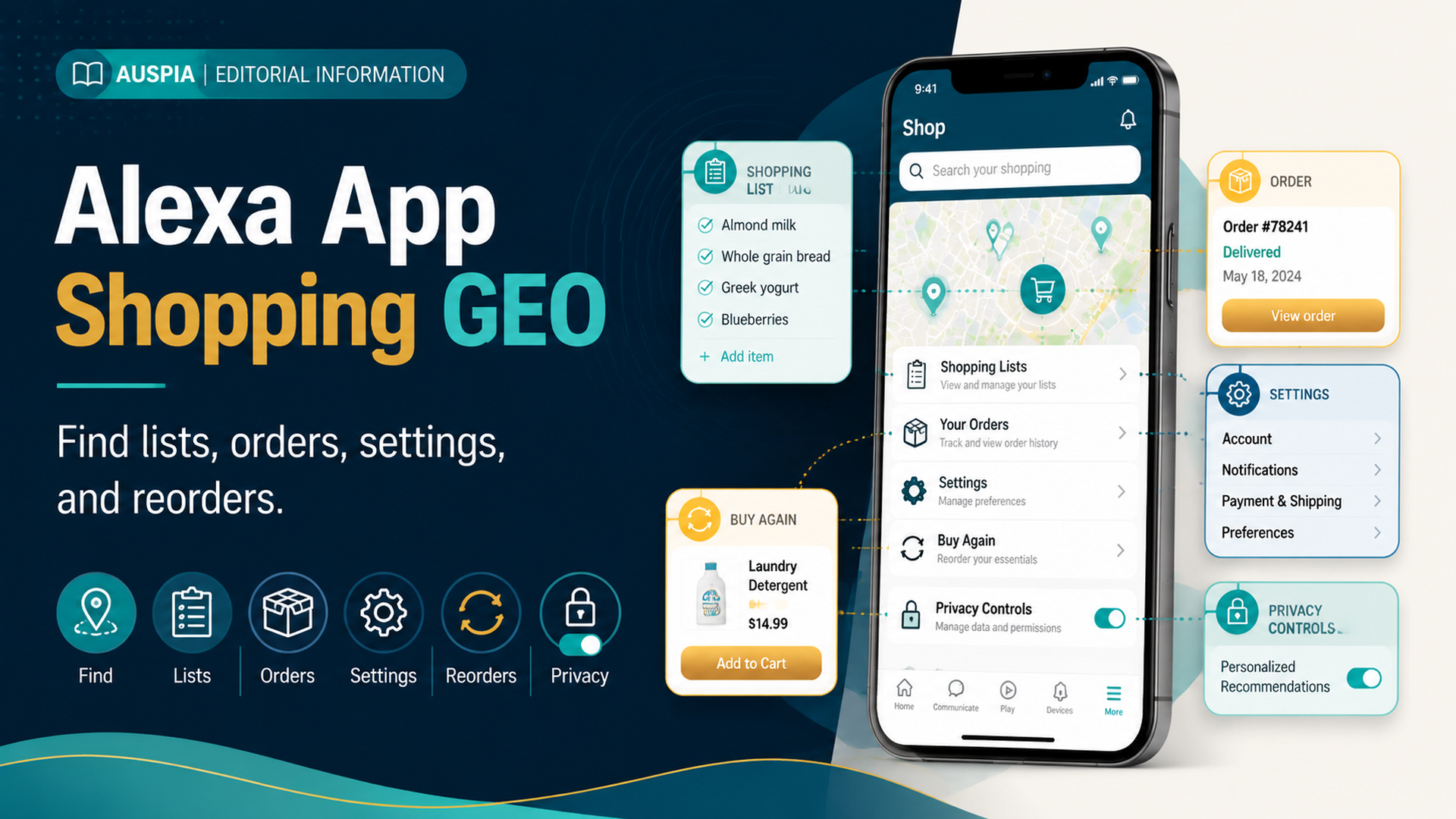
Alexa App Shopping GEO is about knowing where shopping actions live after a voice command: lists, carts, orders, settings, notifications, reorders, and household controls. Voice is useful for starting a task. The app is where buyers should verify the task before money, privacy, or delivery details are involved.
For beginners, the most important rule is simple: if Alexa shopping feels confusing, open the app and find the state of the action. Did the item go to a shopping list, cart, order history, reorder flow, or notification setting? Those are different places with different consequences.
DataForSEO research for this article showed amazon alexa app as a transactional keyword. Earlier research in the series also surfaced list questions such as “where is my Alexa shopping list.” That makes this app-navigation article useful for buyer intent: people do not only want voice commands; they want to find what happened after the command.
The Four Places Buyers Should Know
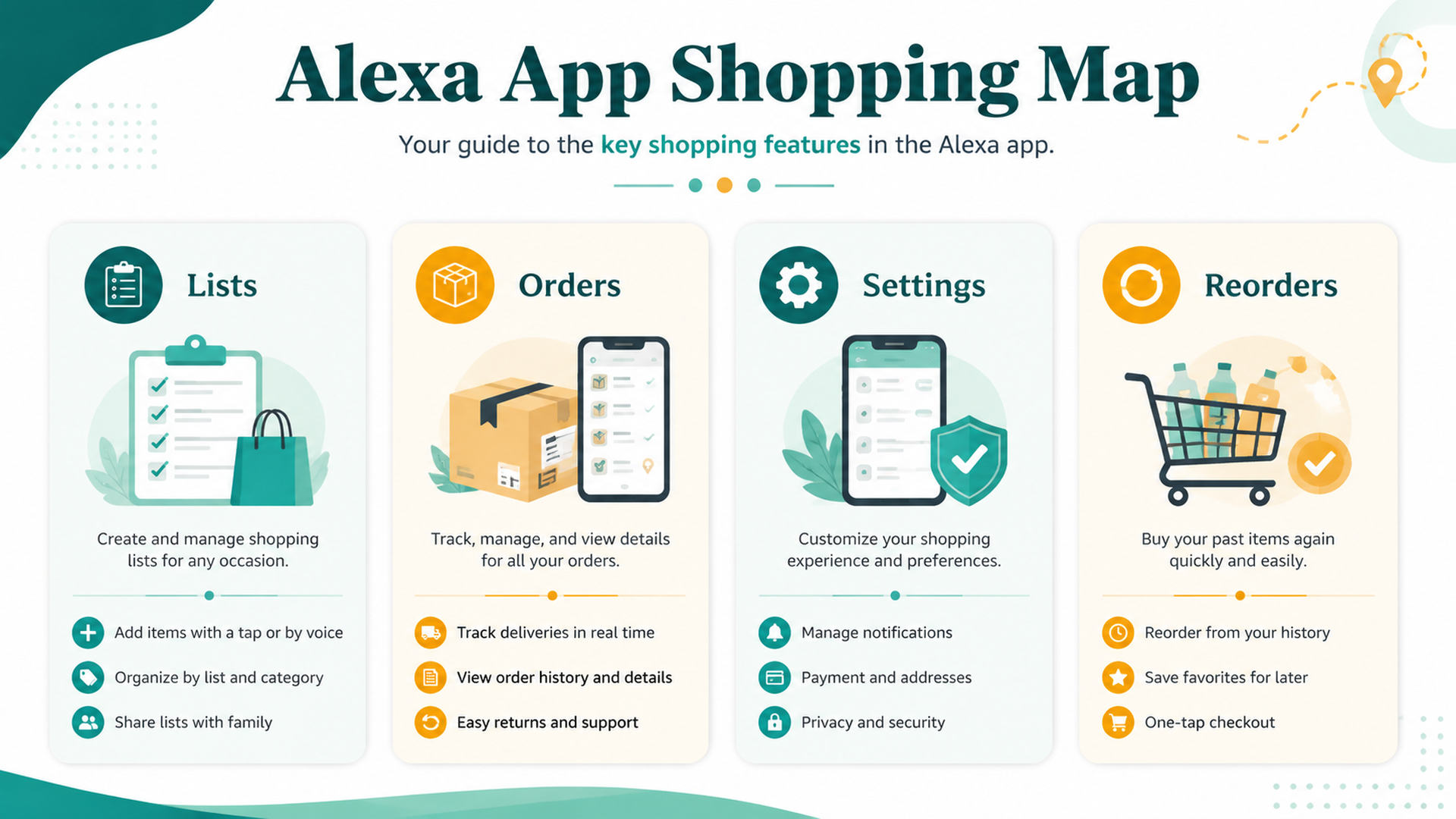
The Alexa shopping workflow becomes easier when you know the four main areas to check.
App area | What it helps you answer | Why it matters |
|---|---|---|
Lists | What did Alexa capture? | Separates reminders from purchases |
Cart or shopping flow | What might be bought? | Lets you check item, quantity, seller, and price |
Orders | Did a purchase happen? | Helps cancel, track, or return quickly |
Settings | What can Alexa announce or buy? | Controls privacy and accidental purchase risk |
If you remember only one thing, remember this: a shopping list item is not an order. A cart item is not always an order. An order is the state that needs immediate attention if it is wrong.
Where To Find Your Shopping List
The shopping list is where many buyers should start. It is the safest place for voice shopping because it captures intent without forcing checkout.
If you cannot find your list, check:
- Are you signed into the same Amazon account used by the Echo device?
- Are you in the Alexa app rather than only the Amazon shopping app?
- Are you looking under Lists, More, or a similar app section?
- Did another household profile capture the item?
- Are there multiple lists with similar names?
- Did the app need refresh or reconnection?
A missing list is often an account or profile issue, not a deleted list.
Where To Check Orders
If you think Alexa ordered something, do not keep asking the device. Check the order area in the Amazon shopping experience as soon as possible.
Look for:
Order check | Why it matters |
|---|---|
Recent orders | Confirms whether a purchase happened |
Cancel option | Time-sensitive fix for accidental orders |
Seller and fulfillment | Shows who is shipping the item |
Delivery date | Helps decide whether to keep or cancel |
Quantity and variant | Catches wrong pack count, flavor, size, or model |
Subscription status | Prevents unintended recurring purchases |
If an order is wrong, act quickly. The app usually gives more control than a repeated voice command.
Where To Review Reorders
Reorders can feel like a shortcut, but the app should be the verification layer. Before confirming a reorder, check the exact item in the cart or order history.
Reorder review should answer:
- Is this the same product I bought before?
- Is the size, flavor, model, or pack count correct?
- Has the price changed?
- Is the seller acceptable?
- Is the delivery date acceptable?
- Is Subscribe & Save or another recurring option selected?
For repeat household items, the app turns “buy it again” into “buy the right one again.”
Where To Review Settings
Shopping settings control whether Alexa can buy, announce, or expose shopping information. Exact menu names can change, so think in categories rather than memorizing one path.
Look for settings related to:
Setting category | What to review |
|---|---|
Voice purchasing | Whether purchases by voice are enabled |
Confirmation | Whether a voice code or confirmation is required |
Notifications | Whether order names, delivery updates, or gift details can be announced |
Household profiles | Who can trigger shopping actions |
Voice history | What recent shopping commands were captured |
Privacy | What data and recordings are retained or reviewed |
If you share a device, these settings matter more than the voice command itself.
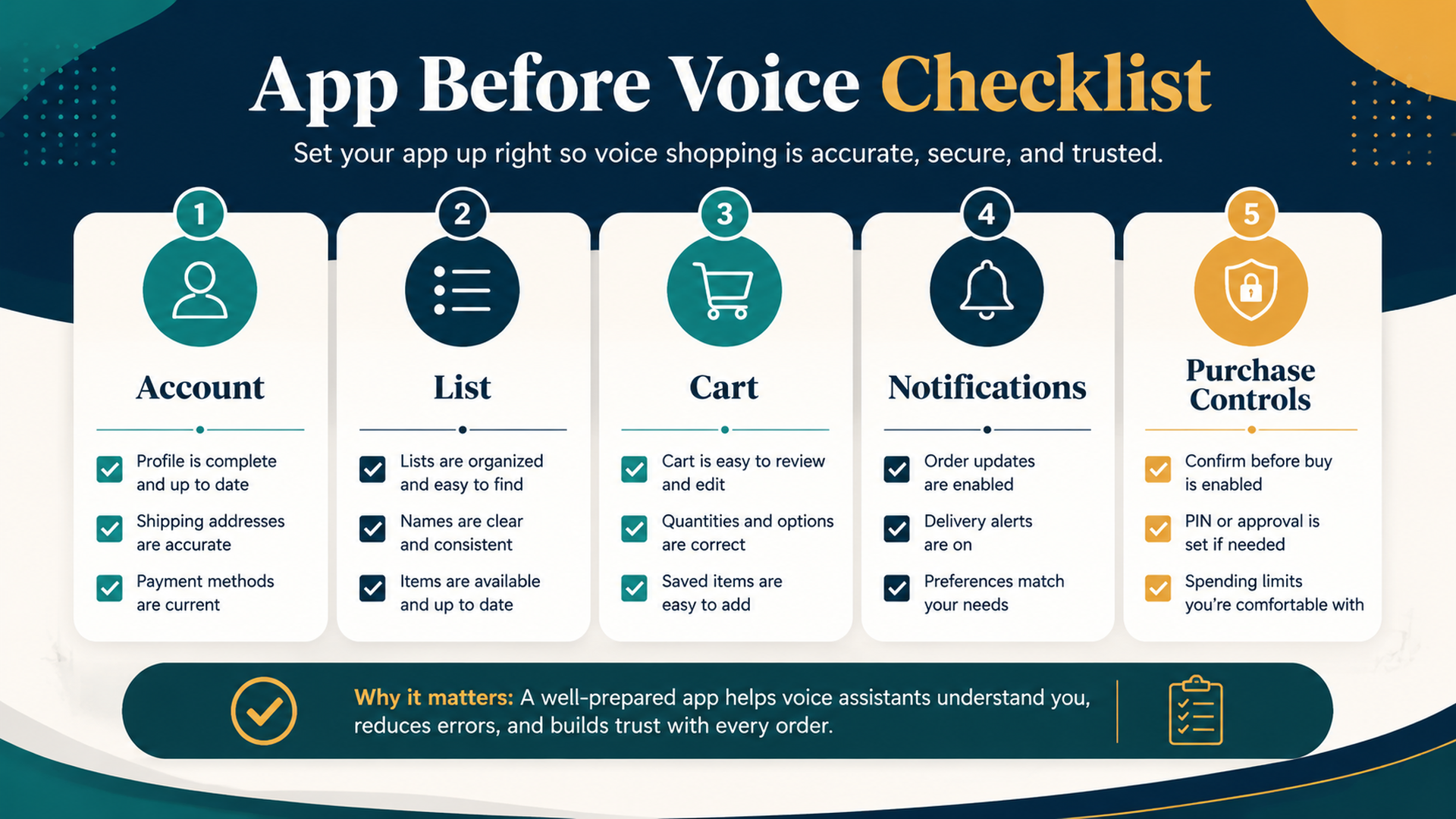
App Before Voice Checklist
Use the app when the action has financial, privacy, or household consequences.
Before you rely on voice | Check in the app |
|---|---|
“Add this to my list” | Did it land in the right list? |
“Buy this” | Is voice purchasing enabled and protected? |
“Reorder this” | Is the exact product, quantity, and seller correct? |
“Where is my order?” | Does order history show the right item and delivery date? |
“Notify me” | Will notifications reveal private or gift items? |
The app is not a backup plan. It is part of safe voice shopping.
Troubleshooting App Confusion
When the app and voice result do not match, use this diagnostic table.
Symptom | Likely cause | First fix |
|---|---|---|
Item not on list | Wrong account, profile, or delayed sync | Refresh app and check account |
List shows old items | Shared list not cleaned up | Remove purchased or stale items |
Reorder shows wrong product | Product history or listing changed | Compare order history and cart |
Order notification reveals gift | Notification settings too specific | Adjust order announcement settings |
Voice purchase blocked | Setting, payment, or confirmation issue | Review purchase controls |
Household member changed list | Shared access | Clarify list ownership and rules |
Most app confusion is really state confusion: list, cart, order, and setting are being mixed together.
Buyer-Side GEO: The App Shows The Evidence
GEO is usually discussed from the seller side: make product facts easier for AI systems to understand. Buyers can use the same idea by looking for evidence in the app.
Before buying, use the app to verify:
- Exact product title.
- Variant, model, pack count, or size.
- Seller and delivery date.
- Recent reviews.
- Return policy.
- Subscription status.
- Whether the item came from list, cart, reorder, or recommendation.
Voice can suggest. The app can verify.
FAQ
Where is my Alexa shopping list?
Check the Alexa app first, then confirm you are signed into the same Amazon account and household profile used by the Echo device. Also look for multiple lists or delayed app refresh.
Is the Alexa app the same as the Amazon shopping app?
They overlap in shopping workflows but are not always the same experience. Alexa voice commands, lists, smart device settings, and Amazon orders may require checking both depending on the issue.
How do I know if Alexa actually ordered something?
Check recent orders in the Amazon shopping experience. A shopping list item is not the same as an order, so verify order history before assuming money was spent.
Where do I change Alexa shopping settings?
Look in the Alexa or Amazon app for settings related to voice purchasing, notifications, household profiles, privacy, and voice history. Menu names may vary by app version and region.
How does this relate to GEO?
For buyers, GEO means understanding how voice and AI shopping systems interpret requests. The app helps you verify the facts those systems use before you buy.
Auspia Takeaway
Alexa shopping becomes safer when you know where to look after a command. Lists capture intent. Carts prepare decisions. Orders confirm money moved. Settings control risk.
Use voice for speed, but use the app for clarity. That habit prevents most list, reorder, privacy, and accidental purchase problems.
Author: Nora Whitfield, AEO Specialist for 800+ Answer Patterns at Auspia. Nora writes about answer engine optimization, FAQ design, and clear question-and-answer content for AI-assisted search experiences.


