Quick Answer
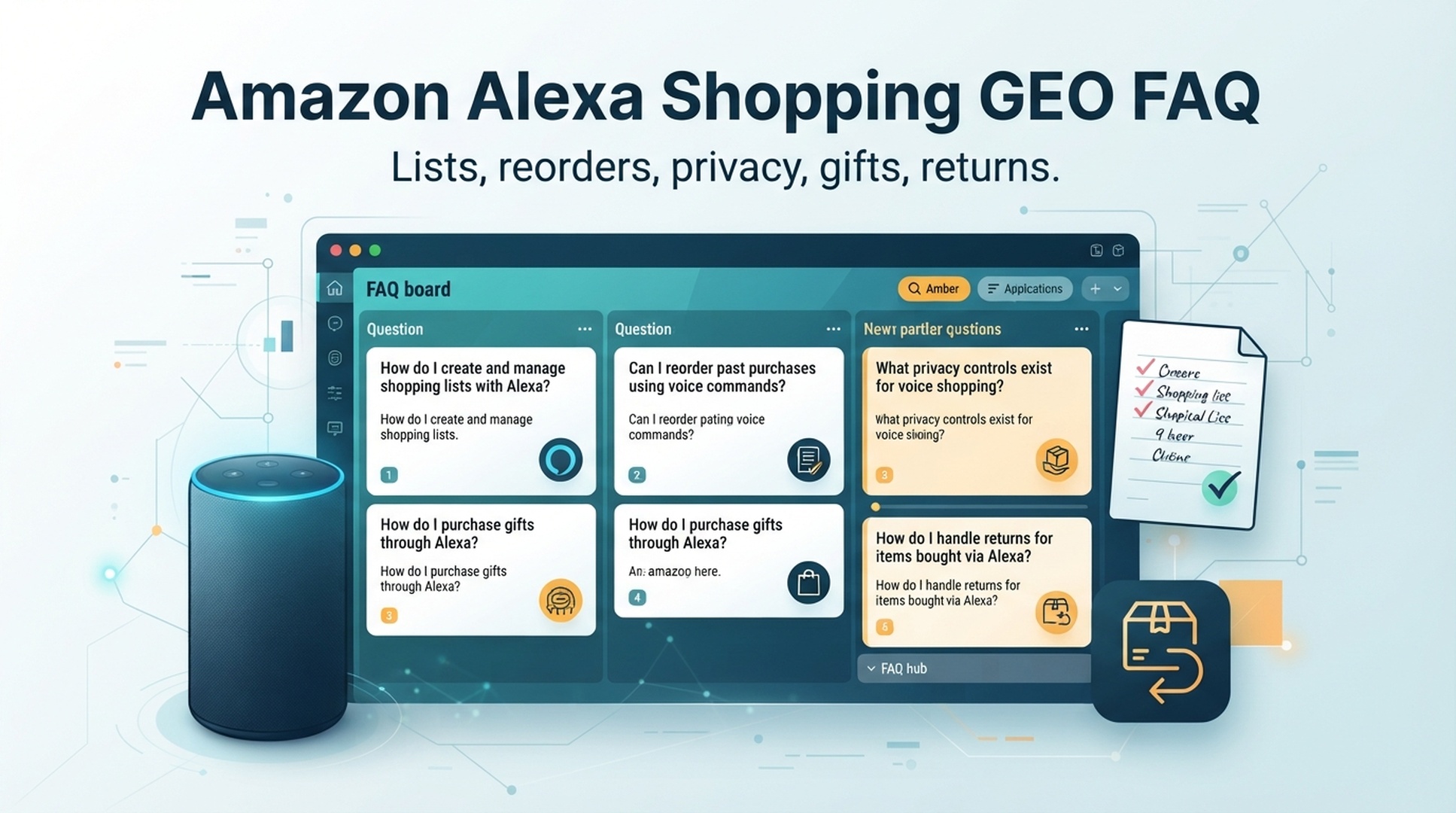
Amazon Alexa Shopping GEO FAQ for buyers is a practical question hub for using Alexa shopping safely. It covers shopping lists, reorders, voice purchases, privacy, gifts, delivery, returns, household controls, and better voice commands.
The core rule across almost every question is the same: use Alexa to capture intent, set reminders, and ask for status; use the app to verify products, prices, sellers, delivery dates, privacy settings, and returns.
DataForSEO research for this FAQ hub returned limited fresh question data in this run, but earlier research in the series surfaced practical intents around Alexa shopping lists, Alexa reorder, voice shopping, privacy notifications, and delivery tracking. This FAQ consolidates those buyer questions into one answer-friendly page.
FAQ Map
Use this map to jump from a problem to the safer action.
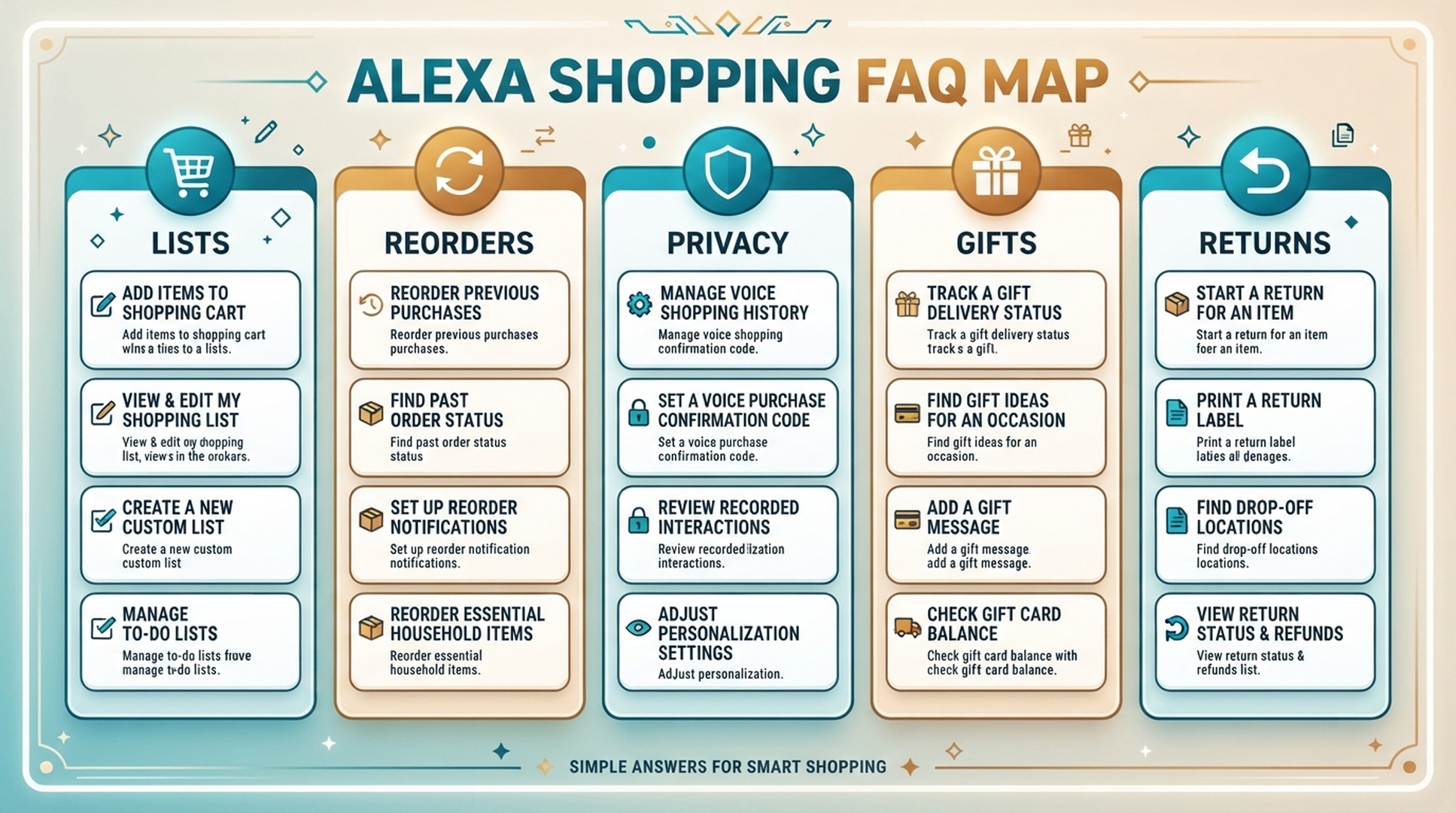
Topic | Start here if you ask |
|---|---|
Lists | Where is my list? Did Alexa add the right item? |
Reorders | Is this the same product I bought before? |
Voice buying | Can someone buy accidentally? |
Privacy | Can Alexa reveal orders or gifts? |
Delivery | Where is my package? What if it is missed? |
Returns | Is the return window still open? |
Shopping List FAQ
1. Is adding an item to an Alexa shopping list the same as buying it?
No. A list item is a reminder. It is not the same as a cart item or an order. Always check the app before assuming anything was purchased.
2. Where is my Alexa shopping list?
Check the Alexa app first, then confirm you are signed into the same Amazon account and household profile used by the Echo device. Also look for duplicate lists or app refresh delays.
3. Why did Alexa add the wrong item?
The command may have been vague or misheard. Edit the item manually and use more specific language next time, such as brand, size, model, flavor, or quantity.
4. Can I share an Alexa shopping list?
Depending on app and account setup, lists may be shared or copied. Refresh the list before shopping so the other person sees current items.
5. Should gift ideas go on a shared shopping list?
Usually no. Gift ideas can be exposed to the recipient or other household members. Use a private list or app note for surprises.
Reorder FAQ
6. Can Alexa reorder products from my Amazon history?
Alexa may help with repeat purchases depending on account settings, product availability, and purchase history. Always review the item before confirming.
7. What should I check before reordering?
Check product title, size, pack count, flavor, model, seller, price, delivery date, and subscription status.
8. Is Subscribe & Save the same as reorder?
No. Reorder is usually a purchase you trigger. Subscribe & Save is recurring. Review frequency, price, and quantity carefully.
9. What products are safest to reorder?
Stable repeat items such as filters, batteries, pet food, detergent, coffee filters, and pantry basics are safer than electronics, fashion, health-related items, or vague categories.
10. What if Alexa reorders the wrong product?
Do not confirm. Open order history, compare the exact product, remove wrong items from the cart, and search manually if needed.
Voice Purchase FAQ
11. Is Alexa voice shopping safe?
It can be safe with the right controls. Beginners should start with lists, use cart review, and avoid one-step voice purchases on shared devices.
12. How do I avoid accidental Alexa purchases?
Disable voice purchasing or require confirmation, use a voice code if available, review the cart, and set household rules for shared devices.
13. Can kids or guests order through Alexa?
It depends on account and device settings. Shared devices should use stricter purchase controls.
14. What is the safest shopping command?
A safe command usually sends the item to a list: “Alexa, add AA alkaline batteries, 24 pack, to my shopping list.”
15. Should I use Alexa for expensive purchases?
Use Alexa for reminders or research, then compare and buy in the app or website where details are visible.
Privacy FAQ
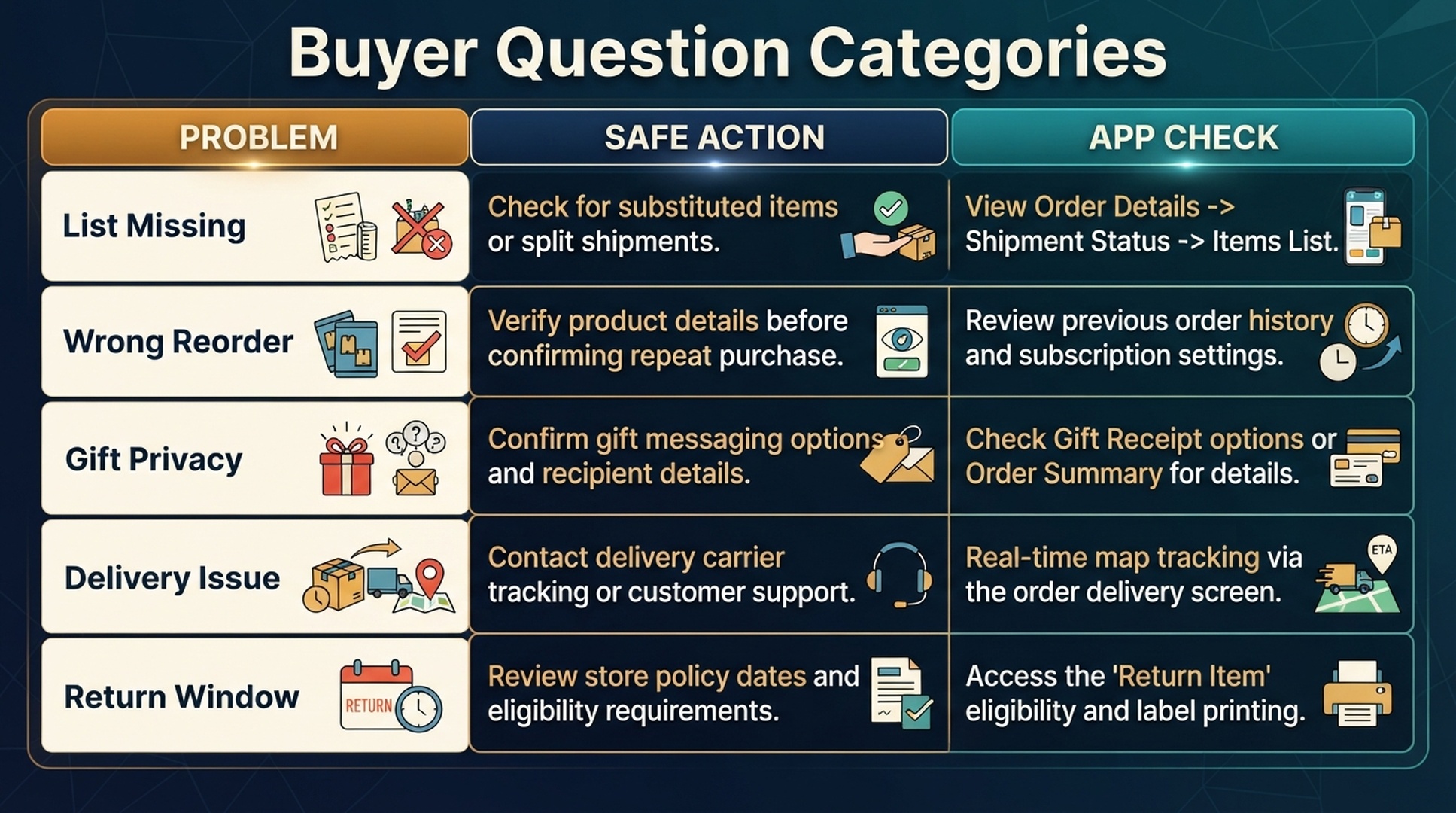
16. Can Alexa reveal my orders?
Depending on settings, Alexa may announce or display order and delivery notifications. Review notification settings in shared households.
17. Can Alexa spoil a gift?
Yes. Gift details can leak through spoken notifications, screen cards, shared lists, app alerts, or shared order history.
18. Are shopping lists private?
They may be private, shared, or visible depending on account setup. Sensitive items should not go on shared lists.
19. Should I turn off product-name notifications?
For shared homes or gift seasons, generic notifications are safer than product-specific announcements.
20. Can voice history show shopping requests?
Depending on settings, shopping-related voice requests may appear in activity or voice history. Review and delete sensitive entries if needed.
Gift FAQ
21. Should I buy gifts by voice?
It is safer to use voice for reminders and buy privately in the app or website.
22. How do I protect gift privacy?
Use private lists, generic notifications, private checkout, careful delivery timing, and avoid saying product names near the recipient.
23. Are Amazon wish lists private?
They can be private, shared, or public depending on settings. Check visibility before using them for surprise gifts.
24. What if a gift order notification appears?
Review notification settings immediately and consider using generic order notifications during gift periods.
25. Should gift items go in the cart or list?
Use a private app workflow. Shared carts or lists may expose the surprise.
Delivery And Returns FAQ
26. Can Alexa track Amazon orders?
Alexa may give quick order updates, but exact tracking, proof of delivery, carrier notes, and return options should be checked in the app.
27. What should I do if a package is missing?
Check order status, delivery address, proof of delivery, carrier notes, household members, lockers, mailbox, and replacement or refund options.
28. Can Alexa help with returns?
Alexa can set reminders, but return eligibility, labels, drop-off options, and refund status should be handled in the app or website.
29. How do I avoid missing a package?
Use reminders for delivery windows, confirm the address, check app tracking, and secure the package quickly after delivery.
30. How do I remember return deadlines?
Use Alexa reminders such as “remind me two days before the return window ends,” then complete the return in the app.
Household FAQ
31. Should voice purchasing be on in a family home?
Often no. Shared devices usually need stricter controls such as disabling voice purchasing or requiring confirmation.
32. Can guests use Alexa shopping?
Guests should not be able to make purchases. Keep shopping limited to lists or disable shopping functions in guest-heavy spaces.
33. Who should own a family shopping list?
One person should clean the list before shopping. Everyone can suggest items, but someone should remove duplicates and stale entries.
34. Are Echo Show devices riskier for shopping privacy?
They can be, because screens may display order or delivery details in shared rooms.
35. What is a good family rule?
“Alexa can add items to the list, but purchases happen in the app after review.”
Better Prompt FAQ
36. How do I make Alexa shopping commands more accurate?
Include action, product, constraint, destination, and review expectation.
37. What is a bad shopping command?
“Buy more,” “order the usual,” or “get filters” are risky because they lack product details.
38. What is a better command for reorders?
“Alexa, show me the coffee filters I ordered last time so I can review them.”
39. What is a better command for gift shopping?
“Alexa, remind me tonight to check gift ideas,” then do exact product research privately.
40. What is a better command for delivery?
“Alexa, remind me at 6 PM to check delivery status in the app.”
Final Buyer Checklist
41. What should I always verify before buying?
Exact item, quantity, seller, price, delivery date, return window, and subscription status.
42. What should I verify before reordering?
Same product, pack count, variant, seller, price, and delivery date.
43. What should I verify before holiday shopping?
Gift privacy, delivery cutoff, deal terms, return window, and notification settings.
44. What should I verify before returns?
Return window, item condition, packaging, drop-off method, and refund status.
45. What should I verify before using a shared device?
Voice purchasing, notifications, household profiles, voice history, and list ownership.
46. What if Alexa gives a vague answer?
Ask a more specific question or switch to the app for manual review.
47. What if Alexa misunderstands a brand name?
Edit the list or cart manually and use more specific product details next time.
48. What if I am not sure whether something was purchased?
Check recent orders in the app. Do not rely only on spoken confirmation.
49. What if a purchase is accidental?
Open the app immediately, cancel if possible, then tighten voice purchasing and notification settings.
50. What is the main Alexa shopping GEO lesson for buyers?
Use voice to capture intent and the app to verify facts. Clearer commands and safer review habits reduce wrong purchases.
Auspia Takeaway
Alexa shopping is most useful when you separate list, cart, order, reorder, delivery, return, and privacy states. Most mistakes happen when those states blur together.
Use Alexa to remember and organize. Use the app to verify and decide.
Author: Nora Whitfield, AEO Specialist for 800+ Answer Patterns at Auspia. Nora writes about answer engine optimization, FAQ design, and clear question-and-answer content for AI-assisted search experiences.