


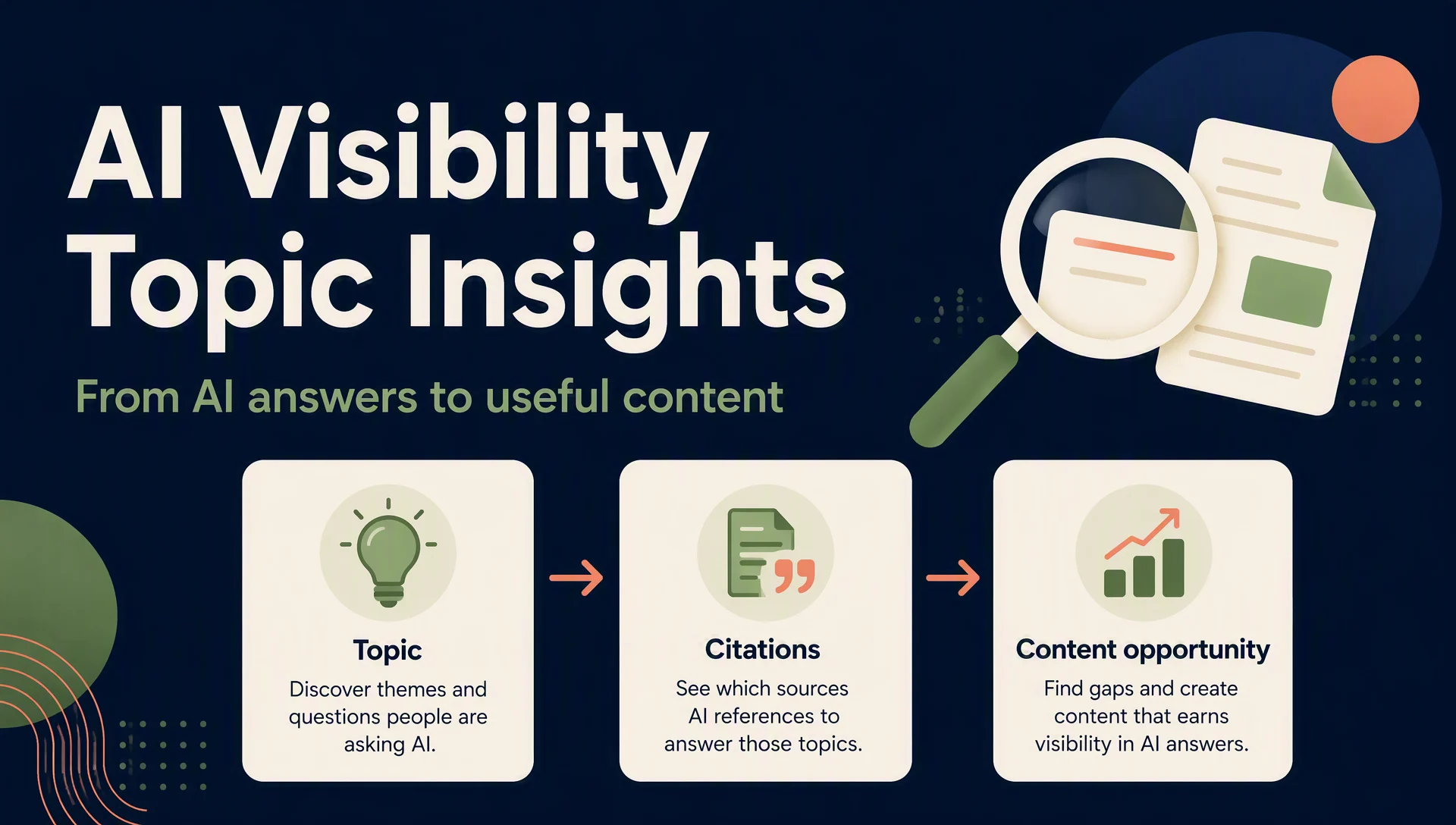
What is Clarity Topic insights?
Microsoft Clarity's AI Visibility area helps you examine whether AI-generated answers cite your website and other websites when discussing a topic. Topic insights is the page that organizes those observations into a report.
In plain English, you give Clarity a subject you care about. Clarity tests related questions, checks the sources used in the answers, and shows you:
- whether your site was cited;
- which other sites were cited;
- how citations were divided among sites;
- which parts of the subject other sources explain;
- which of your pages contributed to the answers.
It is an AI-answer research report. It is not the same as Google rankings, website traffic, conversions, or a traditional SEO keyword report.
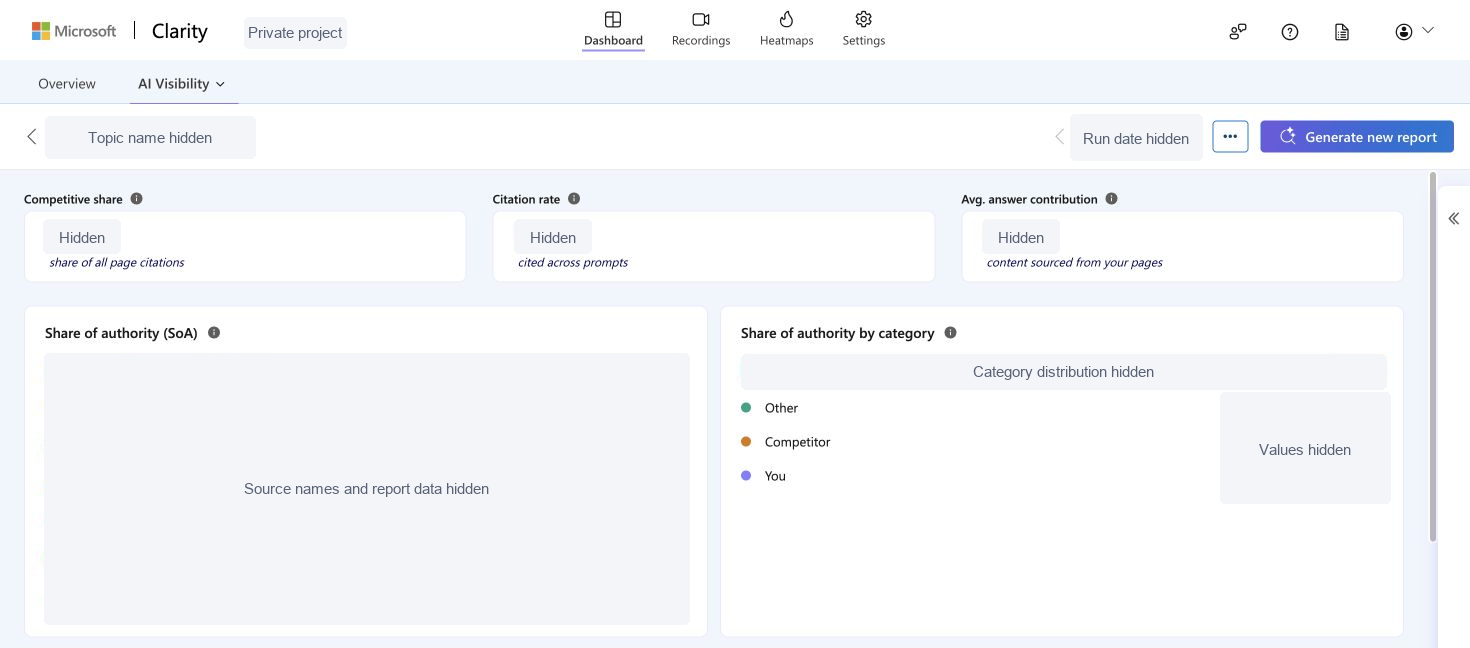
This is the real Topic insights interface. All project-specific names, domains, dates, distributions, and values have been removed for privacy.
The basic words to understand first
You only need five ideas before the rest of the page starts to make sense.
Term | Plain-English meaning |
|---|---|
| The subject Clarity is researching, such as a product category or customer question. |
| A question or instruction tested with an AI system. A prompt can be similar to something a real user might ask. |
| The group of related prompts used for one topic report. |
| A reference or link in an AI answer that points to a webpage. |
| The main address of a website. When Clarity groups citations by domain, citations from pages on the same website are counted together. |
Here is a fictional example. Imagine a topic called Choosing project management software for a small team. The prompt set might contain questions about price, setup, collaboration, integrations, and ease of use. Clarity then checks which webpages the AI answers use as sources.
Nothing in this example comes from a real Clarity project. It only shows how the terms connect.
The Topic insights list page
Before you open a report, Clarity shows a table of topics. Each row summarizes one topic.
Topic
Topic is the name of the subject being monitored. It is a container for a related set of AI questions, not a single SEO keyword.
A topic such as project management software may include several ways people ask about the same subject. That is why the report can reveal broader patterns than a one-keyword rank check.
Competitive share
Competitive share compares your site's share of page citations with the competitor set you defined for the topic.
The simplest way to read it is: "Within this comparison group, how much of the citation visibility belongs to my site?"
This number depends on the competitor list. If you change the sites in that list, the comparison changes too. It is not a universal market-share figure.
Citation rate
Citation rate tells you how broadly your site is cited across the prompts tested for the topic.
Think of it as a presence indicator. A higher rate means your pages appeared as sources across more of the tested questions. It does not tell you whether people clicked, bought something, or preferred your brand.
Next available
Next available tells you when another report run can be generated. If it says Now, the topic is eligible for a new run.
This is a scheduling status, not a performance metric.
Last run
Last run is the date of the most recent completed report. Always check this before interpreting the results. An older report may not reflect recent pages or edits.
Add topic
Add topic creates another subject to monitor. Use it when the new subject represents a different customer question or product category. Do not create several topics that mean almost the same thing, because their reports will be harder to compare.
Edit competitors
Edit competitors changes the websites used in the competitive comparison. It mainly affects how Competitive share should be understood.
A competitor here means a site you chose for comparison. Clarity may label other cited sites as Other even when they are influential sources.
The three cards at the top of a topic report
After you open a topic, the detail page starts with three cards. They look similar, but each answers a different question.
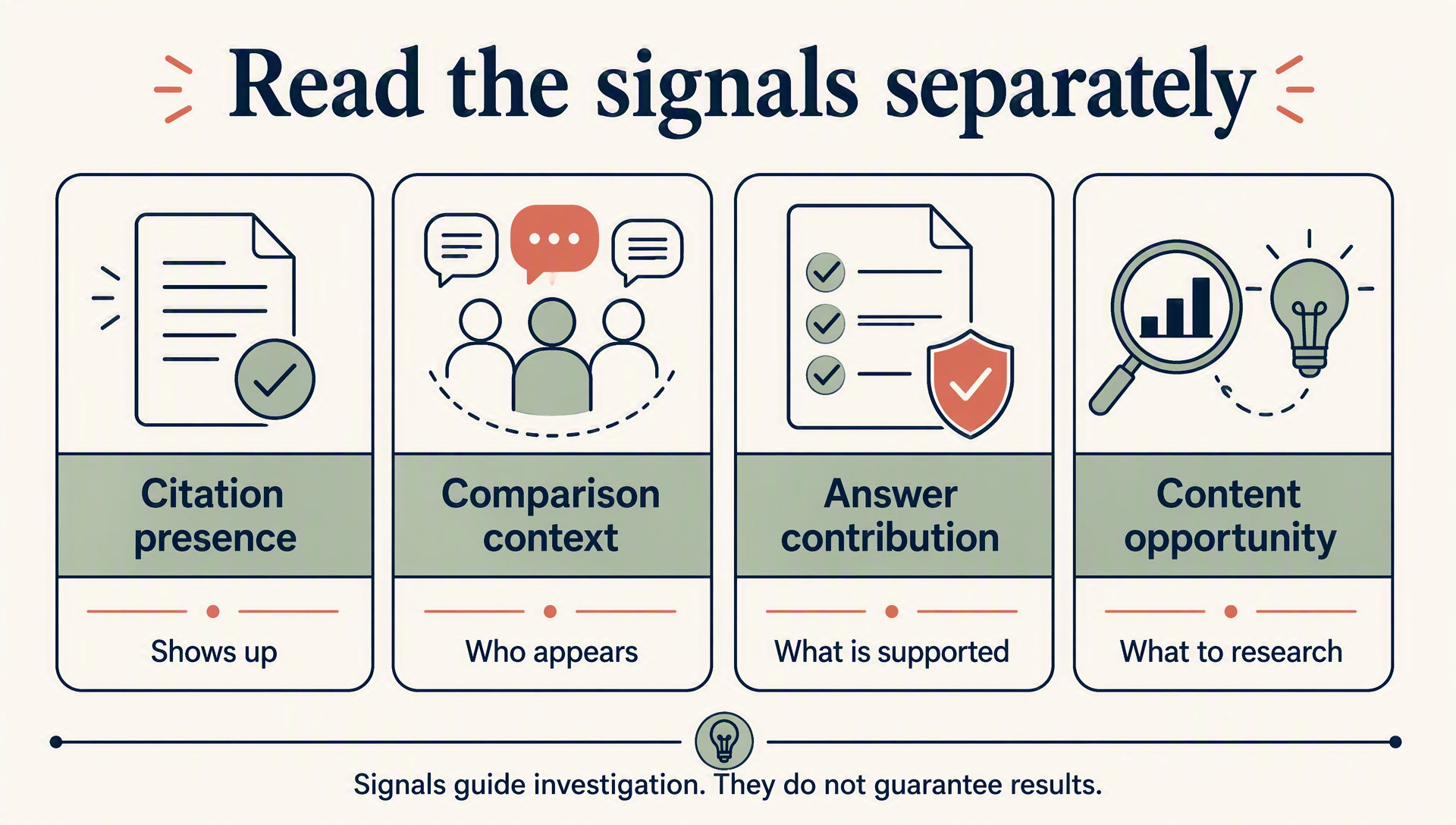
Citation presence, competitive context, answer contribution, and content opportunities should be read separately.
Competitive share: how you compare with selected competitors
This card answers: "Of the page citations associated with my comparison set, what share belongs to my domain?"
Use it to understand relative visibility inside the group you configured. Do not call it your share of the entire AI-search market. Clarity only knows the report's prompt set and the competitor list you selected.
Citation rate: how often your site appears across prompts
This card answers: "Across the tested questions, how often was my domain cited?"
It is possible for two sites to have different citation rates even when they appear in some of the same answers. One may be cited across many questions, while another may appear only for a narrow subtopic.
Avg. answer contribution: how much answer content came from your pages
Avg. means average. Answer contribution estimates the portion of AI response content sourced from your pages.
This is different from simply appearing in a citation list. A page might be cited for one short fact, while another page supplies information used across a larger part of the answer.
Read this as an estimate of content contribution inside the tested answers. It is not a score for writing quality.
What Share of authority (SoA) means
SoA is short for Share of authority. In this report, it shows how page citations are distributed across cited domains.
The phrase "authority" can sound more powerful than it is. On this screen, it means citation share within the report. It does not mean Microsoft has given the website a permanent authority rating.
Domain rows
Each domain row represents a website that received citations in the tested answers. A row can include:
- the domain name;
- its category;
- its share of citations;
- the number of citations.
Citations
Citations is the count of source references attributed to that domain in the report. One domain may receive several citations because different pages or different answers refer to it.
A citation count is not a visitor count. It also does not reveal whether a user clicked the source.
All other domains
All other domains combines the remaining cited websites that are not shown as individual rows. You can expand it when Clarity provides that option.
Share of authority by category
This card groups the same citation picture into three categories instead of listing individual domains:
Category | What it means |
|---|---|
| Citations assigned to your own domain. |
| Citations assigned to domains in the competitor list you configured. |
| Citations assigned to sources outside those two groups. These may include publishers, documentation sites, research pages, communities, or other useful sources. |
Other does not mean unimportant. In many topics, independent reference material may be used more often than commercial websites.
What Top content opportunities means
Top content opportunities lists themes that other sources are helping AI answers explain.
This section is easy to misunderstand. It is not saying, "Copy this title and publish an article." It is saying, "This idea appears in the answers, and other sources currently provide the supporting information."
Open an opportunity to see more detail.
How other sources are used in responses
This text explains what role outside sources play in the AI answers. For example, sources may be used to:
- compare product features;
- explain a technical process;
- describe a limitation;
- provide implementation details;
- support a statement with research.
The wording helps you understand what information the AI answer needed. It does not prove that your site must publish the same page.
Covered by
Covered by lists the domains that provide information for that opportunity.
It answers, "Which sources are currently helping explain this theme?" It does not mean every listed domain covers the theme equally well, and it does not mean the domains are official partners.
What Your top content to AI responses means
This section looks only at your own website.
Your top content to AI responses shows which of your pages contributed most to the answers in the topic report. It helps you move from a domain-level metric to the actual pages that were useful.
How your top pages contribute to the responses
This explanation describes the role those pages play. A page might supply a definition, product detail, comparison point, process, or supporting fact.
This is useful because a domain can be cited without every page being equally relevant. The page-level view shows which content Clarity associated with the answer.
No top content available
No top content available means Clarity has no qualifying page from your site to display for that report.
It does not automatically mean your whole website is poor. Possible explanations include:
- your site was not cited in the tested answers;
- the topic does not match your existing pages;
- the report did not find enough page-level contribution to show;
- the relevant page was added after the report's last run.
Check the report date and topic scope before drawing a conclusion.
The report controls
Several controls appear near the topic title.
Previous run and Next run
These controls move between available report runs. They let you compare an older snapshot with a newer one when more than one run exists.
Do not assume every difference came from an edit on your site. AI answers, cited sources, prompt coverage, and available web content can all change.
Generate new report
Generate new report starts another run when the topic is eligible. Use it after a meaningful period or after major content changes, not as a refresh button you click repeatedly.
Edit topic
Edit topic changes the topic title. The title should make the subject easy for your team to recognize. Renaming a topic does not rewrite your website content.
More actions
More actions contains additional controls for managing the topic. The available options can depend on the current product version and report state.
How a beginner should read the page
Use this order the first time you open a report:
- Check the topic name and
Last rundate. - Read
Citation rateto see whether your site appears across the tested prompts. - Read
Competitive shareonly in the context of the competitor list you selected. - Read
Avg. answer contributionto understand whether your pages supplied a small fact or a larger part of the answer. - Use
Share of authorityto see which domains and source categories appear. - Open
Top content opportunitiesto understand what information other sources provide. - Check
Your top content to AI responsesto identify the pages from your site that contributed.
That is enough for a first reading. You do not need to turn every card into a target or every opportunity into a new article.
What this report does not measure
Keep Topic insights separate from these other measurements:
Topic insights shows | It does not directly show |
|---|---|
Citations in tested AI answers | Google keyword rankings |
Citation distribution among domains | Website visits or clicks |
Page contribution to AI answers | Leads, sales, or revenue |
Themes covered by other sources | A guaranteed content plan |
Changes between report runs | The exact reason an AI system changed its answer |
If you want to inspect a public page separately for AI-search readiness, Auspia's AI Search Visibility Checker can provide another diagnostic view. Its output should also be treated as a check, not a promise of citations.
FAQ
Is Topic insights the same as a keyword ranking report?
No. A keyword ranking report shows where a page appears in conventional search results. Topic insights looks at citations and content contribution inside a tested set of AI answers.
Does Competitive share include every website on the internet?
No. Read it within the prompt set and competitor list configured for the topic.
Is a citation the same as a click?
No. A citation means the AI answer referred to a source. It does not confirm that a user opened the source.
Does Other mean low-quality sources?
No. Other simply means the domain is neither your own domain nor one of the competitors you defined.
Should I publish every Top content opportunity?
No. First check whether the opportunity matches your audience and whether you have accurate information worth adding.
Author: Jasper Quinn, AI Search Product Researcher Tracking 60+ Feature Changes at Auspia. Jasper writes plain-English guides to AI search products, reporting interfaces, and changing platform behavior.


