


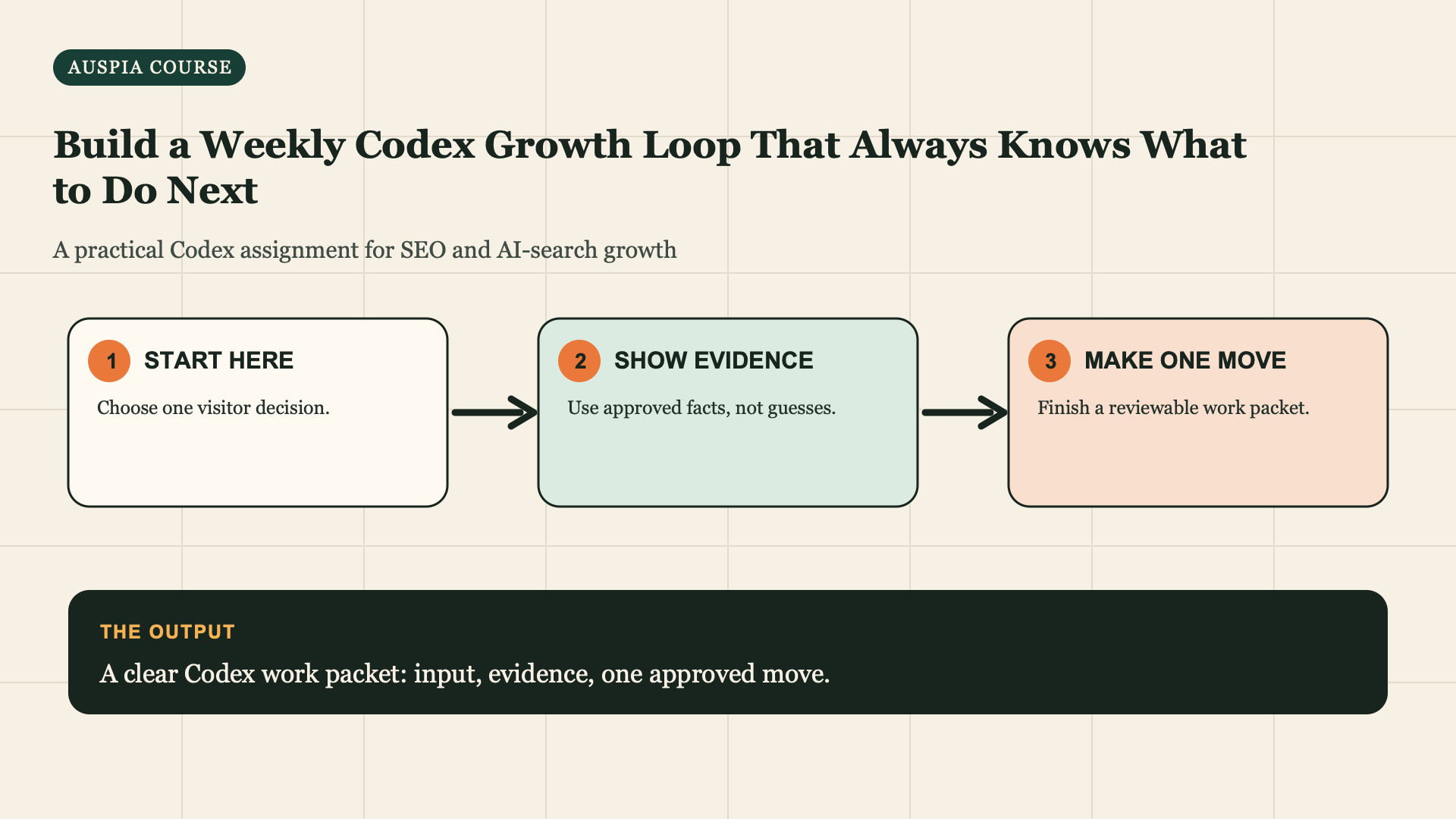
Make Codex choose one next useful job every week
SEO and GEO automation becomes destructive when it creates more drafts than you can verify. The valuable automation is smaller: Codex reads the evidence you saved, identifies one decision worth making now, explains why, and stops for your approval.
This lesson gives you a weekly system that works whether you are starting a site or improving one with years of pages. You will make a dated review note, not a giant dashboard. By the end, you can open one file each week and know what to collect, what to ignore, and what work to approve.
Your finished result: a weekly folder, one completed review note, one approved next-action packet, and a record of why you chose it. Codex never publishes, changes analytics, contacts people, or edits production on its own.
Allow 30 minutes for the first review and 15 minutes in later weeks. Bring your Growth Start Card, Traffic Mission, Fact Pack, page list, recent release notes, and only the new evidence you actually own. If you have Search Console or analytics access, export a completed period; if not, a dated owner observation and page feedback are enough to start.
Create a small folder that remembers decisions
Create this folder next to the files you already use with Codex. The names are not magic; the separation is. Evidence stays separate from decisions, so you can see later why a change was approved.
organic-growth/
  assets/
    traffic-mission.md
    fact-pack.md
    question-map.csv
    topic-system-map.md
  releases/
    2026-08-03-records-checklist-release.md
  evidence/
    2026-08-03-gsc-completed-period.csv
    2026-08-03-customer-feedback.md
  weekly/
    2026-08-03-review.md
    2026-08-03-approved-action.md
Do not turn this into a data warehouse. Save only something that could change a decision: a completed performance export, a customer question, a verified fact change, a release note, an AI-answer observation with the exact prompt and date, or a technical finding. Do not save screenshots with no URL/date, unexplained rankings, or a pile of copied competitor text.
A first-week example
Northstar Books has one new checklist page for freelance designers. Its owner saves: a release note, a Search Console export for a completed comparison period, and two customer-call notes saying people cannot tell whether remote bookkeeping fits. The evidence does not prove that the page caused a traffic change. It does support a small next decision: prepare a service-fit brief, because the same question appeared twice and the Fact Pack has service-scope evidence.
That is a better weekly result than "write ten posts about bookkeeping."
Put a date and source on every new observation
Before the review, make a short input note. It prevents Codex from treating a memory as measured data.
week-input-2026-08-03.md
Completed period: 2026-07-01 to 2026-07-28; source: GSC export attached.
Pages changed: /before-self-assessment-bookkeeping-checklist published 2026-07-25.
Customer evidence: two discovery-call notes, dated 2026-07-30 and 2026-08-01;
both asked whether a remote bookkeeper is suitable.
Fact change: none.
AI observation: not collected this week.
Unknown: whether the new page has enough time to compare performance.
Owner capacity: one content review and one developer check this week.
The last two lines matter. A page published a few days ago normally needs time before performance comparison is useful. And a plan that needs six owners is not an action you can complete this week.
Run the weekly review prompt
Copy this whole prompt. Attach the input note and the exact saved files named in it. Codex should create a reviewable artifact, not a motivational summary.
Read [week-input-date.md], [traffic-mission.md], [fact-pack.md], [question-map
or topic-system-map], [recent release notes], and the listed evidence files.

Write weekly/[date]-review.md with these sections:
1. WHAT CHANGED: facts only; attach each statement to a source file and date.
2. WHAT IS STILL UNKNOWN: include insufficient comparison time and missing
   facts instead of guessing.
3. CANDIDATE ACTIONS: no more than three, each with reader value, evidence,
   effort, owner needed, and risk.
4. ONE BEST NEXT ACTION: choose one that fits this week's capacity.
5. WHAT NOT TO DO THIS WEEK: two tempting actions that lack evidence or fit.
6. APPROVAL NEEDED: exact owner decision or missing fact.
7. WHAT TO SAVE FOR NEXT REVIEW: the smallest evidence that would change the
   next choice.

Do not publish, edit live pages, deploy code, submit URLs, modify measurement,
contact anyone, create accounts, or infer that a single metric movement was
caused by one change. If there is no useful action, prescribe one small
evidence-collection task or a wait condition.
Inspect the one-action section first
The fastest review method is to read only ONE BEST NEXT ACTION before the rest. A strong output for Northstar Books is:
Action: prepare a service-fit page brief answering "Can a freelance designer
use a remote bookkeeper?"
Why now: two dated customer notes identify the question; the service scope is
available in the Fact Pack; the new checklist can link to a fit explanation.
Owner decision: approve service-area wording and the boundary for regulated tax
advice. Capacity: content owner review only. Do not publish this week.
A weak output says: "Improve backlinks, add schema, publish more content, and check competitors." It is a to-do list, not a decision. Repair it with:
The review has several tactics but no ranked decision. Re-score the candidates
against reader value, evidence available, capacity, and reversibility. Select
one action only. Move unsupported tactics to WHAT NOT TO DO, and name the exact
evidence or owner decision needed to revisit them.
Use a four-part test before you approve the action
Codex can rank options; you decide whether the result is sensible. Check these four questions:
Test | Approve when | Reject or narrow when |
|---|---|---|
Reader value | It solves a known customer question or a clear page failure | It only follows a broad keyword or tool score |
Evidence | A file, URL, dated note, or approved fact supports it | The rationale depends on a guess or a claim about causation |
Capacity | A named person can review and complete the next packet | It quietly assumes design, development, outreach, and writing all at once |
Reversibility | You can inspect a brief or a narrow diff before release | It asks for a bulk change, redirect, deletion, or unreviewed account action |
If the action passes, ask Codex for the next work packet. If it fails, record why in the review note. A rejected action is useful training data: next week, Codex can see that "more locations" was rejected because there was no distinct local proof, rather than proposing it again.
Turn approval into one bounded work packet
Use the packet type that fits the action. For a page brief, use:
Using only the approved action in weekly/[date]-review.md and these sources:
[paths], create weekly/[date]-approved-action.md. State the outcome, evidence
allowed, missing facts, exact page or file to change, proposed outline or diff
scope, internal links, owner approval required, release checks, and measure
date. Do not make an edit, publish, send a message, submit a URL, or change a
production system. Stop if the approved evidence does not support the work.
For a technical finding, replace the outline request with a reproducible test, affected URLs, expected behaviour, rollback, and developer approval. For a fact correction, return to Correct Conflicting Public Facts. For a stale page, use the Low-Click Page Refresh workshop. The weekly loop chooses the job; it does not replace the detailed job-specific lesson.
Keep the human meeting to ten minutes
Use a fixed rhythm. It prevents a weekly review from becoming a status meeting where nobody makes a decision.
Moment | Human does | Codex does | Saved result |
|---|---|---|---|
Review day | Adds dated evidence and capacity | Writes the review and ranks one action |
|
Approval | Approves, rejects, or asks for a fact | Prepares one narrow packet | Approved-action file |
Work | Makes the owner-controlled change | Checks claims, links, or a proposed diff | Release note or decision log |
Next review | Adds outcome without claiming causation | Uses it as evidence for the next choice | Next dated review |
When you have no data, the correct action can be wait until the completed period ends, ask the owner to confirm service area, or save a before-state copy. That is not inactivity. It is refusing to manufacture a conclusion.
Troubleshoot the common failure modes
The folder has too much data. Move raw exports out of the review folder and keep the date, source, URL, and decision-relevant rows. Codex needs readable evidence, not every event your analytics tool recorded.
Every week produces a new page idea. Require the WHAT NOT TO DO section and link every action to the Traffic Mission. If an idea does not serve the current mission, park it in an ideas file; do not give it this week's capacity.
A metric moved after a release. Record the timing and comparison period, not a causal story. Ask what additional period or control you need before you claim an effect.
The same action returns after rejection. Add a line to the weekly input: Previously rejected because: [reason]. Reconsider only if: [new evidence]. Codex can then respect the boundary.
Completion check and next lesson
- [ ] I have one dated folder structure for evidence, releases, and decisions.
- [ ] This week's note separates facts, unknowns, and one selected action.
- [ ] The action fits named capacity and requires a reviewable packet.
- [ ] A human owns publication, accounts, outreach, and production changes.
- [ ] I know exactly what evidence to save before next week.
Next, learn how to use this loop on a page that gets attention but not enough clicks: Use Codex to Turn Low-Click Pages Into Your Next Traffic Wins.
Author: Aaron Wolfe, Organic Growth Systems Designer with 15 Years in SEO/GEO at Auspia. Aaron writes about weekly routines that compound useful site improvements.
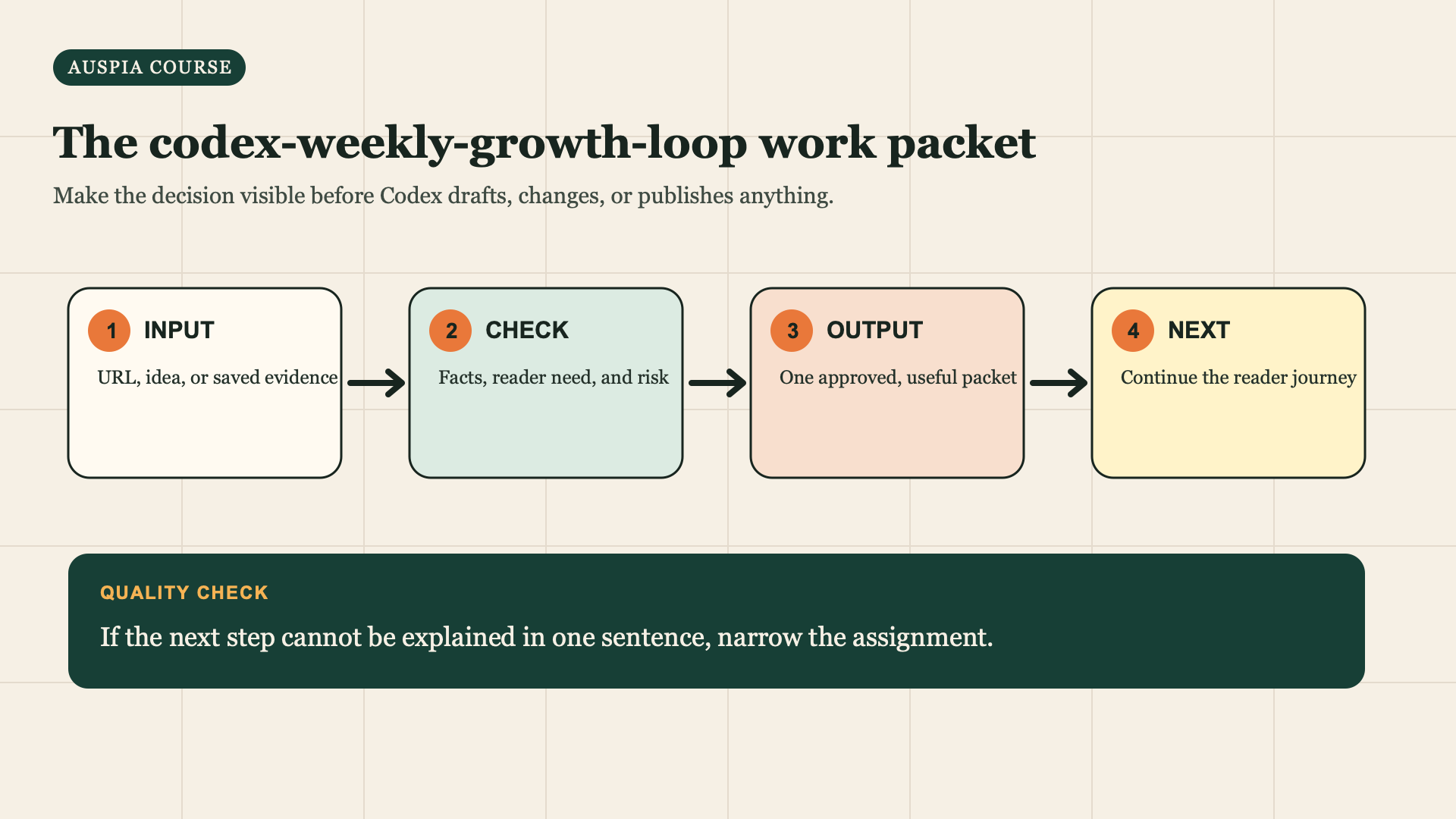
Use this sequence for the assignment: start with a real input, check the evidence, prepare one reviewable output, then choose the reader next step.


