


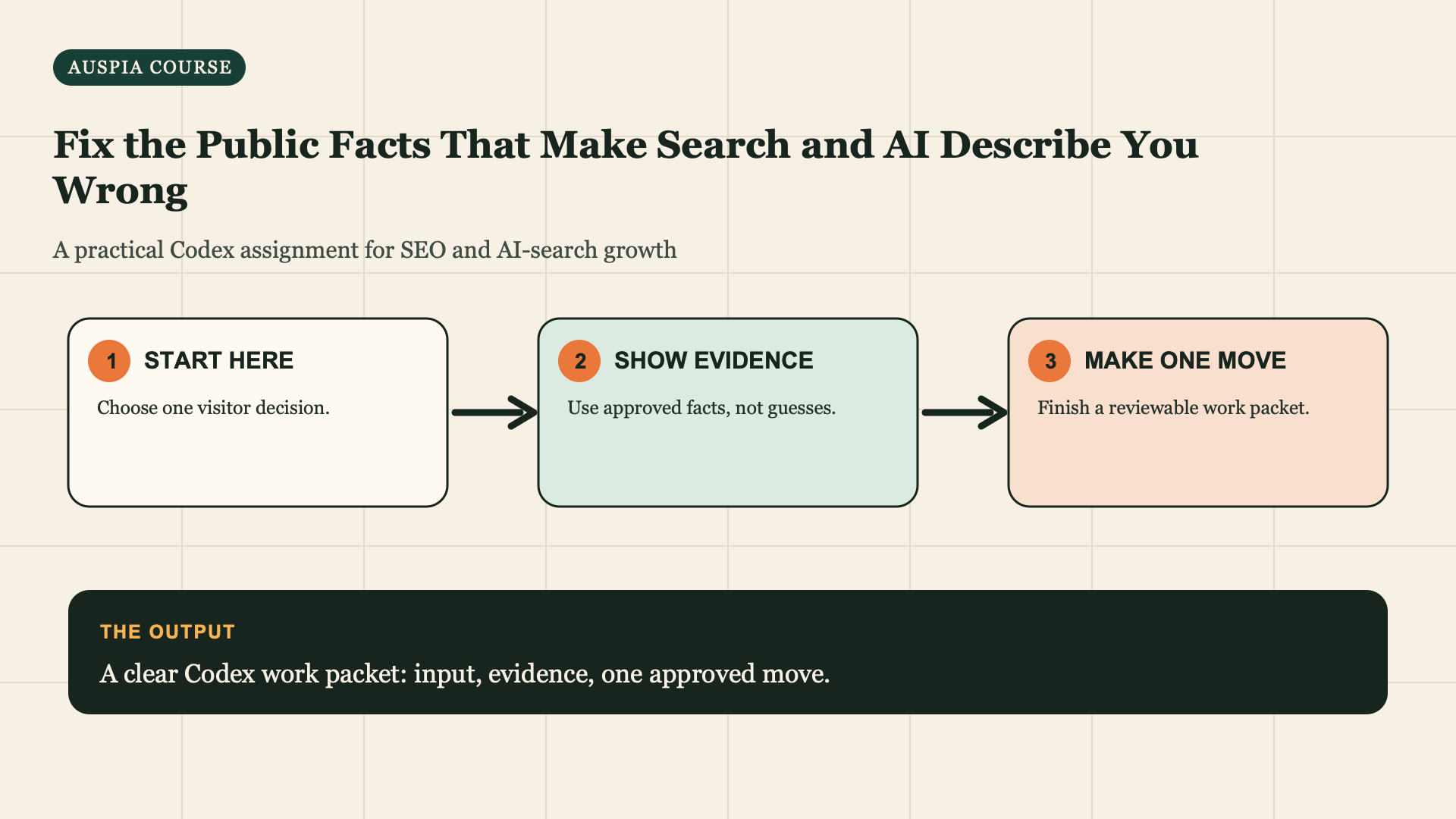
A strong page cannot fix a public contradiction by itself
If your site says one service area, a profile says another, and an old directory says a third, searchers and answer systems have no clean fact to repeat. Fix the facts you control before chasing mentions.
Definition of done: An Entity Correction Queue listing one canonical fact, every controlled location where it conflicts, and a human-approved update order.
Allow 45 minutes for the first queue. Bring the Fact Pack and public pages or profile exports you are allowed to inspect. This lesson corrects customer- decision facts, not every old mention on the web.
Choose only the facts that influence decisions
Start with five: official name, offer/category, website, location/service area, contact/hours or availability. Add product compatibility, price boundary, policy, or author credentials only if your Traffic Mission needs them.
Make a canonical-facts sheet before you compare pages
For the bookkeeping example, write the owner-approved truth in one document:
Official name: [approved business name]
Offer: monthly bookkeeping for sole-trader designers
Does not offer: personal self-assessment tax-return filing
Service area: NEEDS OWNER FACT; current owned pages conflict
Website: https://example-bookkeeping.co.uk/
Discovery-call process: confirmed by onboarding checklist
Do not call the most polished existing page canonical just because it reads well. A canonical fact needs an approved source: owner confirmation, current policy, official product documentation, or another controlled record.
Quality check: Each canonical line is CONFIRMED, NEEDS OWNER FACT, or DO NOT USE. If the source conflicts, keep the conflict visible rather than choosing a version for the owner.
Read my Fact Pack and these public URLs or profile exports: [list]. Build an
Entity Correction Queue with columns: fact, canonical value, source of truth,
controlled location, observed value, match/conflict/unknown, customer risk,
and proposed correction. Separate locations I control from third-party pages.
Rank the top three corrections by customer harm. Do not log in, edit profiles,
contact third parties, or assume an observed page is authoritative.
Rank conflicts by harm, not by annoyance
Use this small matrix after Codex creates the queue:
Conflict | Customer harm | Control | Priority |
|---|---|---|---|
Owned service page says Bristol-only; terms suggest UK-remote | Visitor may self-exclude or enquire incorrectly | High | Fix first |
Directory has an old generic category | Some discovery confusion, but booking path is correct | Low | Log and review later |
Owned profile says tax returns are included | Visitor may buy the wrong service | High | Fix first |
Old social post has outdated wording | Limited decision impact | Medium/low | Log; correct if visible and controlled |
The order is not "website, then every directory." It is the shortest path to stopping harmful misinformation at a customer decision point.
If Codex ranks an obscure mention above a controlled booking page, reply:
Re-rank the Entity Correction Queue by customer harm, ownership, and proximity
to the decision. Prioritize controlled pages that can mislead a customer about
eligibility, offer, location, price, policy, or next action. Keep low-impact
mentions in the log without making them this week's task.
Correct in the right order
- Your website's visible page and conversion information.
- Your owned profiles and listings.
- Important partner or directory records through their allowed human process.
- Older pages that need a correction, redirect proposal, or clear update note.
Use a human review for every external update. Codex can prepare exact replacement copy and a change log; it cannot verify ownership or accept platform terms for you.
Prepare one correction packet at a time
For a controlled page, use this prompt only after the canonical fact is approved:
Read Correction Queue item [number] and the canonical-facts sheet. Prepare a
correction packet with the current observed text, approved replacement text,
source of truth, controlled URL or profile, owner who must approve it,
verification method, rollback text, and the pages that may repeat the fact.
Do not log in, edit a profile, contact a directory, submit a form, or publish.
If the conflict is on a third-party directory, the packet may include a human request draft and the permitted correction path. It must never claim an update was made simply because Codex prepared wording.
Make each correction verifiable
For a correction you control, save a before screenshot or exported text, the exact new value, the approving owner, and the date. For a third-party page, save the request method and status. Do not mark a correction complete because Codex drafted it.
For Correction Queue item [number], prepare a change sheet: current value,
approved canonical value, exact replacement text, controlled URL/profile,
human owner, verification method, and rollback/exception note. Do not make
the update or contact anyone.
Do not chase every old mention
Prioritize a conflict when it can mislead a customer at the point of decision: wrong address, unavailable service, obsolete price, incorrect eligibility, broken booking route, or incorrect product compatibility. An old low-visibility mention can remain logged without becoming this week's work.
Verify a correction with before and after evidence
For every change you control, save the old text or screenshot, the approved new text, date, responsible owner, and live verification. For external pages, save the request date and status rather than pretending control. Update the queue as verified, requested, blocked, or not worth pursuing.
Do not change a related page just because the words look similar. Ask Codex to list where the exact fact appears, then review each proposed update. A service area, product limit, or price boundary can have different context on different pages.
Keep an exception log instead of forcing consistency
Not every variation is a contradiction. A service page may describe a specific location while a national support page describes remote availability. A product page may show a price range while a checkout shows the current amount. Add an exception row when two statements are both true in different contexts:
Fact: service availability
General canonical statement: remote service is available where approved.
Context exception: Bristol page describes the local intake route.
Reason: different visitor path, not conflicting eligibility.
Owner/source: [approved source]
This keeps the correction project from flattening useful context into a vague generic claim.
Revisit only on real change triggers
Reopen the queue when a service, location, policy, product compatibility, business name, contact route, price boundary, or public profile changes. Do not run a weekly hunt for tiny wording differences. The goal is customer accuracy, not perfect textual sameness across the internet.
Recover when the owner cannot confirm a fact
If nobody can confirm a service area, an eligibility condition, a price boundary, or a product limit, remove the unverified statement from pages you control and record the fact as unresolved. Do not replace it with a softer version such as "usually" or "often". Ambiguous language still misleads a customer who is trying to make a decision.
For third-party records you do not control, do not create an argument with the publisher or directory. Prepare the factual correction, follow the stated human process, and record the result. If it cannot be changed, make your controlled source page clearer and keep the unresolved external record in the queue.
Completion check
- [ ] Canonical facts have approved sources or remain explicitly unknown.
- [ ] I ranked three corrections by customer harm and control.
- [ ] I prepared one human-approved correction packet before changing anything.
- [ ] I saved before/after evidence or an external-request status for each action.
Escalate a correction when the customer could be harmed now
Some conflicts cannot wait for the next weekly review: a wrong booking route, unavailable service, dangerous product-compatibility statement, changed policy, or incorrect price at a decision point. Mark these URGENT OWNER REVIEW, state the controlled URL, evidence, customer harm, and the owner who can approve the replacement. Codex should still prepare a packet; it must not silently change a live page because the issue sounds urgent.
Read Correction Queue item [number]. Create an urgent review note with the
current text, canonical source, customer harm, controlled URLs, exact approved
replacement needed, owner, verification check, and rollback text. Do not edit,
publish, contact third parties, or remove historical evidence.
This keeps urgency focused on the customer decision while preserving the audit trail that explains what changed and why.
After the urgent correction is verified, add its source and decision to the regular queue so later pages do not repeat the same outdated wording.
Completion check
- [ ] I can identify the canonical source for every correction I approved.
- [ ] I marked customer-harm issues urgent without giving Codex authority to change them.
- [ ] Each controlled update has a verification and rollback record.
- [ ] Uncontrolled third-party records are logged as requested, blocked, or not worth pursuing.
Course map
Next: Make Codex Find One Trust Signal Your Competitors Cannot Copy Easily.
Author: Lydia Hart, Brand Entity Strategist for 200+ Entity Audits at Auspia. Lydia writes about making public facts consistent enough for customers and AI systems to trust.
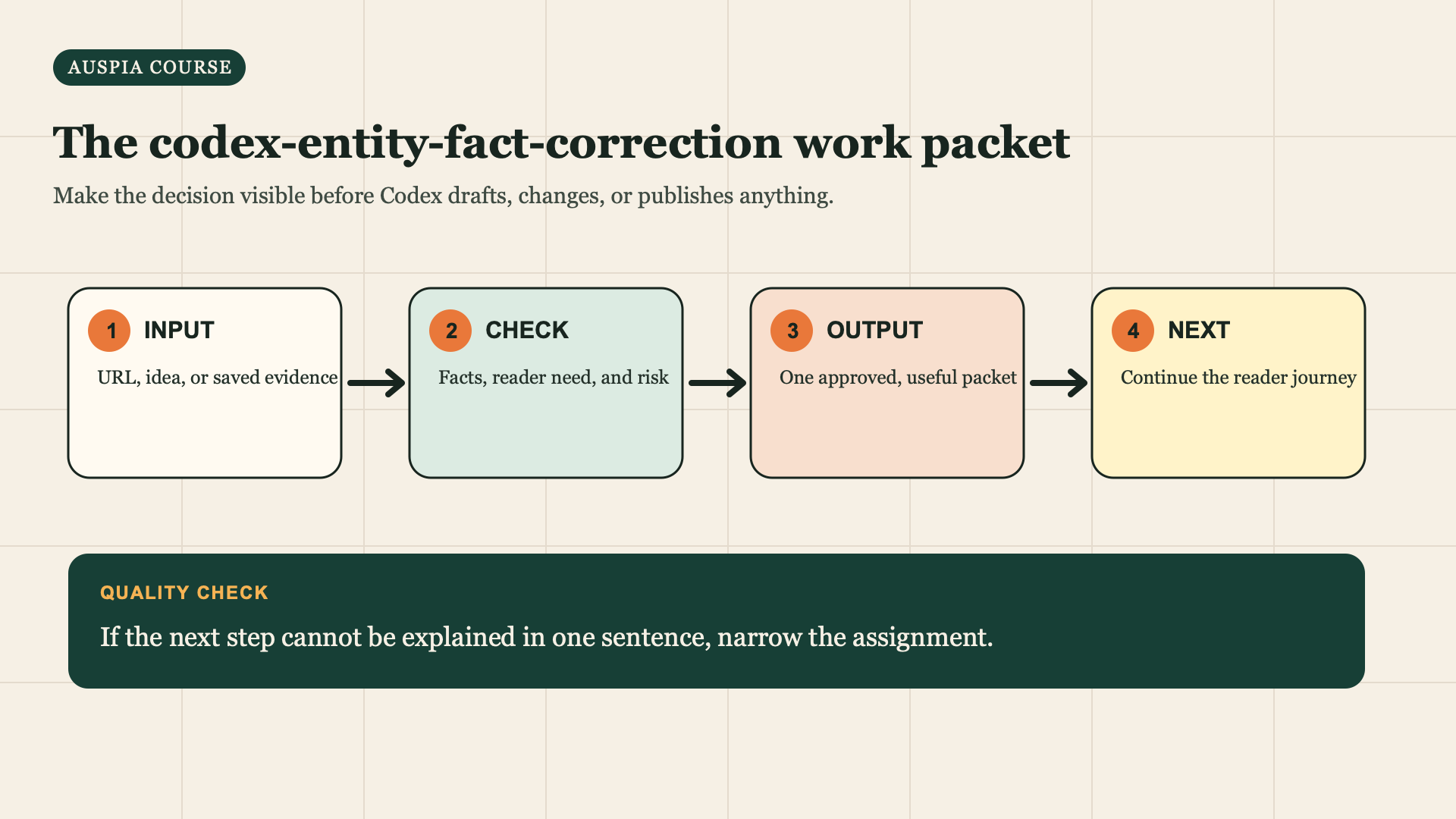
Use this sequence for the assignment: start with a real input, check the evidence, prepare one reviewable output, then choose the reader next step.


