


What you will build
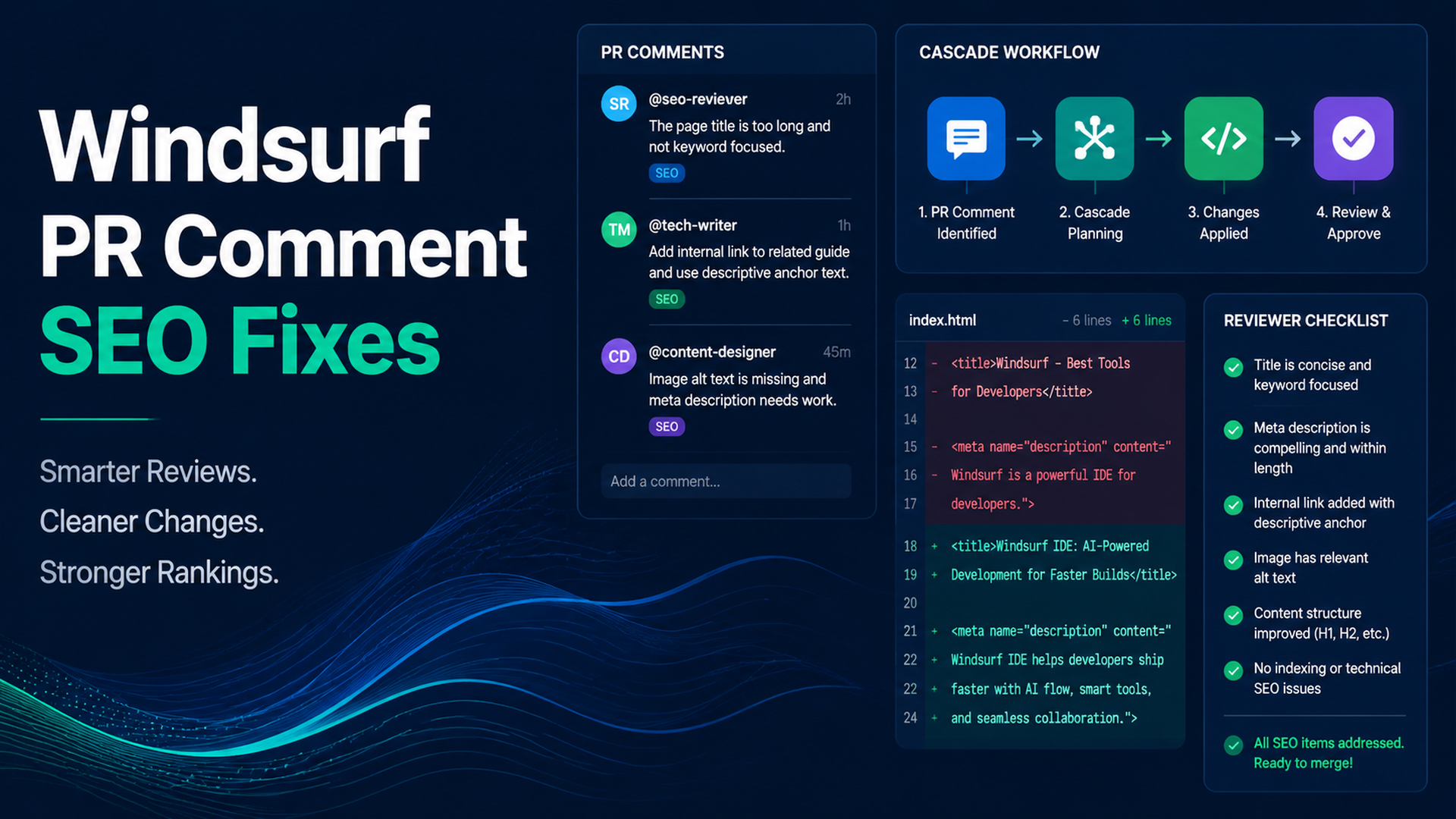
This tutorial shows how to use Windsurf to fix SEO/GEO pull request comments without letting one comment become a broad rewrite. The beginner-safe rule is simple: one PR comment, one classification, one scoped fix, one validation note.
You will create:
.windsurf/workflows/pr-seo-geo-comment-fix.md
seo-geo/pr-comments/
  unresolved.md
  fix-log.md
  validation.md
Use this for review comments about metadata, schema, internal links, content claims, indexing, templates, analytics, and page quality.
Step 1: create the workflow
mkdir -p .windsurf/workflows seo-geo/pr-comments
cat > .windsurf/workflows/pr-seo-geo-comment-fix.md <<'EOF2'
# PR SEO/GEO Comment Fix

Goal: address one approved SEO/GEO review comment without unrelated edits.

Inputs:
- PR comment text
- referenced file and line if available
- branch name
- reviewer priority

Steps:
1. Read only the selected PR comment and referenced file area.
2. Classify the issue: metadata, schema, internal link, content claim, indexing, template, analytics, localization, or page quality.
3. Decide whether it is safe to fix or requires approval.
4. Write the plan to `seo-geo/pr-comments/fix-log.md`.
5. Stop for approval if the comment touches high-risk areas.
6. Apply only the scoped fix.
7. Run available validation.
8. Write `seo-geo/pr-comments/validation.md`.
9. Draft a reviewer reply, but do not resolve the GitHub conversation automatically.

High-risk areas requiring approval:
- pricing
- legal, medical, or financial claims
- customer proof
- robots/noindex
- canonicals
- redirects
- sitemap generation
- analytics/GTM/GA4
- shared templates
- localization canonical/hreflang policy

Forbidden:
- do not edit unrelated files
- do not address multiple comments at once
- do not publish or deploy
- do not invent proof
EOF2
Step 2: capture unresolved comments
If you do not have GitHub CLI access, paste comments manually:
cat > seo-geo/pr-comments/unresolved.md <<'EOF2'
# Unresolved SEO/GEO PR Comments

## Comment 1
File: src/pages/features/reporting.astro
Reviewer: Please improve the meta description. It is too generic for the reporting automation query.

## Comment 2
File: src/lib/seo.ts
Reviewer: This canonical change may affect localized pages. Please verify before merge.
EOF2
If you use GitHub CLI, you can export PR discussion data separately, but do not paste secrets or private customer data into the workflow.
Step 3: process only one comment
Open Windsurf and run:
Run /pr-seo-geo-comment-fix for Comment 1 in `seo-geo/pr-comments/unresolved.md`.

Process only Comment 1.
Do not touch Comment 2.
Do not edit unrelated files.
First classify the comment and write the plan to `seo-geo/pr-comments/fix-log.md`.
Stop before editing.
A good plan looks like:
Comment: Comment 1
Class: metadata
Risk: low
Referenced file: src/pages/features/reporting.astro
Proposed fix: replace generic meta description with a query-specific description based on existing page content
Files to edit: src/pages/features/reporting.astro
Validation: npm run build
Approval needed: yes, before edit
Step 4: use the classification table
Comment type | Safe first action | Approval level |
|---|---|---|
Missing meta description | propose one-page edit | normal approval |
Duplicate H1 | inspect page template first | normal approval |
Invalid schema field | verify source data exists | normal approval |
Weak internal link | add relevant link only | normal approval |
Wrong canonical | diagnose affected URLs | explicit approval |
Pricing claim | mark TODO or ask business owner | explicit approval |
Fake proof | remove or mark TODO | block until source exists |
Robots/noindex | diagnose only | explicit approval |
Analytics change | do not edit in content PR | explicit approval |
Do not let Windsurf treat a canonical comment like a copy edit. Classification is the safety gate.
Step 5: approve and apply the smallest fix
After reviewing fix-log.md, approve narrowly:
Approved: fix Comment 1 only.
Allowed file:
- src/pages/features/reporting.astro

Not approved:
- schema edits
- canonical edits
- analytics edits
- shared template edits
- unrelated copy rewrites

Apply the smallest fix, run validation, and write `seo-geo/pr-comments/validation.md`.
After the edit, check:
git diff --name-only
git diff --stat
The changed files should match your approval.
Step 6: draft the PR reply
Ask Windsurf:
Draft a reply for the reviewer.
Include:
- comment addressed
- files changed
- validation run
- risks still open
- anything that still needs human review
Do not resolve the comment automatically.
Good reply:
Addressed the generic meta description in `src/pages/features/reporting.astro`. Kept the change scoped to the page file and did not touch schema/canonical helpers. Ran `npm run build` successfully. Please verify the description matches the approved positioning before resolving.
Weak reply:
Fixed SEO.
Step 7: repeat only after the first comment is done
For Comment 2, run a new workflow invocation. Do not bundle it with Comment 1.
Now run /pr-seo-geo-comment-fix for Comment 2 only. This touches canonical logic, so diagnose and stop before editing.
This prevents broad PR drift.
FAQ
Should Cascade resolve comments automatically?
No. Let it prepare the fix and summary. The human reviewer should resolve the conversation.
Can this work for content PRs?
Yes, if the workflow blocks unsupported proof and avoids broad rewrites.
What if one comment requires several files?
Ask for an explicit file list and reason. If a one-comment fix affects a shared template, treat it as high risk.
AI coding agents for SEO/GEO learning path
Windsurf track:
- Cursor vs Windsurf vs Gemini CLI for SEO/GEO Automation
- How to Build Windsurf Cascade Workflows for SEO/GEO
- How to Use Windsurf Rules and Memories for SEO/GEO Projects
- How to Turn Keyword Research into Content Briefs with Windsurf
- How to Use Windsurf to Address SEO/GEO PR Comments
- The SEO/GEO Operating Model for Cursor, Windsurf, Gemini CLI, Codex, and Claude Code
Sources and notes
- Windsurf/Devin Desktop documentation: Cascade Workflows, plus the Devin Desktop navigation for Cascade, Memories & Rules, Skills, AGENTS.md, Worktrees, MCP, and Cascade Hooks.
- Related Auspia guide: Cursor vs Windsurf vs Gemini CLI for SEO/GEO Automation.
Author: Tessa Clarke, Content Governance Lead for 120+ Editorial Systems at Auspia. Tessa writes about review systems, publishing standards, and safe AI-assisted content operations.


