


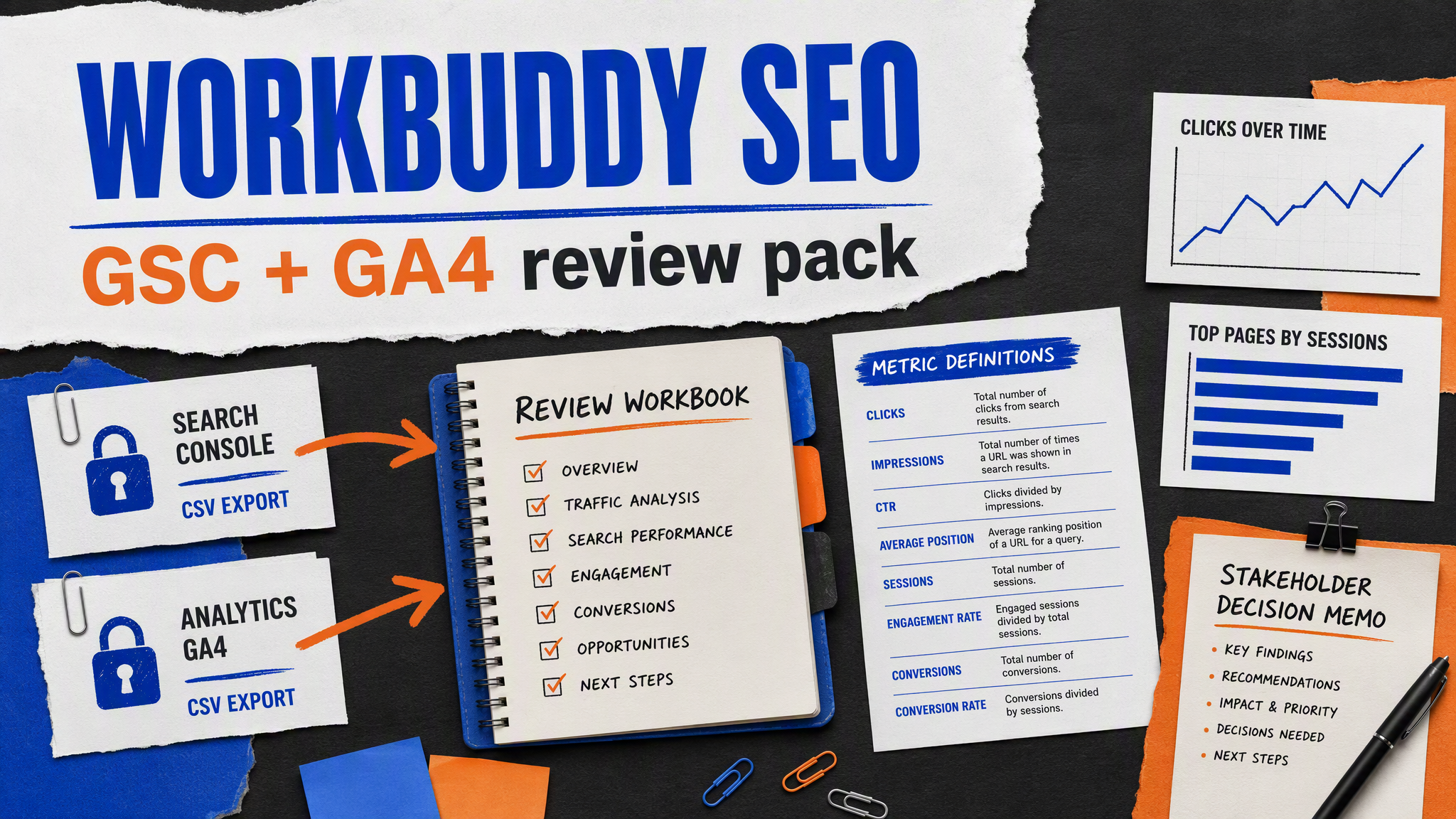
Tencent WorkBuddy is a general AI office workbench. That makes it a good fit for a familiar SEO problem: two exports, a meeting next week, and no one who wants to hand-build the workbook. Its job is to prepare a review pack that shows where data came from, what each metric means, and what decision needs a human owner. It is not a rank tracker, a crawler, or a substitute for Google Search Console (GSC) or Google Analytics 4 (GA4).
The finished pack should help a team decide what to investigate. It should not pretend to prove why traffic moved.
The deliverable, before the task
Write the acceptance criteria before you upload a file. This is the part most teams skip, then regret when a beautiful chart answers the wrong question.
Deliverable | Must contain | Must not contain |
|---|---|---|
Source workbook | Untouched GSC and GA4 source tabs, retrieval date, and owner | Invented or silently replaced rows |
Definitions sheet | Date range, timezone, dimensions, filters, and metric definitions | A merged metric called "SEO traffic" with no definition |
Review table | Page key, source-specific metrics, observation, and next check | A causal conclusion from a single movement |
Meeting memo | The decision, owner, deadline, and missing evidence | A list of generic recommendations |
Definition of done: another person can trace every chart back to an export and can tell which numbers came from GSC versus GA4.
Prepare an input folder with labels people can understand
Export GSC and GA4 separately. Name the files with their source and date range. For example:
seo-review-july/
  source/
    gsc-pages-2026-06-01-to-2026-06-28.csv
    ga4-landing-pages-2026-06-01-to-2026-06-28.csv
  brief/
    review-question.md
  output/
The GSC export should state the property, date range, dimensions, filters, and whether it is page-only or page-plus-query data. The GA4 export should state the property, timezone, date range, landing-page dimension, and exact metrics. "Conversions" is too vague. Use the key event or event name your team actually reviews.
Write one review question in brief/review-question.md:
# July review question

Which landing pages need a content, technical, or conversion-path investigation?

Use GSC clicks, impressions, CTR, and average position as search-performance
observations. Use GA4 sessions, engaged sessions, and `generate_lead` events as
site-behavior observations. Do not add them together or call their difference a
tracking error without more evidence.
Ask WorkBuddy to build the pack, not make the decision
WorkBuddy's public documentation describes task creation, file processing, data analysis, visualization, document generation, and skills. Use that delivery model for a bounded office artifact.
Create one task and attach the input folder. Use this request:
Create an SEO review pack from the attached authorized exports.

Deliver a workbook and a one-page meeting memo in `output/`.

Requirements:
- preserve a read-only copy of each source tab;
- add a definitions sheet for source, date range, property scope, timezone,
  dimensions, filters, URL-normalization rule, and metric meaning;
- create a page observation table without merging GSC clicks and GA4 sessions;
- flag missing URLs, inconsistent URL forms, thresholding, sampling, or rows
  that cannot be matched;
- make no claims about rankings, index status, tracking failure, or causation
  unless the source directly establishes them;
- write three to five decision questions with an owner and next evidence check.

Do not change analytics settings, access private accounts beyond the attached
files, publish content, submit URLs, or use data that is not supplied.
Expected output: a workbook with a source trail and a memo that asks sensible questions. If WorkBuddy produces a conclusion like "page X lost traffic because its title is weak," send it back. The exports may show a change. They do not establish the cause.
Keep GSC and GA4 in their own lanes
This distinction is unglamorous. It also prevents a lot of bad SEO reporting.
Source | What it can help you observe | Common reporting mistake |
|---|---|---|
GSC | Search clicks, impressions, CTR, and average position for the report's dimensions and date range | Calling average position a fixed rank or treating an export as a current index check |
GA4 | Sessions, engagement, and configured events after users arrive on the site | Treating a session as the same event as a Google search click |
Both together | Pages that deserve a closer review | Adding unlike metrics into one score and calling it performance |
You may normalize URL paths to make a comparison table, but log the rule. A trailing slash, hostname difference, locale prefix, or query parameter can matter. Keep unmatched rows visible. Quietly dropping them makes the pack look cleaner and less trustworthy.
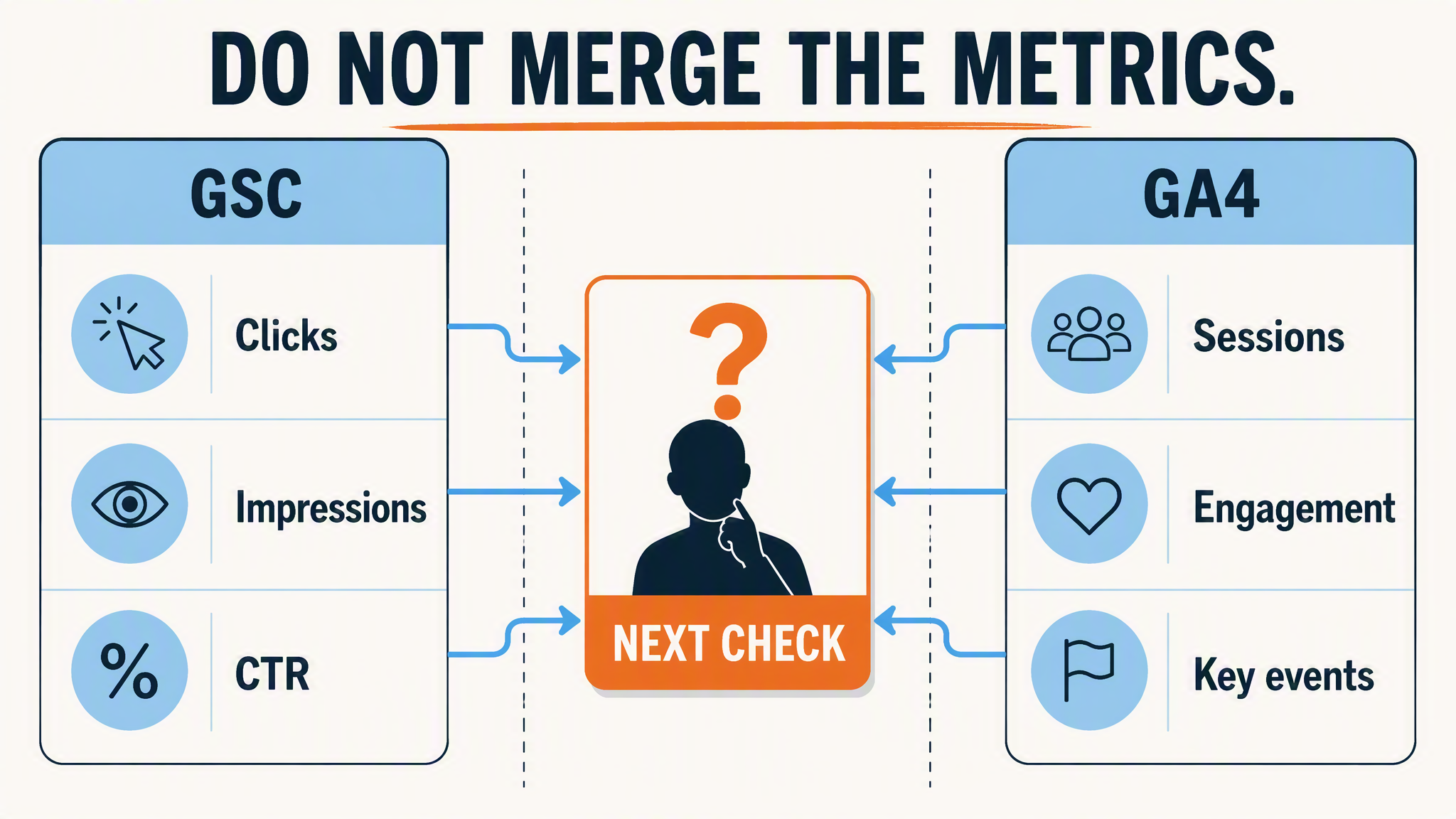
The two exports can inform one meeting without becoming one made-up metric.
Use an acceptance check before the meeting
Before you circulate the files, inspect five random rows across every sheet.
- Does the source tab match the uploaded export?
- Does every chart name its metric and date range?
- Can you tell whether a row came from GSC, GA4, or a controlled match?
- Are unmatched URLs still visible?
- Does every recommendation ask for a next check instead of asserting a cause?
Here is a useful memo format:
## Decision 1: investigate `/pricing/`

Observation: GSC impressions rose in the supplied range while the matching GA4
landing-page row did not show a similar session change.

What this does not prove: a tracking problem, a ranking change, or a conversion
problem.

Owner: analytics and SEO.
Next evidence: confirm URL normalization, compare another complete date range,
and inspect the page's query mix before proposing an edit.
The memo has done its job when it sends the right person to the next evidence source. It does not need to look certain.
What to do if the task output is messy
Problem | Recovery action |
|---|---|
GSC and GA4 columns are merged | Ask for two source-specific metric blocks and a separate matching column |
URL match rate is low | Stop; document hostname, locale, slash, and query rules before matching again |
A chart lacks its scope | Add title, source, dates, dimensions, filters, and metric definition before using it |
The memo claims a cause | Rewrite it as an observation, limitation, and next evidence check |
Source rows changed | Restore the originals and work from a copy |
Google's Search Analytics query reference and GA4 Data API overview describe reporting systems with their own dimensions and limits. The safest reporting habit is to preserve that distinction in the workbook.
Your first monthly review
Keep the first meeting small: one reviewer from SEO, one person who understands the GA4 property, and the owner of the pages under discussion. Pick no more than five decision questions. Record what the team decided, what evidence was missing, and when the same table will be reviewed again.
The operational win is modest but real. Instead of a pile of exports and an AI-written summary, you have a packet that makes its evidence and uncertainty visible.
FAQ
Can WorkBuddy pull GSC and GA4 directly?
Do not assume that. Start with exports you are authorized to use. If a future approved connector is available in your account, confirm its permissions and data scope before using it. A connection should be read-only unless your team explicitly needs more.
Why do GSC clicks and GA4 sessions not match?
They are measured by different systems and represent different events. Differences can come from reporting scope, consent, timing, URL handling, users, or measurement configuration. Treat a difference as a question to investigate, not a defect to declare.
Can this pack tell us which page to rewrite?
It can help prioritise a review. The page owner still needs to check query intent, page purpose, rendered content, technical state, and business context before approving a change.
Author: Leo Harrington, SEO Analytics Translator for 500+ Executive Reports at Auspia. Leo writes about reporting systems that make decisions clearer without overstating what a metric proves.


