Grok Bot templates turn a Bot into something you can share and install with a link. That is genuinely useful: you can pick up a working SEO or GEO setup instead of building from scratch.
It is also the fastest way to inherit someone else's assumptions. A template carries skills, memory, and plugin connections. Install it without reading it and you have handed an unknown configuration access to your tools.
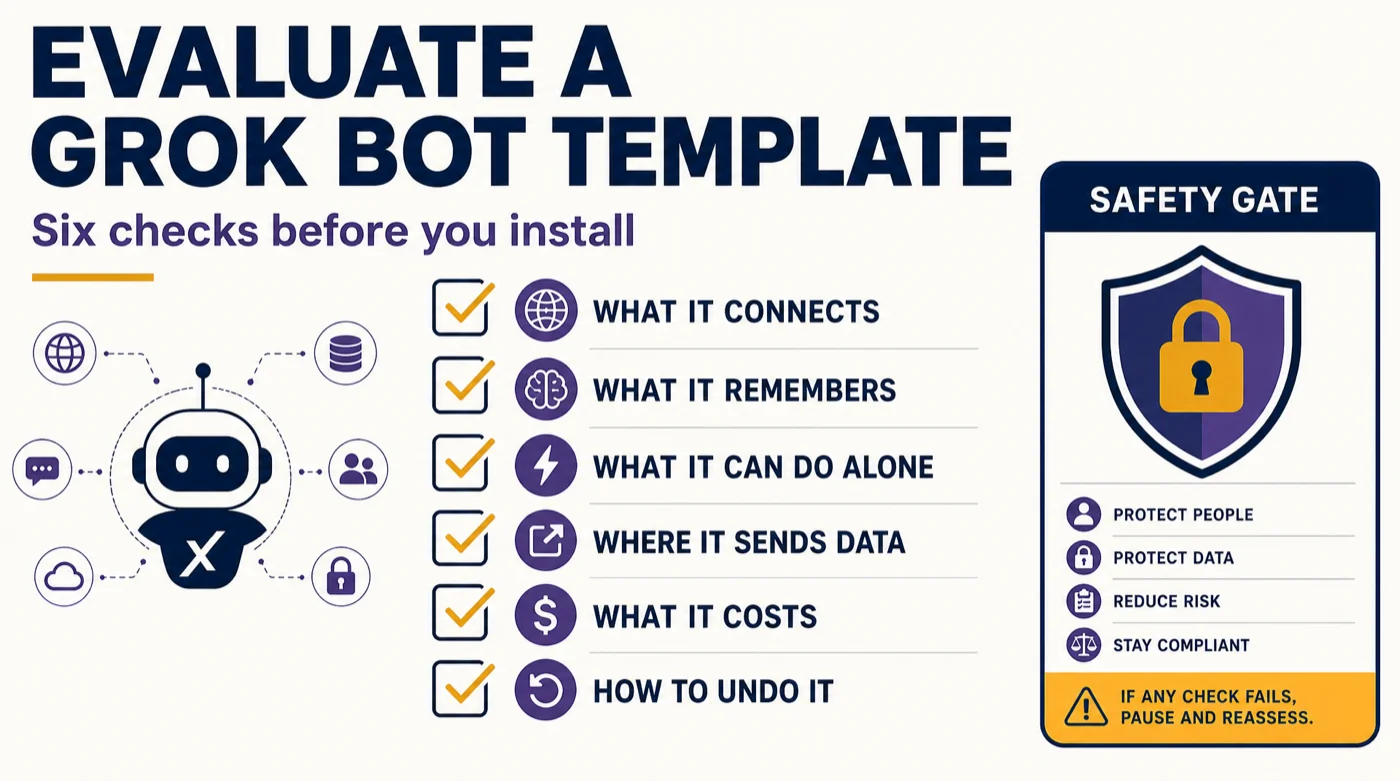
This is a short evaluation guide. Six checks, run in order, before you install anything.
What a template actually is
The official documentation is specific about this, and the distinction matters: a template is a recipe, not a clone. It packages a Bot's skills, memory, and plugins so another person can start their own copy. It does not include custom code or scripts, and it does not include non-standard plugins such as MCP servers.
That last point is the reassuring part. A template cannot silently install a custom script on your machine. What it can do is come pre-configured to connect to tools, hold context, and act with a level of autonomy you did not choose.
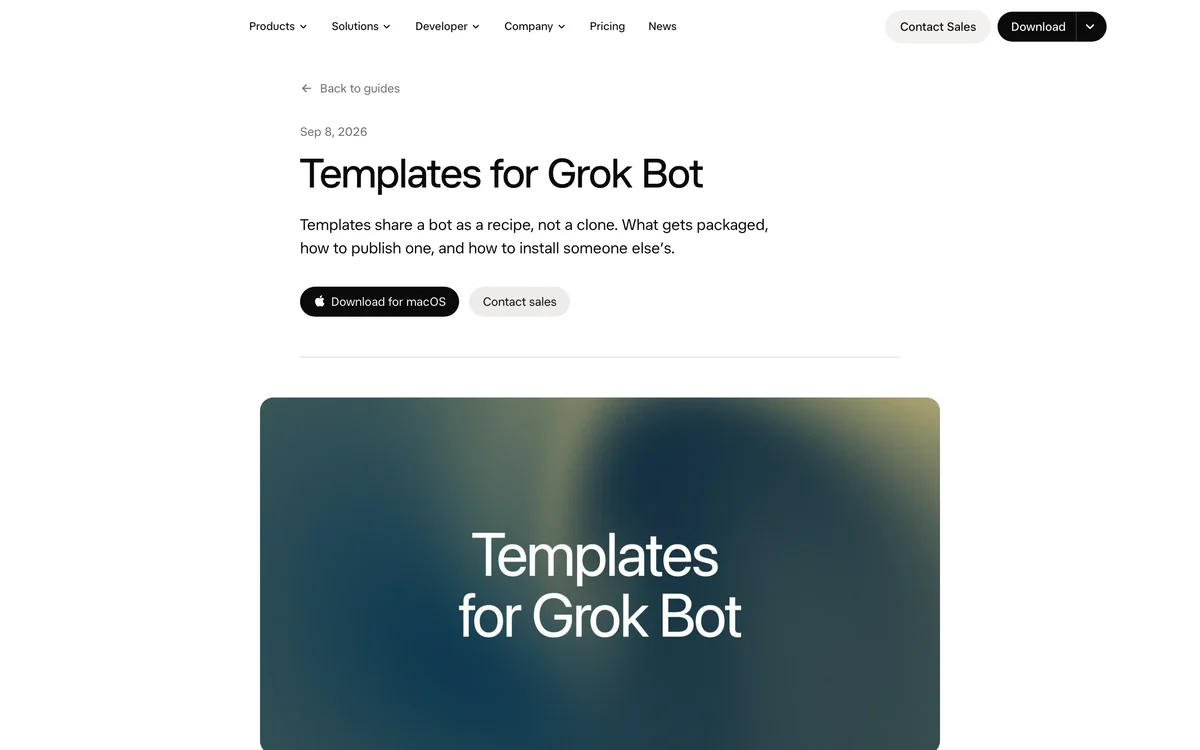
The official templates guide explains that a template is a recipe, not a clone. Source: x.ai/bot/guides/templates-for-grok-bot, captured September 24, 2026.
Check 1: What does it connect to?
Open the template's details and list every connection it expects. Then ask whether you would give that connection to a new contractor.
Before installing, list:
- Every app or service the template connects to
- Whether each connection is read-only or read-write
- Whether any connection involves customer data, payment data, or credentials
Red flag: a template that wants write access to a live system before you have seen it work.
What to do: install it with read-only connections first. Add write access only after you have verified the output.
Check 2: What does it remember?
Each Bot has its own memory, and memory persists across sessions. A template can come with pre-filled context that shapes how the Bot behaves.
After installing, ask the Bot:
"List everything currently in your memory and context.
Do not summarize. Show me the actual stored items."
Red flag: memory that contains instructions you did not write and cannot explain.
What to do: clear anything you do not understand. A Bot carrying someone else's assumptions will make decisions you cannot predict.
Check 3: What can it do without asking?
This is the check that matters most. A template arrives with an autonomy level baked in.
Ask the Bot:
"List every action you are permitted to take without asking me first.
For each one, say whether it is reversible."
Red flag: anything that publishes, sends, spends, or deletes without approval.
What to do: rewrite the boundary section before you run it. The rule is reversibility. A Bot may act alone on reversible changes and must ask on everything else.
Check 4: Where does the data go?
Because all your Bots share one cloud machine, anything on that machine is reachable by every Bot you run. A template that pulls customer or revenue data onto the machine widens what every other Bot can see.
Ask before running:
"Which files or data sources will you read, and where will you write output?
List the exact paths."
Red flag: a template that writes to a shared path you also use for something sensitive.
What to do: give each template its own output directory. Keep customer and payment data out of the shared machine unless the Bot genuinely needs it.
Check 5: What does it cost to run?
Agent work is metered by steps and tokens, not messages. A template with a broad trigger can burn a week's allowance quickly.
Ask:
"How many steps does one full run take?
How often is this designed to run?
What happens if it hits a limit mid-run?"
Red flag: a template that runs on every new message or every file change. Broad triggers eat usage.
What to do: scope the trigger to one channel, one keyword, or one schedule. Run it manually once and measure the cost before you enable a routine.
Check 6: How do you undo it?
Before you install, decide how you will remove it.
Write down:
- How to disable the Bot
- How to revoke each connection
- How to delete the memory and output files
- Who owns this Bot on the team
Red flag: no clear owner. An unowned Bot keeps running and keeps costing.
What to do: assign one owner per Bot and put a review date on it. Bots that no longer earn their place should be parked, not left running.
The evaluation scorecard
Check | Pass condition | Fail action |
|---|---|---|
Connections | Read-only to start | Install with read access only |
Memory | You can explain every item | Clear unexplained context |
Autonomy | Asks before irreversible actions | Rewrite the boundaries |
Data flow | Isolated output path | Change the output directory |
Cost | Known steps per run, narrow trigger | Scope the trigger before enabling |
Rollback | Clear owner and removal steps | Do not install until you have one |
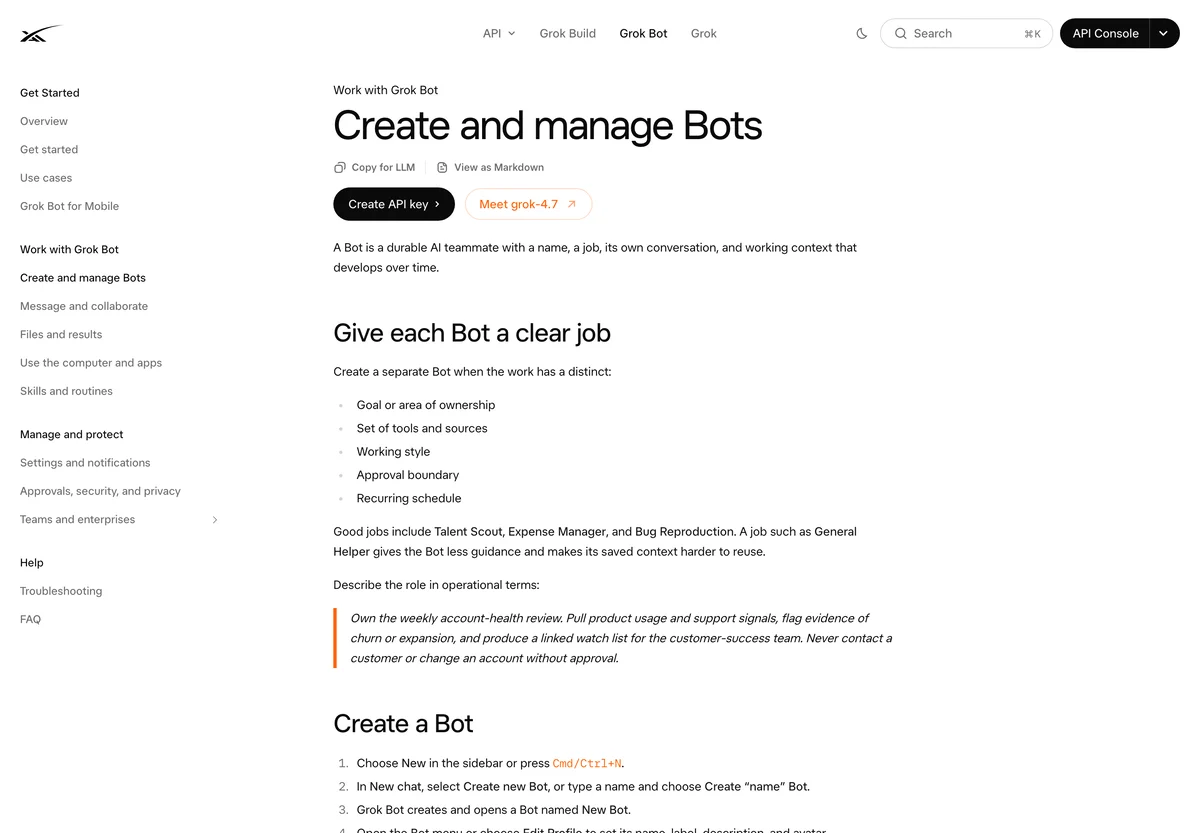
Review a Bot's configuration and memory before you let it run on real data. Source: docs.x.ai/grok-bot/bots, captured September 23, 2026.
How to adapt a template for SEO or GEO work
Once a template passes the six checks, adapt it rather than running it as-is. Three changes make almost any SEO or GEO template safer and more useful.
Rewrite the thresholds for your site. A template's "flag titles over 60 characters" may not match your template system. Replace every threshold with one that fits your site.
Add your exceptions. The template author's exceptions are for their site. Add yours: your tag archives, your intentional noindex pages, your legal pages.
Replace the output format with your evidence format. If your team uses a specific decision format, make the template produce it. A Bot that outputs in your format gets used; one that outputs in its own format gets ignored.
If you want a starting point for the rewrite, the skills framework in this series gives you a fill-in template built on thresholds, exceptions, and proof.
Verification checklist
- [ ] You listed every connection before installing.
- [ ] You inspected the Bot's memory and cleared anything unexplained.
- [ ] You confirmed it asks before irreversible actions.
- [ ] You gave it an isolated output directory.
- [ ] You measured the cost of one manual run.
- [ ] You wrote down how to remove it.
- [ ] One person owns the Bot and has a review date.
- [ ] You rewrote the thresholds and exceptions for your own site.
Common mistakes
Installing with write access. Start read-only. Add write access only after you have verified the output twice.
Trusting the memory. A template can carry context you did not write. Inspect it and clear what you cannot explain.
Leaving the trigger broad. A Bot that runs on every message burns your weekly allowance. Scope the trigger.
Skipping the owner. An unowned Bot runs forever and nobody reviews it.
Running it as-is. A template is a starting point. Rewrite the thresholds, exceptions, and output format for your own site.
FAQ
Are templates safe? They cannot include custom code or non-standard plugins, which removes the worst risk. They can still come pre-configured with connections and autonomy you did not choose, so review before installing.
Can a template see my other Bots' data? Yes, indirectly. All your Bots share one cloud machine, so anything on that machine is reachable. Keep sensitive data out of shared paths.
Should I use someone else's SEO template? Use it as a starting point, not a finished system. The structure is usually the valuable part; the thresholds and exceptions are almost always wrong for your site.
How do I know if a template is worth keeping? Give it a review date. If it has not produced a decision you acted on in 30 days, park it.
What is the single most important check? Autonomy. A template that can publish, send, or spend without asking is the one that can hurt you.
Author: Alice Monroe, AI SEO Tools Analyst Covering 150+ Tools at Auspia. Alice writes about AI SEO tooling, software workflows, and how to evaluate new tools before they reach production.