Most Grok Bot skills that fail in production fail for the same reason: they describe a task instead of a decision. "Audit the site and report issues" is a task. It does not tell the Bot when something is a problem, when it is not, or how to prove it looked.
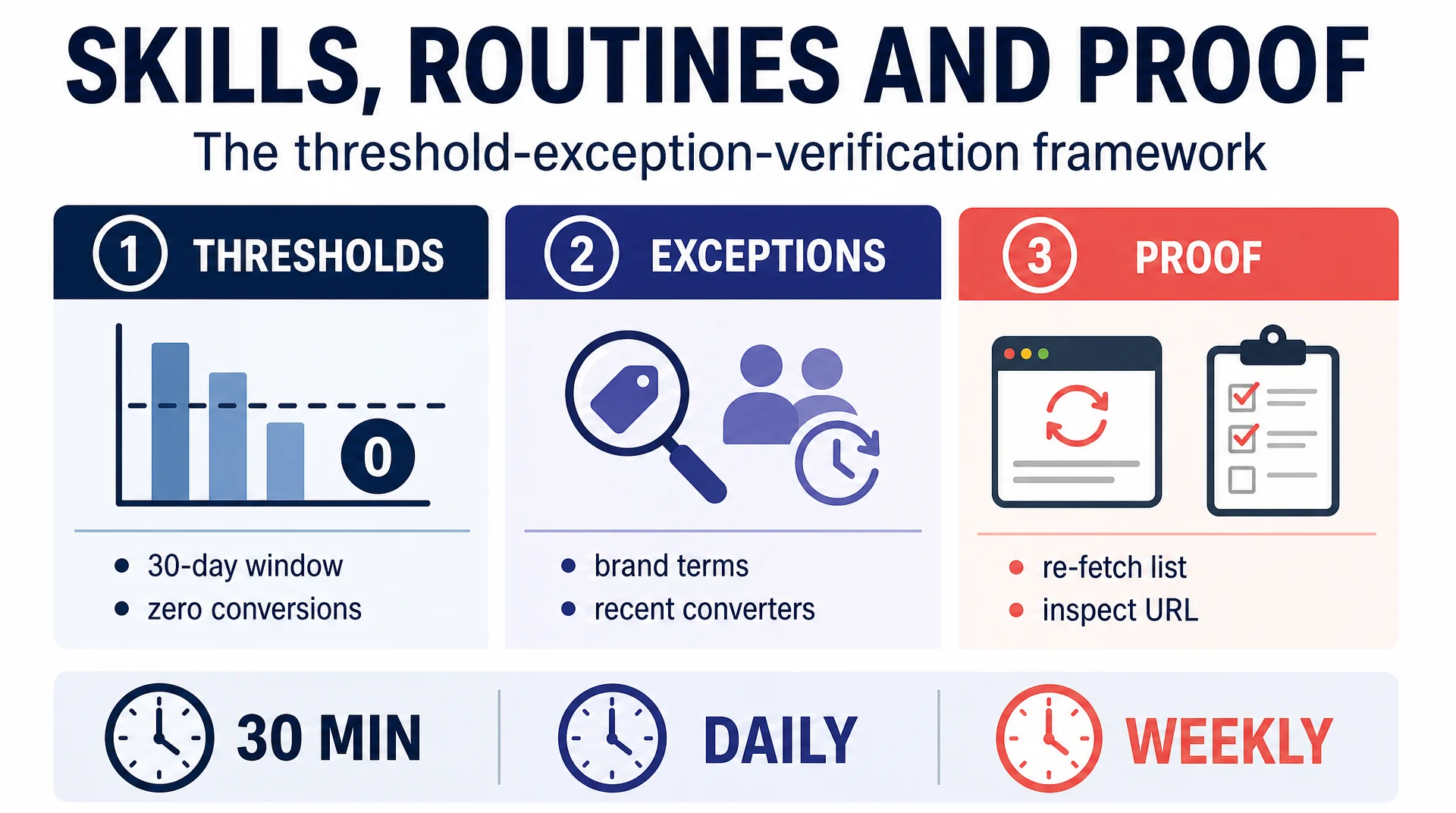
The fix is a three-part skill structure (thresholds, exceptions, and proof) plus a routine that decides when it runs. This article gives you the template, the reasoning behind each part, and the approval gates that keep the whole thing safe.
The core idea
A skill is a saved procedure. A routine is a schedule. Together they turn a one-off prompt into a repeatable asset.
The part people get wrong is the skill's content. A useful skill answers three questions before it answers "what should I do":
Part | Question it answers | What happens without it |
|---|---|---|
Threshold | When is this a problem? | The Bot flags everything or nothing |
Exception | When is this not a problem? | The Bot flags your deliberate choices |
Proof | How do I know it looked? | You cannot audit the output |
Everything else, including the steps, the output format, and the boundaries, sits on top of those three.
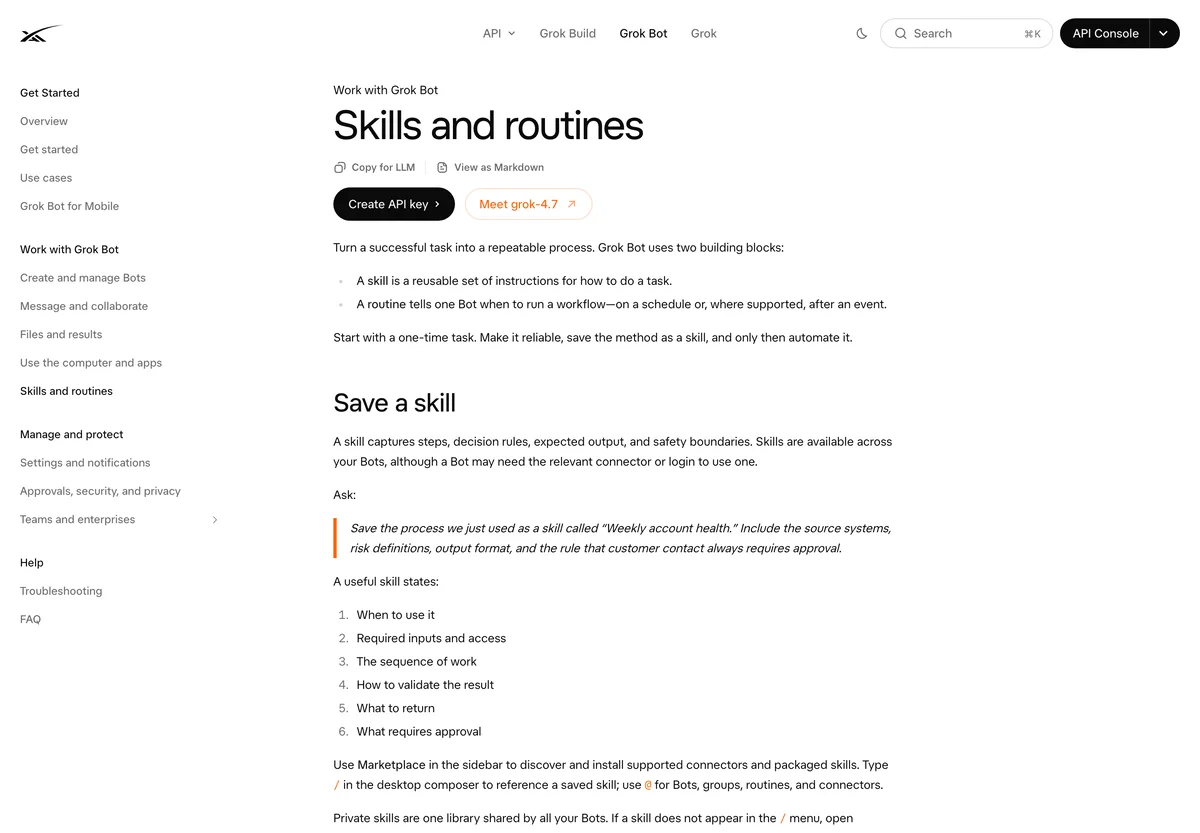
A skill is the saved procedure; a routine is the trigger. Source: docs.x.ai/grok-bot/skills-routines-and-automations, captured September 23, 2026.
Thresholds: turn judgment into a number
A threshold converts a vague instruction into a checkable rule. Compare these two:
Weak: "Flag pages with titles that are too long."
Strong: "Flag a title as too long above 60 characters. Report the exact character count."
The second version is auditable. You can open the page, count the characters, and confirm the Bot was right. The first version depends on what the Bot decided "too long" meant that morning.
Thresholds are not only about length. They can be counts, dates, ratios, or spend levels. A few that work well for SEO and GEO work:
Job | Threshold example |
|---|---|
Negative keyword review | 30-day window, $20 spend, zero conversions |
Meta ad pause | 72 hours elapsed, 3x target CPA, zero signups |
Title audit | Over 60 characters |
Meta description audit | Over 160 characters |
Orphan page check | Zero inbound internal links |
GEO visibility | Brand absent from all tracked surfaces for two consecutive weeks |
Write the threshold as a number, a unit, and a comparison. "Over 60 characters" is a threshold. "Too long" is an opinion.
Exceptions: protect your deliberate choices
Every site has things that look like problems and are not. Tag archives, paginated URLs, intentionally noindexed pages, staging subdomains, and legal pages all generate false positives if you do not exclude them.
The exceptions section is where you list them, and it is the section most people skip. Skipping it is why a Bot that looked brilliant in a demo becomes noise in week two.
EXCEPTIONS
- Ignore /tag/ and /author/ archives.
- Ignore paginated URLs.
- Ignore pages with an intentional noindex; ask before flagging.
- Ignore /legal/ and /privacy/ pages.
- Do not flag a missing canonical on a page that is already noindex.
Two rules for writing exceptions:
- Be specific about the pattern. "Ignore archives" is vague. "Ignore /tag/ and /author/ archives" is checkable.
- Say what to do instead of flagging. "Ask before flagging" is better than "ignore," because sometimes the exception is wrong and you want to know.
Proof: make the output auditable
The proof rule is what separates a report you can trust from a report you have to redo. It says how the Bot must demonstrate that it actually looked.
A good proof rule has three properties:
- It requires a specific value. Not "the title is long" but "the title is 74 characters."
- It requires a locator. A URL, a file path, a row, a timestamp.
- It forbids inference. The Bot must not conclude something it did not observe.
PROOF
- For every finding, include the exact URL and the exact value observed.
- Re-fetch the source list before reporting; do not rely on a cached count.
- Do not report a finding you cannot point to a URL for.
- If a source is inaccessible, record "not accessible". Never estimate.
That last line matters more than it looks. An agent under pressure to fill a report will sometimes produce a plausible number instead of an honest gap. An explicit "never estimate" rule is what prevents it.
The fill-in template
Here is the full structure. Copy it, replace the bracketed parts, and save it as a skill.
ROLE
[One sentence. What is this Bot responsible for?]

SCOPE
- [What is in scope]
- [What is explicitly out of scope]
- No publishing, sending, spending, or deploying without approval.

INPUTS
- [Source 1, with an exact path or URL]
- [Source 2, with an exact path or URL]

WHAT TO CHECK
1. [Check 1]
2. [Check 2]
3. [Check 3]

THRESHOLDS
- Flag [thing] when [number + unit + comparison].

EXCEPTIONS
- Ignore [specific pattern].
- Ask before flagging [ambiguous case].

PROOF
- Include the exact locator and the exact observed value for every finding.
- Re-fetch the source before reporting.
- Never estimate or infer. Record "not accessible" instead.

OUTPUT
[Exact format. A table with named columns is usually best.]

BOUNDARIES
- Read-only unless explicitly stated.
- Stop and ask when a step needs a permission you do not have.
Routines: choose the cadence by cost of delay
A routine decides when the skill runs. The right cadence depends on how expensive it is to be late, not on how often you would like an update.
Cadence | Use when | Example |
|---|---|---|
Every 30 minutes | Delay costs money right now | Spend anomalies, broken checkout |
Daily | A slow leak accumulates | Index coverage drops, new 404s |
Weekly | A trend needs a week to form | GEO visibility, ranking movement |
Monthly | A structural review | Site architecture, content decay |
Running a weekly job daily does not make it better. It makes the log noisier and the Bot more expensive to run. Match the cadence to the cost of delay.
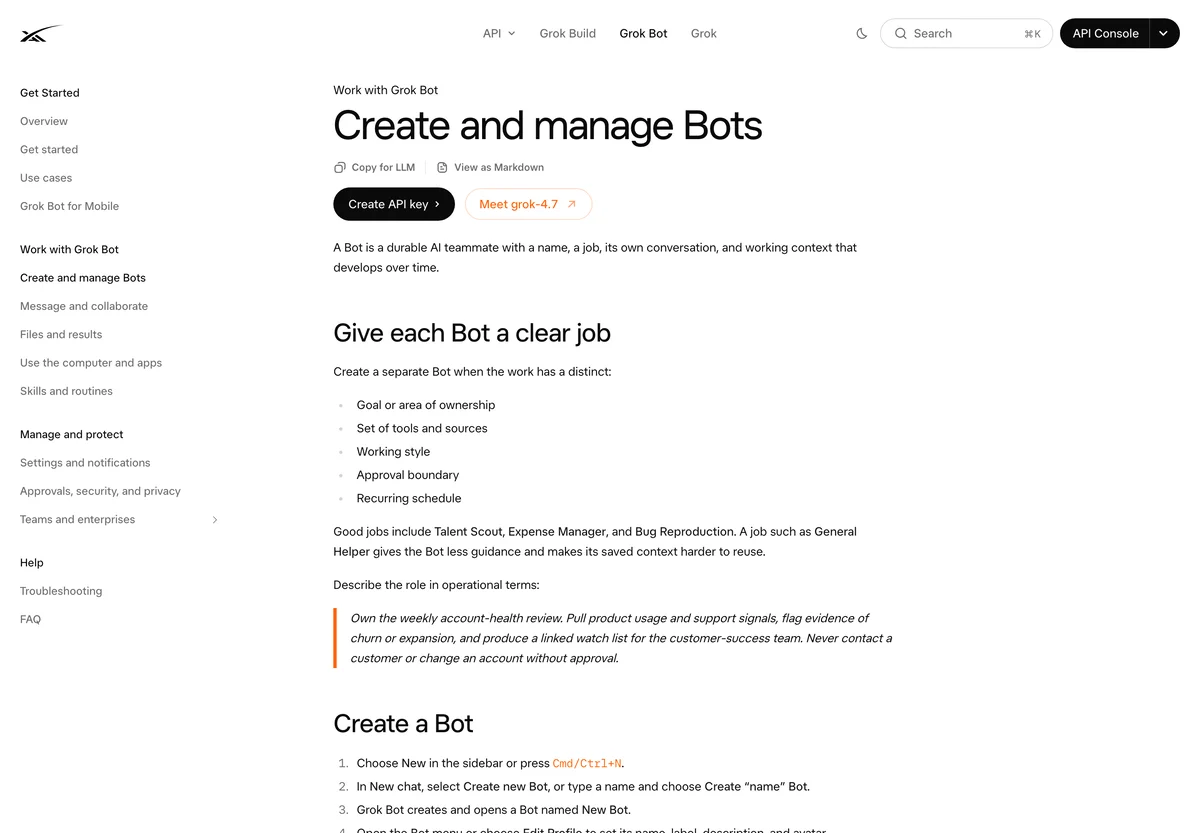
Routines are attached to a Bot, which can own up to 50 of them. Source: docs.x.ai/grok-bot/bots, captured September 23, 2026.
The approval gate: what the Bot may do alone
The single most important safety decision is which actions the Bot may take without asking. The useful rule is reversibility, not importance.
A change is safe to automate if you can undo it in one step and it costs nothing to be wrong. A change needs approval if it is hard to undo, visible to customers, or spends money.
Action | Reversible? | Automate? |
|---|---|---|
Add a negative keyword at low spend | Yes | Yes |
Re-submit a sitemap | Yes | Yes |
Fix a missing title on a page with no rankings | Yes | Yes |
Pause a campaign that spent over $1,000 last week | Partly | No, ask first |
Change conversion tracking | No | No, ask first |
Edit a money page | Partly | No, ask first |
Publish or send anything | No | No, ask first |
Write this table into the skill. A Bot that knows its own limits needs fewer corrections than one that has to be told each time.
Log every change with its proof
The last piece is the record. Every change the Bot makes should be written to a shared log with what changed, when, and the evidence that justified it.
CHANGE LOG
Append one row to /ops/change-log.csv for every action:
date, bot, action, target, threshold_met, proof, reversible
This is what makes the whole system reviewable. When someone asks why a page title changed, the log has the answer and the evidence. Without it, you have an agent making changes you cannot reconstruct.
Verification checklist
- [ ] Every check has a numeric threshold.
- [ ] Every known false positive is in the exceptions list.
- [ ] The proof rule requires a locator and an exact value.
- [ ] The proof rule explicitly forbids estimation.
- [ ] The routine cadence matches the cost of delay.
- [ ] The approval table is written into the skill.
- [ ] Every change is logged with its proof.
- [ ] The Bot ran read-only for at least two weeks before any write access.
Common mistakes
Writing a task, not a decision. "Audit the site" is not a skill. "Flag titles over 60 characters, excluding tag archives, with the exact count" is.
Skipping exceptions. This is the number one cause of noisy output. Budget as much time for exceptions as for checks.
Letting the Bot estimate. An agent that fills gaps with plausible numbers is worse than one that reports a gap. Forbid estimation explicitly.
Running everything daily. Match cadence to the cost of delay. Most SEO jobs are weekly.
Automating irreversible actions. Publishing, sending, spending, and deploying stay behind a human gate.
FAQ
How long should a skill be? Short enough to read in two minutes. If it is longer than a page, split it into two Bots.
Can one Bot have several skills? Yes, but keep the Bot's overall job narrow. Several skills for the same job is fine; several jobs in one Bot is not.
How many routines can a Bot have? The documentation states a Bot can own up to 50 routines. In practice, keep it to a handful so you can actually review them.
What if the Bot keeps ignoring the exceptions? Restate the exceptions as hard rules at the top of the skill and re-run. If it still ignores them, the skill is too long and the Bot is losing the thread.
Does this framework only work for Grok Bot? No. Thresholds, exceptions, and proof work for any agent that runs a repeatable procedure, including Codex, Claude Code, and a scheduled script.
Author: Camille Rhodes, Architect of 300+ AI Content Workflows at Auspia. Camille writes about AI-assisted content workflows, automation, publishing systems, and the editorial controls that keep automated output trustworthy.