


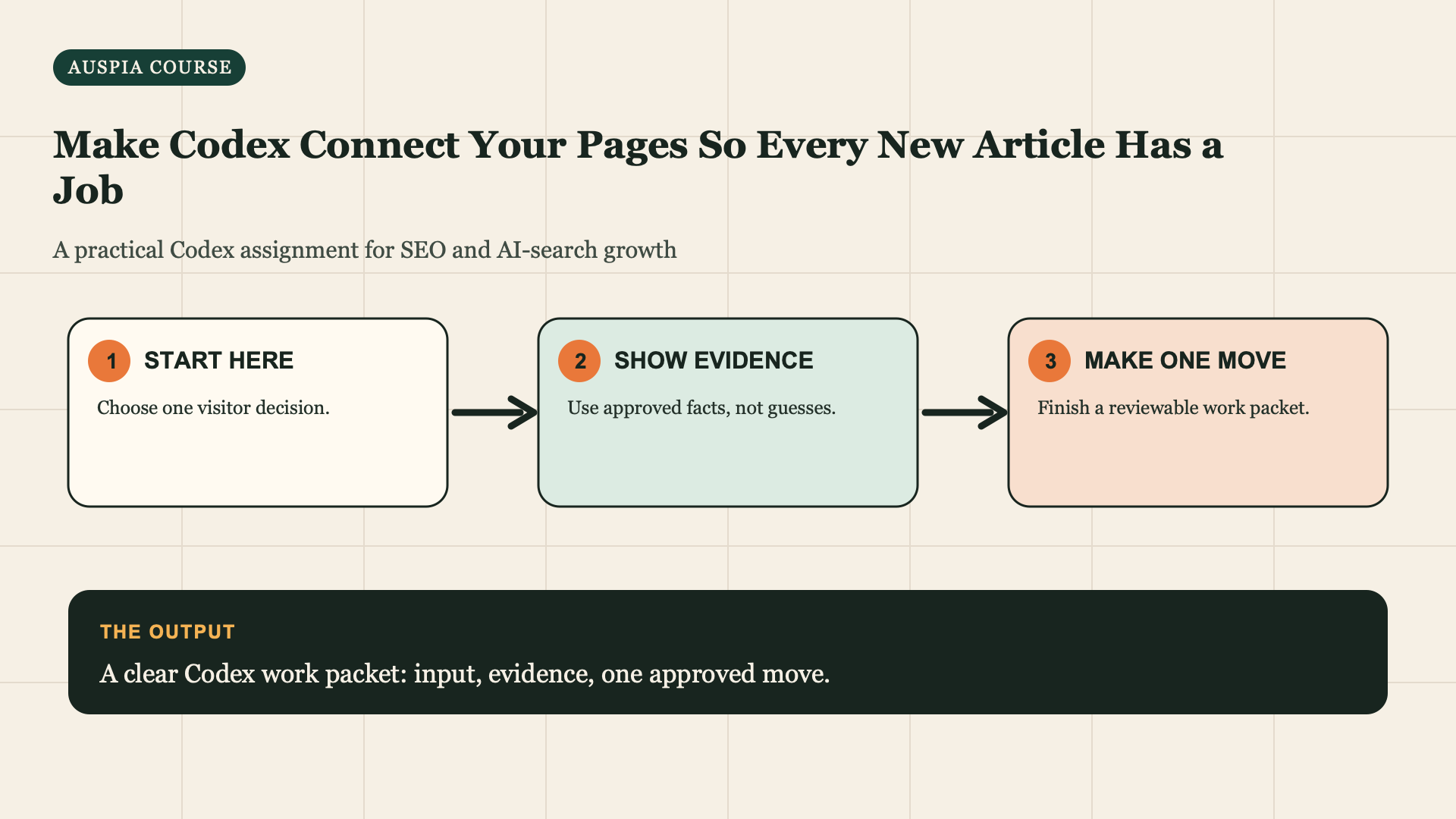
A page should lead somewhere useful
Your first traffic page needs a job beyond earning a click: help a reader continue, compare, convert, or verify. Internal links create that route.
Definition of done: A small topic map and an approved list of contextual links to add, remove, or create later.
Allow 45 minutes. Bring five to fifteen related URLs or drafts, the Traffic Mission, and the First Traffic Page Handoff. Start with one customer problem, not your whole domain.
Give Codex your page inventory
Read my Traffic Mission, First Traffic Page, and these URLs or local files:
[list]. Create a Topic System Map with: each page's visitor job; the hub or
conversion page; 3-8 contextual link proposals; suggested anchor meaning;
and any orphan/duplicate warning. Link only where the destination helps the
reader's next decision. Do not edit, add links, or invent pages.
Make a small inventory first
You do not need a crawler for the first topic system. Make a table with five to fifteen relevant pages or drafts:
url_or_draft,title,current_visitor_job,primary_question,next_action,confirmedFor a new site, use planned URLs. For an existing site, start with one topic, not the whole domain. The aim is to connect a useful reader journey before automating anything site-wide.
Build an inventory that exposes the reader journey
For the bookkeeping example, the first inventory might have only four rows:
URL or draft | Current job | Primary question | Next action | Evidence status |
|---|---|---|---|---|
| Help a designer prepare records | What should I gather? | Check service fit | Approved draft |
| Explain monthly service fit | Is this service for me? | Book discovery call | Existing page, needs review |
| Reduce uncertainty about onboarding | What happens after contact? | Book or return to service page | Planned page |
| Let the qualified visitor act | How do I get a reply? | Send form | Needs owner confirmation |
This is already a topic system. You do not need a hundred URLs. Each row has a different decision, and each decision gives the next link a reason to exist.
Give every link a reader reason
Each proposal must answer: where does the source reader need more help; what decision does the destination help with; what wording describes it honestly; and what happens after they arrive?
For each proposed internal link, show the source sentence before the link, the
proposed linked phrase, destination URL/draft, reader reason, and a risk note
if the link could feel forced. Reject links without a clear reader reason.
Good: a deadline checklist links to a bookkeeping service page after explaining when professional help is useful. Bad: every page links to every page with keyword-heavy anchors.
Inspect a proposal in context
A link proposal must include the whole source sentence. Compare these:
Weak source: Learn more about bookkeeping for designers.
Weak anchor: bookkeeping for designers.
Reason: SEO internal link.Useful source: If the records in this checklist are already piling up each
month, review what monthly bookkeeping for freelance designers includes before
you decide whether a discovery call is worthwhile.
Useful anchor: what monthly bookkeeping for freelance designers includes.
Reason: The reader has reached the point where the service-fit page helps with
the next decision.The second version does not exist to push a keyword. It tells a reader why the destination is relevant now.
If Codex proposes a generic footer-like link list, use this repair prompt:
Reject every proposal without a source sentence, a reader decision, and a
destination that resolves that decision. Keep no more than eight links in this
topic map. Do not reuse the same anchor text or recommend sitewide insertion.
Approve links by reader need
For each proposal ask: would a reader who just finished this section genuinely want that next page? If not, reject it. Then ask Codex for a reviewable page diff, not a site-wide automated link insertion.
Apply links one page at a time. Do not run a script that adds the same anchor across the site. If the map reveals a missing job, record it as missing proof or missing decision page; do not automatically create it.
Create a reviewable link sheet
After you approve the map, ask Codex for a small change sheet:
Read the approved Topic System Map. For each approved link, provide the source
URL or file, the current source sentence, proposed revised sentence, anchor
text, destination, reader reason, and a check for whether the destination is
live. Do not edit files, insert links, change navigation, create pages, or
publish anything.
Review one source page at a time. Open the destination as a reader would. If it does not answer the implied next question, reject the link. If the destination does not exist, leave the source sentence unlinked and record the missing page as a future decision, not an empty URL.
Troubleshoot common map failures
Everything points to the homepage. The inventory probably lacks a clear service, product, or decision page. Add the missing job before forcing links.
Every article links to every article. Ask which link a reader would choose after each specific section. Keep that one; remove the rest.
The same anchor repeats everywhere. Rewrite the sentence around the reader's reason for clicking. Natural variation comes from different contexts, not synonym spinning.
Turn the map into a small reader path
Draw the first version with arrows before you request any edits:
Checklist question
  -> service-fit page when the reader needs help
  -> how-it-works page when the reader needs process detail
  -> contact page only when they are ready to act
The arrows describe reader choices, not site hierarchy. A reader on the service-fit page may need to return to the checklist if they are not ready. That link is useful. A link from the contact page back to every guide usually is not.
For each arrow, write a stop condition. The checklist-to-service arrow stops if the service page does not state scope or if its booking action is broken. The how-it-works arrow stops if the page is only planned. This makes the map honest about what a reader can actually use today.
Check links after the release, not just in a spreadsheet
After an approved editor or developer adds a link, open its source and destination on desktop and mobile. Check the destination loads, the anchor makes sense in the sentence, and the destination answers the implied question. Record source URL, destination URL, date, and reviewer in topic-map-links.md. If an internal link points to an obsolete page, remove it through the same review process; do not replace it with the homepage by default.
How new and existing sites use the same method
A new site can make the map with planned page paths. Mark every unbuilt path PLANNED, not live. Link only between pages that are actually published; keep the future arrows in the map until their destination is ready. This avoids a new site launching with broken internal links just because the blueprint was ambitious.
An existing site begins by listing the current page rather than assuming the navigation is right. A service page may already have twenty links but none that help a reader with the question on the page. Use the same inventory columns, then replace or remove one poor link at a time. Do not redesign the global menu from a single topic-map exercise.
Ask for a file or CMS-specific handoff only after approval
When the source and destination are clear, you can let Codex prepare a precise implementation request:
Use the approved link sheet. If this is a repository, list the exact page files
and proposed line-level edits before changing anything. If this is a CMS,
prepare copy/paste instructions with the source sentence and destination URL.
Keep links contextual and preserve existing reader-facing copy unless the
sentence needs a small rewrite. Do not make edits, publish, deploy, or change
global navigation.
Review the resulting diff or CMS change sheet against the approved map. A link is a content change: it deserves the same approval as a new paragraph.
Completion check
- [ ] My inventory contains page jobs, not only titles and URLs.
- [ ] Every proposed link has a source sentence and reader reason.
- [ ] I rejected links to missing or irrelevant destinations.
- [ ] I saved an approved change sheet rather than running a sitewide link script.
- [ ] I marked unbuilt destinations as planned instead of linking to them early.
- [ ] I checked the live source and destination after each approved link change.
Use a link-change release note
After a human approves a small link change, record it like any other page change. A compact note prevents a later editor from removing a useful route because the anchor looks optional:
Link change date: [date]
Source URL and sentence: [exact context]
Destination URL and reader question: [URL and implied next question]
Reason approved: [why this route helps the reader]
Verification: [desktop/mobile check, reviewer, result]
Rollback: [remove or restore original sentence if destination changes]
If a destination later redirects, becomes inaccurate, or no longer answers the implied question, reopen the note and replace or remove the link deliberately. This is how a topic system stays readable as the site grows instead of becoming a pile of inherited anchors.
Recover when a planned reader path has no destination yet
Do not make up a link because a map has an empty arrow. Keep the source sentence useful without a link, mark the destination PLANNED, and add the missing page question to the next approved work queue. When the destination is eventually published, reopen the map, test whether it actually answers the implied next question, and only then prepare a link change sheet. This prevents a common new-site mistake: navigation that promises help a visitor cannot reach.
Course map
Next: Publish With a Safe Codex Quality Gate.
Author: David Sinclair, Topical Authority Strategist Across 500+ Topic Clusters at Auspia. David writes about topic systems that help readers and search engines navigate useful evidence.
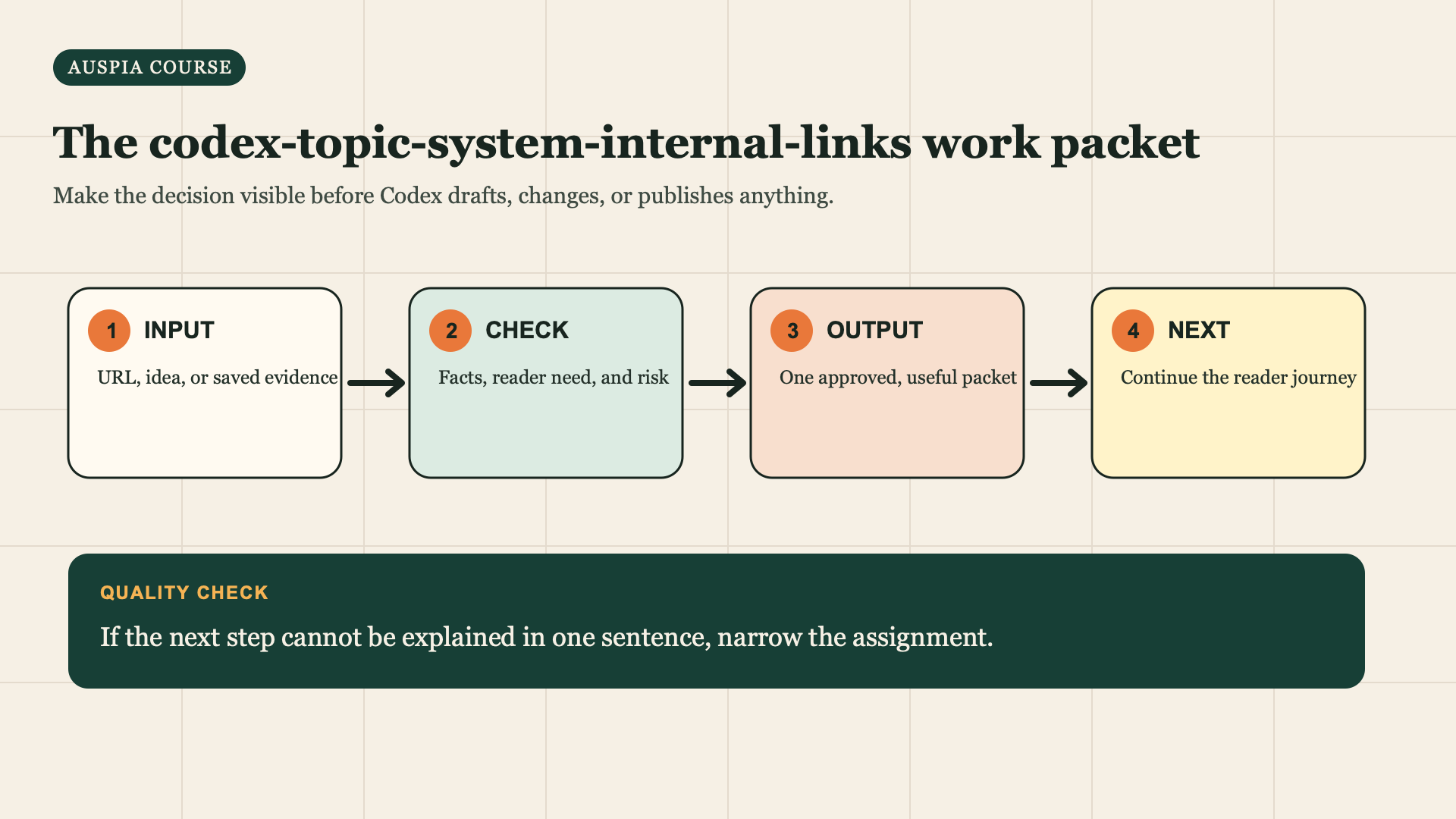
Use this sequence for the assignment: start with a real input, check the evidence, prepare one reviewable output, then choose the reader next step.


