


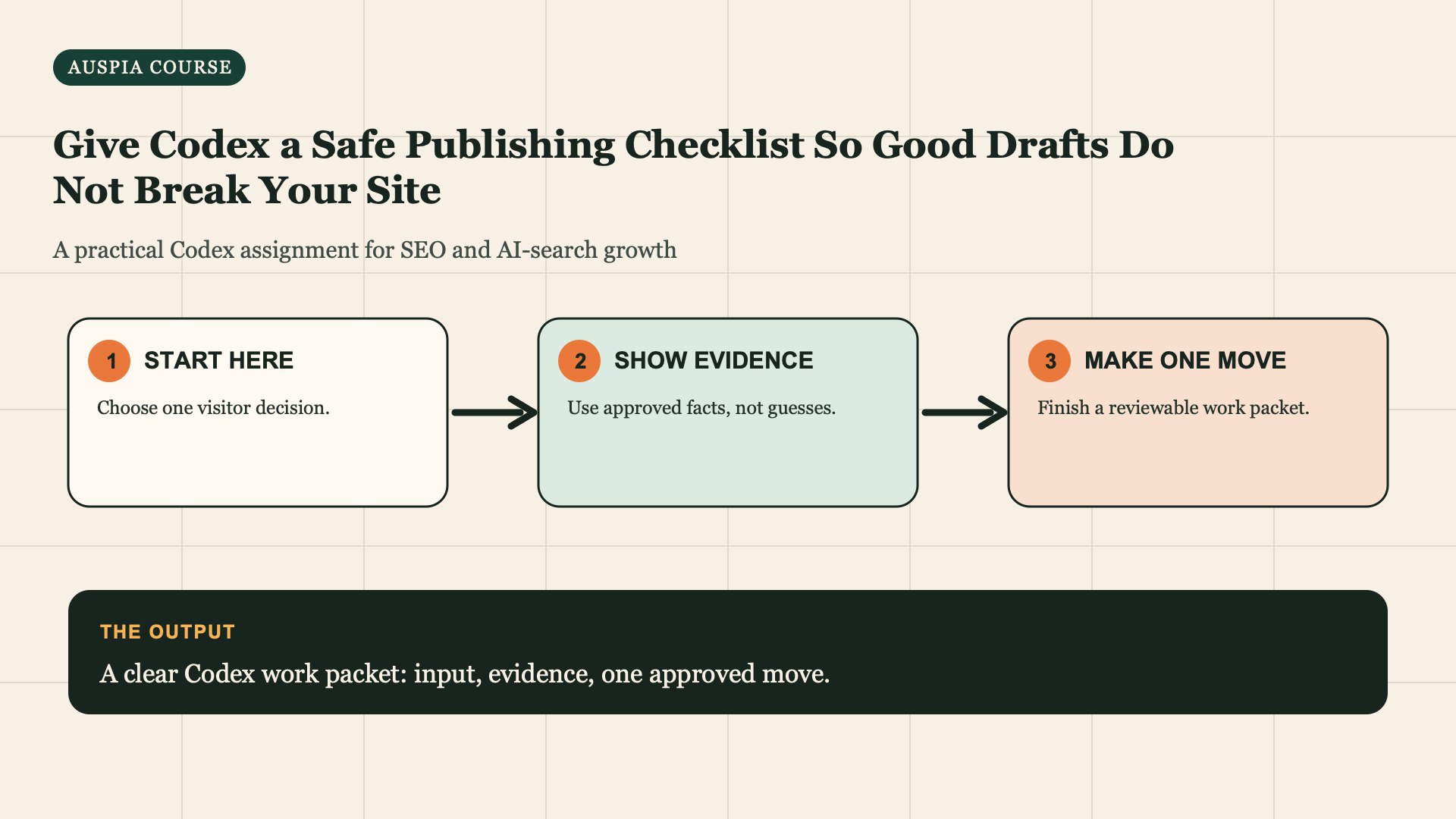
Publish with a gate, not a hope
The page is ready only when its claims, routes, technical basics, and rollback path are visible. Codex can check the package; you approve the external change.
Definition of done: A pass/fail publishing gate and a reviewable change set. Nothing goes live by accident.
Allow 30 minutes for a page release. Bring the approved draft, Fact Pack, Claim Review, implementation sheet, and a before-state URL or file. This gate is for a real proposed change, not a generic SEO audit.
Copy this quality gate
Review [draft/path/diff] against [Fact Pack] and [Topic System Map]. Return a
Publishing Gate with PASS, FIX, or NEEDS OWNER DECISION for: factual claims,
title/description, headings, links, CTA, canonical/indexability evidence,
structured-data relevance, mobile/readability risks, and rollback plan. Cite
the exact file/section for every finding. Do not edit, deploy, submit URLs,
or change production settings.
Read the gate in the right order
Gate | Ask | Stop publication when |
|---|---|---|
Facts | Can every material claim be supported? | Price, capability, location, policy, review, or outcome is unverified |
Reader path | Does the page answer the mission and lead somewhere useful? | Opening is vague, CTA unrelated, or a link misleads |
Page integrity | Does the change belong on this page? | It duplicates another page or changes unrelated work |
Technical release | Is URL, canonical/indexability intent, and rollback understood? | You cannot explain where it goes or how to undo it |
Measurement | What will you check afterward? | No saved before-state or review date exists |
NEEDS OWNER DECISION is not a failure. It is the correct result when a price, claim, redirect, policy, or conversion action needs a human answer.
Run the gate on one real example
For the bookkeeping checklist, the reviewer should be able to write a result like this:
FACTS: FIX. The service-area sentence is still marked NEEDS OWNER FACT. Remove
it or obtain the owner's approved wording.

READER PATH: PASS. The opening answers what records to gather and links to the
service-fit page only after explaining when monthly help may fit.

PAGE INTEGRITY: PASS. The page does not try to give tax-return filing advice.

TECHNICAL RELEASE: NEEDS OWNER DECISION. Confirm final URL and whether the page
should be indexable before CMS publication.

MEASUREMENT: FIX. Save the current URL, date, and the completed GSC comparison
period before release.
This is useful because it names an action. SEO score: 87/100 is not useful because it does not tell the owner what must be true before publishing.
Make each gate produce evidence
Gate | Evidence to attach | Owner who can decide |
|---|---|---|
Facts | Claim Review and Fact Pack rows | Product, service, legal, or content owner |
Reader path | Page brief and live destination links | Content owner |
Integrity | Existing-page comparison and topic map | Content or SEO owner |
Technical release | Proposed URL, canonical/index intent, rollback note | Developer or CMS owner |
Measurement | Before screenshot/export and review date | Growth owner |
If a row has no evidence, return NEEDS OWNER DECISION or FIX. Never turn a missing check into a PASS because it seems low risk.
Ask for a reviewable diff
If your draft is in a repository:
Apply only approved findings from the Publishing Gate to [file]. Before
editing, list every file you will change and why. Make no unrelated formatting
or dependency changes. After editing, show the diff and checks run. Stop if a
fact is missing or a production action is required.
If the page lives in a CMS, ask for a copy/paste change sheet instead. Do not hand over credentials just to save a few minutes.
Approve the smallest safe release
Before changing anything, save a release folder:
release-[page-slug]/
  approved-draft.md
  claim-review.md
  implementation-sheet.md
  before.html-or-screenshot
  publishing-gate.md
  release-note.md
Then ask Codex for a final implementation request that respects your website setup:
Read the approved Publishing Gate and implementation sheet. List every CMS
field, URL, file, link, or setting that would change, with the reason and the
rollback method. Stop if a gate says FIX or NEEDS OWNER DECISION. Do not make
the change, deploy, submit a URL, or access credentials.
For a repository, you may then approve a narrow diff. For a CMS, a human copies the approved content and verifies the live page. In both cases, check the live URL, heading, key link, CTA, and page source or CMS setting that governs index intent before calling the release complete.
Do not treat a green checklist as a ranking guarantee. It means the page is coherent enough to publish and measure.
The only approval question
Ask: "Can I explain what changed, why it helps the visitor, what facts support it, and how I would reverse it?" If yes, approve the smallest change. Save the before URL, date, and final diff for the weekly growth loop.
Record the release
Create release-note-[page].md with page/URL, date approved, Traffic Mission, changes made, facts reviewed, links changed, technical checks, rollback instruction, and review date. This makes the next performance review meaningful: you can compare a page against a known change rather than memory.
Handle the three most dangerous shortcuts
"Codex says publish." Codex cannot approve an unverified service claim, price, redirect, or business-profile change. Find the missing owner decision.
"The page looks good on desktop." Open it on a narrow mobile viewport, test the links and CTA, and confirm any table still communicates the decision.
"We can measure later." Save the before state first. You cannot evaluate a change you did not record.
What "rollback" means for a beginner
Rollback does not mean you need a complex deployment system. It means you can name the previous version and reverse the approved change without guessing. In a CMS, save the prior copy in the release folder and identify the editor who can restore it. In a repository, save the commit or diff. For a redirect, canonical, noindex setting, or form destination, write the prior value exactly.
Do not publish a change if no one can explain how it would be reversed. A new content section may be easy to remove. A URL move, redirect, or pricing claim needs a clearer owner decision because the recovery cost is higher.
Verify immediately after the change
Use this small post-release task list:
1. Open the canonical URL in a private browser window.
2. Read the title, opening, first proof block, limitation, and CTA.
3. Click each changed internal link and the visitor action.
4. Check the mobile layout for the changed sections.
5. Save a dated screenshot or exported page copy in the release folder.
6. Record the next completed comparison period in release-note.md.
If the live page differs from the approved change sheet, stop treating it as a successful release. Capture the difference, decide whether to correct or roll back, and record what happened. This is how a beginner avoids losing trust in their own process.
Read a failed gate as a work queue
A failed gate does not mean the page was a waste. It tells you the smallest next task. For example:
Result | Next task | Do not do |
|---|---|---|
Fact claim lacks a source | Ask the owner for that one fact or remove the sentence | Add generic evidence language |
Destination link is wrong | Choose a page that answers the implied question | Link to the homepage by default |
Canonical or index intent is unknown | Ask the technical/CMS owner for the intended setting | Guess from an SEO checklist |
CTA has no confirmed process | Confirm what happens after the form or trial | Promise a response time without proof |
No before state | Save current copy and a dated screenshot | Claim you will remember it later |
Return the failed item to its source lesson. A missing fact goes to the Fact Pack; a confused page question goes to the Traffic Mission; a weak reader path goes to the Topic Map. This keeps publishing review from becoming a place where you patch foundational problems with hurried copy.
Use a human approval record
Put this at the bottom of publishing-gate.md before the final release:
Approved by: [owner name]
Date: [date]
Change scope: [page URL or file]
Facts approved: [Fact Pack rows]
Technical owner decision: [URL/index/canonical or not needed]
Rollback owner and method: [name and instruction]
Review date: [completed comparison period]
The point is accountability, not paperwork. If you work alone, write your own name and the decision you made. Six weeks later, it will be much easier to understand why a page changed and whether you should keep improving it.
Completion check
- [ ] Every material claim is PASS, FIX, or NEEDS OWNER DECISION with evidence.
- [ ] The release folder contains a before state and rollback note.
- [ ] I tested the relevant links and visitor action on the live or preview page.
- [ ] I have a dated review point rather than a vague promise to monitor it.
What to do in the first 24 hours after release
The goal of the first check is page integrity, not ranking news. Open the exact live URL or preview and verify the approved title, direct answer, limitation, internal destinations, and visitor action. If the release includes a technical decision, have the technical owner verify that exact scope rather than relying on an automated score.
Save a short note:
Release verification date: [date]
Reviewed URL: [URL]
Approved elements present: [title, answer, facts, links, CTA]
Technical decision checked by: [owner and result]
Issue found: [none or exact issue]
Next evidence review: [completed comparison period/date]
If an approved element is missing, use the rollback method in the gate or prepare a narrow correction. Do not fold unrelated improvements into the emergency change. The later measurement review belongs in the weekly growth loop, where you can compare completed evidence without inventing causation.
Course map
Next: Turn One Winning Page Into a 5-Page Traffic Cluster Without AI Slop.
Author: Julian Mercer, 14-Year Technical SEO Practitioner at Auspia. Julian writes review gates for safe technical and editorial changes.
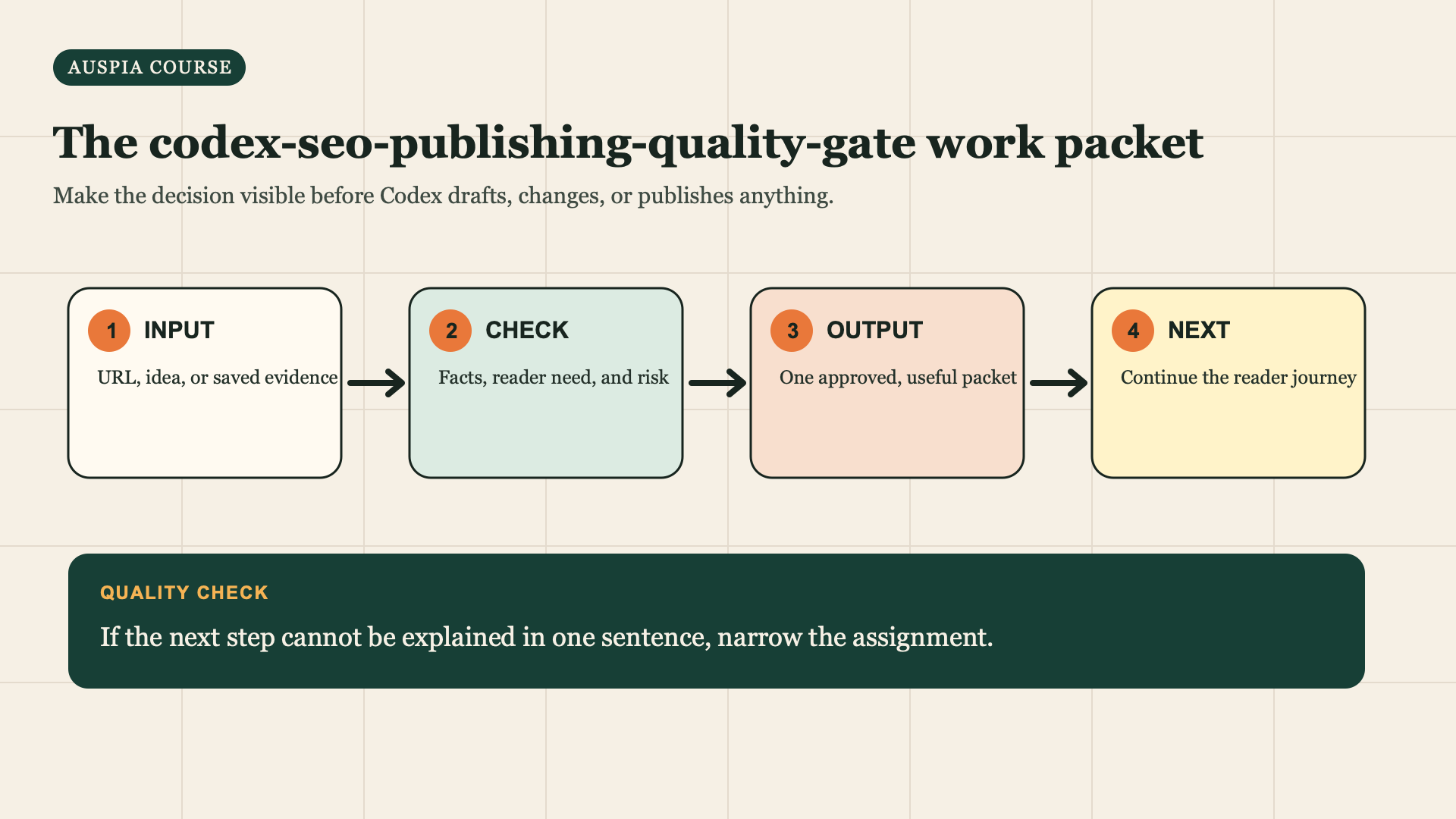
Use this sequence for the assignment: start with a real input, check the evidence, prepare one reviewable output, then choose the reader next step.


