


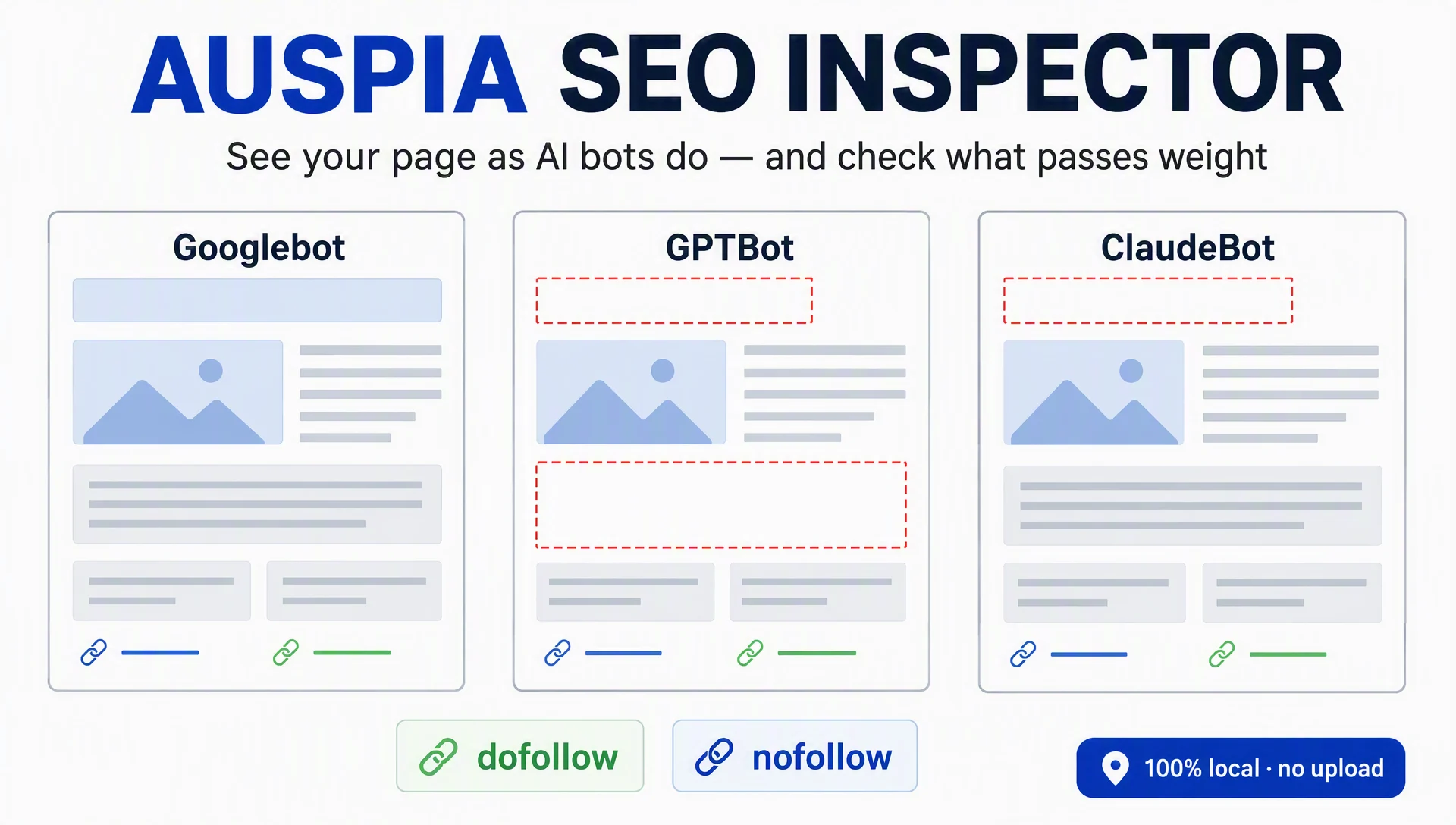
Auspia SEO Inspector is a free browser extension that lets you see the page you're viewing the way AI bots do. It re-renders the page locally as GPTBot, ClaudeBot, PerplexityBot, and other crawlers, so you can spot what actually shows up for each one. It also labels every link on the page dofollow or nofollow, which makes link checks on articles, sponsored posts, and partner content a two-minute job instead of an afternoon.
Simulate AI bots on any page
The core feature is a local crawler comparison. Googlebot Smartphone is the fixed baseline, and you add the crawler profiles that matter to your work: GPTBot, OAI-SearchBot, ClaudeBot, Claude-SearchBot, PerplexityBot, bingbot, and CCBot.
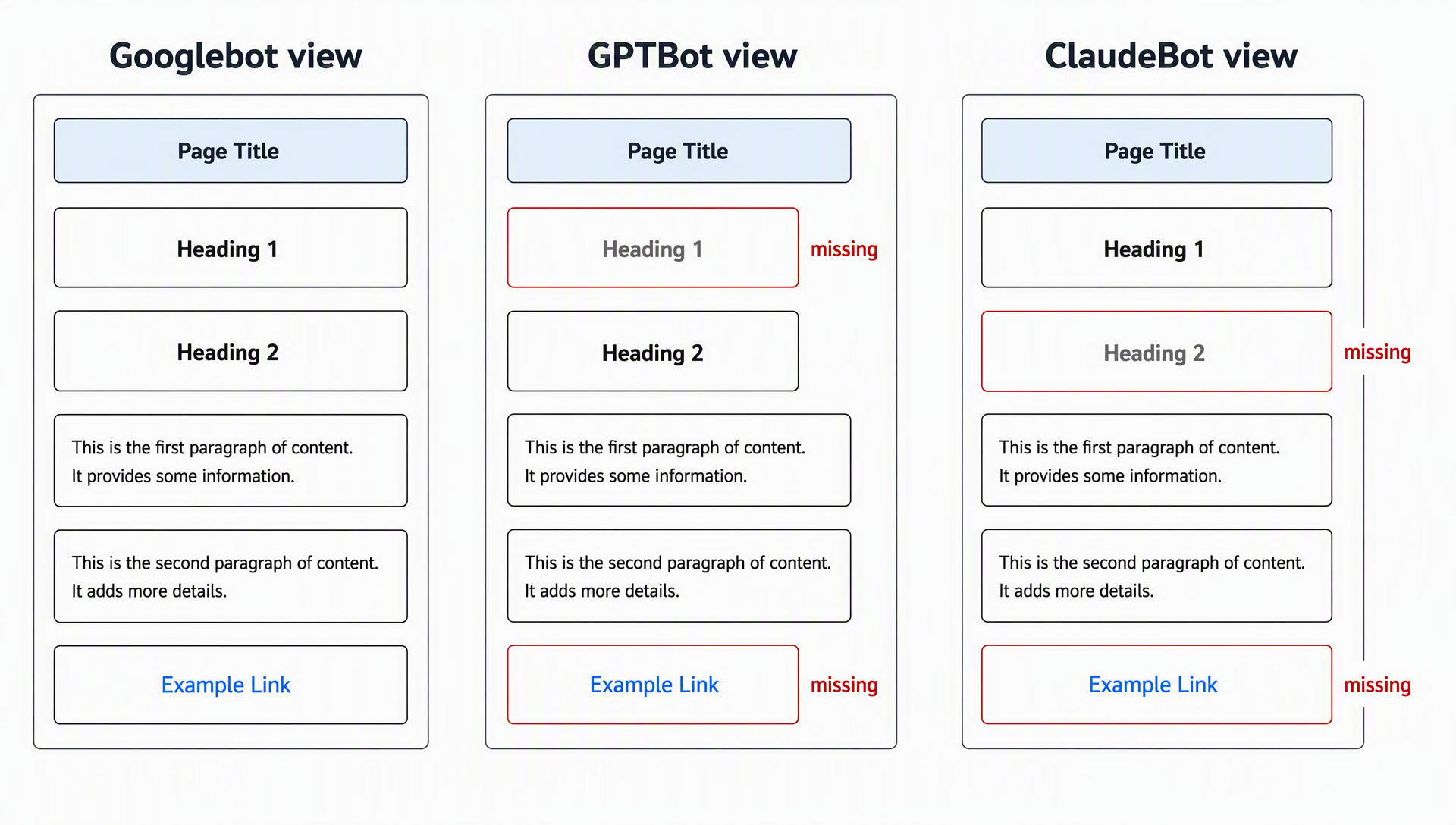
Every selected profile renders the page in the same mobile viewport, so the only thing changing is the user agent. The comparison shows what differs across visible text, links, title, canonical URL, robots signal, and structured data.
Here's the effect that makes it worth having: a page can render fine for Googlebot but lose content for an AI crawler. Headings, a paragraph, or a link that disappears under GPTBot or ClaudeBot is exactly the content an AI answer won't cite. The comparison makes that visible in seconds instead of leaving you guessing.
The link check that answers "does this pass weight?"
This is the everyday use I reach for. When you have an article to review — your own, a sponsored post, a guest article, or a partner's content — open it and run the rendered-link report on the Googlebot baseline.
The report starts with the actionable links first, then lets you expand to the full rendered list. Each link is labeled dofollow or nofollow, so you can see at a glance:
What you're checking | What the report shows |
|---|---|
Does this link actually render? | Only links present in the rendered DOM appear |
Does it pass weight? | Each link is labeled dofollow or nofollow |
Is the anchor text sensible? | Anchor text is shown per link |
Do AI bots see it too? | Compare the link list across crawler profiles |
A concrete example: you published a link inside a partner article. You open that page, run the comparison, and confirm the link is there, labeled dofollow, with the anchor you wanted — and that ClaudeBot's render includes it as well. If it's labeled nofollow, or it doesn't appear in the rendered list at all, you know before the placement is worth counting.
Everything else it audits on the page
Beyond links, the extension runs a full on-page pass at two levels. The Page SEO Basics score covers the essentials in one shot: title and meta description, H1 and heading structure, indexability signals, canonical URL, viewport, language, image alt text, link text, and structured-data presence.
The Professional page audit organizes findings into groups, each pairing observed evidence with a plain-language next step:
Group | What it checks |
|---|---|
Search appearance | Title, meta description, canonical, robots, language, viewport |
Headings & content | Heading order, empty or repeated H1s, visible content depth, landmarks |
Images & links | Missing or repeated alt text, image attributes, vague or empty anchor text, link evidence |
Structured data & social | JSON-LD validity and types, Open Graph, Twitter/X, image signals |
Technical signals | hreflang, meta refresh, base tags, iframes, non-HTTPS outgoing links |
Why "local" matters
Everything runs in your browser. The page score and professional audit are calculated from the page you have open, and page content is not uploaded to Auspia or any third party. When you start a crawler comparison, the extension opens temporary local tabs with the selected user agent, reads the rendered DOM, and closes them when done.
For an SEO tool, that's a real privacy benefit. Reviews often happen on pages you'd rather not send to a server: draft posts, staging versions, pre-launch partner content. Checking those locally is genuinely more comfortable.
Quick start
- Install from your browser's store: Firefox, Edge, or Chrome.
- Open the page you want to check.
- Run Page SEO Basics for a fast score, then open the Professional page audit for evidence.
- Start the crawler comparison and add the AI profiles you care about.
- Open the rendered-link report to see dofollow/nofollow links and compare them across crawlers.
A first pass takes a couple of minutes. It's a fast, private way to check a single page before publishing or reviewing a placement.
Honest limits
Let me be straight about what this tool is not. It provides local diagnostic signals, not promises about external search outcomes. It doesn't verify real bot IP access, crawling, indexing, rankings, robots.txt behavior, WAF/CDN rules, Core Web Vitals, AI citations, or whole-site issues. It won't crawl your site for you.
Use it for what it does well: seeing how a page and its links render for different crawlers, and turning that into a short action list. For site-wide SEO, AI search visibility, or GEO checks, the free web-based tools on auspia.ai/tools cover a broader scope.
FAQ
Is it really free? Yes. No paid tier, no account required.
Does it send my page data anywhere? No. Analysis runs locally in the browser; page content is not uploaded to Auspia or any third party.
Can it really tell me dofollow vs nofollow? Yes. The rendered-link report labels each link in the rendered page as dofollow or nofollow.
Which crawlers can I compare? Googlebot Smartphone is the baseline. Optional profiles: GPTBot, OAI-SearchBot, ClaudeBot, Claude-SearchBot, PerplexityBot, bingbot, and CCBot.
Which browsers are supported? Firefox, Edge, and Chrome.
Author: Gabriel Finch, Search Retrieval Researcher, 1,200+ AI Answers Reviewed at Auspia. Gabriel writes about search infrastructure, retrieval systems, and how AI crawlers discover and render content.


