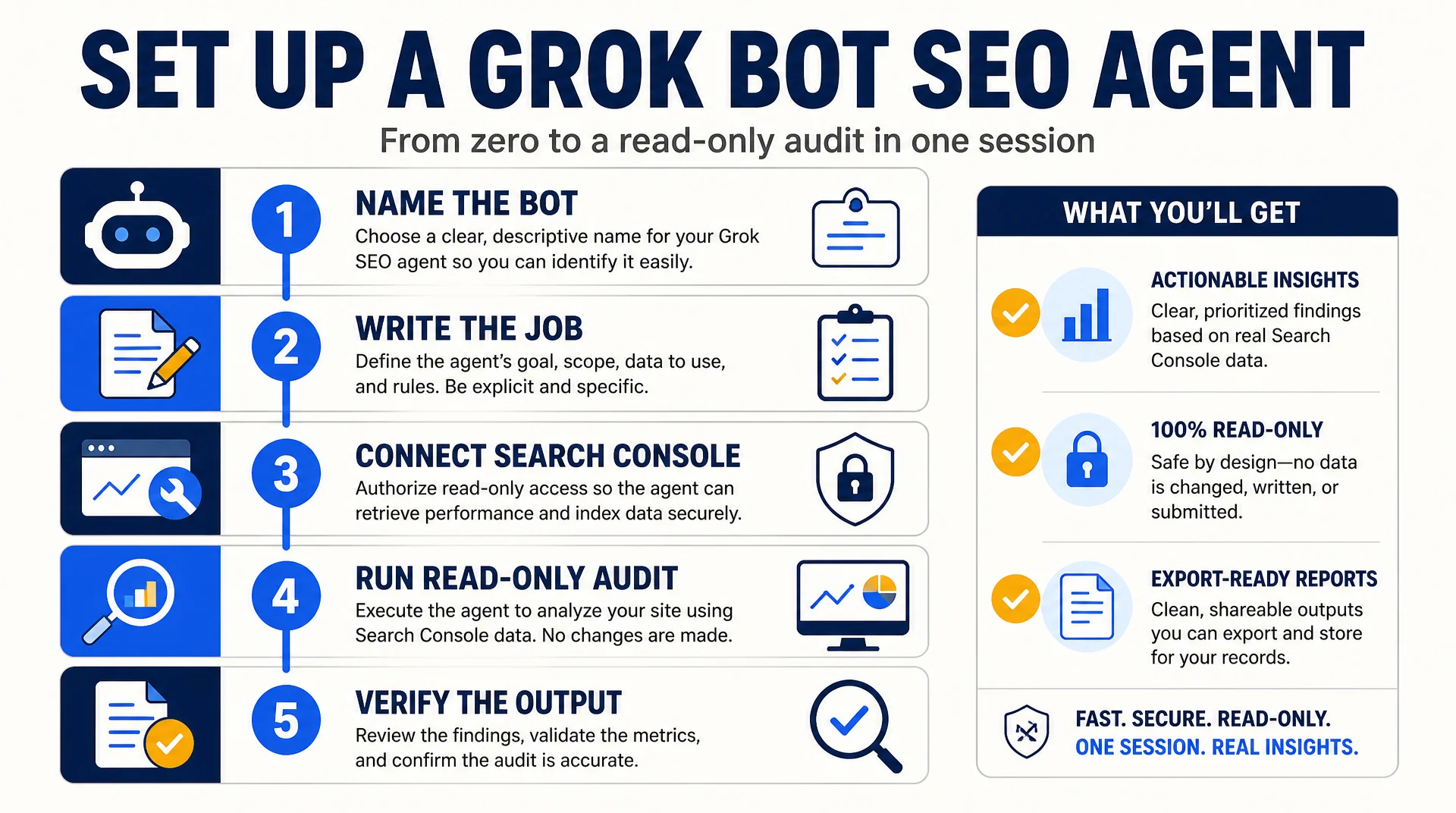
This guide builds one working Grok Bot that audits a site and reports back. By the end you will have a named Bot with a written job description, a connected Search Console account, a saved audit skill, and a verified first report. You will not have given it permission to edit anything, and that is deliberate.
Who this is for: an SEO practitioner or technical marketer who already has a Cursor or SuperGrok plan and a site in Search Console.
What you finish with: one Bot named for a single job, one saved skill, one completed read-only audit, and a written verification note.
Before you start: a paid Cursor or SuperGrok plan with Grok Bot access, the Grok Bot desktop app installed, and a Search Console account that can be scoped to a non-owner user. Budget about 45 minutes.
Done means: the Bot produces an audit report whose numbers you can match against Search Console by hand, and you have written down which parts you had to correct.
Why one Bot for one job
Each Grok Bot has its own memory. If you build one Bot that does technical audits, keyword research, and content drafting, its memory fills with three unrelated contexts and its output gets muddier over time. The practitioners running this in production are consistent on this point: separate Bots per job, and let them hand off through the shared machine rather than through one overloaded Bot.
So this guide builds exactly one Bot: a technical auditor. Later articles in this series build the GEO Bot and the reporting Bot separately.
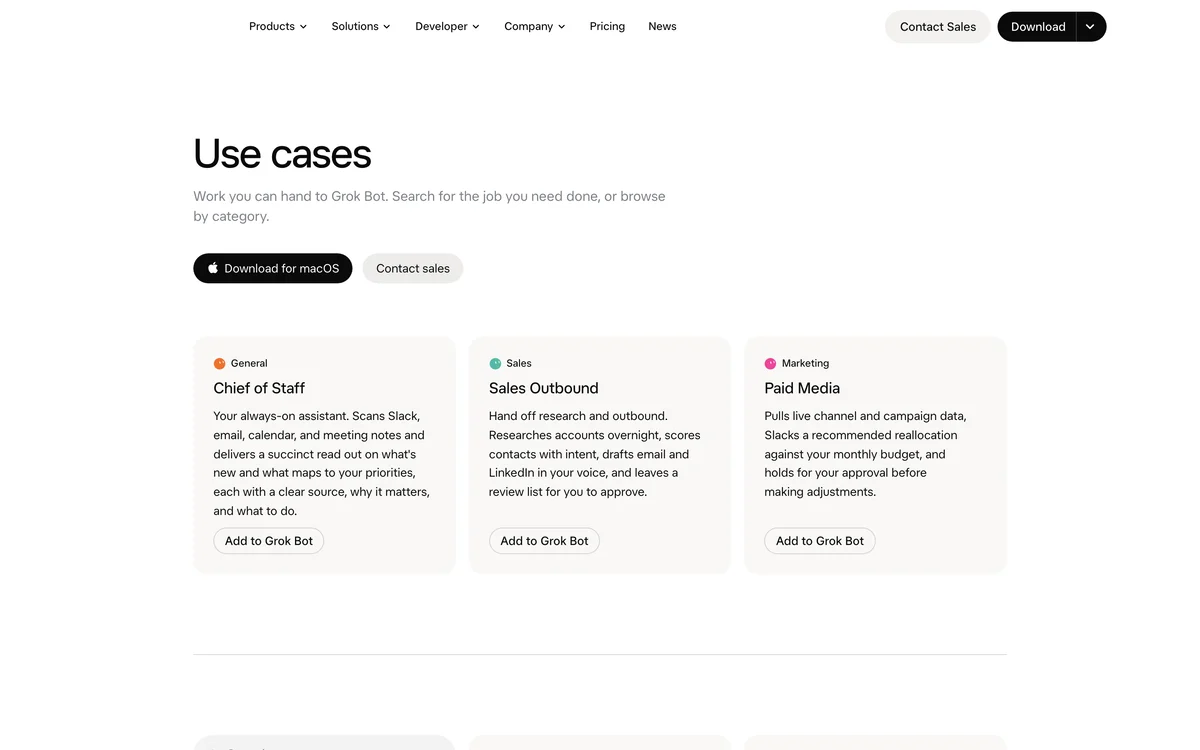
Start from the Grok Bot app after signing in with the account that owns your plan. Source: x.ai/bot, captured September 23, 2026.
Step 1: Create the Bot and name it for the job
Open the Grok Bot app and create a new Bot. Name it something that describes the job, not the tool. Technical Auditor beats SEO Bot. The name becomes part of how you address it and how it addresses itself, and a job-shaped name keeps the memory focused.
The official documentation covers creating and managing Bots, including how a Bot is described by its job rather than configured through a workflow builder.
Expected output: a new Bot appears in your Bot list with the name you chose.
Quality check: the name describes one job. If you cannot finish the sentence "this Bot is responsible for ___" in six words, rename it.
Recovery: if the Bot was created with the wrong name, rename it before you add any context. Renaming after memory has accumulated is messier than starting clean.
Step 2: Write the job description as a skill, not a prompt
This is the step most people rush. Do not paste a long prompt. Write a short operating document and save it as a skill. A skill is a reusable set of instructions that captures steps, decision rules, expected output, and safety boundaries.
Use this structure:
ROLE
Technical SEO auditor for example.com.

SCOPE
- Crawl and page-level technical signals only.
- No content rewriting. No publishing. No edits to the live site.

INPUTS
- Target domain: example.com
- Sitemap: https://example.com/sitemap.xml
- Search Console property: sc-domain:example.com

WHAT TO CHECK
1. Index coverage: pages submitted vs pages indexed.
2. Title and meta description: missing, duplicated, or truncated.
3. Canonical tags: self-referencing, conflicting, or missing.
4. Structured data: which types exist, which are invalid.
5. Internal links: orphan pages and pages with no inbound internal links.

THRESHOLDS
- Flag a title as too long above 60 characters.
- Flag a meta description as too long above 160 characters.
- Flag a page as orphaned if it has zero inbound internal links.

EXCEPTIONS
- Ignore /tag/ and /author/ archives.
- Ignore paginated URLs.
- Do not flag pages marked noindex on purpose; ask first.

PROOF
- For every finding, include the exact URL and the exact value you observed.
- Do not report a finding you cannot point to a URL for.

OUTPUT
A markdown table: URL | Issue | Observed value | Severity | Suggested fix.
Then a short summary of the three highest-severity issues.

BOUNDARIES
- Read-only. Never edit, publish, or submit anything.
- If a check requires a login you do not have, stop and ask.
Expected output: the skill is saved and listed in the Bot's skills.
Quality check: the skill has all four parts: thresholds, exceptions, proof rules, and boundaries. A skill missing the exceptions section will flag things you deliberately configured.
Recovery: if the Bot starts flagging tag archives, the exceptions section is not being read. Restate it as a hard rule at the top of the skill.
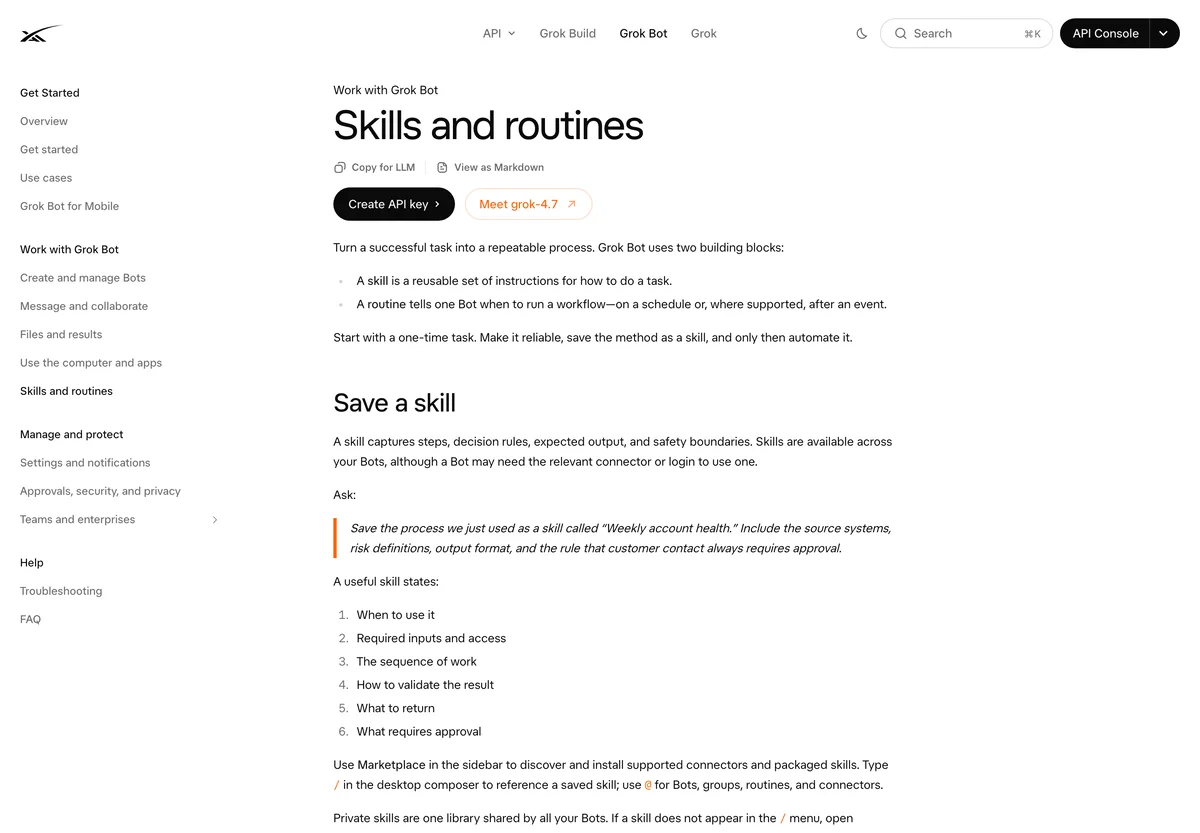
A skill captures a repeatable procedure; a routine decides when it runs. Source: docs.x.ai/grok-bot/skills-routines-and-automations, captured September 23, 2026.
Step 3: Connect Search Console with a scoped account
Now give the Bot access to Search Console. Do this with a dedicated account, not your owner account, because every Bot on your machine shares the same login state.
In Search Console, add the dedicated account as a full user on the property, not an owner. Full users can read performance and index data, which is all this Bot needs.
Then, inside the Grok Bot conversation, ask it to open Search Console and sign in:
Open Search Console and sign in with the account I have provided.
Confirm you can see the property sc-domain:example.com.
Report the property name and the date range you can access.
Do not change any settings.
Expected output: the Bot confirms the property name and the accessible date range.
Quality check: the property name it reports matches the one in your skill file exactly. A near-miss here means it is reading a different property.
Recovery: if the Bot cannot see the property, the scoped account was not added as a full user. Fix the permission in Search Console, then ask the Bot to reload the page rather than re-authenticating.
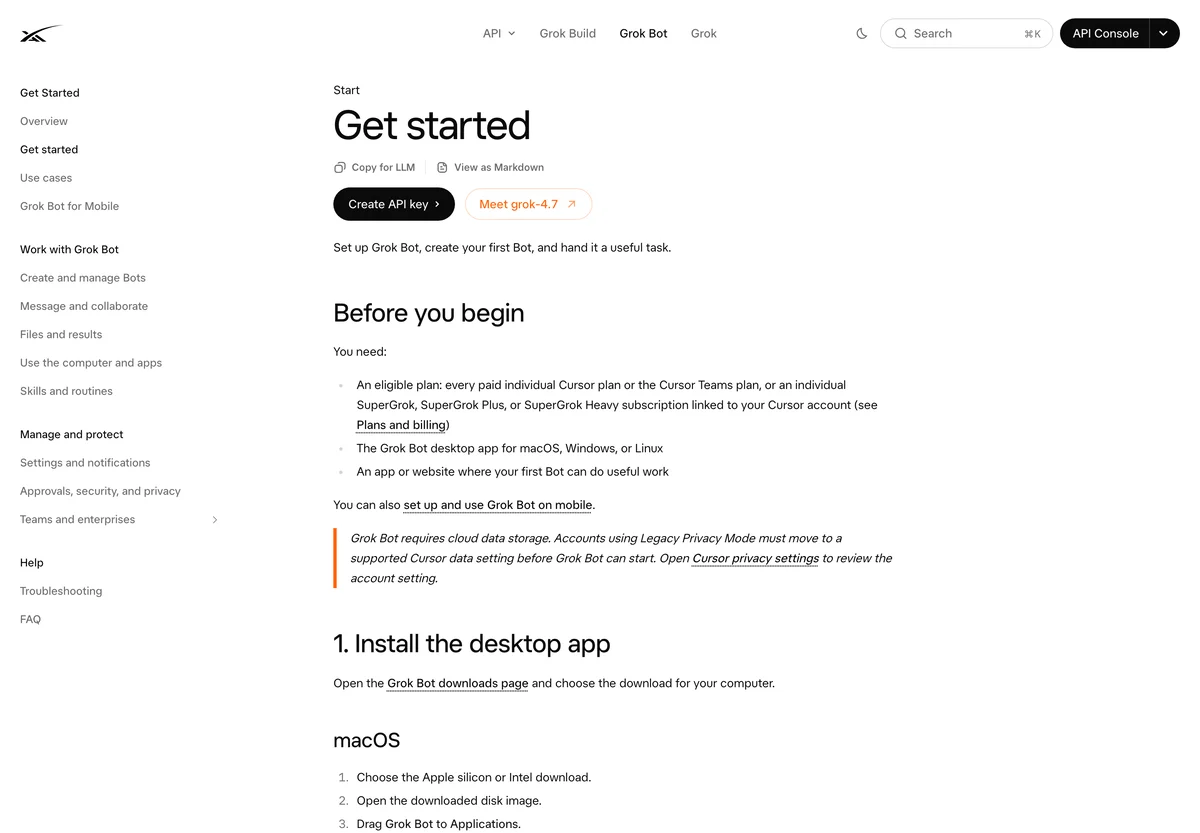
The official get-started page covers platform support and the first-run flow. Source: docs.x.ai/grok-bot/get-started, captured September 23, 2026.
Step 4: Run the audit read-only
Now run the skill. Keep the first run narrow: one check, not all five. You want to verify the output before trusting the whole report.
Run the Technical Auditor skill against example.com.
Start with the title and meta description check only.
Do not run the other checks yet.
Output the markdown table and the three highest-severity issues.
Expected output: a markdown table with one row per problem page, plus a short summary.
Quality check: open three of the flagged URLs yourself and confirm the title length the Bot reported. If the numbers match, the Bot is reading the live page correctly.
Recovery: if the table is empty on a site you know has issues, the Bot may be reading a cached version. Ask it to reload the page and re-run. If it still returns nothing, ask it to show you the raw title it read for one specific URL. That exposes whether it is reading the wrong page.
Step 5: Verify against Search Console by hand
Before you expand the audit, verify the index coverage numbers against Search Console directly. Open the Pages report, note the indexed count, and compare it to what the Bot reported.
This is the step that separates a useful Bot from a confident one. A Bot that reports plausible numbers you never checked is a liability.
Expected output: a written note recording the Bot's number, the Search Console number, and whether they match.
Quality check: if the numbers differ, the difference should be explainable: a different date range, a different property, or a known reporting lag.
Recovery: if the numbers differ and you cannot explain why, stop. Do not expand the Bot's scope until the source is confirmed.
Step 6: Save the routine
Once the audit is verified, save it as a routine so it runs on a schedule. Weekly is the right default for a technical audit. Daily is noise, and monthly is too slow to catch a regression.
Save this audit as a routine called "Weekly technical audit".
Run it every Monday at 08:00.
Write the output to /reports/technical-audit-{date}.md on the shared machine.
Do not run any check that requires editing the site.
Expected output: the routine appears in the Bot's routine list with the schedule you set.
Quality check: run the routine once manually before you trust the schedule. A routine that has never run is not a routine.
Recovery: if the routine fails on the schedule but works manually, the issue is usually a session that expired. Re-authenticate on the shared machine and re-run.
Verification checklist
Before you consider the Bot production-ready, confirm all of these:
- [ ] The Bot is named for one job, not a tool.
- [ ] The skill has thresholds, exceptions, proof rules, and boundaries.
- [ ] Search Console is connected through a scoped account, not an owner account.
- [ ] The first audit was run read-only, with one check before all five.
- [ ] At least three flagged URLs were verified by hand.
- [ ] The index coverage number was matched against Search Console directly.
- [ ] The routine ran successfully at least once.
- [ ] You have written down which parts of the output you had to correct.
Common mistakes
Giving the Bot edit access on day one. The product can edit a site. That does not mean the first version of your Bot should. Run read-only until you have verified the output twice.
Skipping the exceptions section. A skill without exceptions flags your tag archives, paginated URLs, and intentional noindex pages. You will spend more time filtering than the Bot saves.
Using your personal login. The shared machine means every Bot can reach every session. Use a dedicated account with scoped permissions.
Trusting the first report. Verify the numbers against the source at least once. This is not a lack of faith in the tool. It is how you find out whether it is reading the right data.
Building one Bot for everything. Separate Bots per job, with handoffs through the shared filesystem.
FAQ
Do I need a paid plan? Grok Bot is included with paid Cursor plans and can be linked to SuperGrok subscriptions. Check the current plan details on the official product page, since allowances and pricing change.
Can the Bot edit my site? It can, if you give it access and permission. This guide deliberately keeps it read-only. Add write access only after the read-only output has been verified twice.
What if my site is behind a login? The shared machine keeps a session, so the Bot can work inside a logged-in site. Use a scoped account and treat the credential as shared across all your Bots.
How often should the audit run? Weekly for technical checks. Daily runs mostly generate noise unless you are actively fixing a specific regression.
Can I use this for multiple sites? Yes, but give each site its own skill with its own thresholds and exceptions. A generic skill across many sites produces generic findings.
Author: Julian Mercer, 14-Year Technical SEO Practitioner at Auspia. Julian writes about crawlability, schema, rendering, and the technical foundations that make content readable to both search engines and AI systems.