


Free keyword research tools work best as a small toolkit, not a one-tool replacement for a paid SEO platform. One tool finds ideas. Another shows what your site already ranks for. A third tells you whether interest is seasonal. GEO prompt-research platforms add a newer layer: the questions people ask AI assistants and the brands or sources that appear in the resulting answers. The last step is still yours: read the evidence and decide whether you have a useful page to make.
This guide covers seven free options that serve different parts of traditional keyword research, then separates the newer GEO tools that support prompt research and AI-answer visibility. It is written for people who need a credible starting stack, not a list of tools ranked by features they may no longer offer on a free plan.
The quick answer: choose a tool by the evidence you need
Start with Google Keyword Planner when you need adjacent terms and commercial themes. Use Google Search Console when your site already earns impressions and you need to see the queries and pages behind them. Use Google Trends for seasonality and relative interest, Ahrefs Keyword Generator for a quick batch of topic and question ideas, Keyword Tool for autocomplete expansion, and AnswerThePublic to organize question-led angles.
Google Search is the final intent and page-format check, rather than another keyword database. For prompt discovery and AI-answer visibility, use a GEO research platform and retain its prompt, market, model, and collection details.
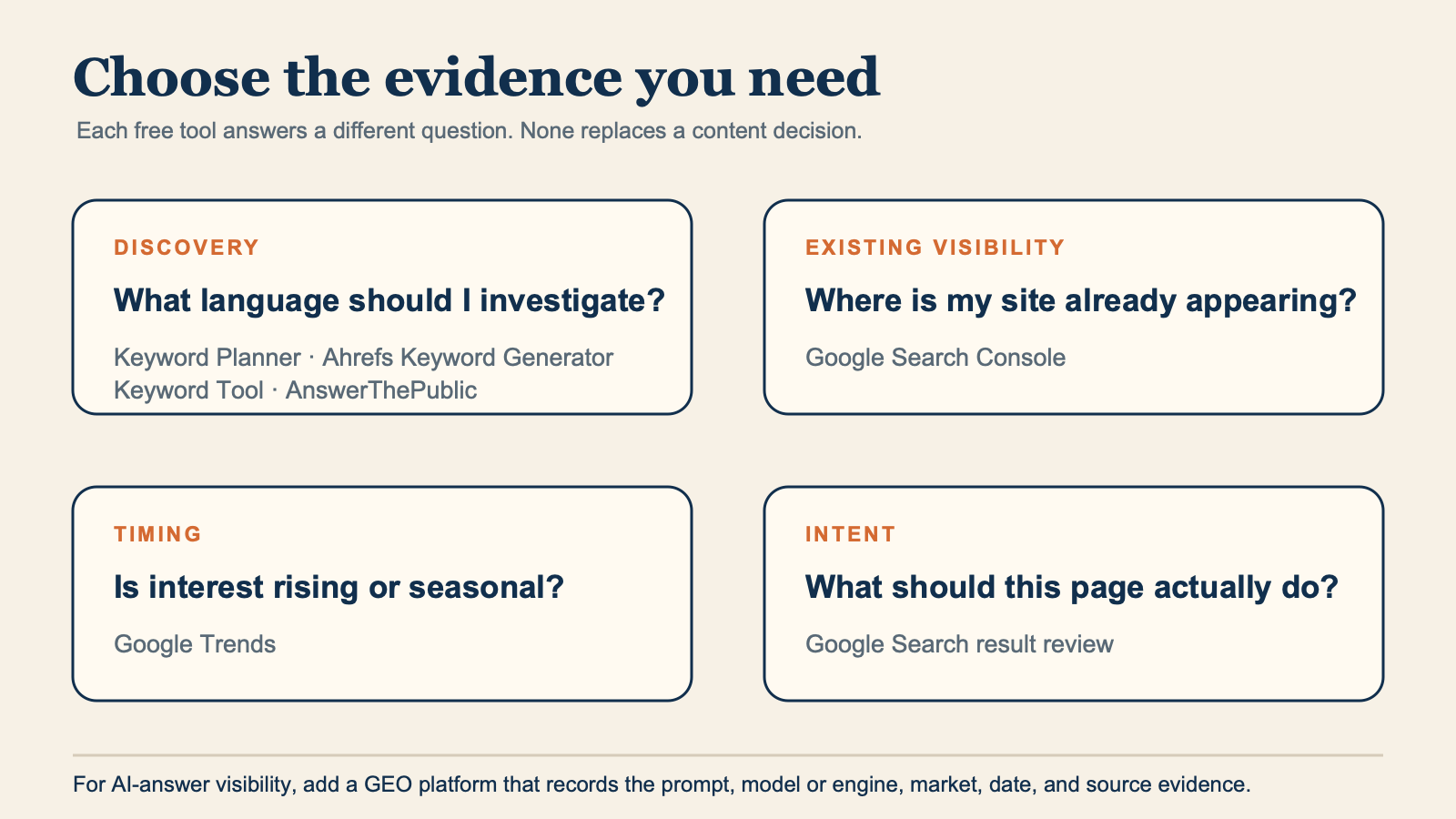
Choose a research tool by the evidence you need: language discovery, existing visibility, timing, or page intent. GEO platforms add a documented prompt and AI-visibility layer.
Free access, limits, regions, and account requirements change. For that reason, this article explains the role each product can play instead of promising a fixed number of results, searches, exports, or metrics.
What makes a free keyword tool useful?
A useful tool does at least one of four things:
- It finds language you would not have thought to search.
- It provides evidence from your own site or an authorized data source.
- It helps you understand what searchers expect to find.
- It helps you discard weak ideas before you create a page.
No free tool can safely answer every question. A tool may surface a phrase without proving demand. A volume estimate cannot prove that your page will rank. A trending query can be irrelevant to your customers. That is why the stronger choice is usually a combination of two or three tools, with a manual SERP review at the end.
1. Google Keyword Planner for adjacent keyword ideas
Public, logged-out Google Ads Keyword Planner landing page captured from `https://ads.google.com/home/tools/keyword-planner/` on 2026-07-28. The URL redirected to Google's public business landing page. The screenshot documents the product's public positioning, not account-level data.
Google Keyword Planner is part of Google Ads. It is built for advertising research, but it can also help SEOs discover related terms that do not repeat the exact seed phrase.
Use it when your initial topic is too narrow. Enter a topic, a product category, or a relevant website, then set the target location and language before you examine the suggestions. The useful finds are often the neighboring concepts, product names, use cases, and modifiers that a basic autocomplete search does not reveal.
For example, a seed such as email newsletter software may lead you to questions about deliverability, templates, audience growth, or migration. Those are potential research lanes, not automatic article titles.
What to use it for:
- Finding related themes for a content cluster.
- Discovering commercial or comparison wording.
- Expanding a seed with terms from a relevant website.
What to watch:
- Keyword Planner is an advertising product. Do not treat its output as a guaranteed organic ranking forecast.
- Preserve the market and language you selected with any export or notes.
- If your account displays ranges or limited data, report them as displayed. Do not convert them into invented exact figures.
2. Google Search Console for opportunities you already own
Public, logged-out Google Search Console landing page captured from `https://search.google.com/search-console/about` on 2026-07-28. It is a product reference, not a verified-property report.
Google Search Console is usually the most valuable free keyword tool once a website has any search visibility. Its Search results performance report connects queries, pages, impressions, clicks, and selected date ranges for your verified property.
This changes the research question from "what could people search?" to "where is Google already testing my page?" That is often a faster route to useful work.
Open a promising page and look at the queries associated with it. You may find a specific question that the page answers only vaguely, a comparison angle that needs a section, or a declining query that deserves a factual refresh. Before creating a new URL, read the existing page. The best action may be to improve that page instead.
What to use it for:
- Finding long-tail queries that already trigger one of your pages.
- Identifying pages that have impressions but weak click-through or incomplete answers.
- Comparing comparable periods to investigate a change in visibility.
What to watch:
- Search Console shows performance for your property, not total search demand across the web.
- Use comparable periods where seasonality is likely.
- A position or impression change is a clue to inspect, not proof of a single cause.
3. Google Trends for seasonality and changing language
Public Google Trends homepage captured from `https://trends.google.com/trends/` on 2026-07-28 in a logged-out state. It does not show a query-specific analysis.
Google Trends is not a monthly-volume database. Google explains that Trends uses a sample of searches and normalizes interest within the selected comparison. That makes it especially useful for direction and timing.
Use Trends to compare two phrasings in one region, check whether a topic has a predictable yearly peak, or investigate whether a recently popular term is still gaining attention. It can save you from publishing a seasonal page after the moment has passed.
Try this before you act on a topic:
- Choose the country or region your page targets.
- Compare closely related phrases over a meaningful period.
- Check whether interest is stable, seasonal, rising, or too sparse to interpret.
- Search the live result page to learn why interest changed.
The score on a Trends chart is relative to that chart. It is not a count of searches, and a score from one chart cannot be compared casually with a score from a different chart.
4. Ahrefs Keyword Generator for quick idea and question discovery
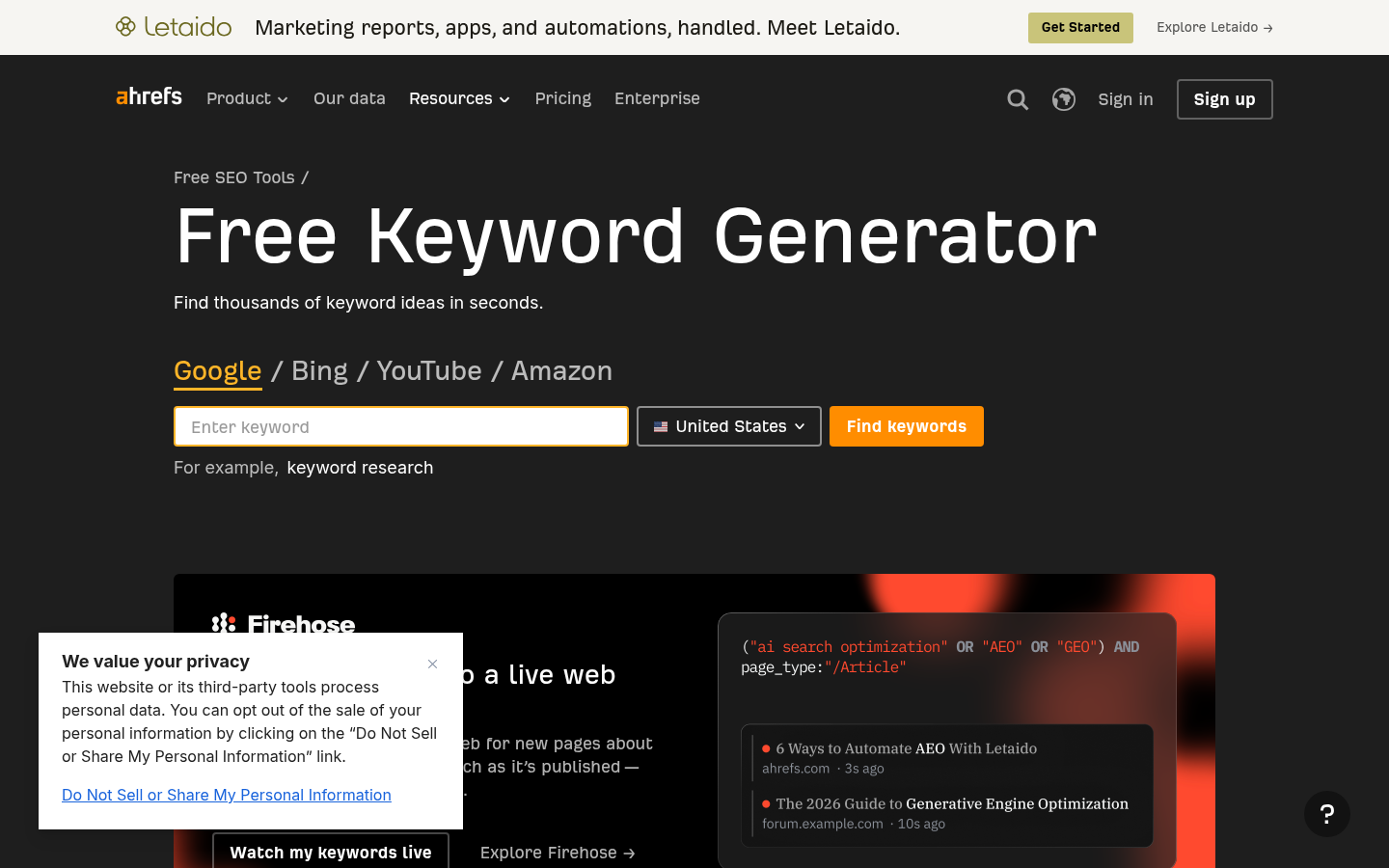
Public, logged-out Ahrefs Keyword Generator page captured from `https://ahrefs.com/keyword-generator` on 2026-07-28. The capture shows the public interface only; no query was submitted.
Ahrefs Keyword Generator is a fast starting point when you need a batch of related ideas and question phrasing around a seed. Choose the country that matches your market, enter a broad enough topic, and use the returned terms to find branches worth exploring.
Its best use is discovery, not decision-making in isolation. Copy a few promising ideas into your research sheet, then check the result page and your own content inventory. A narrow phrase may be a new guide, a useful FAQ section, a comparison page, or simply a wording variant that belongs on an existing URL.
What to use it for:
- Early-stage topic expansion.
- Finding question-shaped searches that may reveal reader friction.
- Exploring a specific subtopic after a broad seed exposes a useful branch.
What to watch:
- Do not make content decisions from a single estimated metric or difficulty label.
- Tool output and free-access limits can change, so verify what the product shows when you use it.
- Search terms that sound related may still have different intent.
5. Keyword Tool for autocomplete expansion
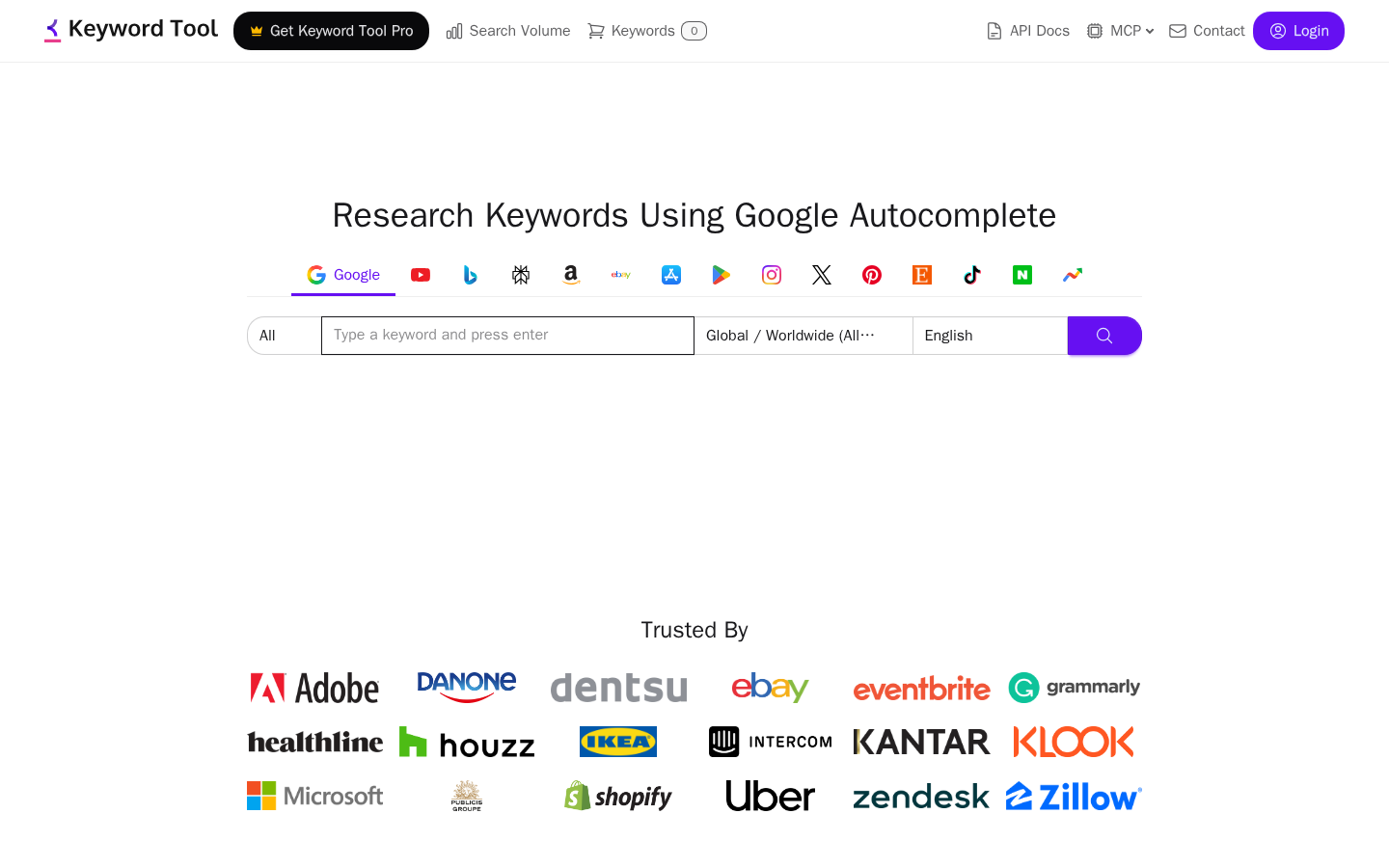
Public, logged-out Keyword Tool homepage captured from `https://keywordtool.io/` on 2026-07-28. It shows the public autocomplete research interface; no keyword was submitted.
Keyword Tool turns autocomplete suggestions into a research list. This is useful when you have a good seed but suspect customers phrase the problem in many ways.
Autocomplete-derived ideas can be excellent for language discovery. They can expose platform names, how-to wording, audience qualifiers, and longer questions that traditional head terms miss. They do not prove that each phrase has enough demand or that it deserves a separate page.
Use it to collect variation, then group the list by job. For instance, these phrases may all belong to one useful guide rather than four separate URLs:
how to send invoice remindersinvoice reminder email templatepolite overdue invoice reminderwhen to send an invoice reminder
What to use it for:
- Broadening a seed with natural-search phrasing.
- Discovering modifiers by platform, audience, location, or task.
- Generating a raw list before intent clustering.
What to watch:
- Remove duplicates and near-duplicates before you decide on content.
- Do not confuse autocomplete presence with an organic-traffic promise.
- Keep country, language, and search surface in your notes when they affect results.
6. AnswerThePublic for question maps
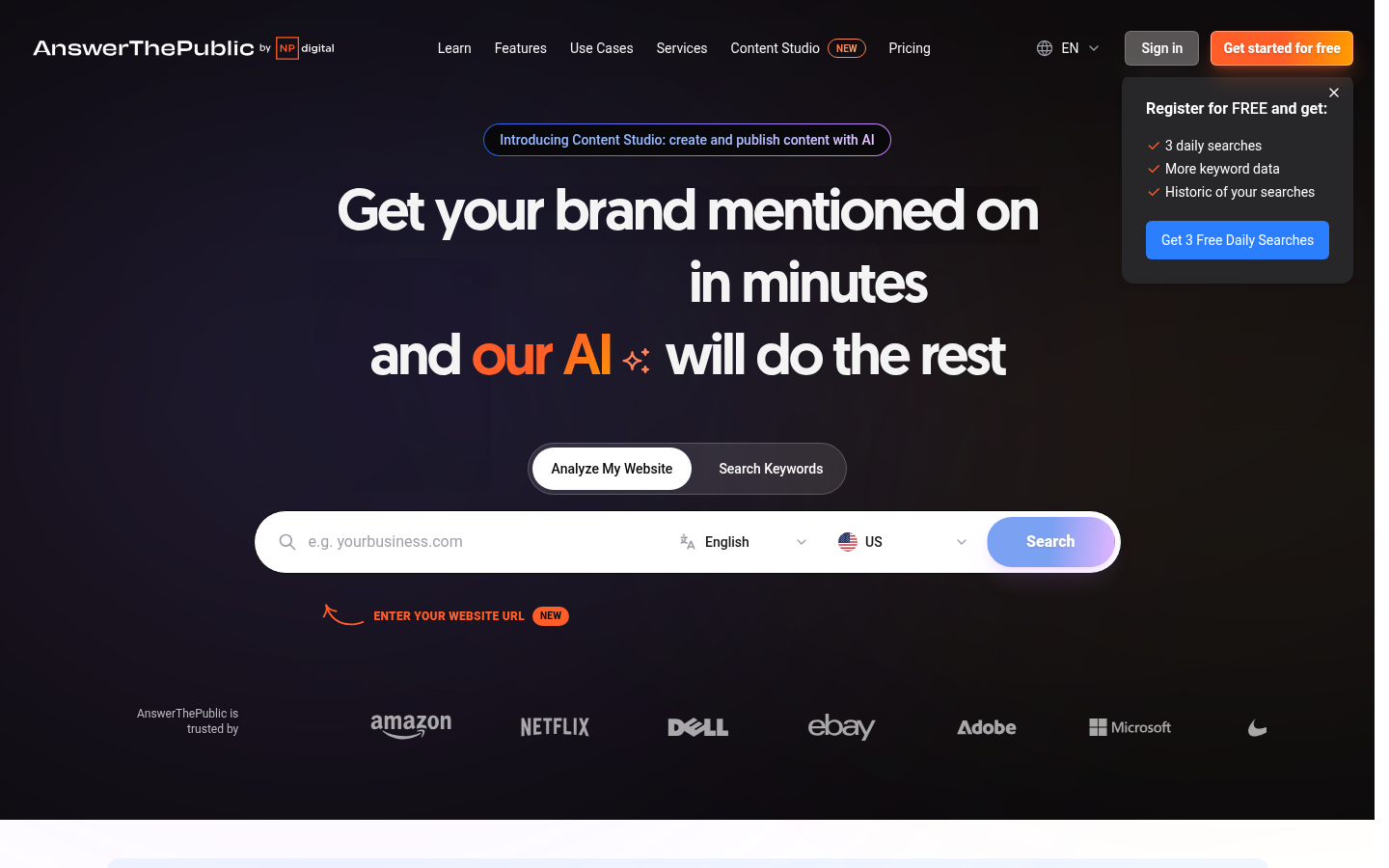
Public, logged-out AnswerThePublic homepage captured from `https://answerthepublic.com/` on 2026-07-28. The screenshot shows the public discovery entry point, not a results report.
AnswerThePublic organizes search-listening ideas around questions, prepositions, comparisons, and related terms. It is handy when a vague product category needs to become a set of reader questions.
The visual presentation can make it tempting to treat every branch as a content brief. Resist that. Use the map to see how people may frame a problem, then select the questions that match your audience and your ability to answer them well.
For a topic such as team knowledge base, the more useful question groups might separate setup, software evaluation, permissions, and maintenance. Each group can call for a different page type. A setup question may need a tutorial; an evaluation question may need a comparison; a policy question may need a template.
What to use it for:
- Turning a broad subject into question clusters.
- Finding follow-up questions for a guide that is already planned.
- Spotting comparison and "versus" language worth checking in the SERP.
What to watch:
- Free usage and result availability are product-controlled and may change.
- Question wording is an input for research, not evidence that the question merits a page.
- A visible FAQ helps readers only when the answers appear on the page and solve a real problem.
7. Google Search for intent and page-format checks
Google Search itself is a free research tool. It is the last tool in this list because it should follow discovery, not replace it. Search a candidate in the market and language you are targeting, then ask what a reader is clearly trying to accomplish.
Look for the dominant page format. A result page full of guides usually means the reader wants help completing a task, so ask whether you can produce a clearer and more complete guide. Product and comparison pages point to an evaluation job, where you need fair decision criteria and a relevant offer. Templates, calculators, and official tools signal an immediate-output need. Official documentation calls for precision; add context without copying the source. If the result formats are mixed or off-topic, the intent is unresolved, so research further before you make a page.
Also look at your own site before you write. If an existing URL already does the job, update that page. One strong page is usually better than a group of thin pages targeting minor variations.
GEO keyword research is prompt research, not a replacement for SEO keywords
Traditional keyword research asks what people type into a search engine. GEO research also asks what people ask an AI assistant in full sentences, what follow-up questions emerge, which brands appear, and which sources are cited. A single buyer job can show up in both places with very different wording.
For example, a traditional query may be best crm for startups. An AI-search prompt may be "I run a five-person B2B SaaS company with a sales-led motion. Which CRM should we choose, and why?" The second prompt includes business context, constraints, and a request for a recommendation. It is not a standard keyword metric.
Treat GEO prompt data as an observed research signal. The response can vary by model, market, personalization, product changes, time, and the prompt wording itself. It does not prove total demand, future citation, or revenue. The practical use is to discover question patterns, assess how a brand is represented, and identify source or content gaps worth reviewing.
GEO prompt-research platforms to evaluate
GEO platforms are a separate product category, not a substitute for the free traditional-keyword stack. They package prompt discovery, model monitoring, brand and competitor analysis, citations, audits, or attribution in one product. The platforms below cover distinct buying situations. With the exception of Geoptie's free entry tools, treat them as commercial, trial, or sales-led products and confirm the current access terms before you buy. The following screenshots are captured from each vendor's public, logged-out official homepage; they are not recreated product interfaces.
Profound for enterprise-scale prompt and answer-engine research
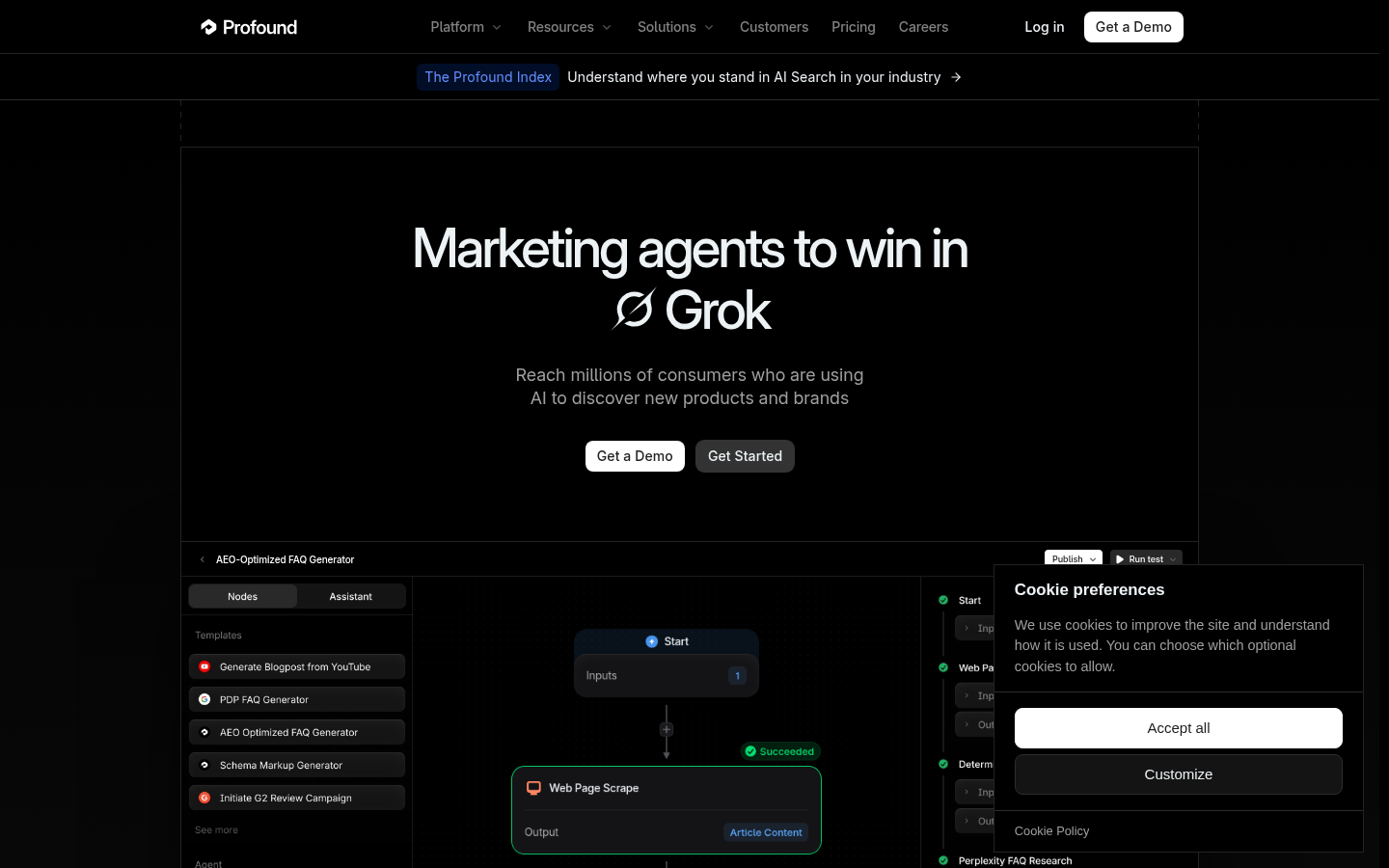
Public, logged-out Profound homepage captured from `https://www.tryprofound.com/` on 2026-07-28. Used to identify the product and its public positioning, not as proof of customer outcomes.
Profound is aimed at enterprise teams that want a broad AI-search program rather than a lightweight monitoring tool. Its platform lists Prompt Volumes, Answer Engine Insights, agent analytics, source citations, brand sentiment, and enterprise offerings across a wide list of answer engines. That makes it a practical candidate when a team needs prompt-demand research alongside brand and source analysis.
The trade-off is procurement. Enterprise use is sales-led, so teams should confirm the current model coverage, security and compliance requirements, integrations, data-retention terms, and contract scope with Profound. Do not assume a public self-serve plan or a fixed model count from a marketing page.
Rankscale for broad engine coverage and technical GEO audits
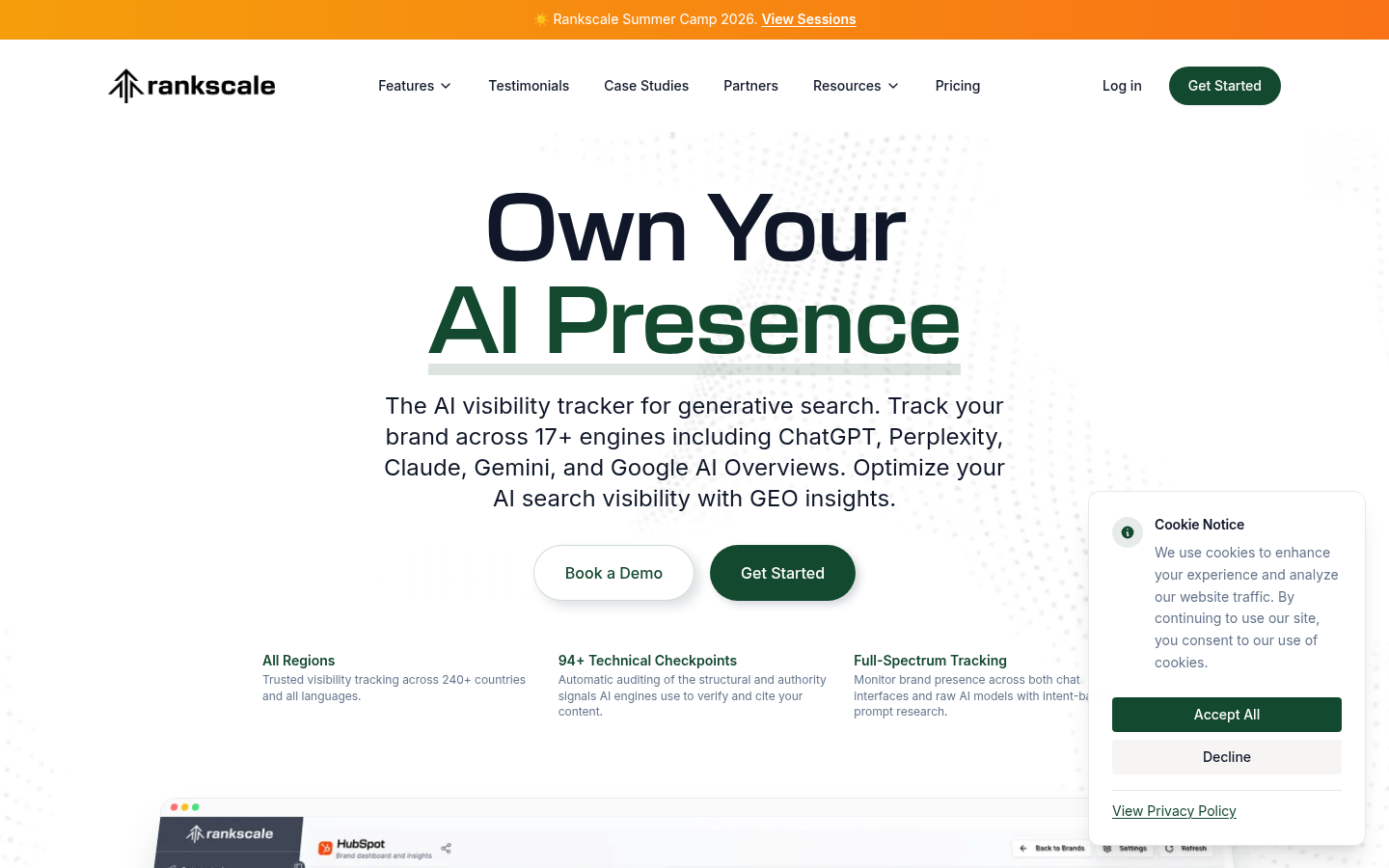
Public, logged-out Rankscale homepage captured from `https://rankscale.ai/` on 2026-07-28. It documents the public product positioning only.
Rankscale is a strong fit when the research brief needs technical depth as well as competitor visibility. Its site lists tracking across 17+ AI engines, prompt research, citation analysis, competitor benchmarking, sentiment analysis, and 94+ technical checkpoints in page audits. This combination is useful for teams that need to find prompt opportunities, inspect citation patterns, and turn the findings into technical or content fixes.
Its wide engine coverage is a reason to be more disciplined, not less. Every report should state the engines, regions, prompt set, tracking frequency, and time window used. A visibility comparison is only meaningful when the conditions of measurement are visible.
OtterlyAI for a small-team GEO monitoring starting point
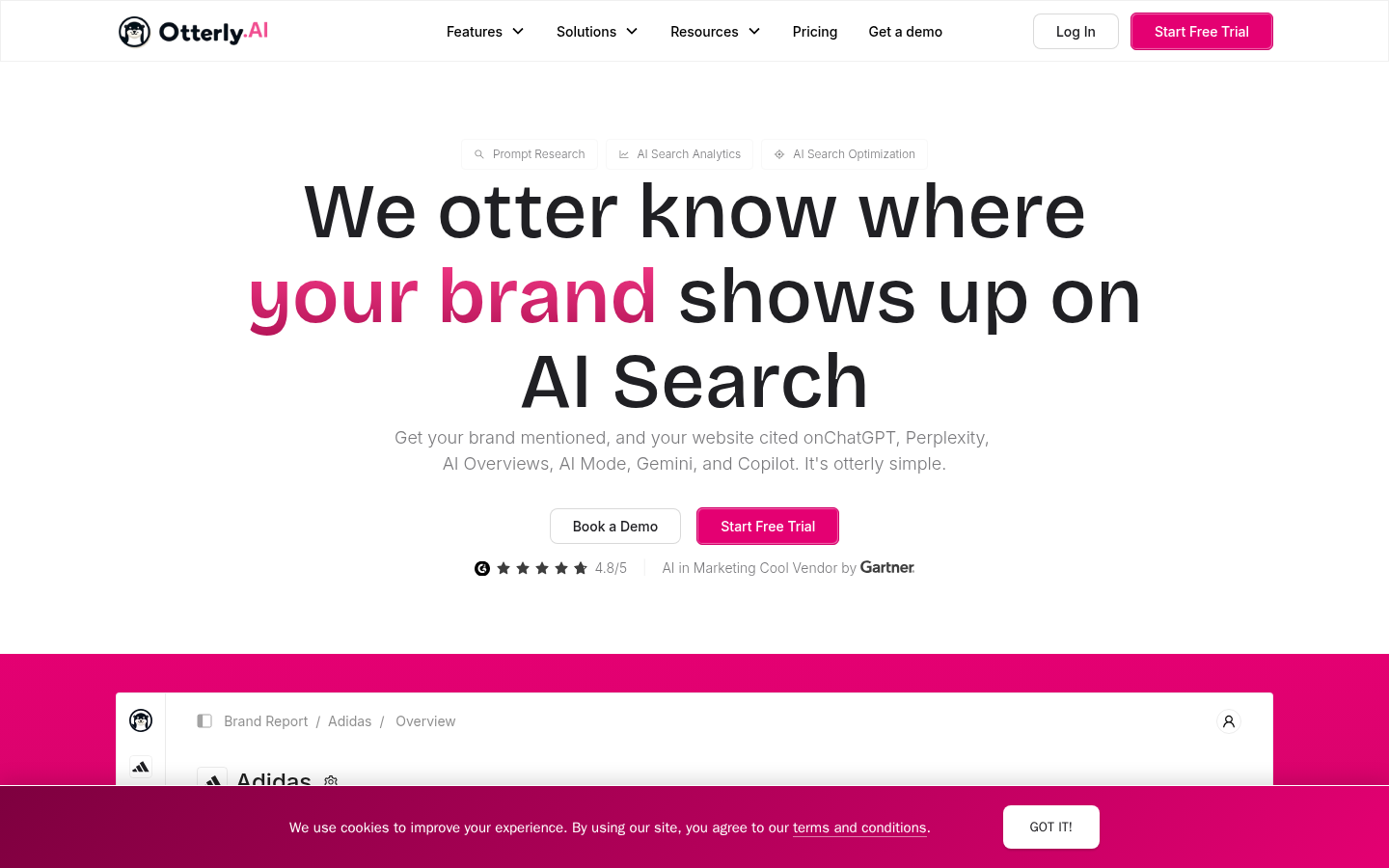
Public, logged-out OtterlyAI homepage captured from `https://www.otterly.ai/` on 2026-07-28. Pricing is verified separately against the public pricing page.
OtterlyAI is a lower-cost entry point for startups and smaller marketing teams. The public product pages list AI prompt research, brand monitoring, competitor tracking, citation analysis, and GEO audits. Its pricing page listed a Lite plan from $29 per month when this article was researched.
That plan is a monitoring-led starting point, not a full replacement for technical auditing or revenue attribution. The entry price has a limited prompt allowance and specified engine coverage, so verify the current plan details before budgeting. It is a sensible first platform when a team wants to establish a stable prompt baseline before investing in a broader GEO operating system.
AthenaHQ for visibility tied to growth and commerce data
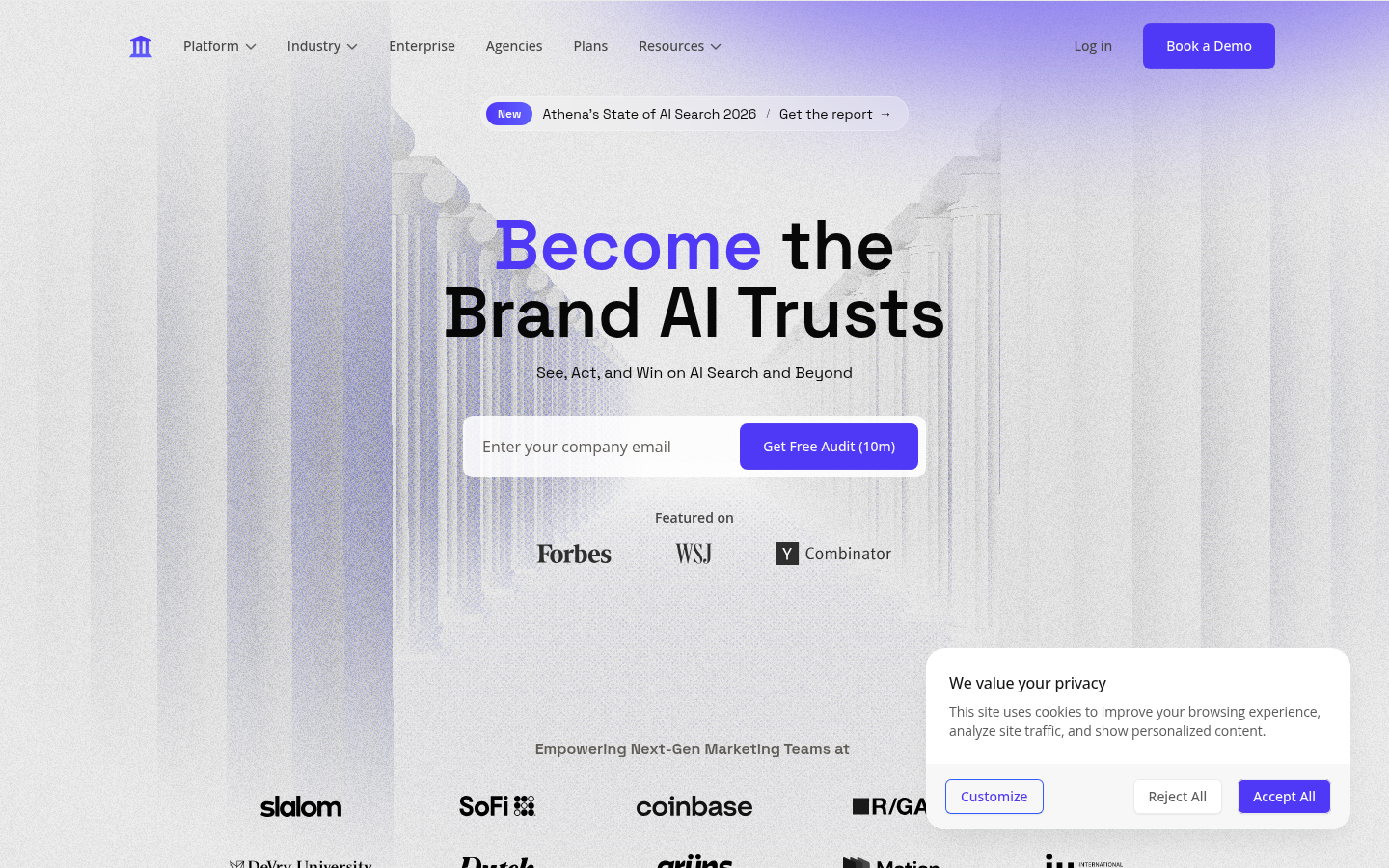
Public, logged-out AthenaHQ homepage captured from `https://www.athenahq.ai/` on 2026-07-28. The image is a public product reference, not a private dashboard capture.
AthenaHQ is built for growth-oriented SaaS, ecommerce, and enterprise teams that need to connect AI visibility with business data. Its site lists Prompt Volume, monitoring, citation-source analysis, content actions, and direct integrations with GA4, Google Search Console, and Shopify. AthenaHQ says these integrations can connect AI-search visibility to traffic and conversions, with Shopify support for revenue attribution.
That is an important distinction for a growth team, but attribution is not causation. Before reporting AI visibility as revenue impact, validate the tracking design, referral and channel rules, conversion window, and whether the source data can actually support the conclusion.
Geoptie for a free GEO-tool entry point
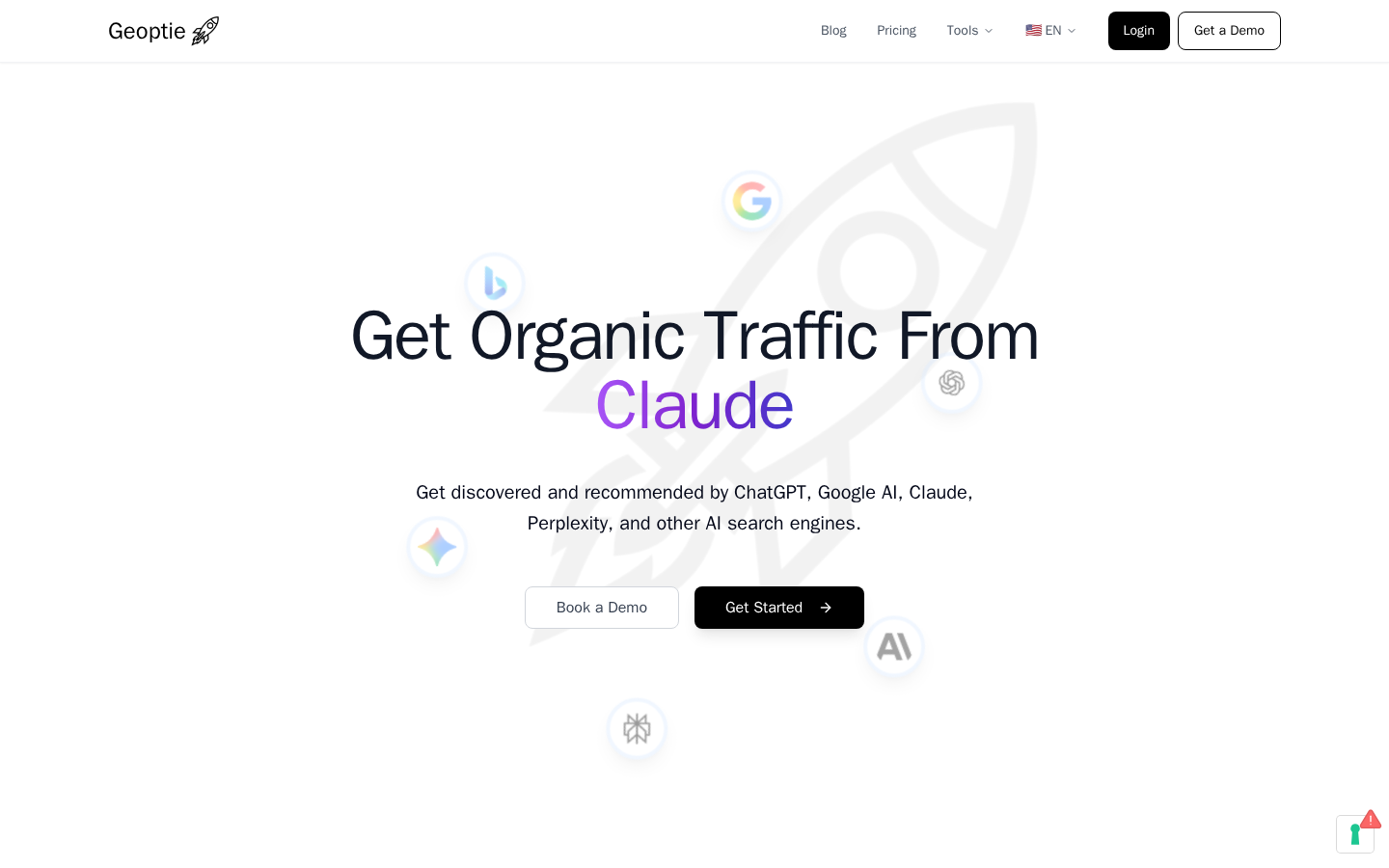
Public, logged-out Geoptie homepage captured from `https://geoptie.com/` on 2026-07-28. The capture documents the publicly offered tools, not their results.
Geoptie is useful for teams that want to test GEO workflows before committing to an ongoing platform. Its public site lists free entry tools including GEO Audit, Rank Tracker, Content Checker, Keyword Finder, Cannibalization Checker, and Backlink Finder. Its paid platform adds broader monitoring and continued tracking.
Use the free tools to establish a baseline and learn which research questions matter for your site. Then move to scheduled monitoring only if the team can maintain a documented prompt set and act on the findings. A one-time free scan is orientation, not evidence of a durable trend.
Auspia for an SEO-to-publication operating loop
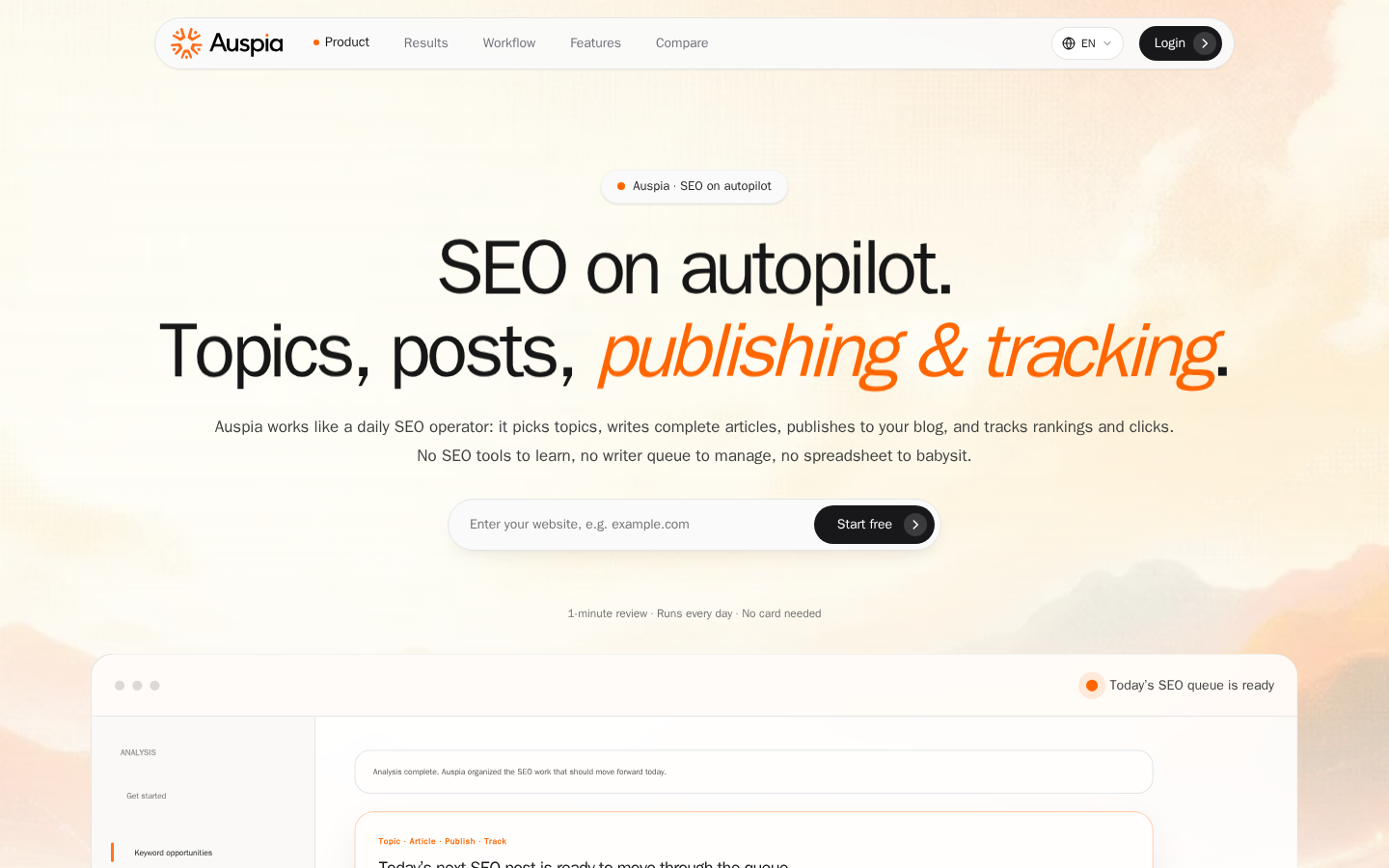
Public, logged-out Auspia homepage captured from `https://auspia.ai/` on 2026-07-28. It shows the product's public workflow positioning, not a customer account or results dashboard.
Auspia fits a different point in the stack: it turns approved SEO research into an ongoing topic, drafting, publishing, and tracking workflow. Its public site describes a loop that uses search demand, competitor signals, product positioning, and existing pages to organize the next SEO topic, then supports publishing and performance tracking.
Use it after the research decision is clear. It is not presented here as a substitute for a GEO prompt-monitoring platform or as a provider of AI prompt volume. The practical fit is a team that needs to turn a reviewed content opportunity into a regular SEO production and measurement cadence. Verify the current CMS, tracking, and workflow integrations before adopting it.
Peec AI for prompt libraries across markets
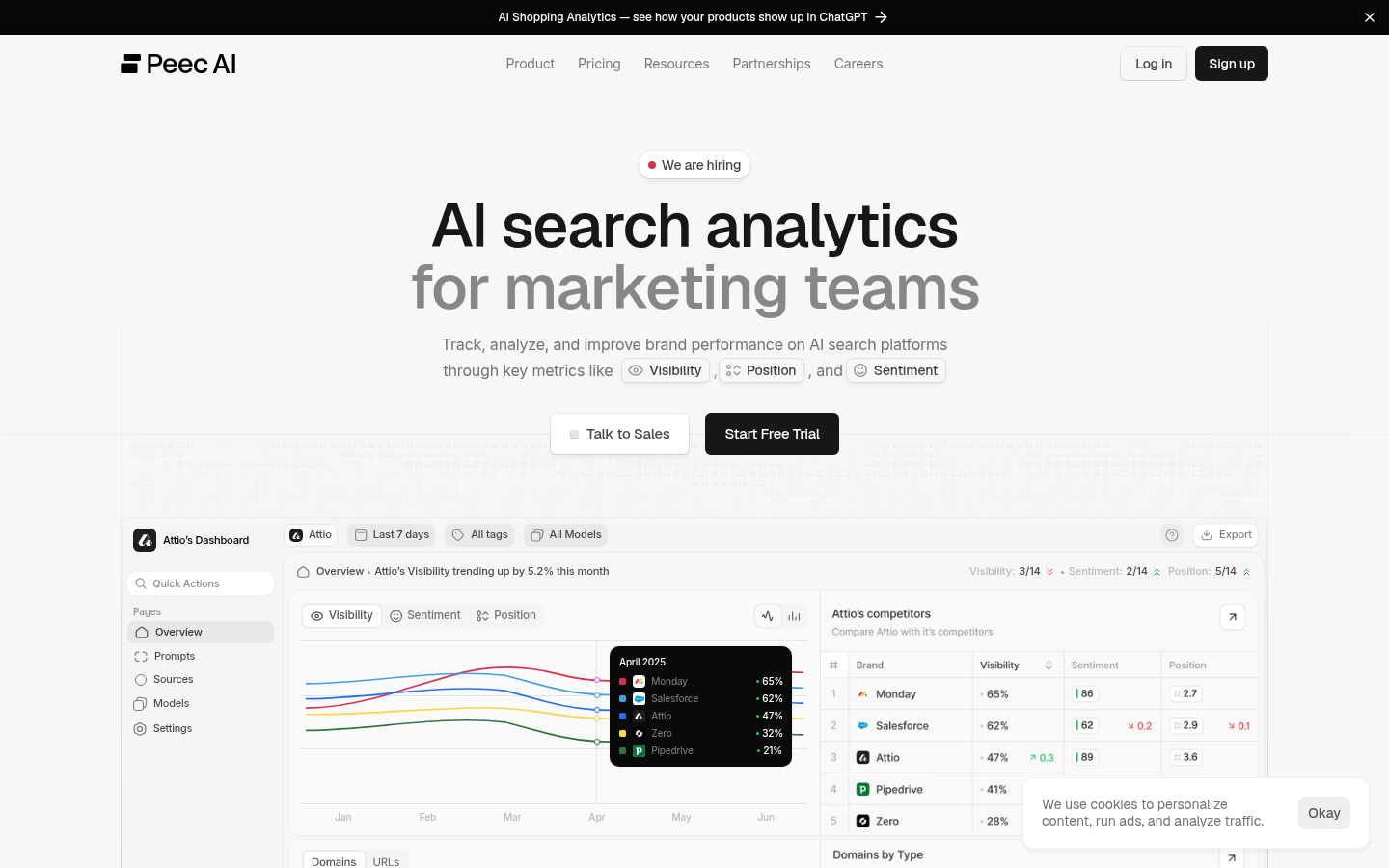
Public, logged-out Peec AI homepage captured from `https://www.peec.ai/` on 2026-07-28. The domain redirected to the vendor's public `peec.ai` page; no workspace was accessed.
Peec AI is for marketing teams that need to add, tag, organize, and track a prompt library across markets. Its public site describes visibility, position, and sentiment views. This makes it a sensible option when the problem is prompt governance: deciding which branded and non-branded prompts to track, where they should be monitored, and how the reporting set stays consistent over time.
The numbers only mean something when the underlying prompt set, model coverage, country, and collection date are documented. A growing dashboard score without that context is not enough to make a content decision.
Scrunch for citations and AI site-consumption research
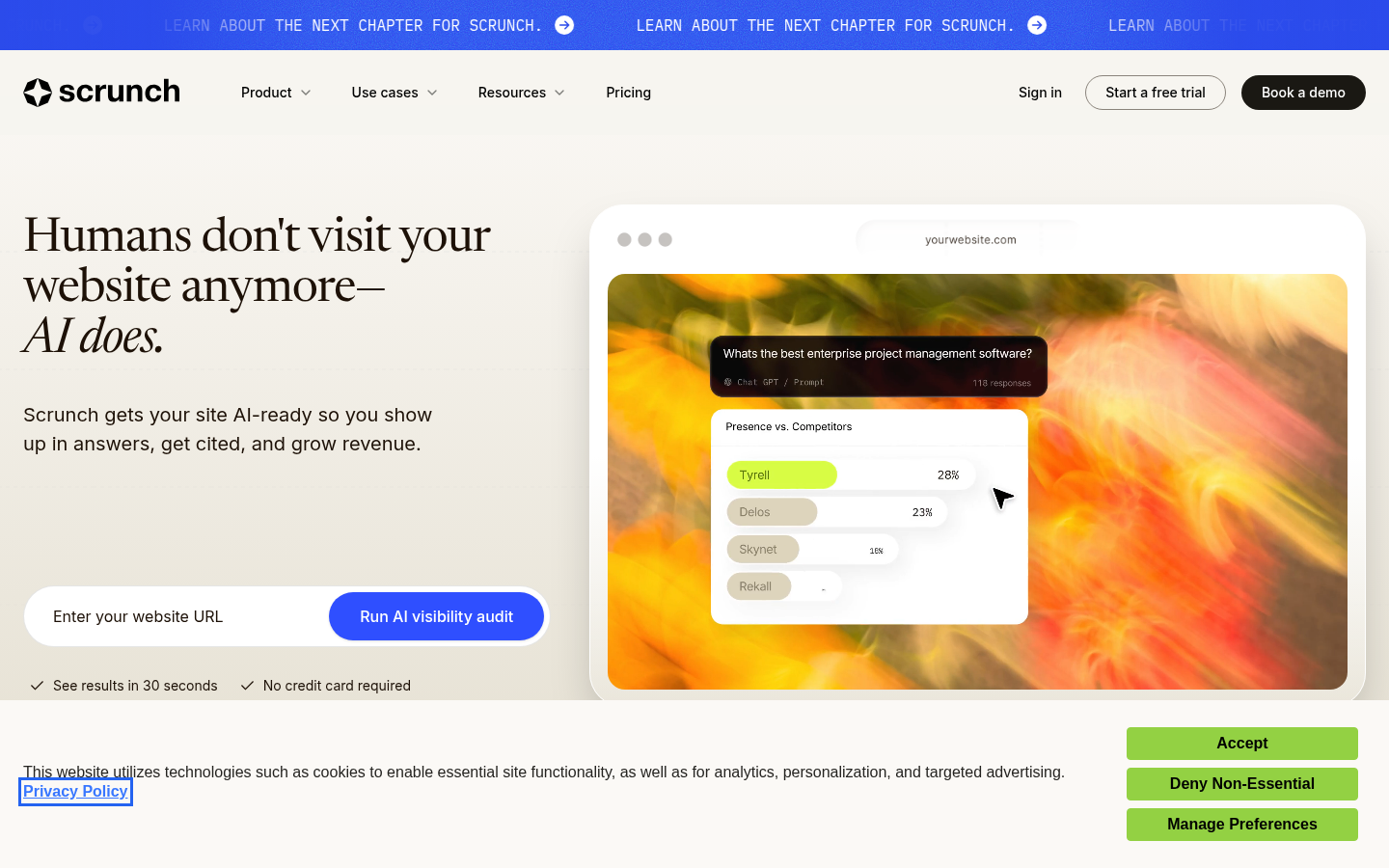
Public, logged-out Scrunch homepage captured from `https://scrunch.com/` on 2026-07-28. The public page is used only to identify the platform and its stated scope.
Scrunch is more useful for teams investigating cited sources, AI-search trends, agent traffic, and how AI systems consume a website. Its public product positioning includes prompt monitoring, citation discovery, AI search trends, agent traffic, and site maps. That makes it a strong candidate when the research question is not only "are we mentioned?" but also "which sources shape answers, and can agents consume our site?"
Do not read a citation observation as a promise of future citations. Use recurring checks to identify evidence, content, or technical gaps, then validate the relevant page before making changes.
Ahrefs Brand Radar for AI visibility inside the Ahrefs ecosystem
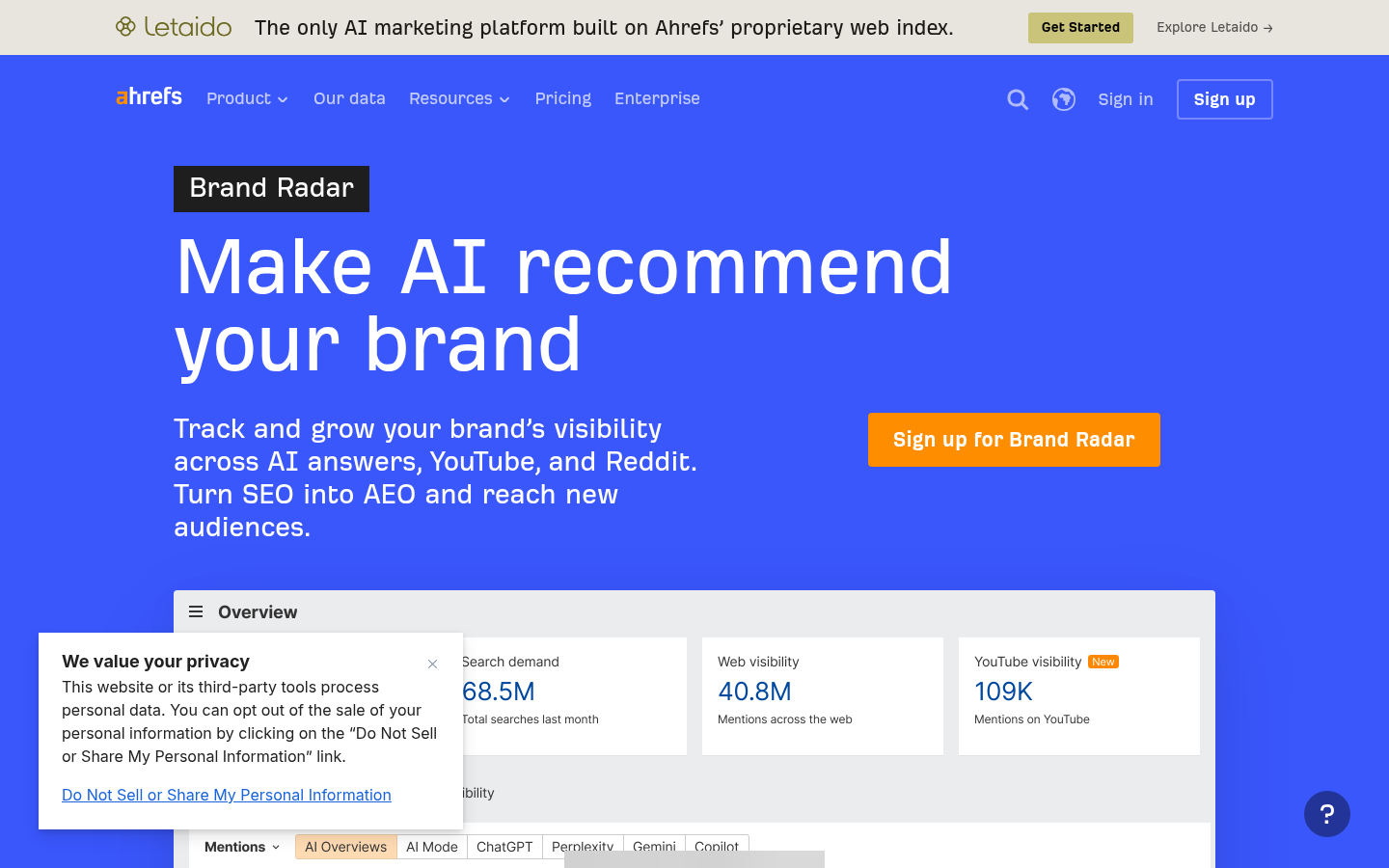
Public, logged-out Ahrefs Brand Radar page captured from `https://ahrefs.com/brand-radar` on 2026-07-28. The visible dashboard is a public marketing preview, not an account report.
Ahrefs Brand Radar is a natural option for teams already using Ahrefs and looking to extend traditional keyword research into AI visibility and brand monitoring. Its public page positions the product around AI recommendation and a brand-visibility overview.
The important check is plan fit. Access, available indexes, query coverage, and tracking controls depend on the configured Ahrefs product. Confirm those details before treating Brand Radar as the sole source for an AI-visibility program.
This is not a universal ranking. Use a free audit, trial, or product demonstration to test one real category before committing. Keep a platform only if it exposes the prompt set, engine or model, market or country where applicable, collection time, and the source evidence behind its reported mentions or citations.
How to build a GEO prompt set from keyword research
Do not paste a traditional keyword list into a GEO tool and call it a GEO strategy. Convert each high-value reader job into a small family of prompts.
For a product category such as invoicing software for freelancers, create prompts that test different stages of the decision:
Prompt family | Example research prompt | What it can reveal |
|---|---|---|
Category discovery | "What invoicing software is suitable for freelance designers?" | Which brands and criteria appear in a broad recommendation |
Constraint | "Which invoicing tools work for a UK freelancer who needs VAT invoices and payment reminders?" | Whether local, compliance, or workflow constraints change the answer |
Comparison | "Compare [brand] with two alternatives for a solo designer who invoices international clients." | How the brand and alternatives are characterized |
Problem solving | "How should a freelance designer handle an overdue invoice without damaging the client relationship?" | The educational content and source gaps around a task |
Follow-up | "What should I set up before sending my first invoice?" | The adjacent questions that a primary answer may lead to |
Keep the market, language, model, date, exact prompt, and any observed sources alongside every result. If a platform cannot expose those basics, its output may still inspire ideas, but it is weak evidence for prioritizing content.
A practical GEO research loop
Use traditional and GEO research together rather than forcing one to validate the other.
- Start with customer language, Search Console, or a standard keyword tool to identify a clear reader job.
- Turn that job into a small set of discovery, comparison, constraint, problem, and follow-up prompts.
- Configure and run the set in a GEO research platform. Record the platform, engine or model where available, country or market, date, exact prompt, and update cadence. Do not rely on ad hoc manual checks in consumer AI interfaces as your monitoring system.
- Separate observations from assumptions: brand mention, cited source, answer framing, competitor presence, and missing information are observations; a proposed article or page update is a recommendation.
- Check the corresponding Google SERP and your existing URL inventory before writing. A visible AI-answer gap does not automatically mean a new page is the right response.
- Re-run a stable, documented prompt set after meaningful content changes. Do not compare results from altered prompts or different markets as if they were the same test.
The output is a prompt map linked to real content decisions: refresh an existing page, publish a guide that answers a missing job, improve factual sourcing, build a comparison only when you can make it fair, or hold the idea until evidence improves.
A simple free-tool workflow that uses the list well
Use the free tools as a complementary stack: discovery, existing-site evidence, timing, and intent verification.
You do not need every tool for every topic. A new site or category can start with customer language, expand through Keyword Tool or Ahrefs Keyword Generator, and finish with a Google Search intent check. An established site should begin in Search Console, then use Google Search and Trends to decide whether an existing URL needs a refresh or expansion.
For a seasonal, commercial, or rapidly changing topic, use Keyword Planner to broaden the topic, Google Trends to assess timing, and Google Search to inspect the current result format. For AI-search visibility or recommendation research, begin with Search Console or Keyword Planner, move to a GEO research platform for documented prompt and source observations, then check the corresponding Google result page before making a content or technical decision.
For every shortlisted idea, record the source, date, market, language, reader job, existing URL if any, and next decision. That small audit trail prevents a tool suggestion from becoming an unsupported claim later.
How to evaluate a free keyword research tool before you rely on it
The right tool is not the one with the biggest-looking dashboard. Test it against your actual problem.
- Enter one seed you know well and one seed from a less familiar category.
- Check whether you can set the right market and language.
- Export or record enough context to explain where an idea came from.
- Inspect a few suggestions manually in Google Search.
- Compare the list with customer language and Search Console, if you have it.
- Keep the tool only if it adds distinct, usable ideas to your workflow.
If it mostly returns variants you already know, it may still be fine for a beginner, but it is not your missing research layer.
FAQ
What is the best free keyword research tool?
There is no single best choice. Google Search Console is the strongest option for understanding a site you own. Google Keyword Planner is useful for related keyword discovery. Google Trends helps with timing and relative interest. Tools such as Ahrefs Keyword Generator, Keyword Tool, and AnswerThePublic are useful for finding phrasing and questions to investigate.
Are free keyword research tools accurate?
They can provide useful signals, but each signal has a boundary. Search Console describes your property. Trends reports normalized relative interest. Keyword tools may show provider estimates or suggestions. Use the data as evidence to investigate, then judge the live results and your page's ability to help the reader.
What is a GEO keyword research tool?
It is usually a prompt-research or AI-search visibility platform, rather than a conventional keyword database. It can help teams organize and monitor AI-search prompts, brand mentions, answer framing, competitor presence, and cited sources. The recorded model, prompt, market, and date matter because AI answers are variable observations, not fixed rankings.
Are GEO prompt-research tools free?
Many GEO platforms are commercial products with trials, demos, or plan-specific access rather than permanently free tools. Confirm current terms directly with the vendor. Free keyword tools remain useful for conventional demand, existing-site performance, and seasonality; GEO platforms add a different research layer.
Should I create one page for every keyword suggestion?
No. Create or improve a page for a distinct reader job. Close variants and related questions often belong on the same strong page. Check the current SERP and your own content inventory before creating a new URL.
Author: Alice Monroe, AI SEO Tools Analyst Covering 150+ Tools at Auspia. Alice writes about SEO tooling choices, reliable workflows, and the limits behind tool-reported signals.


