Dental AI software has a demo problem. The imaging tools look impressive on a screen full of highlighted caries. The front-desk tools sound efficient in a recorded call. The documentation tools promise to give the dentist their evenings back. Every one of those demos is real, and every one of them is also the best possible version of the product.
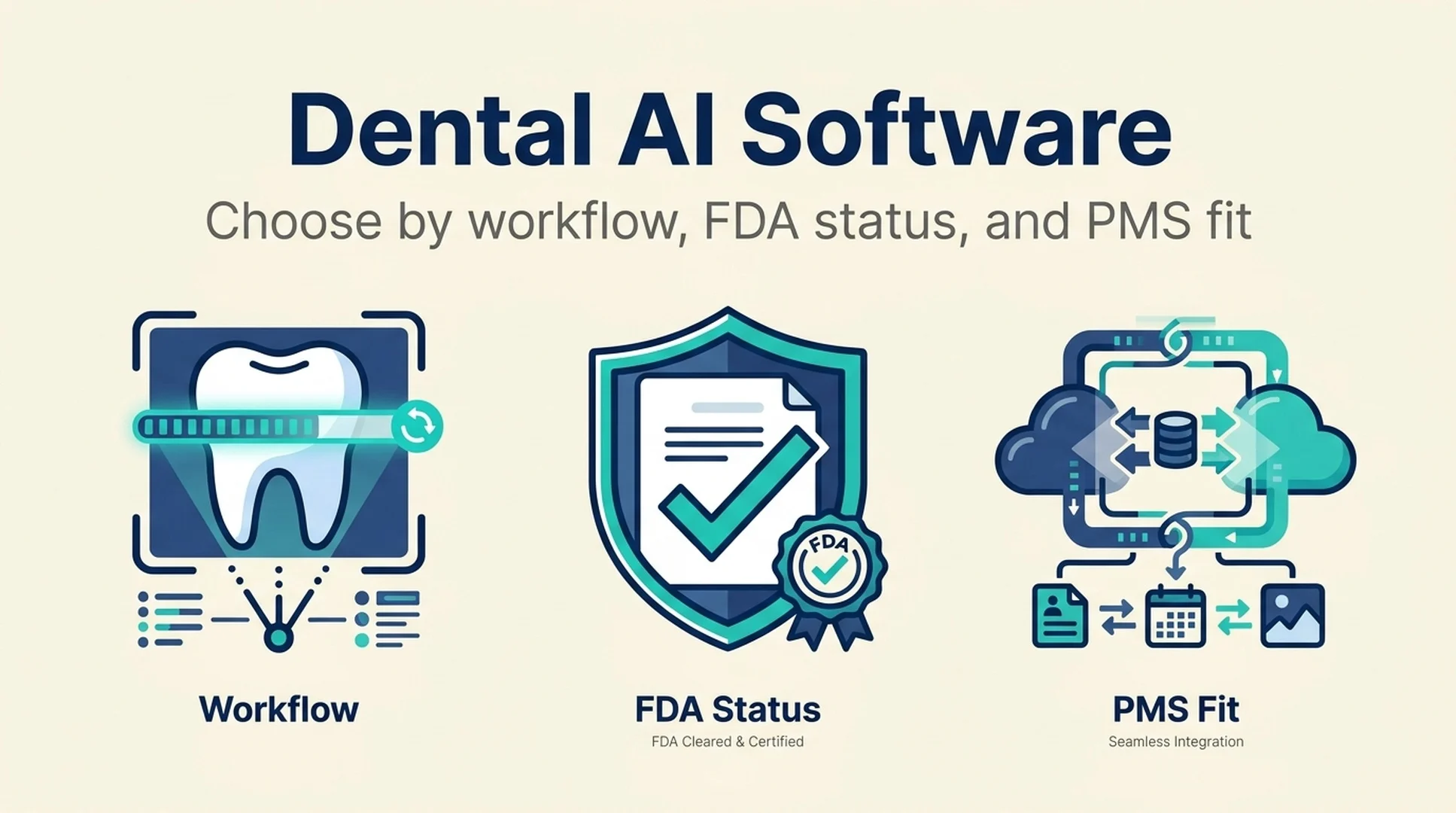
The buying decision that actually matters happens before the demo, in three filters that most practices apply in the wrong order, if at all: which workflow are you fixing, what does the FDA record for this specific product actually say, and will it connect to the practice management system you already run.
Short answer: Filter dental AI tools in this order. First, name the workflow you are trying to improve, because a tool built for imaging does not help your front desk. Second, check the FDA status of the specific product and clearances, not the company's general claims. Third, confirm the practice management system integration at the version and module level. A tool that fails any of the three will not survive contact with a real schedule.
This guide walks through each filter, shows the mistakes that cost practices the most time, and gives you a way to run a trial that produces a real answer.
Why dental AI buying goes wrong
Dental practices are not software companies, and they should not have to become one to buy a tool. That is exactly why the category is hard to navigate. The buyer is a dentist or a practice manager with a full schedule, evaluating products that describe themselves in similar language and cite similar benefits.
Three specific problems show up again and again.
The workflow mismatch. A practice buys an imaging AI because it was the most visible product in the category, then discovers the bottleneck was never diagnosis. It was the phone. Or the insurance follow-up. Or the fact that the hygienist spends twenty minutes per patient on documentation. The tool works. It just does not fix the problem the practice actually had.
The FDA misread. A vendor says "FDA cleared" and the practice hears "clinically proven." Those are not the same claim. FDA clearance is about a specific device, a specific intended use, and a specific regulatory pathway. It tells you the product met a regulatory bar for its stated purpose. It does not tell you how well the tool performs in your practice, on your patient population, with your imaging equipment.
The integration assumption. "Integrates with Dentrix" or "works with Open Dental" is a claim that needs testing at the version and module level. Practice management systems differ by version, by configuration, and by which modules a practice actually licenses. An integration that works in a demo environment may not work in yours.
The three filters below address each of these in order.
Filter 1: Name the workflow before you look at products
Dental AI tools cluster into five workflows. Pick the one with the worst combination of time cost and error risk, and evaluate only tools built for it.
Imaging and diagnostics
- What it does: analyzes radiographs and intraoral images to flag caries, bone loss, and other findings for clinician review.
- Who feels the pain: dentists and hygienists, especially in practices with high patient volume.
- What to measure before buying: how often findings are missed or caught late, and how much time is spent on chart review.
- The filter that eliminates the most tools: FDA status, because this is the category where device clearance matters most and where claims vary widely.
Clinical documentation
- What it does: drafts clinical notes, summarizes the appointment, and structures the record.
- Who feels the pain: hygienists and dentists, particularly at the end of a full day.
- What to measure before buying: minutes per patient spent on notes, and how often notes are completed after hours.
- The filter that eliminates the most tools: whether the output fits the note structure your practice and any payer actually require.
Insurance and revenue cycle
- What it does: checks benefits, prepares claims, flags likely denials, and follows up on outstanding claims.
- Who feels the pain: the front office and billing staff.
- What to measure before buying: denial rate, days in accounts receivable, and hours per week spent on follow-up.
- The filter that eliminates the most tools: whether the tool connects to your clearinghouse and your practice management system, or expects you to change either.
Front desk and patient communication
- What it does: answers calls, schedules appointments, sends reminders, and handles routine patient questions.
- Who feels the pain: the front desk, and by extension every patient on hold.
- What to measure before buying: missed call rate, time to answer, and no-show rate.
- The filter that eliminates the most tools: how the tool handles the calls it cannot resolve, because that handoff is where patient experience is won or lost.
Practice analytics and operations
- What it does: reports on production, scheduling efficiency, and case acceptance.
- Who feels the pain: the owner-dentist and practice manager.
- What to measure before buying: which decisions currently get made on gut feel because the data takes too long to assemble.
- The filter that eliminates the most tools: data access, since the tool is only as good as what it can read from your systems.
Write down the workflow and the number you are trying to move before you open a single vendor site. That one sentence will eliminate more bad options than any feature comparison.
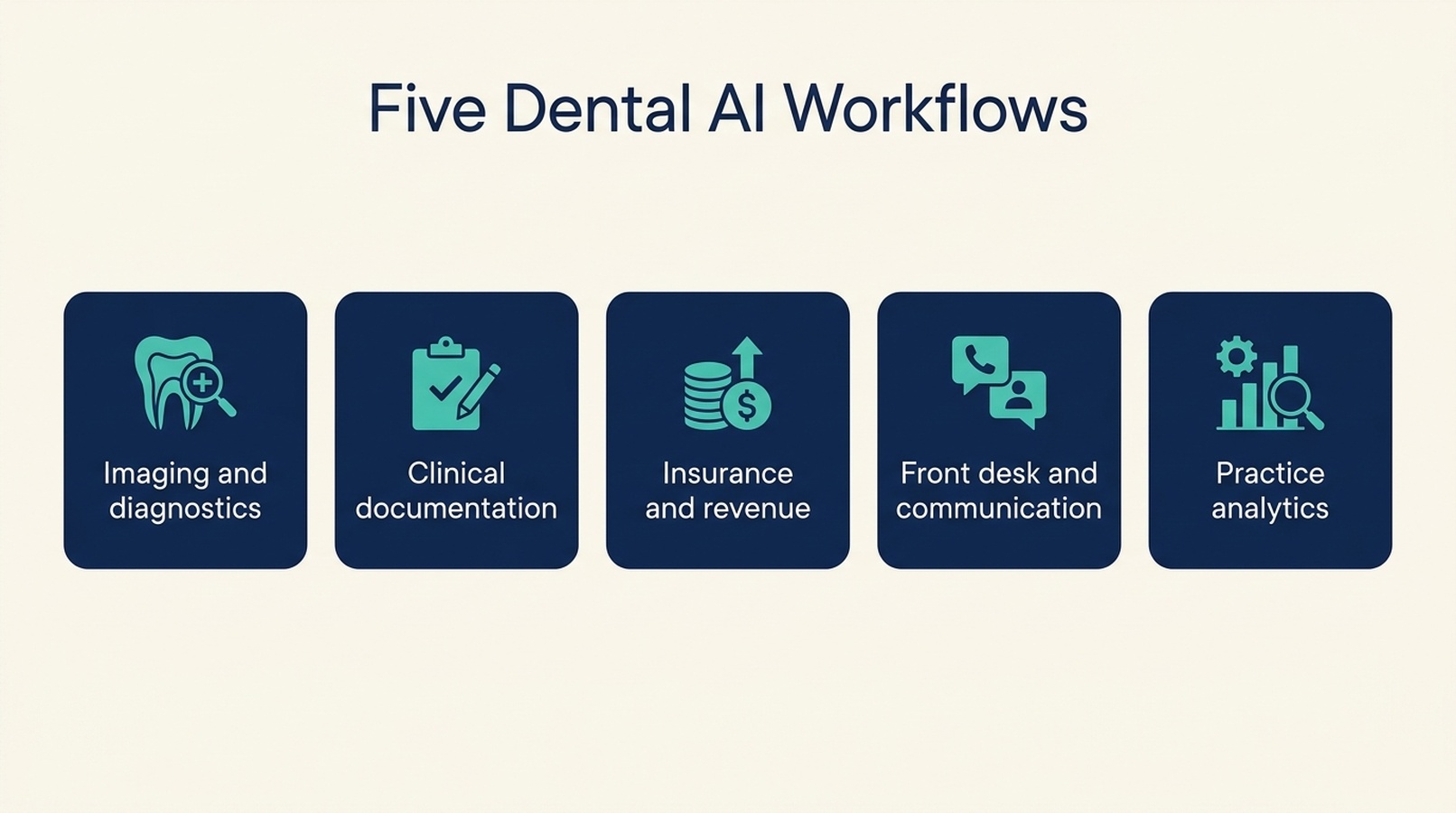
Dental AI tools cluster into five workflows. Pick the one with the worst combination of time cost and error risk, then evaluate only tools built for it.
Filter 2: Read the FDA record correctly
This is the filter practices most often get wrong, in both directions. Some practices treat any FDA mention as a guarantee. Others dismiss FDA status as marketing. Neither is right.
What FDA clearance does and does not tell you
What it tells you | What it does not tell you |
|---|---|
The specific device met the regulatory requirements for its stated intended use | How the tool performs in your practice or on your patient population |
A clearance number exists that can be looked up and verified | That the company's other products share that clearance |
The intended use is defined in the clearance record | That the tool is better than a competing cleared tool |
The regulatory pathway the product took | Anything about pricing, support, or integration |
The practical rule: verify the clearance for the product you are buying, not the company. A vendor with a cleared imaging product does not thereby have a cleared front-desk product.
How to check a clearance claim
- Ask the vendor for the specific clearance number for the product you are evaluating.
- Look the number up in the FDA's public device database rather than trusting a logo or a badge on a website.
- Read the intended use statement. It defines what the device is cleared to do, and it is usually narrower than the marketing language.
- Confirm the product name in the record matches the product you are being sold. Rebranded products and successor versions are worth a specific question.
Where FDA status matters most, and least
FDA status is most consequential for imaging and diagnostic tools, where the product influences clinical findings. It matters less for administrative tools like scheduling and reminders, which are generally not regulated devices. That does not make administrative tools risk-free, but the risk is different: it is operational and reputational rather than clinical.
Do not let an FDA badge on an imaging product create a halo around an unrelated administrative product from the same vendor. Evaluate each on its own terms.
Filter 3: Verify the PMS integration at the version level
The practice management system is the constraint that decides whether a tool is usable day to day. An AI tool that requires staff to copy information between systems has not automated anything. It has added a step.
What "integrates with your PMS" needs to mean
Integration level | What it looks like | What to verify |
|---|---|---|
Manual export | You download and re-upload data | How often, and who does it |
Read-only sync | The tool pulls schedule and patient data | Sync frequency, which fields, what breaks when the PMS updates |
Write-back | The tool creates or updates records in the PMS | Permissions, review step, audit trail, reversal behavior |
Native module | The tool runs inside the PMS ecosystem | Which PMS tier and modules are required |
Most practices need at least read-only sync to get value, and write-back only where a review step exists.
The version and module question
Ask these three questions before a trial:
- Which PMS versions and editions are supported? A practice on an older version or a different edition may not be covered by the integration the vendor demonstrated.
- Which modules does the integration touch? Scheduling, charting, billing, and imaging may be handled by different modules with different access rules.
- What happens when the PMS updates? Practice management systems release updates on their own schedule. Ask how the integration is maintained and how quickly breakage is fixed.
A vendor that cannot answer these three clearly is asking you to be the integration test.
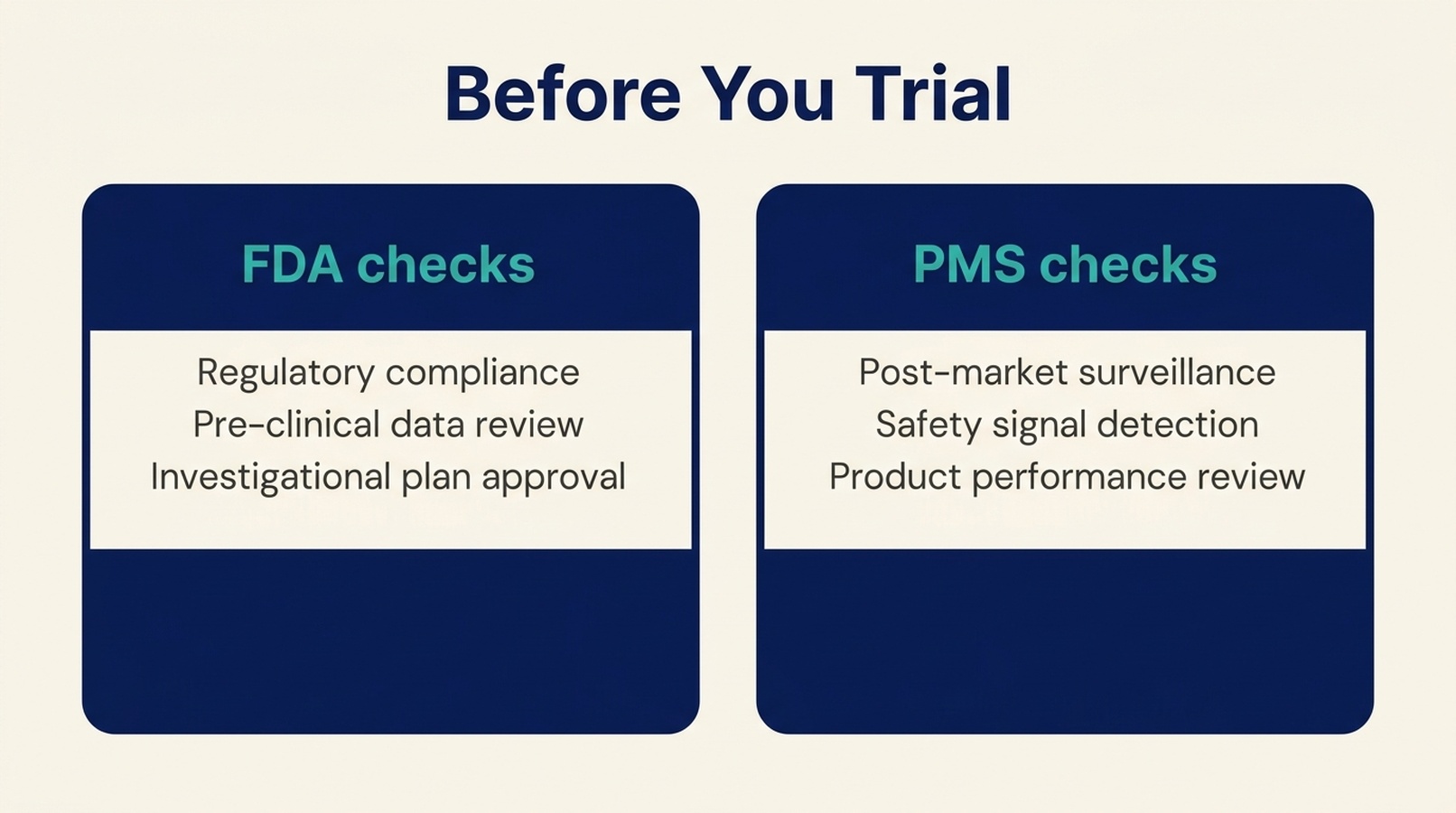
Verify the FDA record for the specific product and the PMS integration at the version and module level before the trial starts, not during it.
A trial that produces a real answer
Dental practices often run trials that confirm what they already hoped. A better trial is short, narrow, and measured.
Scope it to one workflow and one location
If you run multiple locations, pilot in one. Multi-site pilots produce multi-site confusion and no clear signal.
Pick a baseline metric before you start
Use the number you identified in Filter 1. Missed calls per week. Minutes per patient on notes. Denial rate. Days in accounts receivable. Whatever the workflow is, there is a number attached to it.
Run it for a full cycle
For front-desk and scheduling tools, that means several weeks, because patient behavior varies by week. For billing tools, it means at least one full claim cycle. For documentation tools, two to four weeks is usually enough.
Test the exception, not the happy path
The demo shows the tool handling a clean case. The trial should show what happens when a patient calls about something unusual, when a radiograph is low quality, or when a claim has an unusual code. The exception is where the tool either earns its place or does not.
Decide with the number, not the feeling
At the end of the trial, compare against the baseline. If the number did not move, the tool did not work for your practice, regardless of how much the team liked the interface.
Where dental practices get this wrong
Buying the most visible product in the category. Visibility is not the same as fit. The best-known imaging tool does nothing for a front-desk problem.
Treating "FDA cleared" as a performance claim. It is a regulatory statement about a specific device and intended use. Verify the clearance number for the product you are actually buying.
Accepting the integration claim without a version check. "Works with Dentrix" is not a specification. Ask which versions, editions, and modules.
Skipping the baseline. Without a before number, the trial becomes a preference test.
Piloting across every location at once. You lose the ability to compare and you multiply the disruption if the tool does not work.
Letting the vendor define success. The vendor will measure adoption. You should measure the workflow metric you set out to move.
A note on where to look
The hard part of this process is that the information you need is scattered. FDA records live in one place, integration claims live on vendor sites, and workflow fit is described in marketing language that sounds the same across every product.
DentalAtlas is a directory that documents dental AI tools with dated checks, integration evidence, and FDA device records, organized by workflow category and by practice management system. If you are building a shortlist, it is a faster starting point than working through vendor sites one at a time, and it lets you filter by the PMS you actually run.
FAQ
Is FDA clearance required for dental AI software?
It depends on the product and its intended use. Software that influences clinical diagnosis or treatment decisions is generally regulated as a medical device, while administrative tools like scheduling and reminders usually are not. Ask the vendor for the specific clearance number for the product you are evaluating and verify it in the FDA's public database.
Does FDA clearance mean a dental AI tool is accurate?
No. Clearance means the device met the regulatory requirements for its stated intended use. It does not tell you how the tool performs on your patients, with your imaging equipment, or compared with another cleared product.
How do I know if a dental AI tool integrates with my practice management system?
Ask for the specific supported versions, editions, and modules, not a logo. Then test the integration during the trial with your actual configuration, and ask what happens when your PMS releases an update.
Which dental AI workflow should a practice automate first?
The one with the worst combination of time cost and error risk for your practice. Measure the baseline for each candidate workflow before deciding, rather than starting with the most visible product category.
How long should a dental AI trial run?
Long enough to cover a full cycle of the workflow. Several weeks for scheduling and front-desk tools, at least one full claim cycle for billing tools, and two to four weeks for documentation tools.
Can a small practice use dental AI, or is it only for DSOs?
Small practices can use it, and often benefit most from front-desk and documentation tools because the administrative load is concentrated in fewer people. The constraint is usually budget and setup time rather than practice size.
What should we measure during a dental AI trial?
The metric tied to the workflow you chose: missed calls, minutes per patient on notes, denial rate, or days in accounts receivable. Measure it before the trial, during, and after.
Author: Victor Lane, GEO Audit Specialist with 300+ Readiness Reviews at Auspia. Victor writes about readiness audits, evidence checklists, and how regulated industries evaluate the tools they adopt.