Most "best AI tools for lawyers" lists are written for a buyer who does not exist. They rank features, compare interfaces, and declare a winner. A solo attorney or a three-person firm reading that list has a different question, and it is usually the one the list does not answer: if I put client information into this thing, what happens to it?
That question is not paranoia. It is the professional obligation. A small firm has no general counsel to review vendor terms, no security team to audit a data flow, and no procurement department to negotiate a data processing agreement. The attorney is all three. So the selection process has to be simple enough to actually run, and rigorous enough to stand up if a client ever asks how their file was handled.
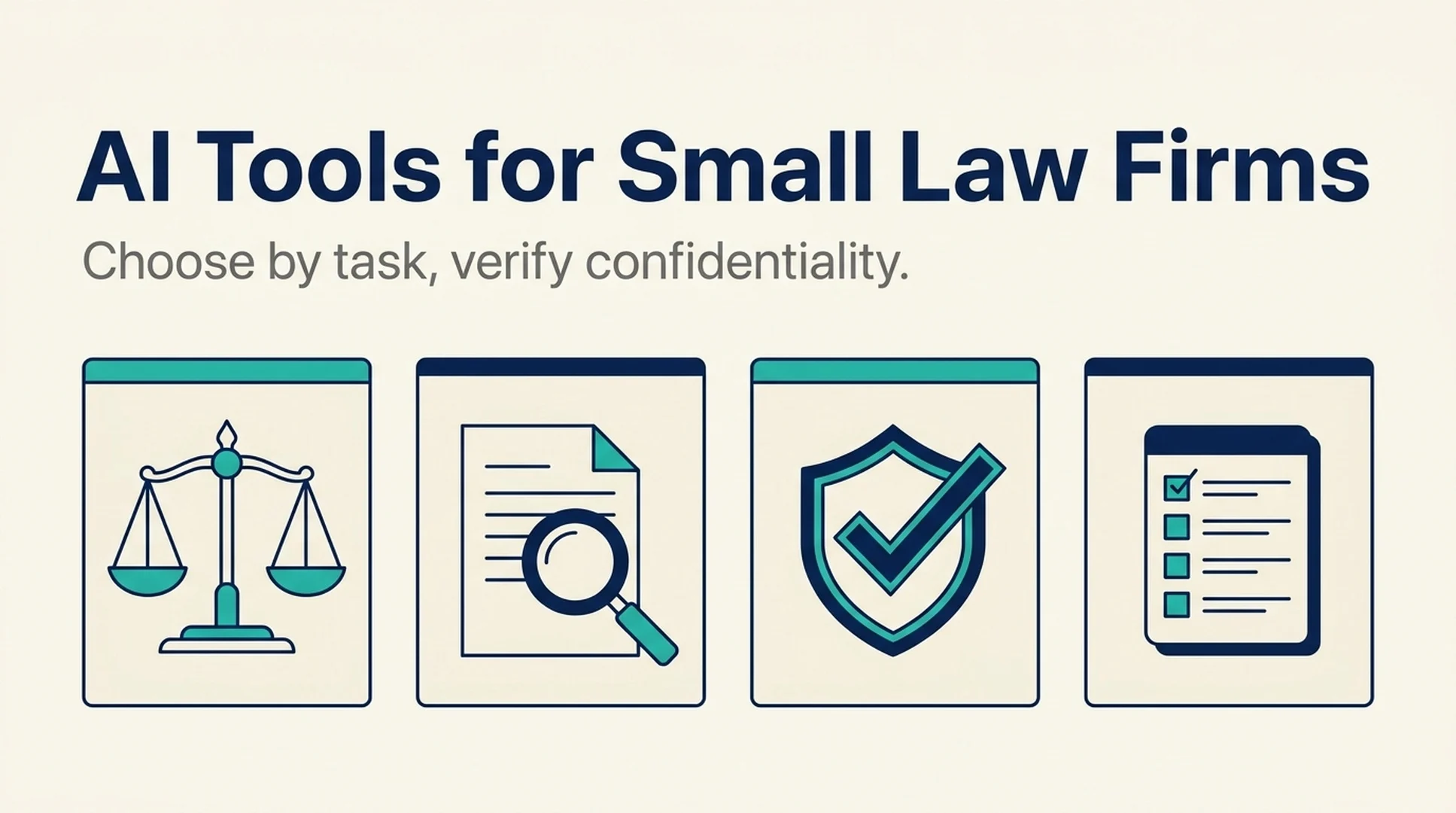
Short answer: Choose AI tools by task first, then verify confidentiality second, then pilot third. Task selection narrows the field to tools that do the work you actually need. Confidentiality verification eliminates the ones that cannot answer basic questions about training data, retention, and deletion. The pilot then tests the remaining candidates on non-sensitive work before any client data touches them.
This guide covers that sequence, the specific confidentiality questions to put to a vendor, and where small firms most often get this wrong.
Why the feature-comparison approach fails a small firm
A large firm can absorb a bad tool decision. It has a risk committee, a conflicts process, and enough volume that a tool which is 80% right still saves money. A small firm cannot absorb the same mistake in the same way. A confidentiality problem is not a productivity setback. It is a professional responsibility problem, and it does not scale down with firm size.
There is a second reason the feature list fails. Small firms do not have the same task mix as large ones. A 200-attorney firm has dedicated research staff, a document review team, and a knowledge management function. A solo practitioner does research, drafting, intake, client communication, and billing, often in the same afternoon.
That changes what matters. A tool that automates document review is close to useless for a firm that rarely handles discovery. A tool that drafts client intake summaries might save more time than a research tool, because intake is where the solo attorney actually loses hours.
So the first filter is not "which tool is best." It is "which task, for this firm, is worth automating."
Step 1: Choose by task, not by tool category
The legal AI market sorts itself into tasks. Pick the one that costs your firm the most time, and evaluate only tools built for it.
Legal research and case law
- What the tool does: searches case law, statutes, and secondary sources, and summarizes results with citations.
- Where it fits: firms that run research regularly and currently spend hours in traditional databases.
- The confidentiality question that matters most: does the tool retain or train on the queries, and can a query be reconstructed later? Research queries can reveal client strategy even when they contain no names.
- What to verify: whether cited authority is real and verifiable, and whether the tool shows its sources clearly enough for you to check them.
Drafting and document review
- What the tool does: drafts clauses, summarizes contracts, flags inconsistencies, and produces first-pass review notes.
- Where it fits: firms with repeatable document types, such as leases, engagement letters, or standard motions.
- The confidentiality question that matters most: where does the document go, how long is it stored, and is it used to improve the model.
- What to verify: whether the output is a draft for attorney review or presented as finished work. For a small firm, the first is useful and the second is a liability.
Intake and client communication
- What the tool does: drafts intake summaries, responds to routine questions, and organizes new matter information.
- Where it fits: firms where the attorney personally handles intake and follow-up.
- The confidentiality question that matters most: prospective client information is still confidential information, and it often arrives before any engagement letter exists.
- What to verify: whether the tool has a path for pre-engagement data, and whether that data is handled differently from active matter data.
Practice management and billing
- What the tool does: drafts time entries, summarizes matter status, and supports administrative workflows.
- Where it fits: almost every small firm, because the administrative load is disproportionate.
- The confidentiality question that matters most: billing narratives often contain more client detail than attorneys realize.
- What to verify: whether the tool connects to your existing practice management system or expects you to move data into it.
Document management and e-discovery
- What the tool does: organizes, searches, and reviews large document sets.
- Where it fits: firms with litigation or transaction volume that justifies the setup cost.
- The confidentiality question that matters most: this is the highest-volume data category, so retention and deletion terms matter most here.
- What to verify: whether the tool can handle a defensible deletion at the end of a matter.
Pick one. A small firm that adopts one tool well is better positioned than one that subscribes to four and trusts none of them.
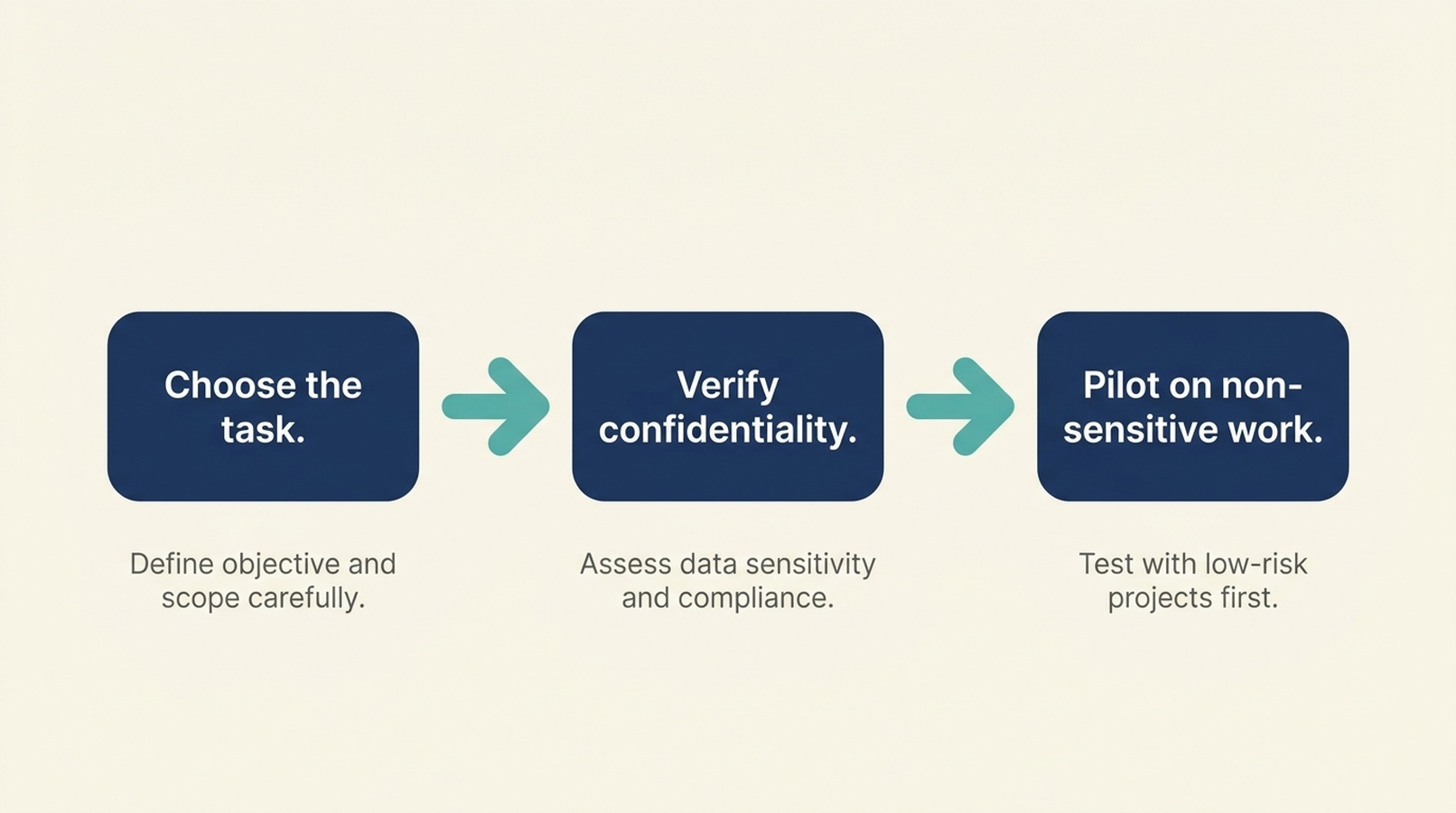
The order matters. Task selection narrows the field, confidentiality verification eliminates tools that cannot answer basic questions, and the pilot tests what remains on non-sensitive work.
Step 2: Verify confidentiality against documents, not assurances
This is the step small firms skip, usually because it feels like it requires expertise they do not have. It does not. It requires reading, and asking for the specific document rather than accepting a verbal answer.
The five questions to put in writing
Ask these in an email, not on a call. Written answers are harder to soften, and you will want the record later.
- Is client data used to train or improve your models? Ask for the answer in the vendor's own published terms, and ask what happens if that policy changes.
- Where is data stored, and for how long? Ask for the retention period in days or months, not "as long as necessary."
- Can we delete data, and what does deletion actually remove? Ask whether deletion covers backups, logs, and derived data.
- Who can access the data, including vendor staff? Ask whether human review of customer data happens, and under what conditions.
- What happens to our data if we stop paying or the company is acquired? Ask for the exit and transfer terms.
A vendor that answers all five clearly, in writing, with links to published terms, is worth a pilot. A vendor that answers vaguely, or points to a marketing page instead of a policy, has told you something useful.
Read the training statement carefully
Training statements are where the most confusion lives, and often where the most careful drafting lives too. Watch for these distinctions:
What the statement says | What it usually means | What to ask next |
|---|---|---|
"We do not train on your data" | Your inputs are excluded from model training | Does that cover fine-tuning, evaluation, and human review? |
"Your data is used to improve our services" | Broad, and may include training | Ask for the specific uses and whether you can opt out |
"We may use aggregated data" | Aggregation is not anonymization by default | Ask how aggregation is performed and whether it is reversible |
"Enterprise customers can opt out" | The default may be opt-in to training | Confirm your plan's default in writing |
"We retain data to provide the service" | Retention is tied to the subscription | Ask for the deletion timeline after termination |
The point is not to catch a vendor in a contradiction. It is to know exactly what you are agreeing to before client data is involved.
Where the free tier fits
Free and low-cost tiers are often where small firms start, and they are also where the weakest confidentiality terms usually live. That does not make them unusable. It means the free tier is for work that contains no client information: learning the interface, testing output quality on public documents, and deciding whether the tool is worth paying for.
Do not put client data into a free tier because the paid tier's terms look acceptable. They are different products with different terms.
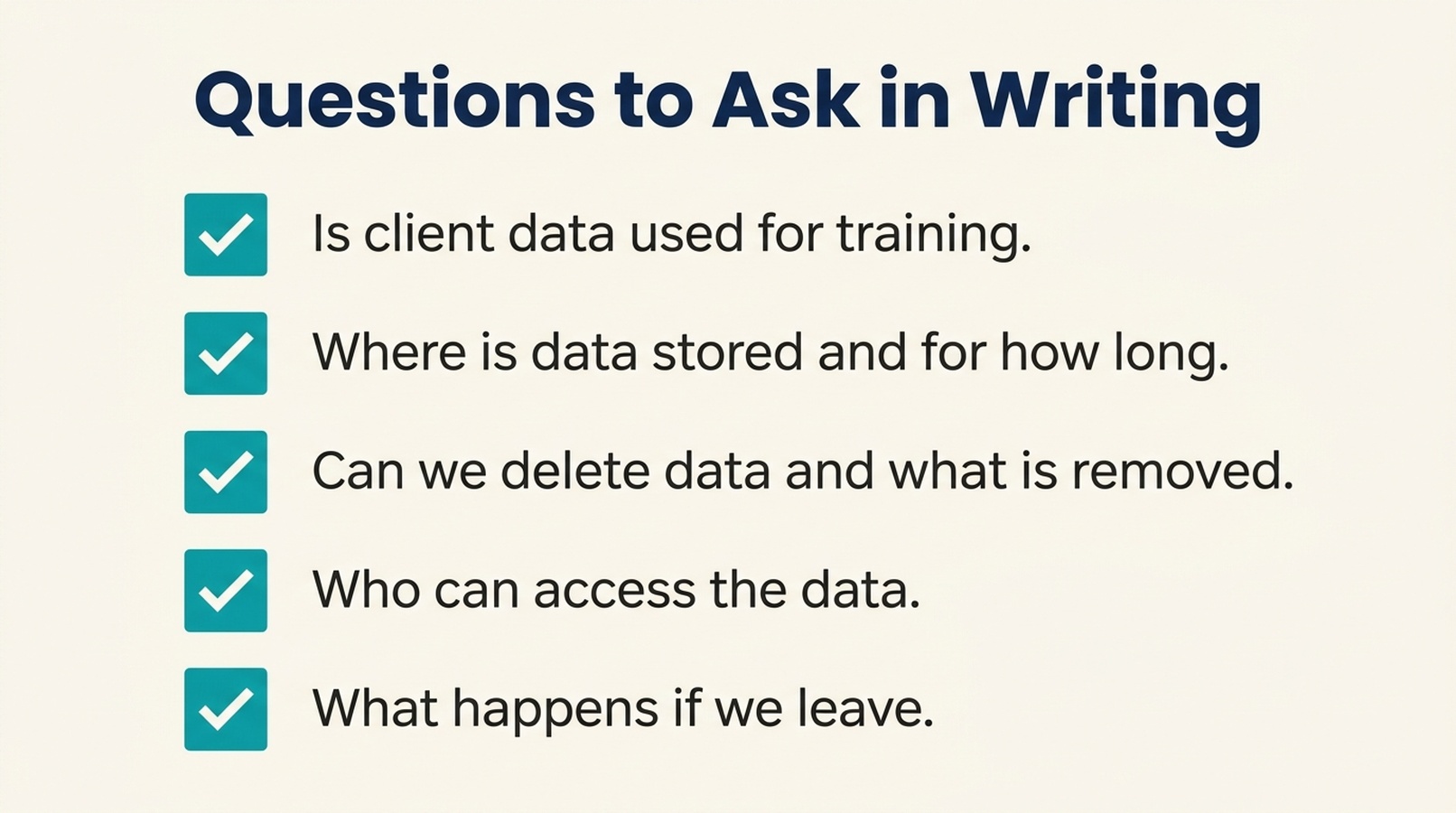
Ask these five questions in writing, not on a call. A vendor that answers all five with links to published terms is worth a pilot.
Step 3: Pilot on non-sensitive work first
A pilot is not a trial run with real client data. It is a controlled test that answers two questions: does the tool do the work well enough to be useful, and does the vendor behave the way the terms say it will.
Scope the pilot tightly
- One task. The one you picked in Step 1.
- One or two people. A pilot with five participants produces five opinions and no clear signal.
- Non-sensitive material. Public filings, published cases, template documents, or a matter that is already closed and where the client has consented.
- A fixed end date. Two to four weeks is enough to see whether the tool saves time.
Define what success looks like before you start
Write down the number you are trying to move. Hours per week on the task. Turnaround time on a first draft. Number of intake follow-ups. Without a before number, every pilot looks successful because everyone wants it to be.
Test the output, not the demo
The demo shows the tool at its best. The pilot should show it under your conditions:
- Feed it a document with an unusual structure and see how it handles the exception.
- Check whether citations resolve to real authority.
- Look for confident output that is not supported by the source.
- Time how long it takes to review and correct the output, not just how long it takes to generate it.
That last point matters more than firms expect. A tool that drafts in thirty seconds but takes twenty minutes to correct has not saved anything.
Where small firms get this wrong
Choosing the tool before choosing the task. The most common mistake. Firms adopt a well-reviewed tool, then look for a use for it. Start with the task that costs you the most time.
Accepting a verbal confidentiality assurance. "We don't train on your data" said on a sales call is not the same as a published policy that says it. Ask for the document.
Treating the free tier as a trial of the paid product. The interface may be the same. The data terms usually are not.
Piloting with live client data. A pilot should not put client information at risk to test whether a tool is useful. Use non-sensitive material until the tool has earned the trust.
Skipping the before number. Without a baseline, the pilot becomes a popularity contest. Measure first.
Assuming the tool replaces review. For a small firm, the attorney is the review step. A tool that produces final-looking output without showing its work is harder to review, not easier.
A note on where to look
The hardest part of this process is not the framework. It is finding tools that publish enough about their confidentiality practices to be evaluated at all, because most vendor sites describe features and leave the data terms in a policy page nobody reads.
CounselAtlas is a directory that organizes legal AI tools by task and practice area, and it quotes vendor confidentiality and training statements verbatim with source links and observation dates. If you are building a shortlist, it is a faster starting point than opening vendor sites one at a time, and it lets you compare what vendors actually published rather than what a comparison article says they published.
FAQ
Can a small law firm use AI tools at all?
Yes. The obligation is not to avoid the tools, it is to handle client information responsibly. That means choosing tools that publish clear data terms, verifying those terms, and piloting on non-sensitive work before client data is involved.
Is it safe to put client data into an AI tool?
Only after you have confirmed in writing how the vendor handles training, retention, deletion, and access, and after you have decided those terms are acceptable for your practice. Start with non-sensitive material regardless.
What is the single most important question to ask a vendor?
Whether client data is used to train or improve their models, and what happens if that policy changes. The answer determines whether the tool is usable for client work at all.
Do free AI tools have different confidentiality terms than paid ones?
Usually yes, and the free tier is often the weaker one. Treat them as separate products and do not assume the paid terms apply to free usage.
How long should a pilot run?
Two to four weeks on one task with one or two people. Long enough to measure against a baseline, short enough that you can stop without disrupting the firm.
Does using AI create a malpractice risk?
The risk is not the tool itself, it is using it without adequate review or without confirming how client data is handled. The same professional responsibility standards apply to AI-assisted work as to any other work product.
What if the vendor changes its terms later?
That is why you keep the written record. If the terms change in a way you cannot accept, you need to know what your data exit looks like. Ask about exit and transfer terms before you adopt, not after.
Author: Lydia Hart, Brand Entity Strategist for 200+ Entity Audits at Auspia. Lydia writes about entity clarity, vendor evidence, and how professional services firms evaluate the tools they depend on.