



Bing Webmaster Tools: The Free Traffic Channel Most SEOs Ignore (2026 Data + Copilot Strategy)
Bing processes 3.57 billion visits per month. The average Bing session lasts 7 minutes and 17 seconds. Yet most SEO teams spend exactly zero hours optimizing for it. We decided to test whether that was a mistake — and after submitting Auspia.ai to Bing Webmaster Tools, we watched our Bing impressions grow from zero to 349 in a single day, without writing a single piece of Bing-specific content.
The takeaway was clear: if you are already doing Google SEO, Bing traffic is already yours to claim. You just have to turn the key. Here is what our real data shows, how to set it up in under 10 minutes, and why Bing Webmaster Tools now matters even more thanks to a feature most SEOs haven't noticed yet.
Why Bing Traffic Matters More Than You Think in 2026
Let's address the elephant in the room: Bing is not Google. Nobody is arguing it is. But dismissing Bing entirely means leaving a meaningful, low-competition traffic channel on the table — and in 2026, that channel is more valuable than ever for three reasons.
1. Bing's audience has purchasing power. According to 2026 Bing usage statistics, Bing holds an 8.73% search market share in the US. More importantly, 41% of US-based Bing users have a household income above $100,000, and 54% use Bing for product research. If you run a B2B SaaS or commercial site, that is not a demographic to ignore.
2. Bing powers Microsoft Copilot. This is the part most SEO teams miss. Bing's index feeds Copilot's answer engine. When Microsoft Copilot cites a source in an AI-generated answer, that citation comes from content Bing has crawled and ranked. If Bing has not indexed your pages, you are invisible to Copilot — and Copilot is now baked into Windows, Edge, and Microsoft 365.
3. Competition is dramatically lower. Because most SEOs optimize exclusively for Google, Bing SERPs are less crowded. The same content that ranks #8 on Google can rank #1–3 on Bing. SEO practitioner Hridoy Reh demonstrated this with his own data: by doing nothing beyond his existing Google SEO, he earned 2,000 clicks and 170,400 impressions from Bing — a 1.17% CTR — as a pure byproduct.
The question is not whether Bing traffic is worth getting. It is whether you have taken the one simple step required to start receiving it.
Our Real Bing Webmaster Tools Data: What Actually Happened
We will be transparent: our Bing numbers are modest compared to a site that has been live for years. But the growth pattern tells a story that matters for any team wondering whether Bing Webmaster Tools is worth the effort.
Here is what happened after we submitted Auspia.ai to Bing Webmaster Tools:
Time Period | Daily Impressions | Daily Clicks | Total Impressions |
|---|---|---|---|
Mid-June (pre-submission) | 0 | 0 | 0 |
Early July (week 1) | 1–4 | 0 | ~15 |
Mid-July (week 2–3) | 8–23 | 0–1 | ~150 |
Late July (week 4) | 36–59 | 0–1 | ~350 |
July 30 (peak day) | 349 | 4 | 349 |
Over 51 days, we accumulated 1,003 impressions and 12 clicks from Bing. That is not going to replace Google traffic. But look at the trajectory: impressions grew from single digits to 349/day in a single month — a 35x increase — with zero Bing-specific content changes.
The top queries bringing Bing traffic were not random. They included brand searches ("auspia.ai"), GEO-related terms ("citation-first geo rag-powered search content"), and technical SEO phrases ("new domain google indexing speed crawl budget new tld 2025 2026 seo"). These were pages we had already optimized for Google. Bing simply needed to know they existed.
The key insight
We did not write any Bing-specific content. We did not change our meta tags for Bing. We did not build Bing-specific backlinks. We just submitted our sitemap and verified ownership. Bing then crawled, indexed, and started surfacing our existing content — content that was already optimized for Google.
This confirms what Hridoy Reh reported: Google and Bing ranking factors overlap by roughly 90%. The remaining 10% includes Bing's desktop-first indexing, social signal weighting, and exact-match keyword sensitivity. But the foundational work — quality content, proper schema, clean technical SEO — serves both engines.
5-Step Setup: Get Bing Webmaster Tools Running in 10 Minutes
If the data above convinced you, here is exactly how to set up Bing Webmaster Tools. The entire process takes under 10 minutes if you already have Google Search Console configured.
Step 1: Add your site
Go to bing.com/webmasters and sign in with a Microsoft account. Click Add a site and enter your website URL.
Step 2: Verify ownership (fastest method: import from GSC)
Bing offers a shortcut that most guides bury: import directly from Google Search Console. If your site is already verified in GSC, Bing can import your verification, sitemap, and site data in one click. This is by far the fastest path.
If you prefer manual verification, choose one of:
- Place a
BingSiteAuth.xmlfile in your root directory - Add a
<meta>tag to your homepage<head> - Add a CNAME record to your DNS
Step 3: Submit your sitemap
After verification, submit your XML sitemap (e.g., yoursite.com/sitemap.xml). This tells Bing which pages to crawl and index. If you have a large site, also submit any sitemap index files.
Step 4: Enable IndexNow (Bing's instant indexing protocol)
This is the step most teams skip, and it is arguably the biggest Bing-specific advantage. IndexNow is a protocol developed by Microsoft that lets you ping Bing the moment you publish, update, or delete content — no waiting for the next crawl cycle.
To enable it:
- Generate a key at indexnow.org
- Place the key file in your root directory
- Configure your CMS or build pipeline to send an IndexNow ping on every content change
Google has no equivalent of IndexNow. This is a genuine Bing-only advantage that can get your new content indexed within minutes instead of days.
Step 5: Configure crawl control (optional but useful)
Bing Webmaster Tools lets you control crawl rate and URL parameter handling. If you have a large site with faceted navigation, use the URL Parameters tool to tell Bing which parameters to ignore — this conserves crawl budget and prevents duplicate content issues.
The Hidden Gem: AI Performance and Copilot Citations
Here is the feature that makes Bing Webmaster Tools essential for any team thinking about GEO (Generative Engine Optimization): AI Performance in Bing Webmaster Tools.
Launched in public preview in February 2026, this feature shows you when your site is cited in AI-generated answers across Microsoft Copilot. It tracks:
- Which pages Copilot cites
- Which queries trigger the citation
- How often your content appears in Copilot answers vs. competitors'
This is a GEO metric you cannot get from Google Search Console. Google's equivalent (the Generative AI Performance report) exists but covers Google AI Overviews only. Bing Webmaster Tools is the only free tool that shows your Copilot citation performance — and Copilot is embedded in Windows, Edge, and Microsoft 365, reaching an audience that may never open a Google search box.
How to use AI Performance data for GEO
- Identify your most-cited pages. These are your "citation anchors" — content Copilot trusts enough to reference in answers.
- Find citation gaps. If a page ranks well on Bing but gets zero Copilot citations, the content may be too long, too unstructured, or lacking extractable answer blocks. Add concise 40–80 word answer summaries near the top.
- Monitor competitor citations. If competitors are being cited for queries where you are absent, audit their content structure. Bing's March 2026 algorithm update tightened the relationship between content visibility and AI answer quality — meaning citation-worthy content now ranks better in traditional Bing results too.
To go deeper on measuring your AI search visibility across Copilot, ChatGPT, Perplexity, and Google AI Overviews, you can pair this data with Auspia's AI Search Visibility Checker for a cross-engine comparison.
Bing SEO vs Google SEO: What Is Actually Different
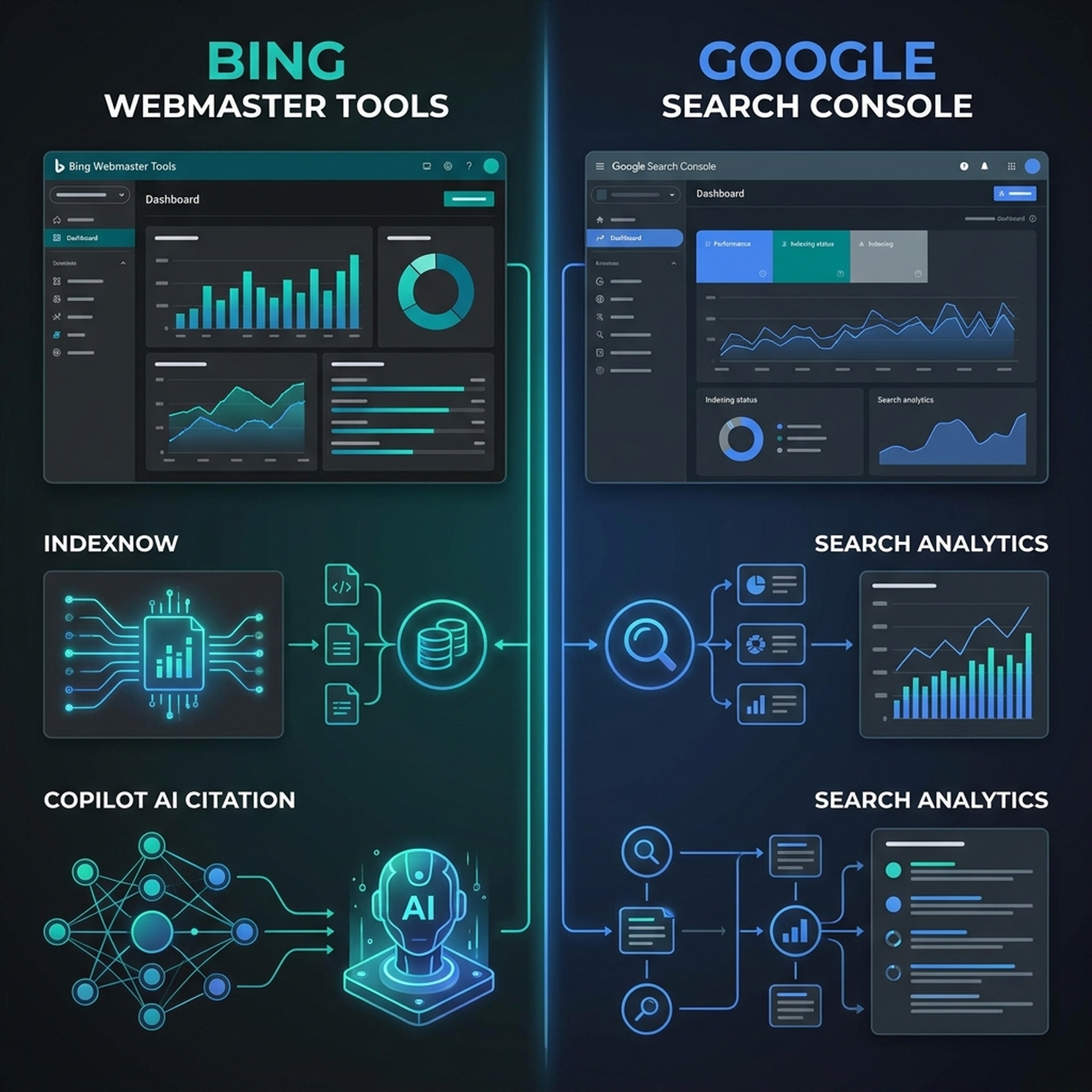
If you are already doing solid Google SEO, most of your work transfers to Bing. But there are five differences worth knowing:
Factor | Bing | |
|---|---|---|
Indexing approach | Mobile-first | Desktop-first |
Social signals | Not a confirmed ranking factor | Confirmed ranking factor |
Keyword matching | Semantic / intent-based | More literal, exact-match sensitive |
Instant indexing | No native protocol | IndexNow (real-time pinging) |
AI answer citations | Google AI Overviews (GSC report) | Microsoft Copilot (BWT AI Performance) |
What this means in practice:
- Do not neglect desktop UX. Bing evaluates your site from a desktop perspective first. If your desktop experience is an afterthought (tiny fonts, broken hover states, slow load on desktop), fix it.
- Use exact-match keywords in your title and H1. Bing is more literal than Google. If your target keyword is "bing webmaster tools guide," having that exact phrase in your H1 helps more on Bing than it does on Google.
- Maintain social signals. Bing has confirmed that social media presence influences rankings. Active, positively-received social content can give you an edge.
- Leverage IndexNow aggressively. Every time you publish or update, ping Bing. This is free real estate — Google makes you wait for crawl, Bing lets you knock on the door.
The Bing Traffic Audit Checklist
If you have never submitted your site to Bing Webmaster Tools, here is your action plan:
- [ ] Create a Bing Webmaster Tools account at bing.com/webmasters
- [ ] Add your site and verify ownership (import from GSC for the fastest path)
- [ ] Submit your XML sitemap to kickstart crawling
- [ ] Enable IndexNow so new and updated content is pinged to Bing instantly
- [ ] Check the Sitemaps report for any submission errors or blocked URLs
- [ ] Review Search Performance after 2 weeks to see which queries Bing surfaces you for
- [ ] Check AI Performance (if available for your site) to see Copilot citation data
- [ ] Compare Bing top queries vs. Google top queries — pages ranking on both are your strongest assets; pages ranking on Google but not Bing may have crawlability issues
- [ ] Audit desktop experience — ensure desktop load speed, layout, and usability are solid
- [ ] Run a technical SEO audit with Auspia's Website SEO Score Checker to catch issues that affect both engines
FAQ
Is Bing Webmaster Tools free?
Yes. It is completely free, just like Google Search Console. There are no paid tiers.
Do I need to create Bing-specific content?
No. Our data shows that existing Google-optimized content will surface on Bing once your site is submitted and crawled. Focus on quality content that serves user intent — both engines reward it.
How long does it take for Bing to index my site after submission?
In our experience, Bing began showing impressions within 1–2 weeks of sitemap submission. Using IndexNow can accelerate indexing of individual pages to near-real-time.
Does Bing Webmaster Tools help with Copilot citations?
Yes. The AI Performance feature (in public preview as of 2026) shows when your content is cited in Copilot answers. This is a unique GEO metric not available in Google Search Console.
Should I submit to Bing if I only care about Google traffic?
If you only care about Google, you are leaving Copilot visibility and 8.73% of US search market share on the table. The setup takes 10 minutes. The traffic is essentially free.
Author: Julian Mercer, 14-Year Technical SEO Practitioner at Auspia. Julian writes about technical SEO, crawlability, structured data, and the engineering side of search visibility.


