The short version
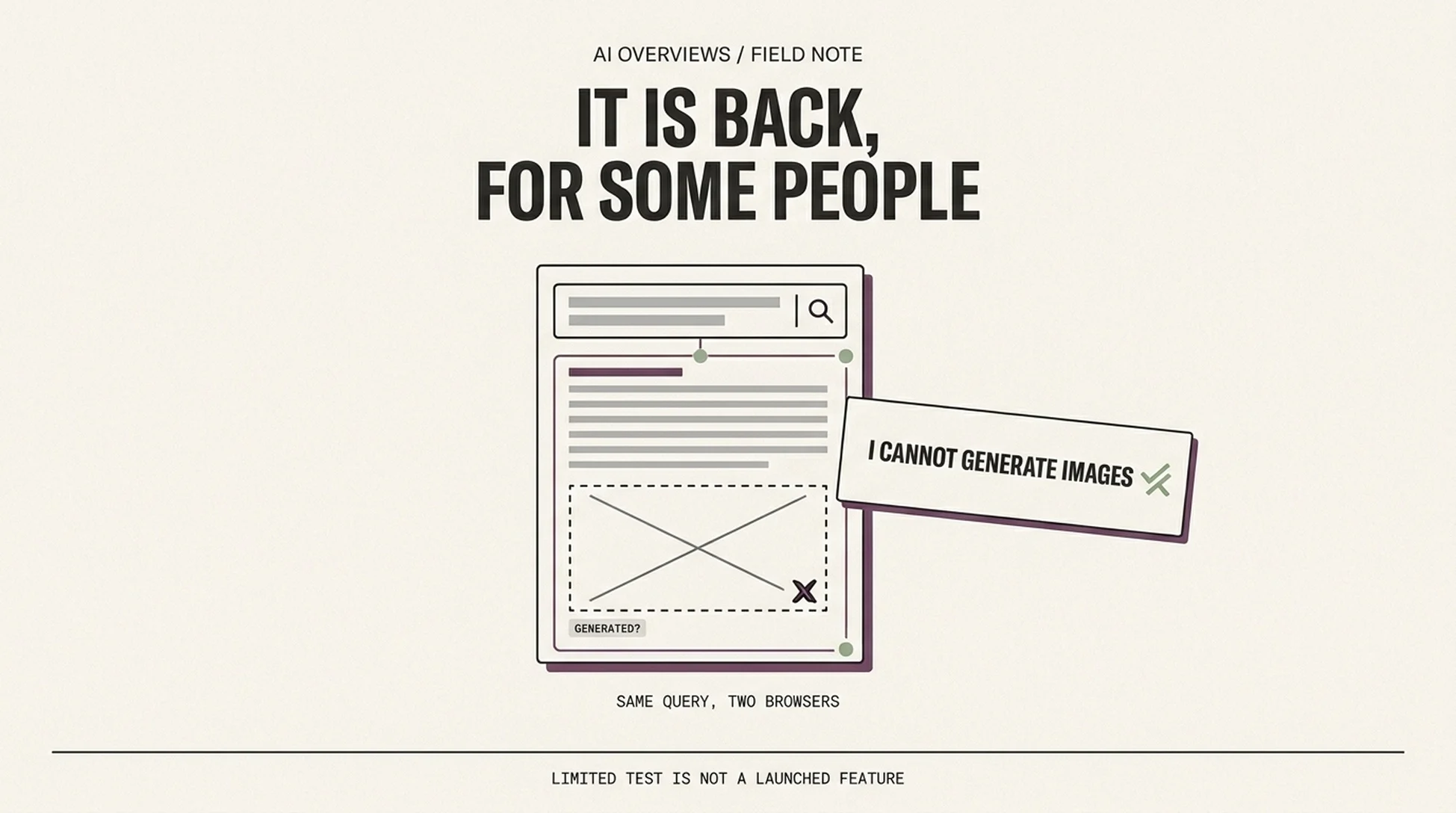
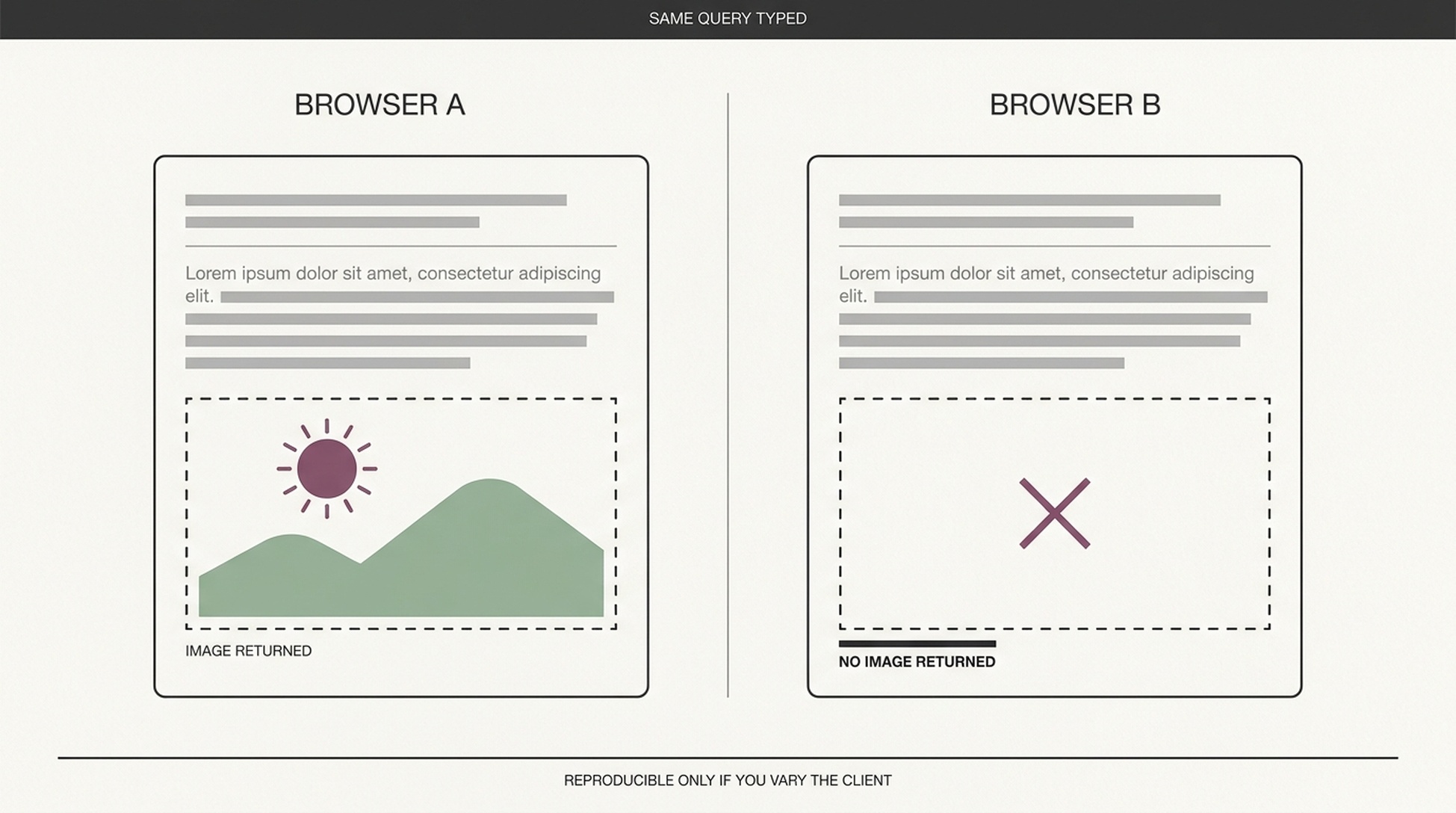
AI Overviews can generate images inline again, at least for some users on some browsers. The reports date to November 13, 2026, and the reproductions are inconsistent: the same query produces a generated image in one browse and a plain "I cannot generate images directly" in another.
Google announced image generation inside AI Overviews in July, paused it in August with the explanation that it was "a small experiment we're no longer running," and has now apparently resumed something in that territory without a matching announcement. That is the whole verified state of play. Everything past this paragraph is inference.
Worth saying plainly: an inconsistent rollout is not a bug report. It is the normal shape of a Search experiment, and it changes how you should read it.
What is confirmed and what is not
Claim | Status |
|---|---|
AI Overviews generated images inline | Announced July 2026, paused August 2026 |
The feature is running again | Reproduced by multiple observers on November 13, 2026 |
It is live for everyone | Not confirmed; some accounts get an explicit refusal |
It is the same implementation as July | Unknown |
It runs on the same image model as AI Mode's image tools | Unknown, and worth not assuming |
The refusal is the interesting artifact. When a system answers "I cannot generate images directly," that is not a broken render. It is a capability gate answering honestly, which means the rollout is being controlled at the request level rather than the UI level. Practically: two people in the same company can see different behavior on the same query, and neither is wrong.
Why a visual slot in an answer matters more than it looks
Adding a generated image to an AI Overview does three things at once, and only one of them is about images.
It adds a visual answer surface that your page cannot occupy. When the answer includes a picture, the space the reader's eye lands on first stops being text. Text citations keep their value; the visual gets attention that no amount of well-structured copy competes for.
It changes what the answer is confident about. A generated image implies the system understood the request well enough to depict it. That confidence signal shapes how much a reader trusts the surrounding text, including the citations.
It shifts the query mix. Image-shaped questions such as what X looks like, what Y looks like assembled, or how Z is laid out were previously poor candidates for an AI Overview because the answer wanted a picture. If they now get one, that is a set of queries entering AI Overview territory that were not there before.
The third one is the one that creates opportunity. A category of question that AI answered badly is becoming a category it answers. If you own the authoritative visual for a physical product, a setup, or a configuration, you are closer to that surface than you were last week.
What to do, and what not to do
Do not redesign pages around a feature that may disappear again. It was paused once already. Anything you build specifically for it inherits that risk.
Do keep your images findable and attributable. File names, alt text, captions, and surrounding text that describes what the image shows. This is ordinary image SEO and it keeps paying whether or not the generated-image test survives.
Do watch whether generated images displace your images or accompany them. That is an empirical question with a simple test: track queries where your page ranks, check whether the AI Overview contains a generated image, and note whether your image is also present. A note in a spreadsheet per query per week is enough to see a pattern in a month.
Do not read this as a reason to stop producing original visuals. As we argued when modelling images and video for AI answers, a generated illustration of a generic concept is cheap. A photograph of your actual product, a diagram of your actual architecture, or a screenshot of your actual interface is not something the model can synthesize. The more generated images appear in answers, the more the remaining differentiator is evidence only you have.
The reproducibility check, if you want to run it yourself
Three steps, ten minutes.
- Pick ten queries where the answer naturally wants a picture and where you do not have a commercial stake in the outcome.
- Run each in two browsers, one signed in and one not.
- Record four fields per run: did an image appear, was it generated or sourced, which page supplied it if sourced, and did the text answer change between runs.
The fourth field is the one people skip and it is the one that matters. If the text answer shifts when an image appears, the image is part of the answer's construction, not an ornament added afterward. That would be a meaningful change to how these answers are assembled.
Where this sits in the pattern
Google has been iterating on AI answer surfaces continuously through 2026: fan-out breadth, link treatment, model upgrades, and now visuals returning to a paused experiment. The through-line is that AI Overviews keep absorbing formats that used to belong to someone else's surface: images, comparisons, structured responses.
For a publisher, the resilient position is unchanged and slightly uncomfortable: own the specific claim and the specific visual that no model can regenerate from general knowledge. Everything else is a surface that can be added or withdrawn between two Tuesdays.
FAQ
Is this the Nano Banana image feature Google announced in July? They were described as different things at the time. Google's August statement drew a line between the paused experiment and the Nano Banana feature, which "only triggers when users explicitly ask to generate an image." Whether the current behavior follows that distinction has not been documented.
Does an image in an AI Overview reduce clicks to my page? Unknown, and be careful with anyone who says otherwise. The plausible mechanism cuts both ways: an image may satisfy the query so the reader stops, or it may make the answer feel incomplete enough that they continue to a source.
Should I add more images to my pages because of this? Add images that carry information a reader needs. Adding decorative images to court an AI surface is the same mistake as keyword stuffing, with the same lack of evidence behind it.
How do I know if it is live for my market? You do not, from the outside. Log the behavior on queries you care about and watch for it changing. That is more reliable than any announcement.
Author: Owen Hartwell, Google AI Overview Tracker at Auspia. He tracks AI Overview behavior across verticals and writes about what actually changes in the answer box, as opposed to what gets announced.