


Cloudflare Crawl Control Misconfiguration Wipes Out Organic Traffic for Multiple Websites
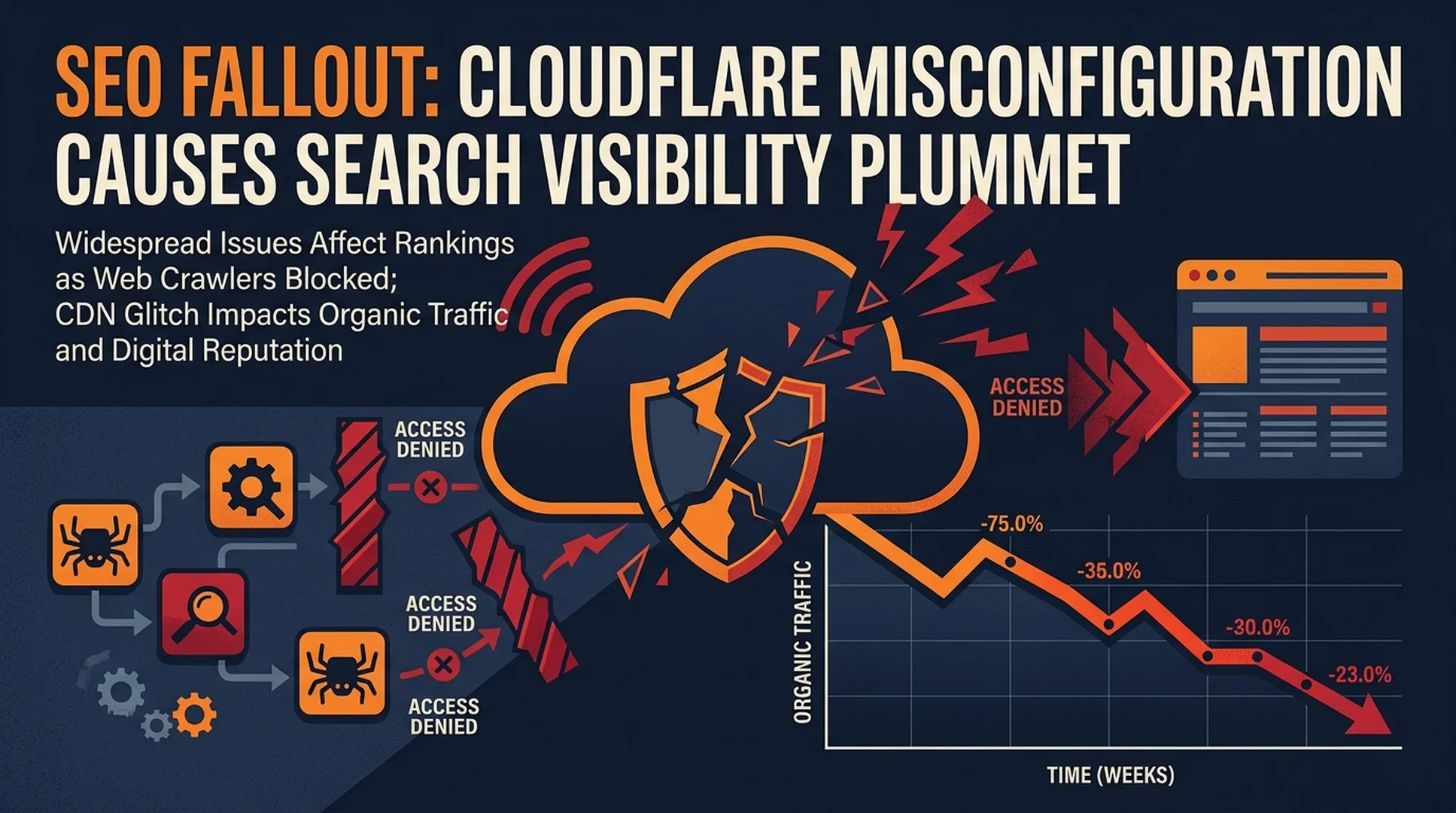
SEO professionals are reporting a surge in cases where Cloudflare's bot-blocking features, when misconfigured, have completely cut off Google from crawling client websites — resulting in total collapses of organic traffic, broken ad campaigns, and delisted Merchant Center products.
The details
Two separate incidents shared on LinkedIn this week illustrate the scale of the problem. In one case, a website's traffic dropped to near zero for two weeks after a managed IT provider enabled Cloudflare's crawl control setting without realizing it would block all bots, including Googlebot.
Jonathan Bird, an SEO consultant, detailed the case on LinkedIn. According to Bird, the IT provider "toggled on CloudFlare's crawl control to stop all bots crawling the site." The setting did exactly what it was designed to do — it blocked everything. Google could no longer access the site, which meant Google Ads continued running (and billing) without any landing pages being crawlable, Merchant Center listings vanished, and organic search traffic disappeared entirely.
"Their business was absolutely tanked for 2 weeks," Bird wrote. "Only just starting to recover now."
In a second case shared by Brodie Clark, also on LinkedIn, an online marketplace faced a different but related scenario. Bot traffic was heavily impacting the site's servers, forcing the team to implement aggressive firewall-level bot access restrictions. The emergency measure kept the site running but destroyed its search visibility in the process.
Clark described the outcome as "an SEO disaster" and noted that the traffic pattern "may look like the result of a core update or even a spam update, but it wasn't." The damage was entirely self-inflicted — a defensive measure that solved one problem while creating a far worse one.
Why this keeps happening
Cloudflare offers dozens of configuration options aimed at protecting websites from unwanted crawlers, scrapers, and AI bots. Many of these settings sound straightforward but carry side effects that aren't immediately obvious to non-specialists.
The crawl control feature, for example, is designed to give site owners granular control over which bots can access their content. But enabling it without understanding the downstream effects can block legitimate search engine crawlers alongside the unwanted ones.
This isn't a new problem. Site owners have been accidentally blocking Googlebot for decades through misconfigured Apache rules, overly aggressive robots.txt files, and server-level access controls. What has changed is the proliferation of point-and-click security tools that make it easy to deploy blocking rules without technical expertise.
Cloudflare's dashboard presents these options as simple toggles. A site administrator can enable bot protection in seconds. But the difference between blocking malicious scrapers and blocking Googlebot often comes down to a single checkbox.
The recovery problem
When a site accidentally blocks Google, the damage compounds quickly. Google doesn't immediately remove pages from its index, but without fresh crawls, it can't verify that content still exists or that the site is still operational. Over time, pages drop out of search results. Rankings collapse. For e-commerce sites, product listings in Google Shopping disappear.
The recovery isn't instant either. Once the blocking rule is removed, Google needs to recrawl the site, reprocess pages, and rebuild its understanding of the site's structure. For large sites, this can take days or weeks. During that window, the business continues losing traffic and revenue.
In Bird's case, the two-week recovery period meant two weeks of zero organic visibility — a catastrophic gap for any business that depends on search traffic.
What SEO teams should check now
The incidents highlight a gap between who configures security tools and who understands the SEO implications. IT teams and managed service providers often have access to Cloudflare settings but may not realize that a single toggle can destroy a site's search presence.
SEO professionals managing client sites should verify that:
- Cloudflare's bot management settings allow Googlebot, Bingbot, and other legitimate search crawlers
- Any crawl control or bot protection features have been reviewed by someone who understands search engine crawling requirements
- Firewall rules at the server level (not just the CDN) are checked for unintended blocks
- Monitoring is in place to detect sudden drops in crawl rate, which would signal a blocking issue before traffic collapses
Google's Search Console crawl stats can serve as an early warning system. A sudden drop in Googlebot crawl requests often indicates a blocking issue long before rankings fall off a cliff.
What to watch next
As AI crawlers become more prevalent and site owners deploy increasingly aggressive bot-blocking measures, this category of self-inflicted SEO damage is likely to grow. The line between blocking unwanted AI scrapers and accidentally blocking legitimate search infrastructure is thin, and the tools making these decisions accessible to non-specialists aren't getting any simpler.
Cloudflare and similar CDN providers could reduce these incidents by making the consequences of blocking rules more visible — for example, warning users when a configuration would block major search engine crawlers. Until then, the burden falls on SEO teams to audit configurations they don't directly control.
Sources
- Jonathan Bird, LinkedIn post detailing Cloudflare crawl control incident (August 2026)
- Brodie Clark, LinkedIn post documenting marketplace bot-blocking SEO impact (August 2026)


