


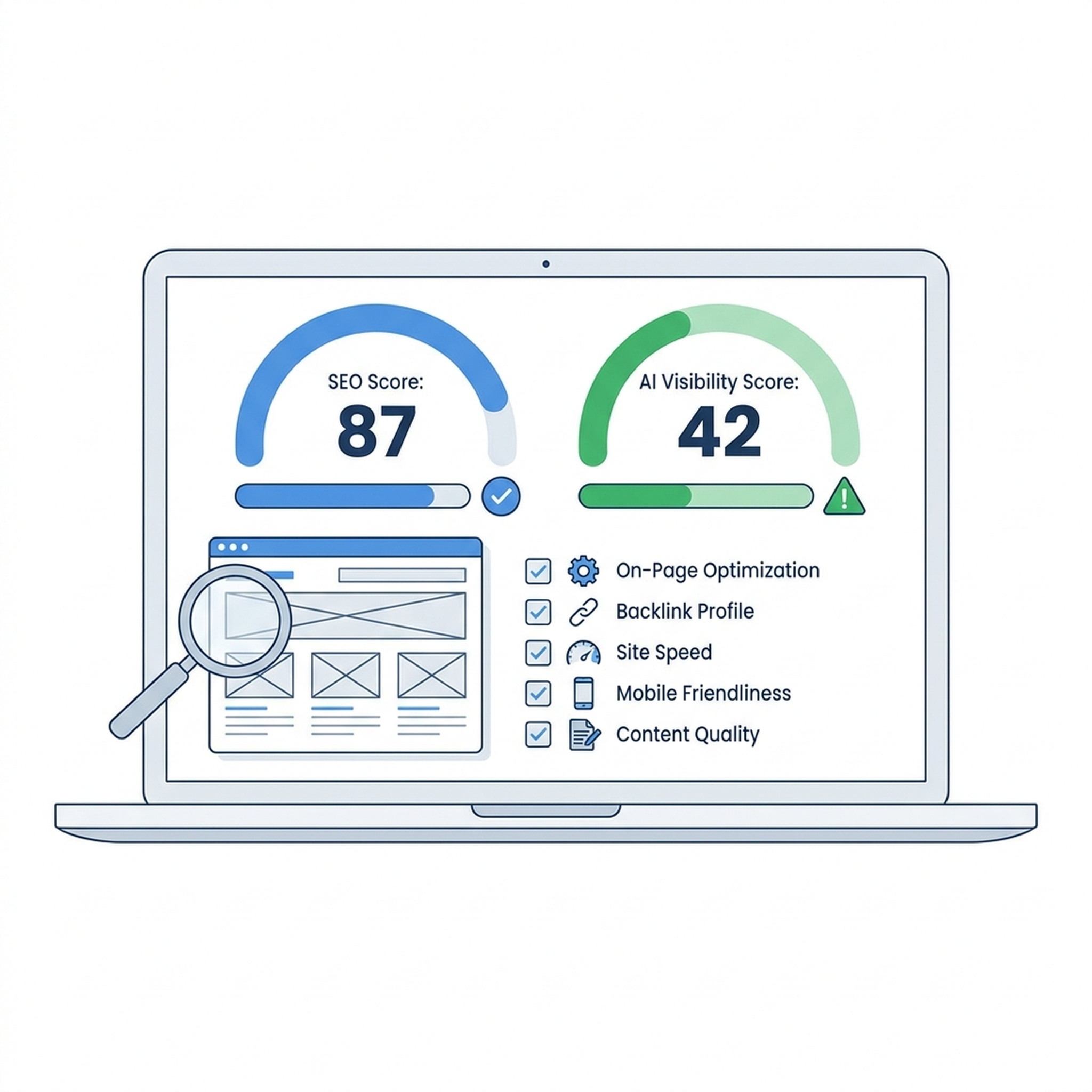
Website SEO Score Checker: How to Audit Your Site's SEO Score Free (2026)
A website SEO score is a 0–100 rating that summarizes how well your site is optimized for search engines across technical, content, on-page, and user-experience factors. In 2026, a score that only covers classic SEO is no longer enough — your site also needs to be discoverable and citable by AI answer engines. The fastest way to find out where you stand is to run a free check with the Auspia Website SEO Score Checker, which grades both your traditional SEO health and your AI search visibility in a single report.
This guide explains what a website SEO score measures, how to check yours for free, how to read the results, the ten issues that most often drag scores down, and why the new dual-metric approach (SEO score + AI visibility score) gives you a more honest picture of organic discoverability in 2026.
What a website SEO score actually measures
Every SEO score checker reduces dozens of on-page and technical signals into one number. The exact formula varies by tool, but the major categories are consistent across Semrush, Seobility, Sitechecker, SEOptimer, and Auspia:
Category | What it checks | Typical weight |
|---|---|---|
Technical SEO | Crawlability, indexability, sitemap, robots.txt, HTTPS, server errors (404/5xx) | High |
On-page SEO | Title tags, meta descriptions, headings hierarchy, canonical tags, internal links | High |
Content quality | Word count, readability, keyword usage, duplicate content, broken links | Medium |
Page experience | Core Web Vitals (LCP, INP, CLS), mobile-friendliness, HTTPS | Medium |
Structured data | Schema markup presence and validity (FAQ, Article, Product, etc.) | Low–Medium |
A site with clean technical foundations, complete metadata, fast pages, and valid schema will usually score 80 or above. A site with missing titles, slow load times, and no sitemap will land in the 30–50 range. The score is a diagnostic snapshot, not a ranking guarantee — but it is a reliable proxy for the issues that hold most sites back.
The gap most SEO score checkers ignore: AI search visibility
Here is the problem the legacy tools do not address. In 2026, a meaningful share of search traffic now flows through AI answer engines — Google AI Overviews, ChatGPT Search, Perplexity, and Microsoft Copilot. These engines do not rank pages the same way Google's ten-blue-links results did. They retrieve passages, synthesize answers, and cite sources. A site can have a 90+ classic SEO score and still be invisible in AI answers, because AI visibility depends on factors the traditional SEO score never checks:
- AI crawler accessibility: Is your site crawlable by GPTBot, ClaudeBot, PerplexityBot, Google-Extended, and other AI bots, or are they blocked in robots.txt?
- Answer-extractable content: Does your content use clear headings, concise answer blocks, and structured data that LLMs can lift verbatim?
- Citation signals: Do you have FAQ schema, Article schema, and entity-rich markup that makes your content a preferred source?
- Brand entity clarity: Can AI engines confidently connect your domain to your brand, products, and topic authority?
Research on 61 of the most-used SaaS and AI sites found that 56% scored 60 or lower on a 100-point AI Search Readiness scale, with a mean of just 54.3. The most common causes were not weak writing — they were blocked AI crawlers and missing schema markup. A classic SEO score checker would have given many of those same sites a passing grade.
This is why Auspia's checker uses a dual-metric approach: a classic SEO score (0–100) and a separate AI visibility score that estimates your readiness to appear in generative answers. You see both numbers side by side, so you know whether your problem is traditional SEO, AI discoverability, or both.
How to check your SEO score free with Auspia
The check takes under a minute and requires no account for the initial scan.
Step 1 — Open the checker. Go to the Website SEO Score Checker and enter your homepage URL.
Step 2 — Run the scan. The tool fetches your page, checks technical signals (status codes, HTTPS, sitemap, robots.txt, structured data), analyzes on-page elements (titles, meta descriptions, headings, content length), evaluates page-experience signals, and runs an AI-visibility readiness pass.
Step 3 — Read the dual score. You get two numbers: your SEO score (classic health) and your AI visibility score (generative-engine readiness). Each comes with a categorized issue list.
Step 4 — Prioritize the fixes. Issues are sorted by impact. Critical technical problems (blocked crawlers, missing sitemap, broken HTTPS) surface first, followed by on-page gaps and AI-readiness deficits.
Step 5 — Cross-reference with the GEO Checker. For a deeper AI-visibility read, run the same domain through the Auspia GEO Checker, which measures actual citation rates across live AI engines rather than just technical readiness. The SEO score tells you if your site is healthy; the GEO score tells you if AI engines are actually citing you.
How to interpret your score (0–100 scale)
Score range | What it means | What to do |
|---|---|---|
90–100 | Well-optimized. Minor polish only. | Shift focus to AI visibility and content depth. |
70–89 | Solid foundation with fixable gaps. | Address the top 3–5 flagged issues. |
50–69 | Significant problems suppressing rankings. | Start with technical blockers, then on-page. |
0–49 | Major issues. Site may be hard to crawl or index. | Treat as urgent — fix critical errors first. |
For the AI visibility score, the same ranges apply but the fixes are different. A low AI score usually points to blocked AI bots, missing or invalid schema, content that is not structured for extraction, or thin entity signals — not slow page speed or duplicate meta tags.
Top 10 issues that tank your SEO score (and how to fix them)
These are the defects the Auspia checker flags most often, ranked by how much they depress your score.
1. Missing or thin title tags and meta descriptions. Every indexable page needs a unique, descriptive title (50–60 characters) and meta description (140–160 characters). This is the single most common on-page defect and the easiest to fix.
2. No XML sitemap or sitemap not submitted. Without a sitemap, Google has to discover pages by crawling links — slow and unreliable for large or new sites. Generate a sitemap and submit it in Google Search Console.
3. Blocked AI crawlers in robots.txt. Many sites inherit a restrictive robots.txt that blocks GPTBot, ClaudeBot, or Google-Extended. If you want AI answer visibility, you must explicitly allow these bots. Check yours with the Robots.txt AI Crawler Checker.
4. Missing or invalid structured data. FAQ, Article, Product, and Organization schema help both Google and AI engines understand and cite your content. Validate your markup with Google's Rich Results Test and fix errors.
5. Slow Core Web Vitals. LCP over 2.5 seconds, INP over 200ms, or CLS over 0.1 will cap your page-experience score. Compress images, defer non-critical JavaScript, and use a CDN.
6. Broken links and 404 errors. Internal links pointing to deleted pages waste crawl budget and hurt user experience. Run a broken-link audit and redirect or remove dead links.
7. Duplicate or missing H1 tags. Every page should have exactly one H1 that includes the primary keyword. Pages with multiple H1s or no H1 confuse crawlers and AI extractors alike.
8. Non-mobile-friendly layout. Content that overflows on mobile, tap targets too small, or text too small to read will fail Google's mobile-friendly test and drag down your score.
9. No HTTPS or mixed content. Security is a baseline ranking factor. Migrate to HTTPS and ensure no images, scripts, or stylesheets load over insecure HTTP.
10. Thin or unstructured content. Pages under 300 words with no clear heading hierarchy give both Google and AI engines little to work with. Expand shallow pages with useful, well-structured content and answer-block formatting.
SEO score vs AI visibility score: the dual-metric approach
The clearest way to understand why you need both metrics is to look at what each one catches and misses.
Signal | Classic SEO score | AI visibility score |
|---|---|---|
Page speed / Core Web Vitals | ✅ | — |
Title / meta completeness | ✅ | ✅ (indirectly) |
Sitemap / indexability | ✅ | — |
AI crawler allowance (robots.txt) | — | ✅ |
Structured data for citation | Partial | ✅ |
Answer-extractable content structure | — | ✅ |
Actual citation rate in AI engines | — | ✅ (via GEO Checker) |
Brand entity clarity | — | ✅ |
A site can score 85 on classic SEO and 35 on AI visibility. That gap is the difference between ranking well in Google's traditional results and being absent from the AI answers your customers increasingly see at the top of the page. Closing that gap is what GEO (Generative Engine Optimization) is for — and it starts with measuring both numbers honestly.
How Auspia compares to other free SEO score checkers
Tool | Classic SEO score | AI / GEO readiness | Free depth | Best for |
|---|---|---|---|---|
Auspia | ✅ Full audit | ✅ Dual-metric | Full report, no signup | Teams that need both SEO + AI visibility |
Sitechecker | ✅ | ❌ | Limited free checks | Classic on-page audits |
Seobility | ✅ | ❌ | One free check per domain | Quick technical snapshot |
SEOptimer | ✅ | ❌ | Basic free report | Small-site spot checks |
Semrush SEO Checker | ✅ | ❌ (separate paid tool) | Free with email | Enterprise-grade classic SEO |
Google Lighthouse | ✅ (performance-heavy) | ❌ | Fully free, developer-facing | Performance and accessibility |
The differentiator is not that Auspia's classic SEO audit is dramatically different from the others — the underlying signals are similar across the industry. The differentiator is that Auspia is the only free checker that folds AI search readiness into the same report, so you do not have to run a second tool to find out whether your AI visibility is the real bottleneck.
FAQ
Is a high SEO score enough to rank in 2026? No. A high classic SEO score means your technical and on-page foundations are healthy, but it does not guarantee visibility in AI answers. If your audience increasingly sees AI Overviews or uses ChatGPT and Perplexity, you also need a strong AI visibility score — which means allowing AI crawlers, adding citation-friendly schema, and structuring content for extraction.
How often should I check my SEO score? Run a full check after any major site change (redesign, migration, new template) and at least once a quarter for stable sites. Check AI visibility more frequently if you are actively pursuing GEO, because AI engine behavior changes faster than Google's index.
What is a "good" SEO score? Anything above 80 means your site is in good technical shape and you should focus on content depth and AI visibility. Scores between 50 and 79 have fixable issues that are likely suppressing rankings. Below 50 indicates serious problems that need immediate attention.
Does the Auspia checker cost anything? The initial scan is free and requires no account. Deeper ongoing monitoring and the full GEO citation report are available through Auspia's paid plans.
What is the difference between an SEO score and an AI visibility score? An SEO score measures how well your site is optimized for traditional search engine ranking factors — technical health, on-page elements, page experience. An AI visibility score measures how likely your site is to be discovered, understood, and cited by generative AI answer engines. You need both in 2026.
Author: Victor Lane, GEO Audit Specialist with 300+ Readiness Reviews at Auspia. Victor writes about SEO score diagnostics, AI search readiness audits, and the technical fixes that move both classic and generative visibility.


